I’ve recently installed iodé 6.7 on a Motorola g52 and after inserting my SIM card in it, I figured out that most of apps can’t access the internet.
By sharing the 4g of the SIM card to my older phone, I can go on the internet with it, so it seems that the problem come more from the configuration of iodé.
Some apps (psychonautes, CoMaps) have access to internet, but all the other (like the native browser) haven’t.
I’ve tried disabling iodé blocker, and changing the automatic DNS to cloudfire’s, but nothing changed.
I’m new to iodé, did I miss something?
Thank for your help!
I do not have an answer to you, but I’d like to know the findings of your question, since my app “Feeder” does not work any more since Sept 04 (worked on iodé before), due to an internet connection issue. All my other apps do work and I did not change any settings, simply could not connect any more from Sep 04 on.
MissPiggy: Thanks! And you didn’t update the app I guess?
Here what I can add to my case:
I forgot to mention that, before inserting my SIM card into the iodé-phone I accessed to internet with it by sharing the 4g of the old phone, without any problem.
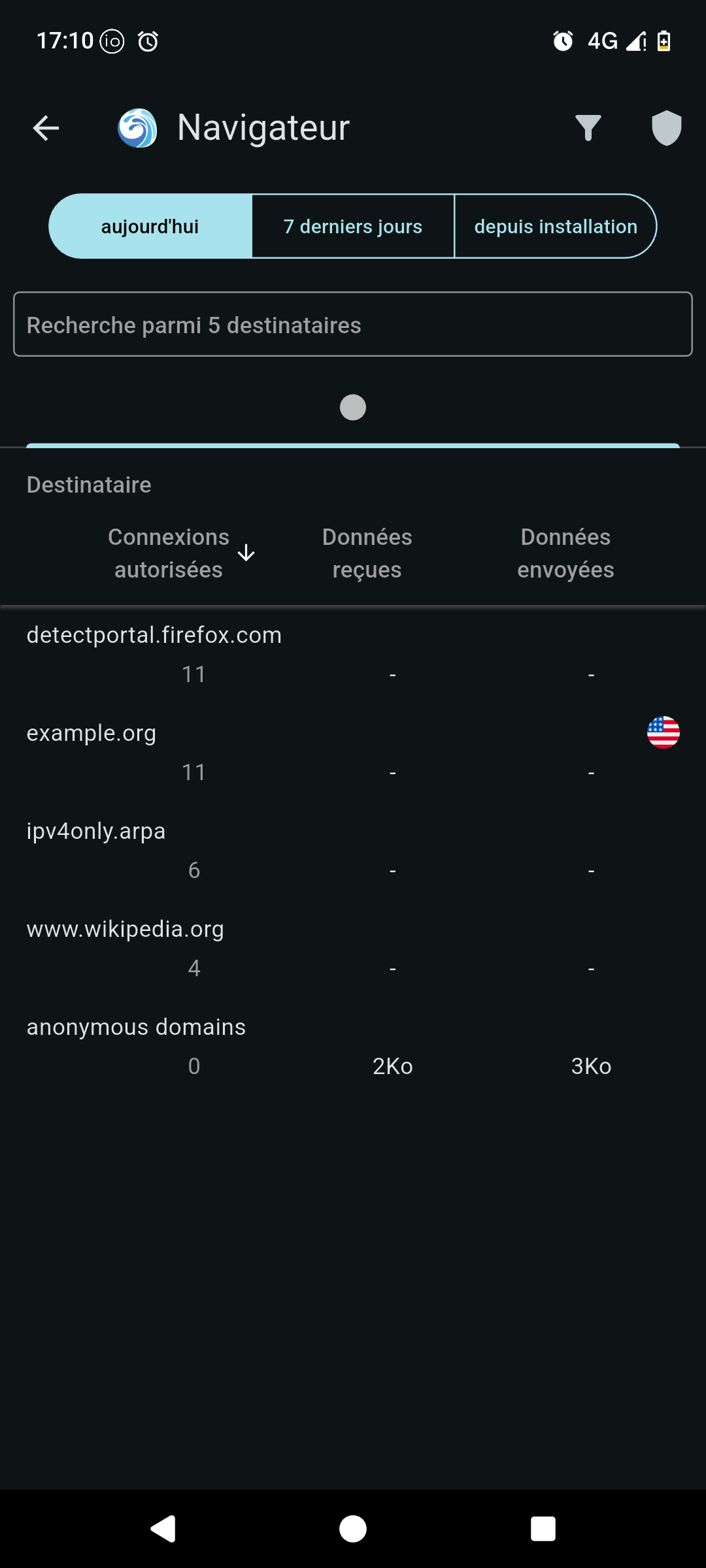
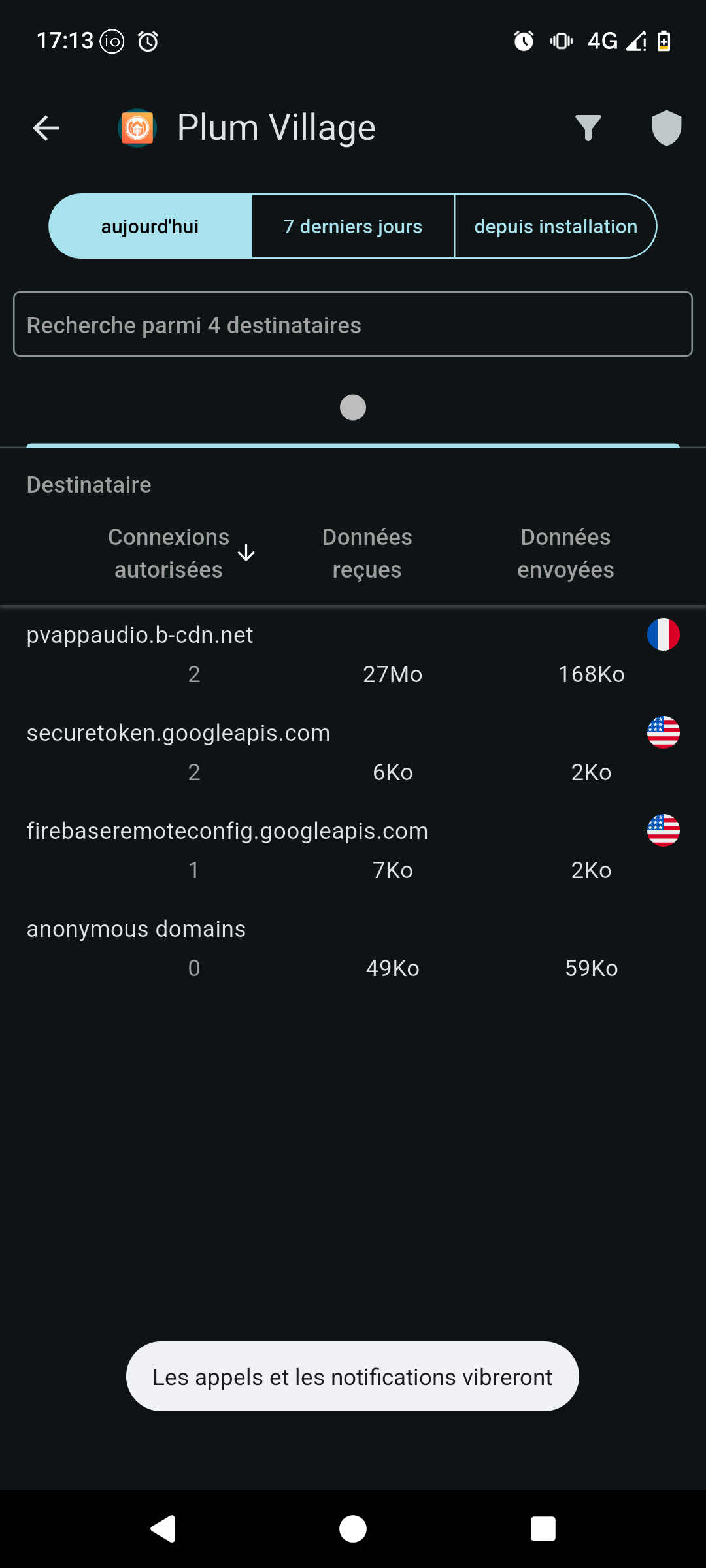
Also, I noticed strange things:
Here’s a screenshot of iodé about a working app:
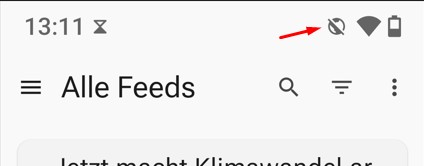
That icon doesn’t mean there’s no internet, it means the app’s network access was blocked through the app info page. Hold on the app, click on app info, then network usage, and there you’ll see it,
Now, for @derives, I suspect this may be the fact that in custom ROMs, the motorolas (g32, g42, g52, I have no idea about the other ones supported by LOS) have broken 464XLAT, it’s a transition scheme for networks that are IPv6-only, to provide IPv4 connectivity. It’s basically NAT64 + DNS64, but with CLAT, which converts anything that would be trying to connect through an IPv4 literal (instead of using DNS to fetch the IP). It could also be a broken APN setting in general. I would try going in Settings → Network and internet → SIMs → Access point names and resetting them, or if that doesn’t work, find the ones for your carrier.
If it is 464XLAT, you could do the sad thing of enabling IPv4-only mode in the APN, and then saving. (Make sure to.)
I truly am overjoyed by this solution! Could I give your answer a double “like”, please?
I had asked the question about this symbol weeks ago in this thread and they tried to help me, but only now with your hint on “network usage” (in German it is called “Datennutzung”) I could reactivate WLAN access.
I clicked “like” too, thanks for the help @lucasmz ! Also, thanks @MissPiggy for giving a reply on the other thread so users reading on the problem there can see it is solved.
Hello lucasmz
Thanks for your detailed and skilful reply.
I’m answering to you from my phone!
The problem came from the APN settings (which I just discovered the existence). I just typed in the good settings of my carrier and it seems to work!
Thank you a lot!
(But I still wonder why some apps had an access to internet and some not!)
If it was the 464XLAT issue, and you’re just using a fallback IPv4-only connection, it’s likely you were able to access services that support IPv6 but not ones that don’t.
What is your carrier? What do you get on test-ipv6.com
Well I figured out that the APN was already set for ipv4 only. I set it up to ipv4/ipv6 and it solved the problem I still had with signal, and your link gives me a 10/10.
I guess nothing was broken after all? Thanks for your help!
 but I’d like to know the findings of your question, since my app “Feeder” does not work any more since Sept 04 (worked on iodé before), due to an internet connection issue. All my other apps do work and I did not change any settings, simply could not connect any more from Sep 04 on.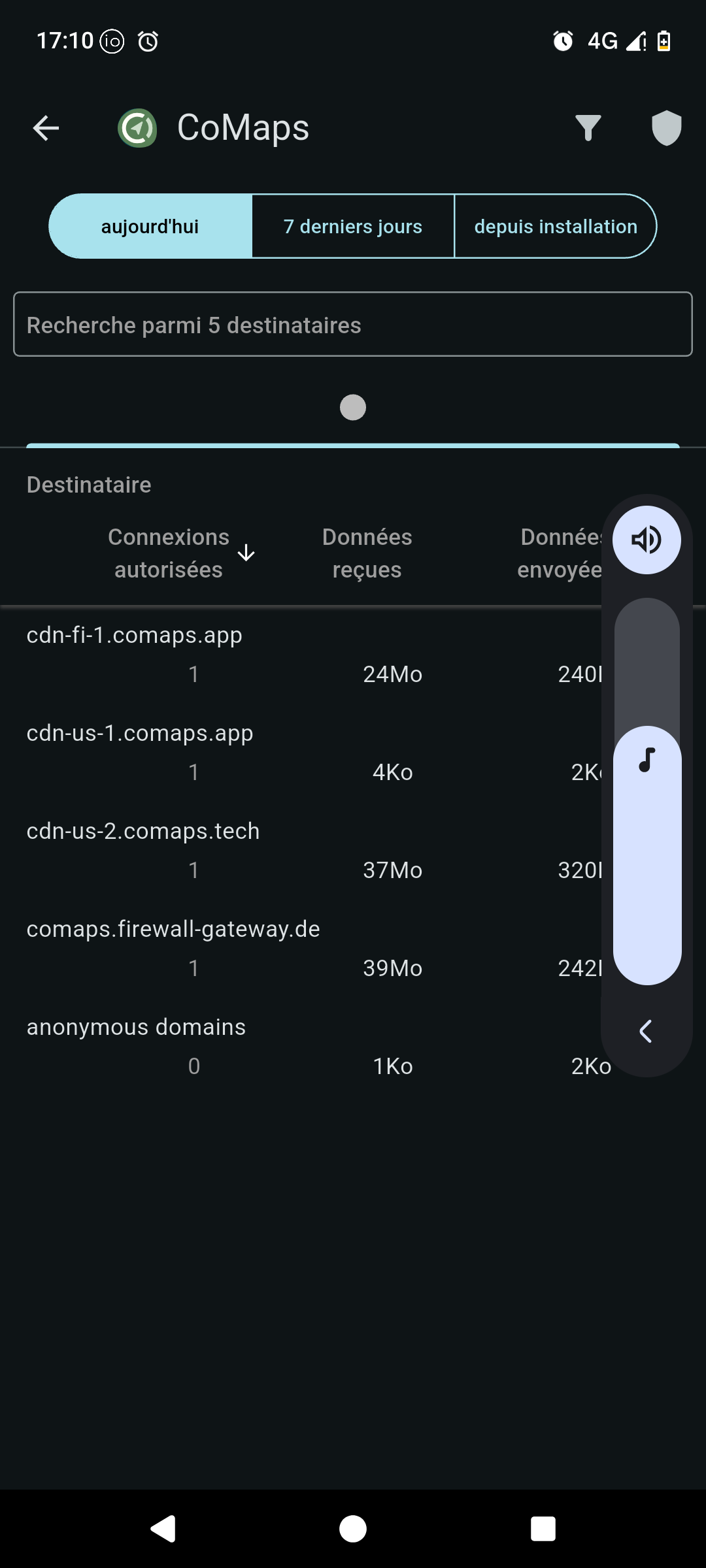


 Could I give your answer a double “like”, please?