Unofficial builds for Nothing devices for iode 7.x
The Nothing Phone (1) and Nothing Phone (2) are officially supported by Lineage
Wow, updates after half a year—from version 7.1 to v7.5 / 7.6
Updates for Nothing Phone (2) (Pong):
iode-7.7-20260808-Pong.zip
Nothing Phone (1) (Spacewar)
iode-7.7-20260808-Spacewar.zip
I preparing currently testing future OTA updates
That sounds really good. If that succeeds, it will be the 2026 milestone in ronnz98’s customROM building and will increase acceptance.
Out of topic
Is there any chance of building an iodéOS customROM for Gigaset GS6 / GS6 PRO (GS6_Venus) based on the [e/OS code?
No, just the ROM for “regular” users.
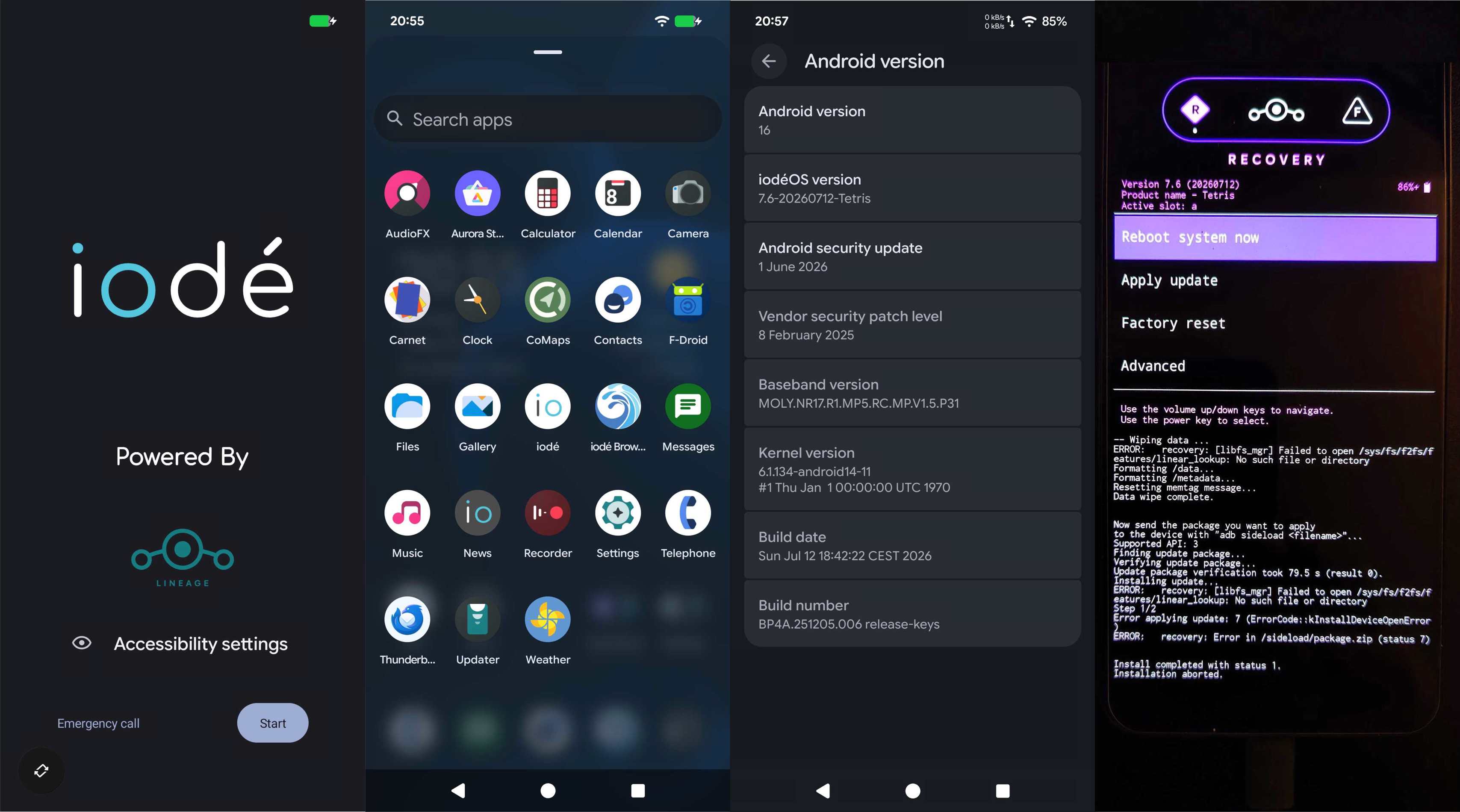
My classic installation via iodéOS 7.6 recovery failed
Install completed with status 1.
Installation aborted.
@ronnz98 I’ve run into this error quite a few times, whether with /e/OS or iodèOS ROMs. Could my suspicion be correct that a local update or OTA update will also fail?
Ultimately, I manually flashed all 35 files from payload.bin, within the ROM.zip, to slot “A” using “fastboot flash”.
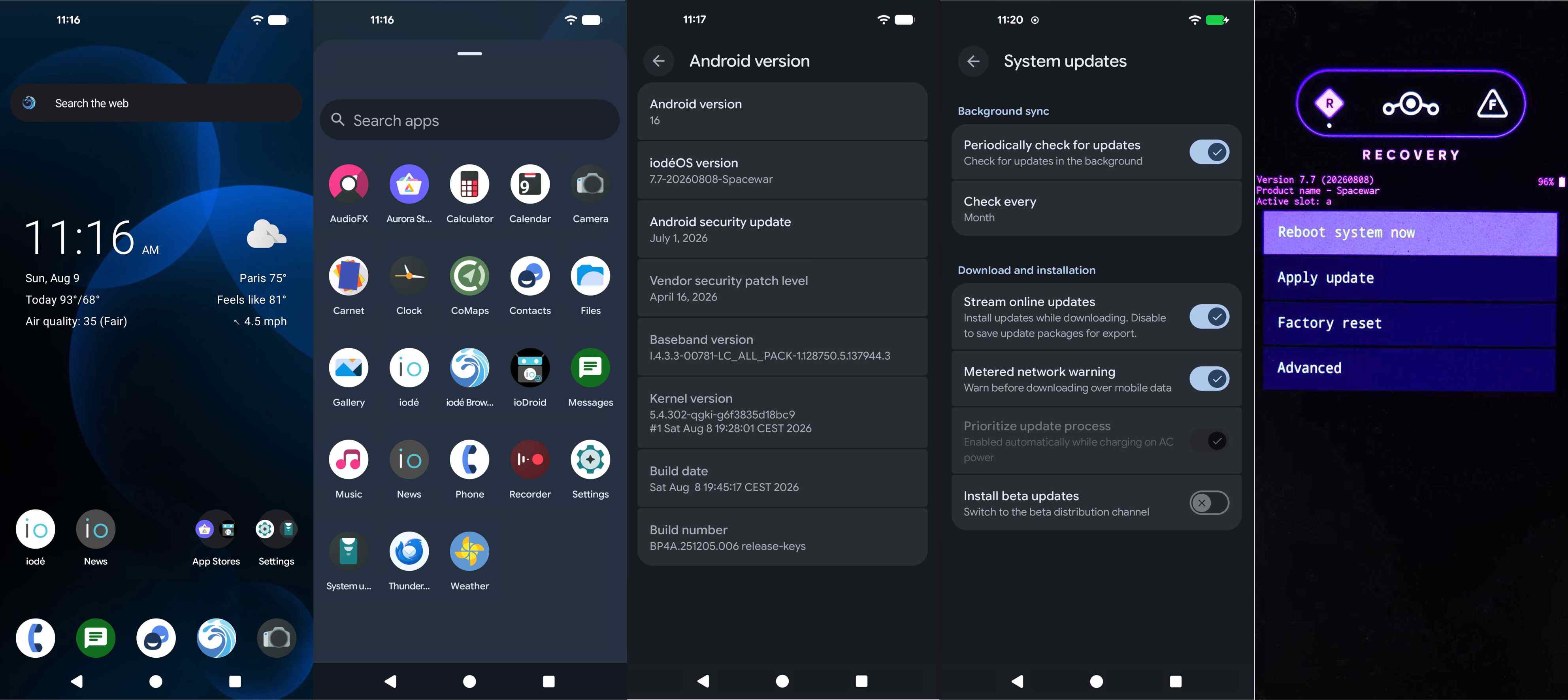
Nothing Phone (1)
A063 | Spacewar | (A15) NOS Spacewar_V3.2-260618-1045
(A16) ROM iode-7.7-20260808-Spacewar
(A16) Recovery-iode-7.7
The installation went smoothly. However, to install the iodéOS 7.7 ROM via iodéOS 7.7 Recovery, you must first extract the payload.bin file contained in the *.ZIP file from @ronnz98.
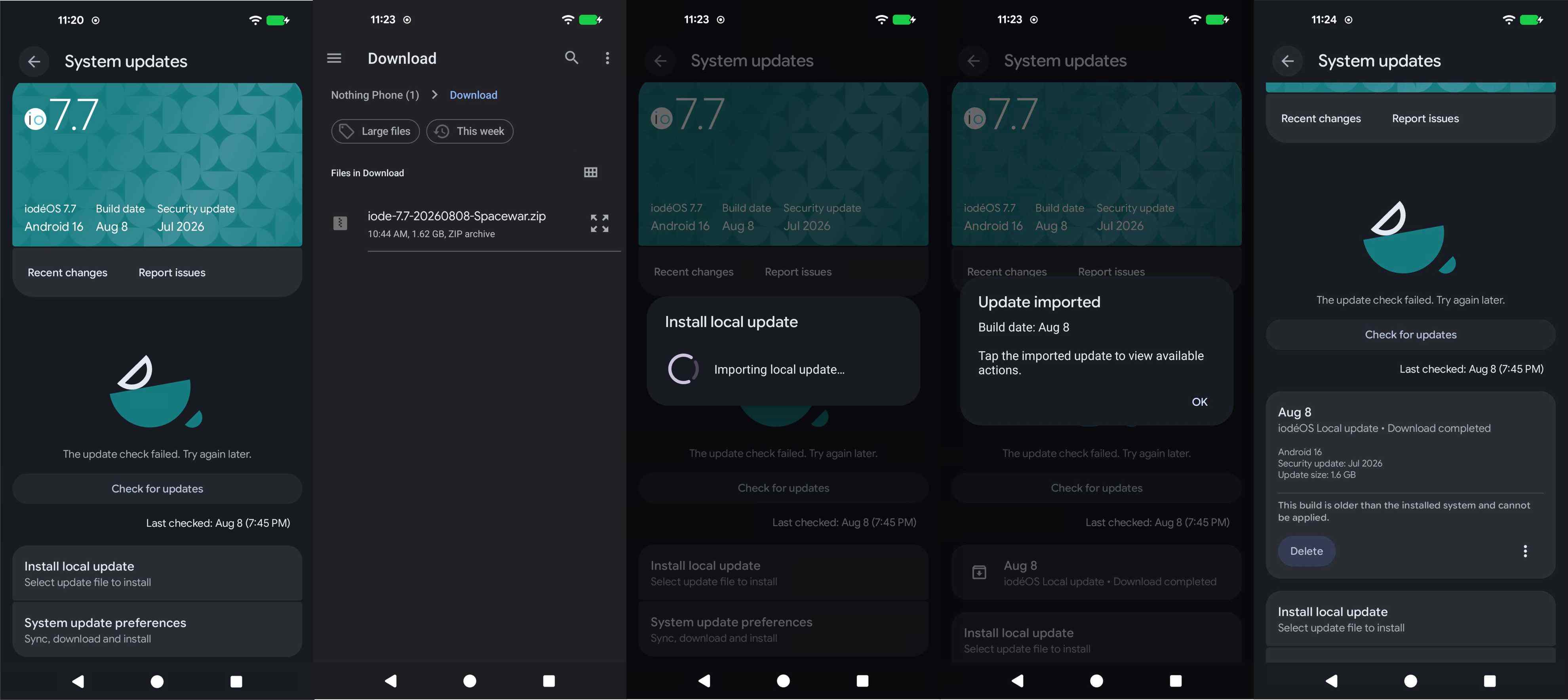
Local Update
Since OTA updates aren’t (yet) supported by @ronnz98’s ROM, I decided to try performing a Local Update. This feature is available in most custom ROMs, but it doesn’t always work.
From various tests with other custom ROMs, I know that a local update can work, even when trying to update an already installed iodéOS 7.7 using ode-7.7-20260808-Spacewar.zip. The first steps of the installation proceed normally (Importing local update…), but in the end, the update does not take place due to a note I don’t understand: “This build is older than installed system and cannot be applied". So, for better or worse, you’ll still have to update this ROM using an external host machine.
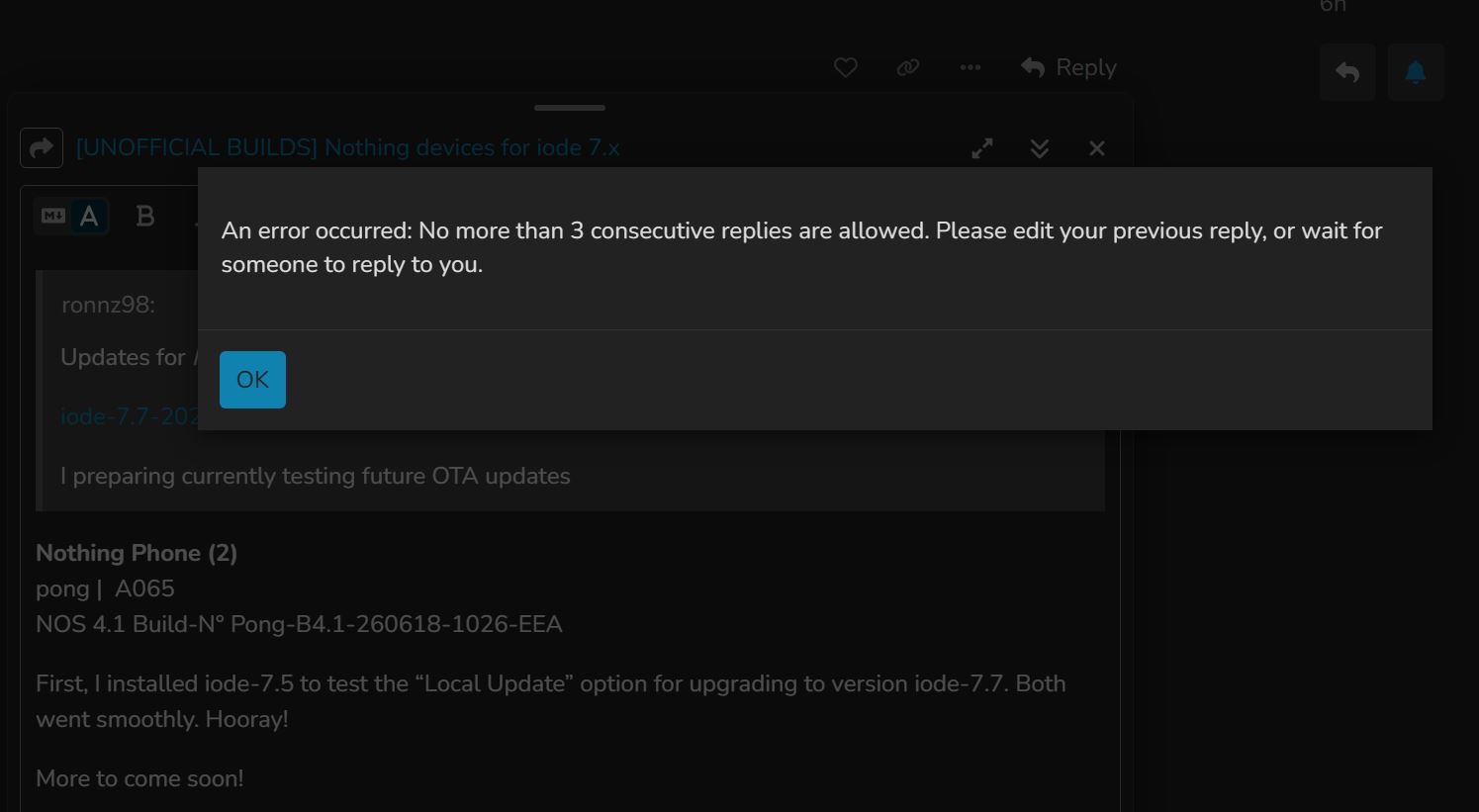
“No more than 3 consecutive replies are allowed”
Nothing Phone (2)
pong | A065
NOS 4.1 Build-N° Pong-B4.1-260618-1026-EEA
First, I installed iode-7.5 to test the “Local Update” option for updating to version iode-7.7. Both went smoothly. Hooray!
Because of this iode forum restriction, I’ll skip posting screenshots and further comments.
I don’t want to give you extra work, I still use a Mac habitually so it’s okay flash_tetris.sh
Lineage os 23
Thanks
Build iode-7.6-20260712-Tetris.zip by @ronnz98 was only tested by me, but not assembled. For further questions, please contact the maintainer @ronzz98.
Hey Ronnz98, I have a Nothing 2A and I was trying out your 6.2 build from here: Unofficial builds for Nothing devices
I didn’t see any instructions so I used spike0en’s method - extracted it Payload Dumper and flashed it with their Nothing_Flasher. It seemed to work, well with only two issues:
- The Bluetooth couldn’t initiate no matter what I tried.
- Only had partial Glyph light functionality. (No custom ringtones and such.)
I figured the solve might be just to upgrade to this new version you posted. But before I potentially botch it, I noticed that when clicking the link to the Nothing 2A it goes to - https://xdaforums.com/t/rom-16-pacman-pacmanpro-unofficial-yet-another-aosp-project-yaap-aosp-stable.4757232/
Are you showing that for installing we need to follow their instructions? Such as making sure the native Nothing OS 3.2 is installed first, then flash in your ROM 7.1 build?
(Also, if you have any instruction as to fixing the issues with the 6.2 build, I’d be more than interested to try it..)
Thank you very much for your time and effort!
The instructions mentioned are a year old. What’s stopping us from upgrading to NOS 4.1 and then trying out the unofficial iode-7.6 by @ronnz98?
Tip: Back up your IMEI and device serial numbers.
I’ve been trying today to do that: Iode 7.6 from NOS 4.1 on this Nothing 2A.
- I’ve tried the instructions through YAAP: I get the same Error issue you got with the Nothing CMF Phone 1 (tetris): Error status 7. Install Completed Error status 1.
- I’ve tried starting from NOS 4.1 and 3.2 then using the Spike0en Method Nothing Flasher flash_all.sh Script.
- I’ve tried just Fastboot flashing everything (all 35 imag files) in the 7.6 ROM payload.
All I get on the NothingPhone 2A is a bootloop or blackscreen.
7.6 Just isn’t working for me here.
And 6.2 loses Bluetooth capabilities.
I’m kind of stuck on making this work.
I’ve been through these situations before.
A temporary solution?
h.
https://hlcyn.org/
Halcyon Project Version bloom 16.2 VANILLA 20260808 Pacman Nothing Phone (2a) (Pacman) | Halcyon Project
Signatur spoofing support. TIPP: Use 1 of 8 add-ons of MicroGPlus
MicroGPlus | Install MicroG with Ease
MicroGPlus Utilities: Uninstaller | SyncAdapter
I installed this more or less unknown custom ROM on a Motorola Moto G32 for the first time - and it works. What’s remarkable is its simplicity.
We believe simplicity makes the best experience. Halcyon is designed to be smooth, reliable and free from unecessary complexity. With a focus on performance, security, and a touch of enchantment, we create a refined Android experience that just works so you can focus on what matters.
Well, luckily I’ve gotten his Iode 7.6 to work - not through YAAP recovery, but just flashing everything. So, I’ll just have to wait for an update to have a decent recovery option.
I’ve noticed the Nothing Phone 2 ROM doesn’t have the full Glyph Interface capabilities that the Nothing Phone 2A has.
Nothing 2 has org.lineageos.glyph (limited customization)
While the Nothing 2A has co.aospa.glyph (Full customization)
Is there a possibility for getting this same Native Glyph Interface capabilities for the Nothing 2?
Thanks Ronnz!