Are you going to build 7.0 unofficial ISOs based on Android 16 where possible?
That would be so cool. I look forward to installing it on my beloved Aurora… after it L23 becomes availabe for it (if).
God bless you for your work!
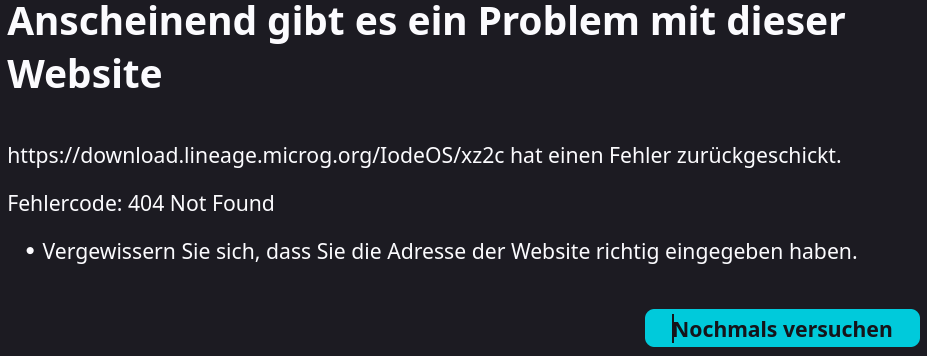
2026-02-22 edit from @rik: removing link to old LineageOS for microG server download location for iodéOS builds as it is causing issues users when finding this old, inactive link. The new download location is https://iode.lineage.microg.org/ It was changed in January 2026 to enable OTA updates for the L4M hosted unofficial iodéOS builds.
That would be the plan: if LOS support a device at Android 16 / LOS 23.0, I would try to build Iode 7 ROMs for that device, but only when I get back to making IodéOS builds.
My time, and the los4microG build servers are going to be busy dealing with the fallout from the issues reported in another thread. So don’t hold your breath for more builds from me: they will happen when they happen.
Any chance when you come to the looong end of the list of rebuilds you are making right now (if I understand that right…) and to the Z3 Tablet Compact you make the rebuild based on the latest los4microG build that contained some update regarding app compatibility (if I got that right too…) @petefoth ? I just thought maybe thats the same amount of work and then it would be great.
If not I totally understand it and also if you do not make another build for that old device at all!
And I’ll be still sooo grateful for all the effort you put into that Sony devices from the past (that I still use and like very much…).
Hope you are well anyway!
Hi @petefoth …… is there a reason as to why pdx225 is stuck at 6.2 when all the other later Sony models have moved on to 6.9. Just tried to do a LOS install with 6.2 on a 10 iv and it failed due to SPL downgrade.
It isn’t. The last build I made - and made available on the l4m download server - was iode-6.9-20251118-pdx225.zip
If you want a copy of that, I can make it available to you. What build are you trying to flash it over? los4microG? Something else.? If your recovery is newer than 20251118, then you’ll need the recovery image as well
EDIT:
I have started uplodaing the ROM zip file , the recoery image (iode-6.9-20251118-UNOFFICIAL-pdx225-boot.img) and the associated sha256sum files to me Google Drive; You should be able to download them from pdx225 – Google Drive
Okay, but that would be better for data protection.
That’s a good thing too.
I think that’s really good too.
Okay, I’m sorry. I forgot to mention it.
As before, I would like to install the latest version 6.9 of iodéOS as a local update, where I only need to select and load the corresponding file in the iodéOS Updater system app so that the installer can install it, which has worked well with every new version so far, but unfortunately not this time.
No, I don’t want to do it this way because I find it far too cumbersome and complicated, which should be enough to set it up.
A local update via the iodéOS Updater app is much easier and, above all, without any risk or problems.
Nevertheless, I would like to thank you for these instructions, which I did at the very beginning when I reinstalled iodéOS on my cell phone for the first time.
Okay, that’s not bad.
No, I am not a developer, programmer or anything else.
I have no idea about that.
Sorry - I just make and publish the builds. I don’t have time to investigate issues which may or may not be specific to particular devices. You could create a new post in the forum asking if anyone else has encountered this problem.
You don’t need to apologize for that. It’s all good.
You don’t have to do this if you don’t have time for it.
I can do this then. Maybe it will do something.
PS: Unfortunately, the download server for the iodéOS files is currently no longer working, so you cannot download any files.
<link removed>
2026-02-22 edit from @rik: removing link to old LineageOS for microG server download location for iodéOS builds as it is causing issues users when finding this old, inactive link. The new download location is https://iode.lineage.microg.org/ It was changed in January 2026 to enable OTA updates for the L4M hosted unofficial iodéOS builds.
Sometimes the Updater will not work and you have no choice but to use recovery instead. That will certainly be the case with the next builds that I will make (probably in the next week or so) as they will be signed with a different key.
Yes there is / was a problem. My unofficial IodeOS builds are hosted on the LineageOS for microG project download server. There was a security issue in December (see this issue) as a result of which the download server was taken offline and rebuilt, and all the hosted files were removed. The process of re-populating it is on progress, but official LineageOS for microG builds take priority over my unofficial IodéOS builds, which - with luck - will happen when all the LineageOS for microG builds are complete.
Yes that directory contains LineageOS for microG builds. When the new IodeOS builds are made, they will found in a different directory on the download server https://iode.lineage.microg.org/
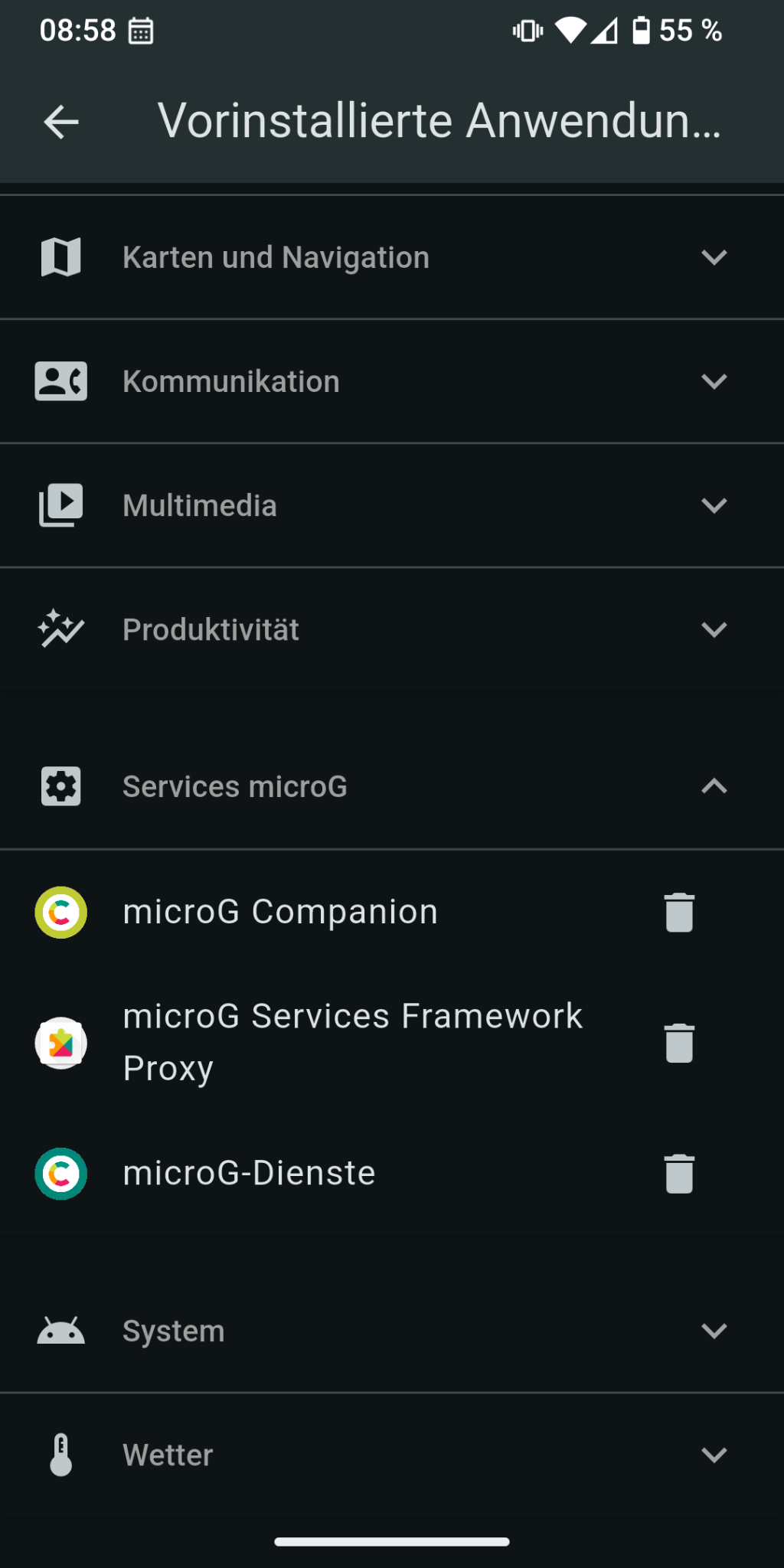
I just dirty flashed iode-6.9-20251117-xz2c over my LOS4microg20251118-xz2c installation and it worked (many thanks @petefoth for intructions). After that I now optimized my system (uninstalled some preinstalled apps and removed magisk). After that I installed Youtube Revanced (previously installed via magisk module). On first start the app complained about missing microg and in the course of this I noticed that microg app is suddenly missing. Microg was definitively there after switching to iodé so it must be disappeared while cleaning up the system. First I reflashed iodé but microg app still missing. I looked in the preinstalled app menu and from that microg should still be there but it isn’t (visible). May I can delete microg from that menu and try to reinstall afterwards but in the past I read about problems with apps registering to cloud messaging when microg is installed afterwards so I’m first asking here for help or experiences. Many thanks in advance for any hint.
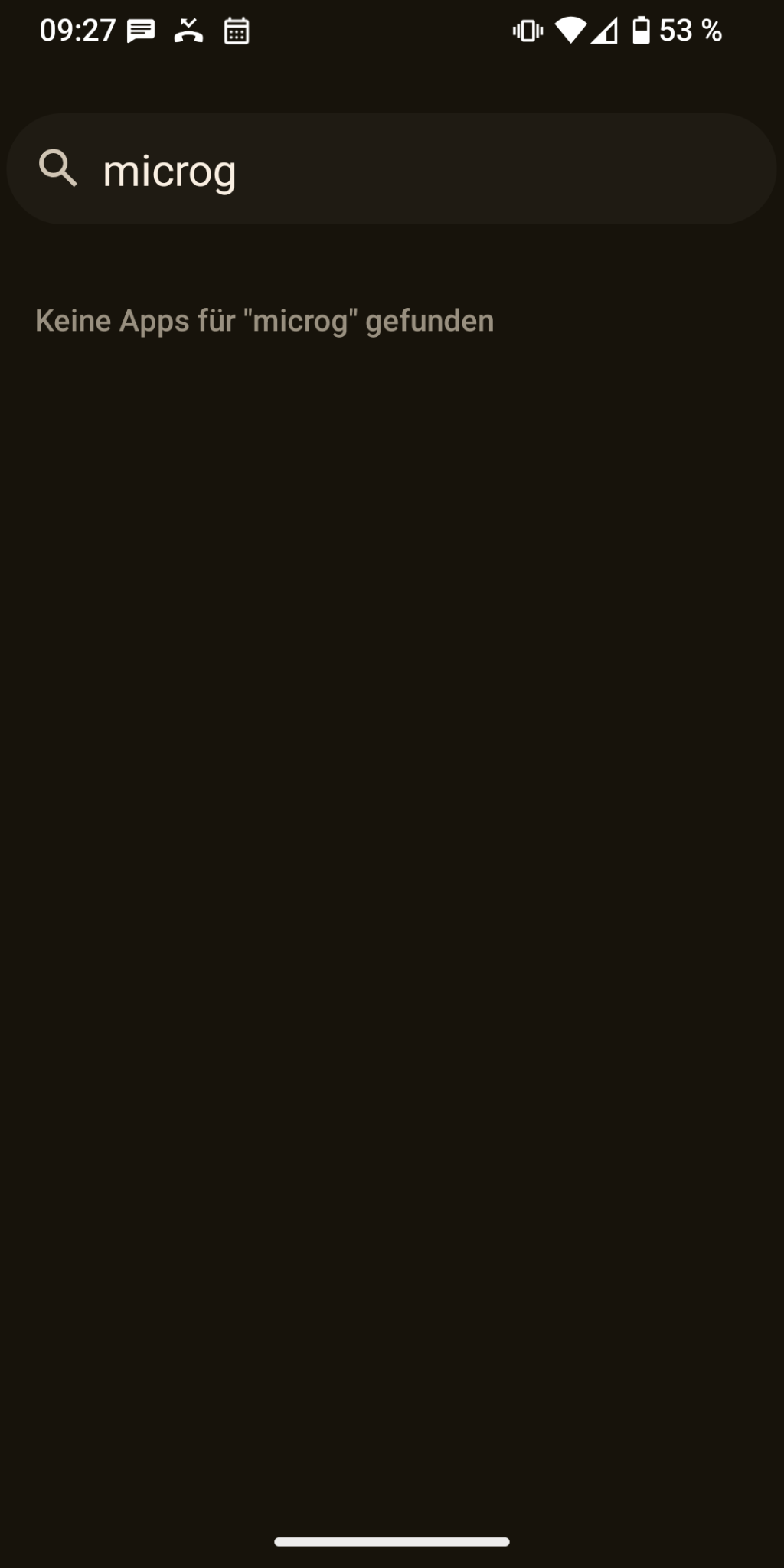
Update: The microg app still seems to be there. It’s not visible anymore in app launcher but I can start microg app via settings –> all apps –> microg. Running self check shows no errors. Maybe youtube revanced always needs an additional microg installation to work. But also in this case I still bother why the app disappeared from my app menu.
Thanks for clarifying. So everthing seems to run fine on my side. Sorry for bothering you. I’ve just had a short shock moment that I may destroyed my system while cleaning.
For iodé: I really like the additions to the los4microg rom so I’ll stay on iodé and will look further in it’s features. Thanks again to all involved people.
I did some testing of AxpOS a while back, and it was definitely not for me: too locked down. No rooted debugging, so couldn’t use my preferred backup / restore tools. Recovery wouldn’t let me flash a different ROM when I was done testing. As I recall I had to reflash stock before reverting to los4microG.
EDIT:
And, looking at that link, the Slim version doesn’t even have microG installed!
This was already the case with DivestOS and is a security feature.
The Pro version doesn’t either. It uses a Play Store mod. DivestOS also didn’t have microG preinstalled. With DivestOS and AXP OS Slim, you can install microG later, just like with LineageOS.
So finally I have been able to get round to making some new builds, with mixed results:
Several devices ‘promoted’ to Iodé 7 (lineageos-23.0 Android 16) `pdx203,pdx206,pdx214,pdx215,pdx223,pdx224,pdx225,pdx234,pdx235,pdx237,kirin,mermaid,voyager,discovery`. 6.11 builds are also available for these devices
New devices where LinegaeOS have recently added support, both at Iodé 7: Sony Xperia 1 IVpdx223 and Sony Xperia 5 IVpdx224
Iodé 6.11 builds for Sony tama platform devices xz2c,aurora,akari,akatsuki
Sadly, no new Iodé 5 builds, either for Sony yoshino devices lilac,poplar,poplar_dsds,maple,maple_dsds, (or Nokia billie). The upstream LOS sources have had ‘build-breaking` changes since the Iodé 5 sources were pushed. With luck these devices will get new builds when Iodé make their next release.
Future builds for all devices mentioned in 1, 2 & 3 will (should ) appear as OTA updates. Thanks @rik for making this happen

 ) appear as OTA updates. Thanks