Thanks, good info. I am left wondering how much more confusing this can get in the future 
According to the device fingerprint, the vendor version used by iodéOS is SOS 6.2(-G) 20250624.
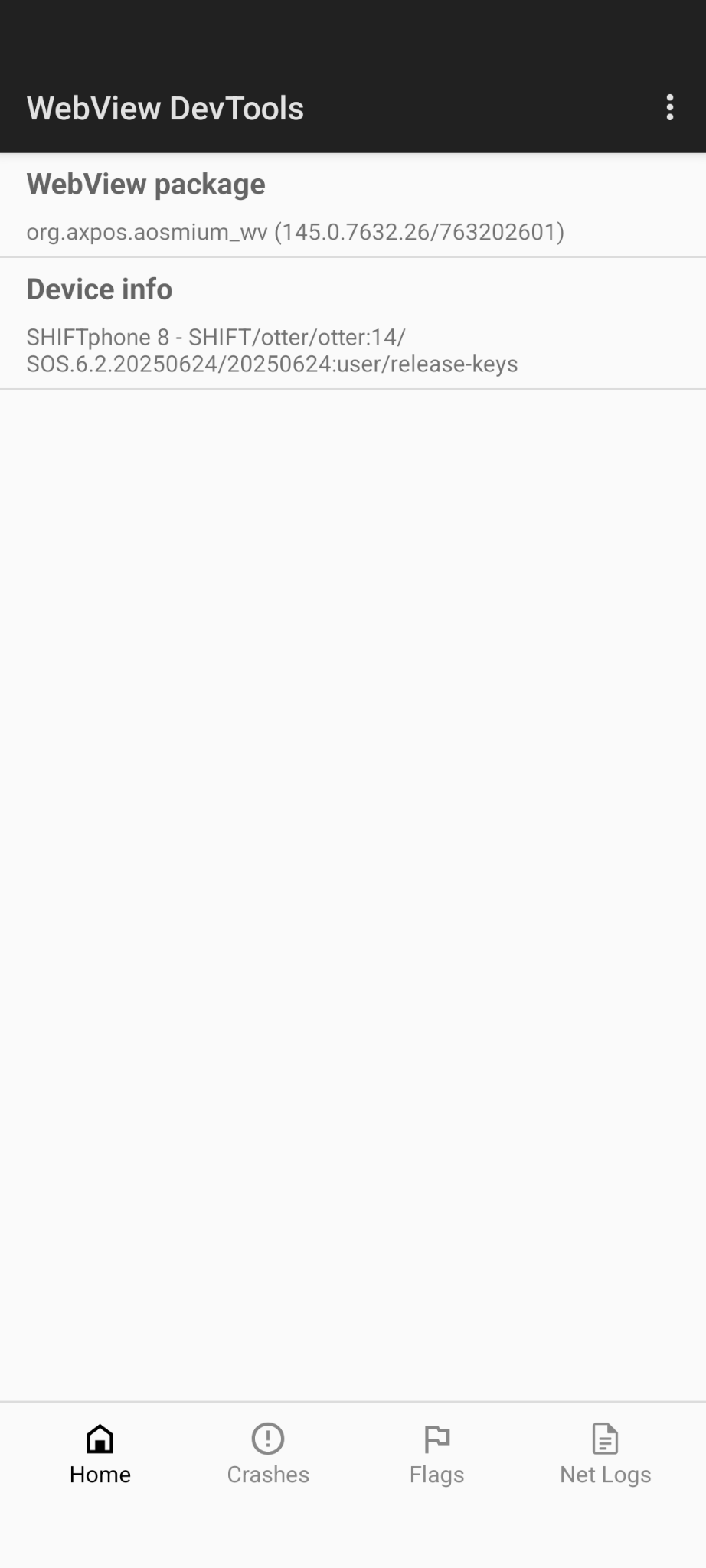
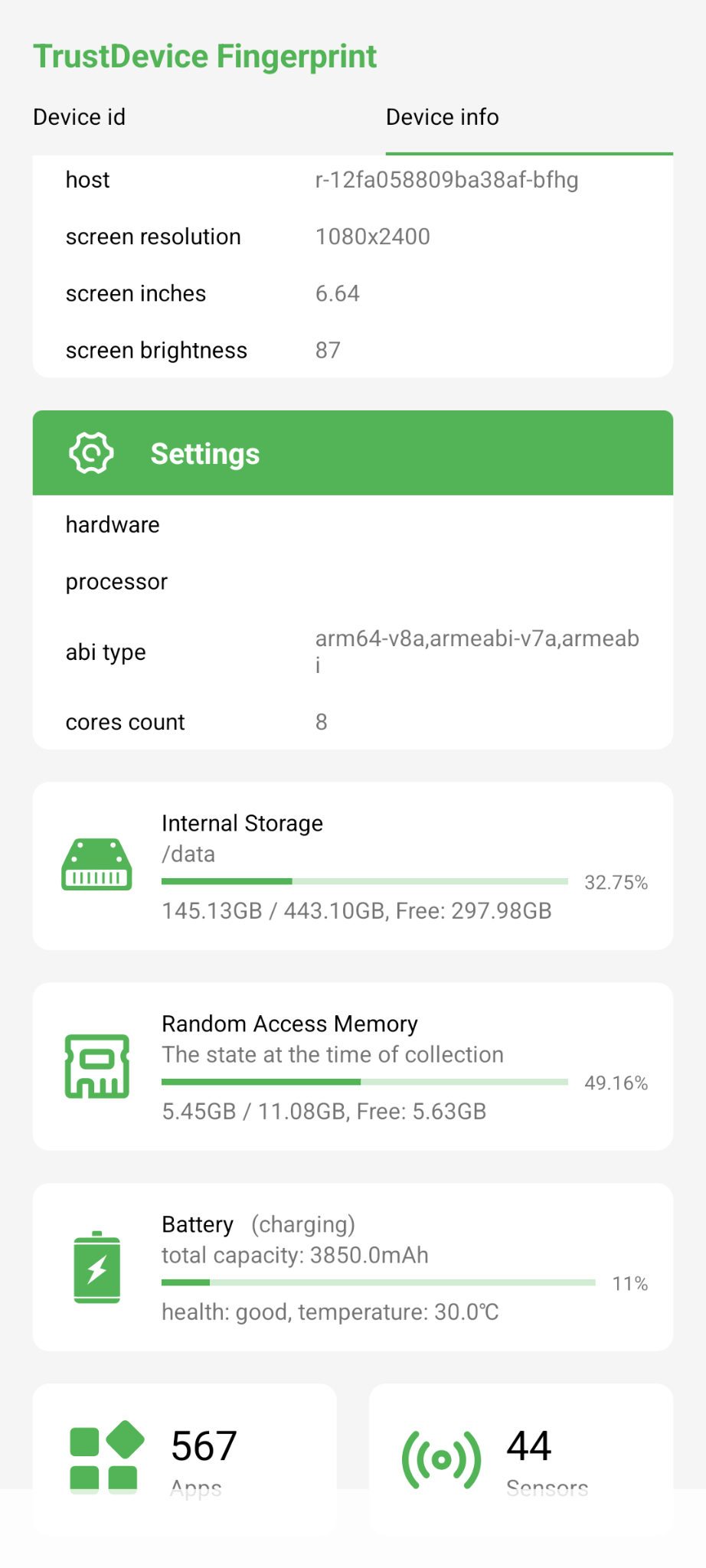
I wrote to someone on the forum asking them to send me the current device fingerprint for SOS 7.0(-l) 20260127. If it is newer (which I assume it is), I will write to amartinz to ask what the current vendor patch level is and where the latest vendor patches can be found, or whether amartinz would submit a PR for LineageOS.
1 Like
I currently have SOS 20260127 installed and the build fingerprint is SHIFT/otter/otter:15/SOS.7.0.20260127/20260127:user/release-keys, see SHIFTphone 8 - LineageOS für SP8 | SHIFTPHONES . Would be great to get the Lineage base up to date.
In case the problem with the fingerprint sensor in iodé is because of the inconsistent AVB chain (yellow state), is it possible to build iodé in such a way that the chain is consistent, probably requires custom build bootloader & unlock_critical.
2 Likes
Interesting would be the Trust-App. Does the Trust app indicate that all vendor patches are present?
I have already sent amartinz a private message, but have not received a reply. Perhaps iodé should contact this email address officially: devrel@shiftphones.com
1 Like
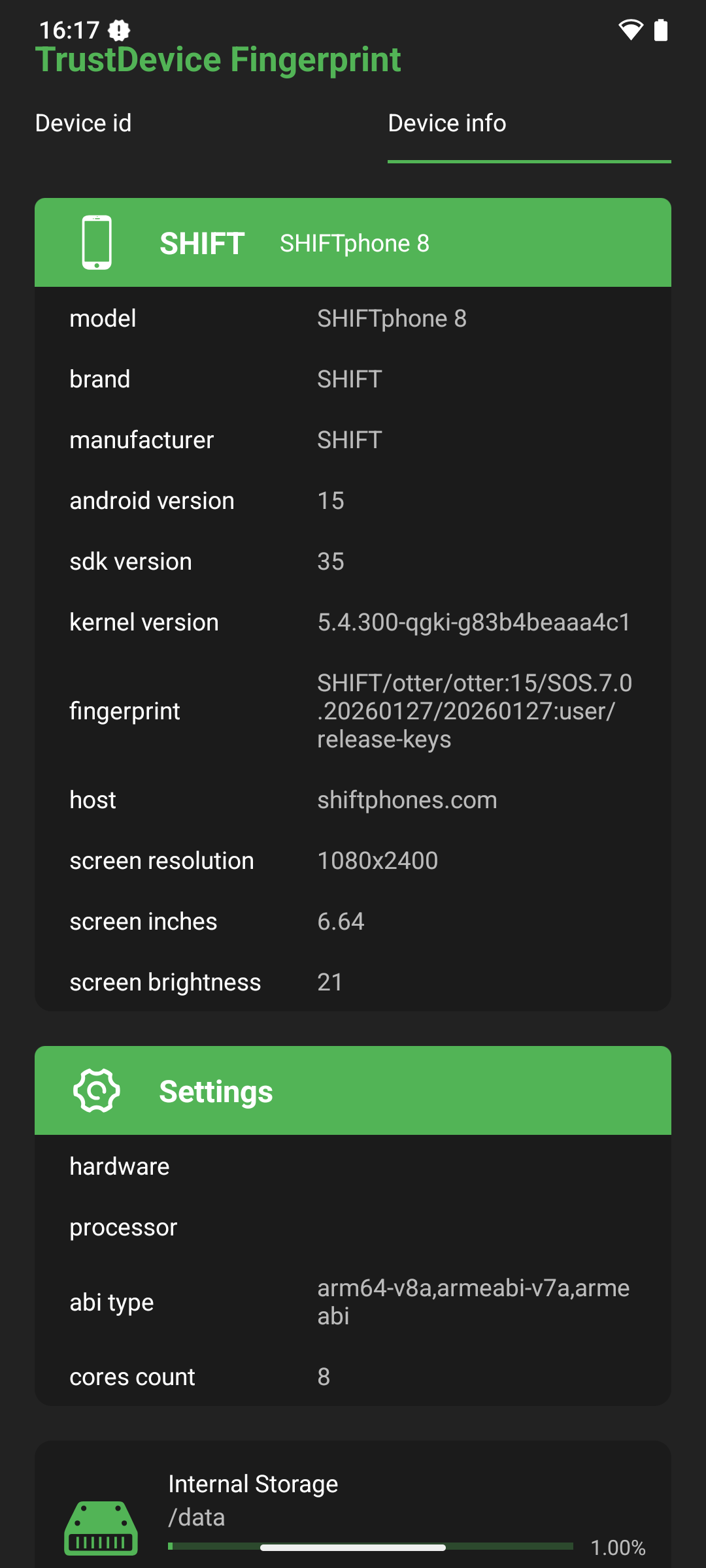
It wasn’t about the fingerprint, but about the Trust app (LineageOS extension) in the settings under Privacy and Security, which was available in at least an earlier versions of ShiftOS-l.
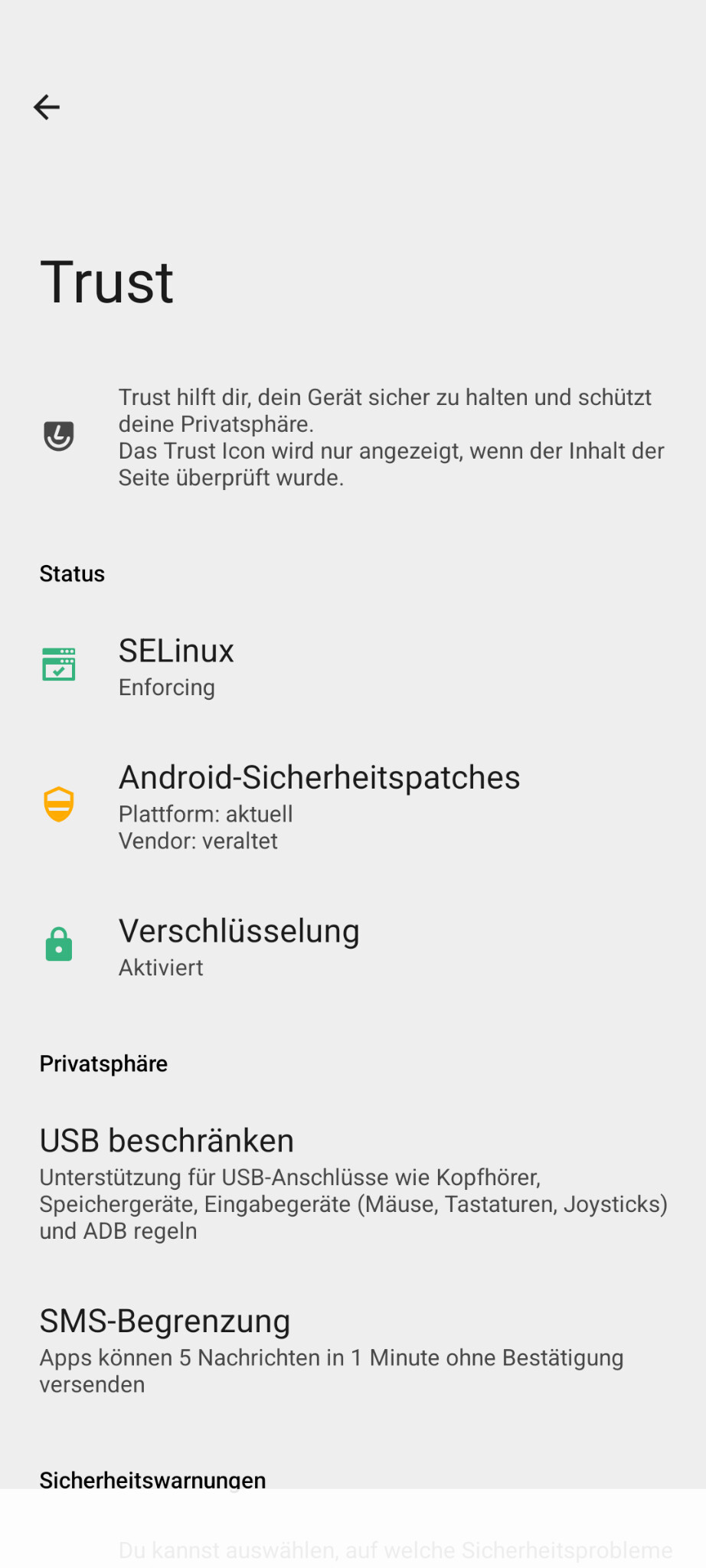
Unfortunately, that’s how it looks in iodéOS. And in old versions of ShiftOS-l it was still green, but in new versions (according to R.E.D.) Trust should apparently no longer be included.
ShiftOS-L doesn’t have the Trust extension under settings.
1 Like
A reply of the iodeOS makers would be highly appreciated whether we can expect a FP fix anytime soon or if it will it not be supported at all. For some of us, a FP reader is crucial for using the phone as a daily driver.
I tried the suggested workaround from here (while already been on iodeOS), but I was not successful.
1 Like
We rely on the upstream LineageOS port for the Shiftphone 8 to make iodéOS builds. There have been rumors of Shift workging on an official LineageOS port, possibly with collaboration from the LineageOS team. iodéOS updates from such a port would be implemented, but we haven’t had capacity to take on this development work ourselves.
So it is best to check on on the Shift forum for any clarifications or updates on their LineageOS development status: https://forum.shiftphones.com/
2 Likes
Shift has already worked on the current LineageOS, which you describe as ‘unofficial’ (among others, you can see amartinz in the commits). Shift is still trying to determine why the fingerprint does not work with unlocked bootloaders (red or orange state) or inconsistent AVB keys (jellow state) and is working on a fix. Until then, the official LineageOS (which is what it is) will not yet receive official status.
1 Like
The Updater App says no Internet Connection and last check 1970. Reinstall News and Updater include Reboot have no Change. News says we have now 7.3 available and not 7.2 (installed).
Is this maybe fixed in 7.3 than i can tryed updated over the Local Update Function.
Unfortunately not. I had the same issue, downloaded the ota-zip-file for 7.3, upgraded the OS but the issue still occurs.
1 Like
Damed!
I hoped the Update are fix this old Issue. On other Devices here in the Forum fixed this by Delete App Data+Cache, Removed App, Reboot, Reinstall the App over the Pre Installed Apps Settings again. But thats not working for this Device.
Have we an old Updater with wrong Settings, Paths, Repos, Branch and need a manually Update with an fixed Version?
So a dirty flash upgrade to 7.3 from external file did succeed without any problems, correct?
Exactly. I came from 7.2. I made these steps to upgrade IodeOS:
- Downloaded iode-7.3-20260307-otter-ota.zip from otter · master · ota / release · GitLab
- Opened the Updater-App and choosed “local update” through the 3-dot-menu
- Picked the file I recently downloaded and installed the update.
- Although, version 7.3 did not fix the issue with the updater, the new design looks pretty nice
2 Likes
I simply applied the fix described here , implying to update manually the updater from IodéOS 7.2. A refresh was then working, and I could directly upgrade my SHIFTphone to 7.3
3 Likes
https://community.iode.tech/t/iode-updater-problem/7815/10
Working! We hoped for a generell Fix!
1 Like
If users still have this issue, if they can try to fully “Clear Storage” from “App Info > Storage & cache” instead of only removing “app cache” and report back it would be helpful. If that doesn’t address the problem I will see if our lead developer can reproduce the issue.
No changes! Storage and Cache are cleared.
1 Like