idk for sure if it is caused by the OS, but I think after the update to 7.5 my Signal Notifications are broken - means I have to open Signal to receive new messages (which is a bit annoying for a messenger [I now some people disabled notifications completely these days, but this is another topic and more like in the area of individual preferences]).
I also discovered, that the battery life is muuuuch better now in this release, so idk if some more aggressive power management or whatever was introduced. (of course I did not change any Signal Settings, even though signal itself got updates as well). While Threema (I use Threema Push sticky notification and Threema Libre) and Telegram (I use Forkgram here - it also has a notification which stays) do not have this issue.
Some more facts:
Fairphone 5
Android 16
Android security update: April 1, 2026
Vendor security patch level: March5, 2026
iodéOS: 7.5-20260427-FP5
maybe change was was already included 7.4 as I jumped from 7.3)
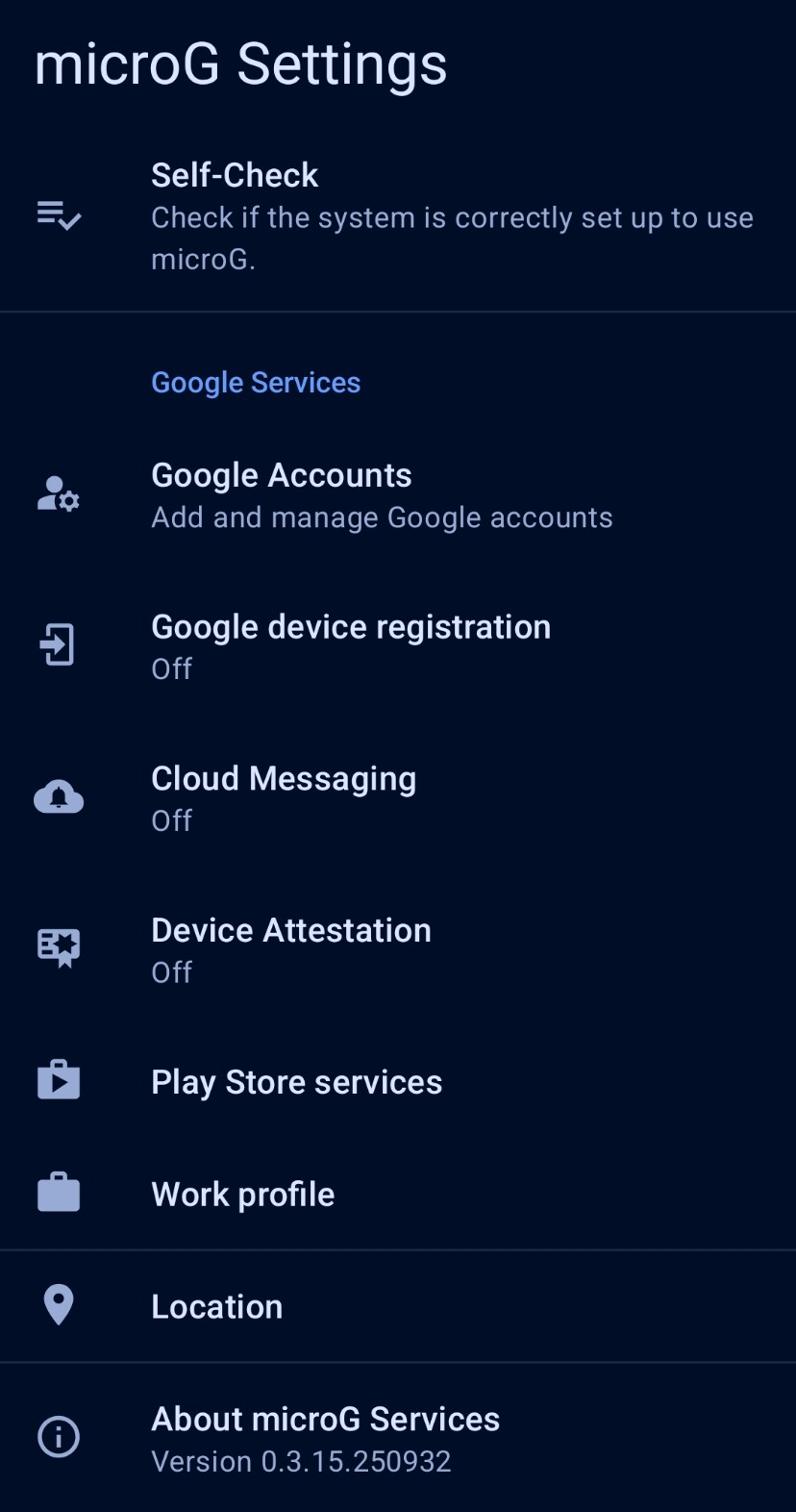
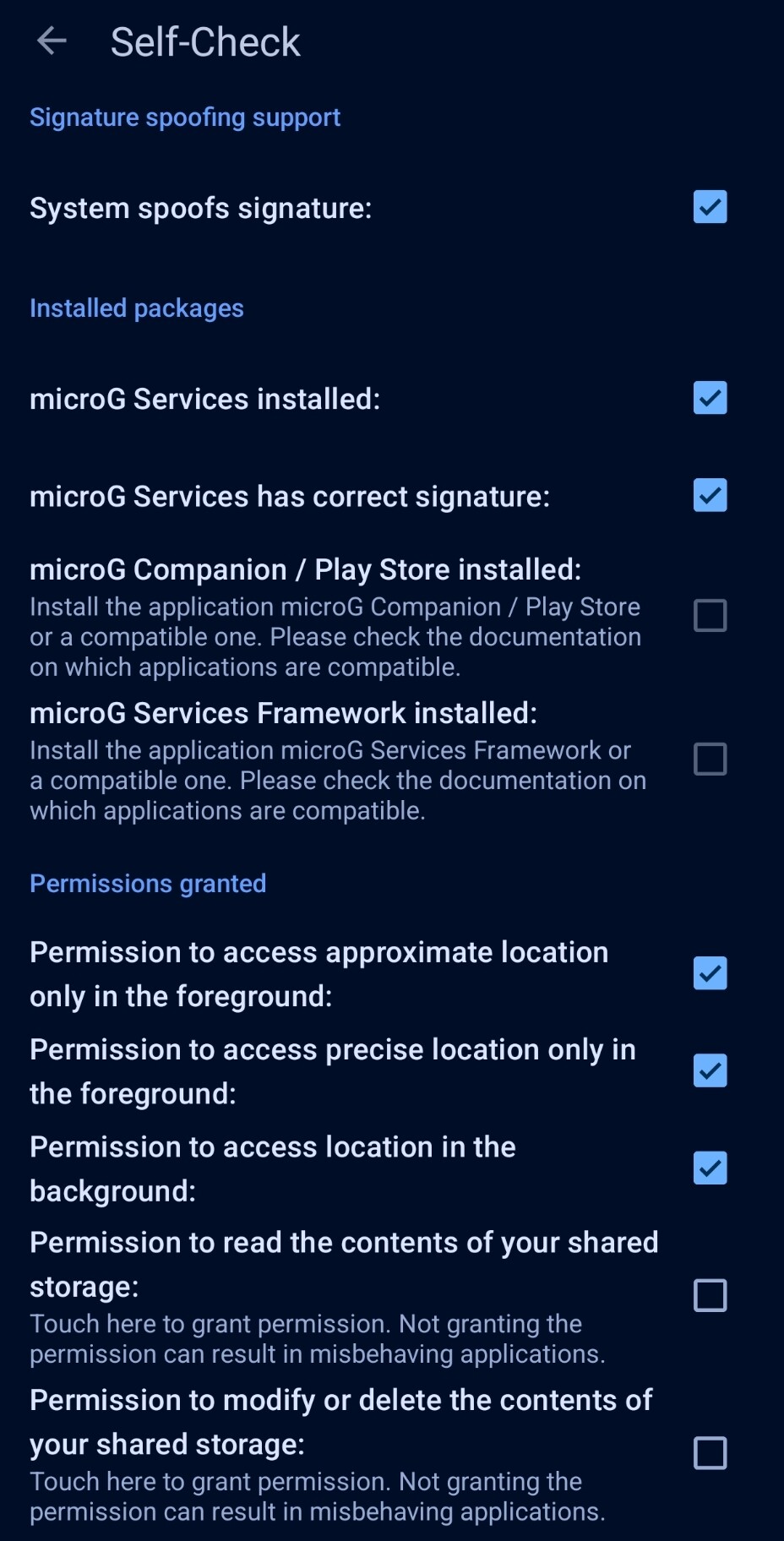
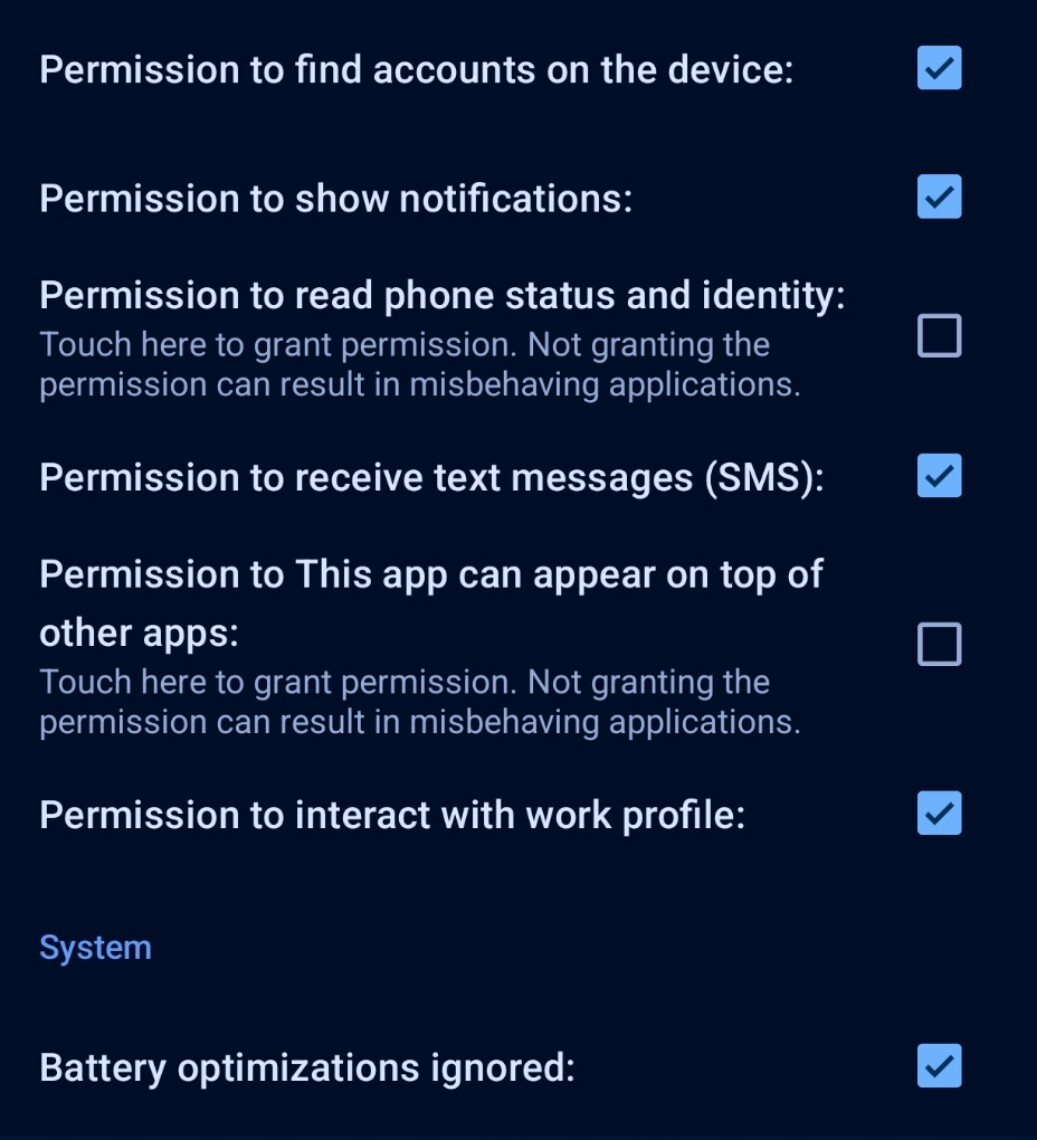
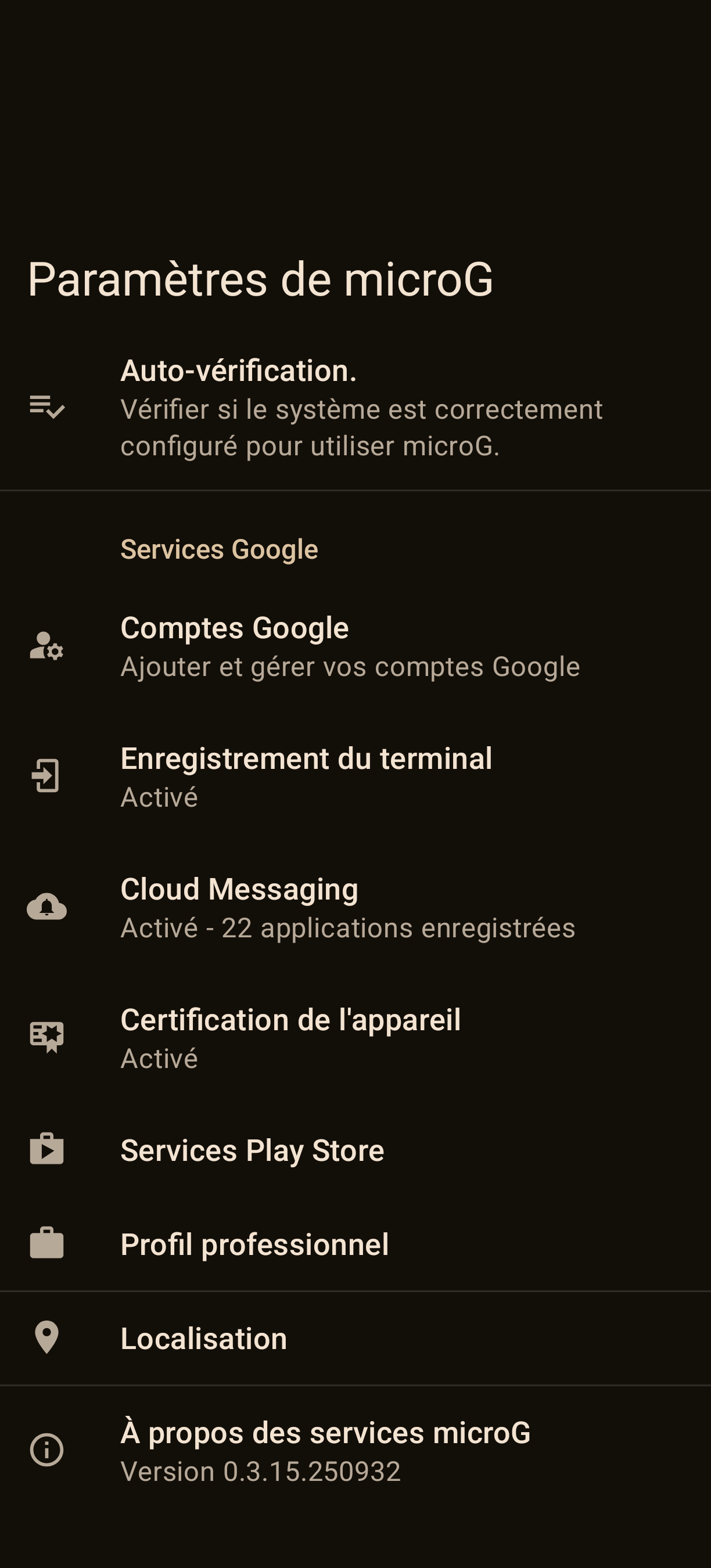
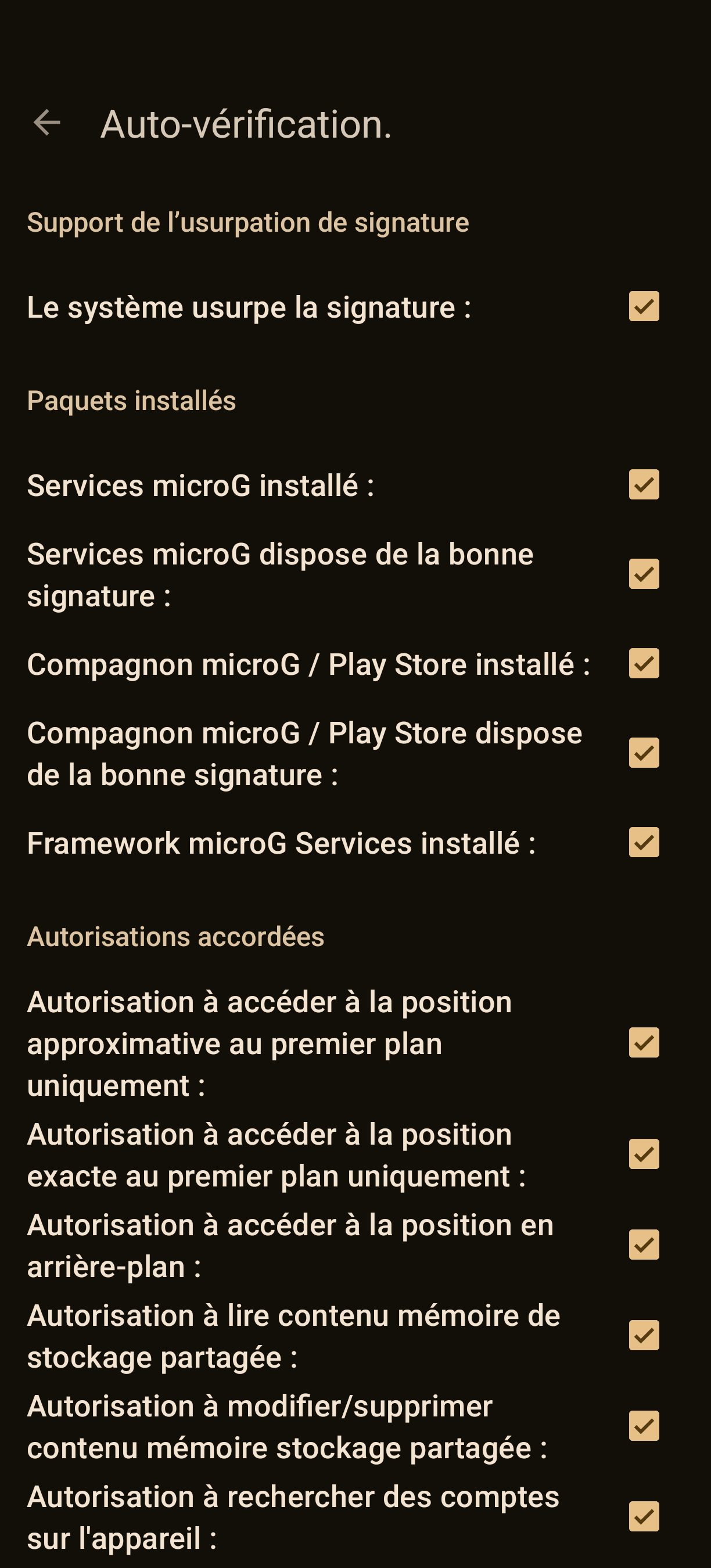
I use iodéOS without GSF (and rooted) so I use Signals self updating Website release (I assume this is still using Websocket to deliver notifications).
Signal 8.13.2
Anybody else experiencing the same and eventually have an idea hot to fix it?
Just a note: I also checked the doze whitelist (older article but anyway) as I thought this might be something, which could be odd as I see my device in doze quickly after pushing the power button (lock and screen off). No notifications is coming in as long as I not unlock and open Signal again.
I have a FP4, recently upgraded from 6.14 to 7.5 (with locked bootloader, adb sideload and factory reset, as recommended in another post) and can confirm this issue.
My assumption was that mainly websocket might be affected.
Still 3 users here and a bunch of people around me reported the same.
Wondering, if there is a way to analyze whats wrong here.
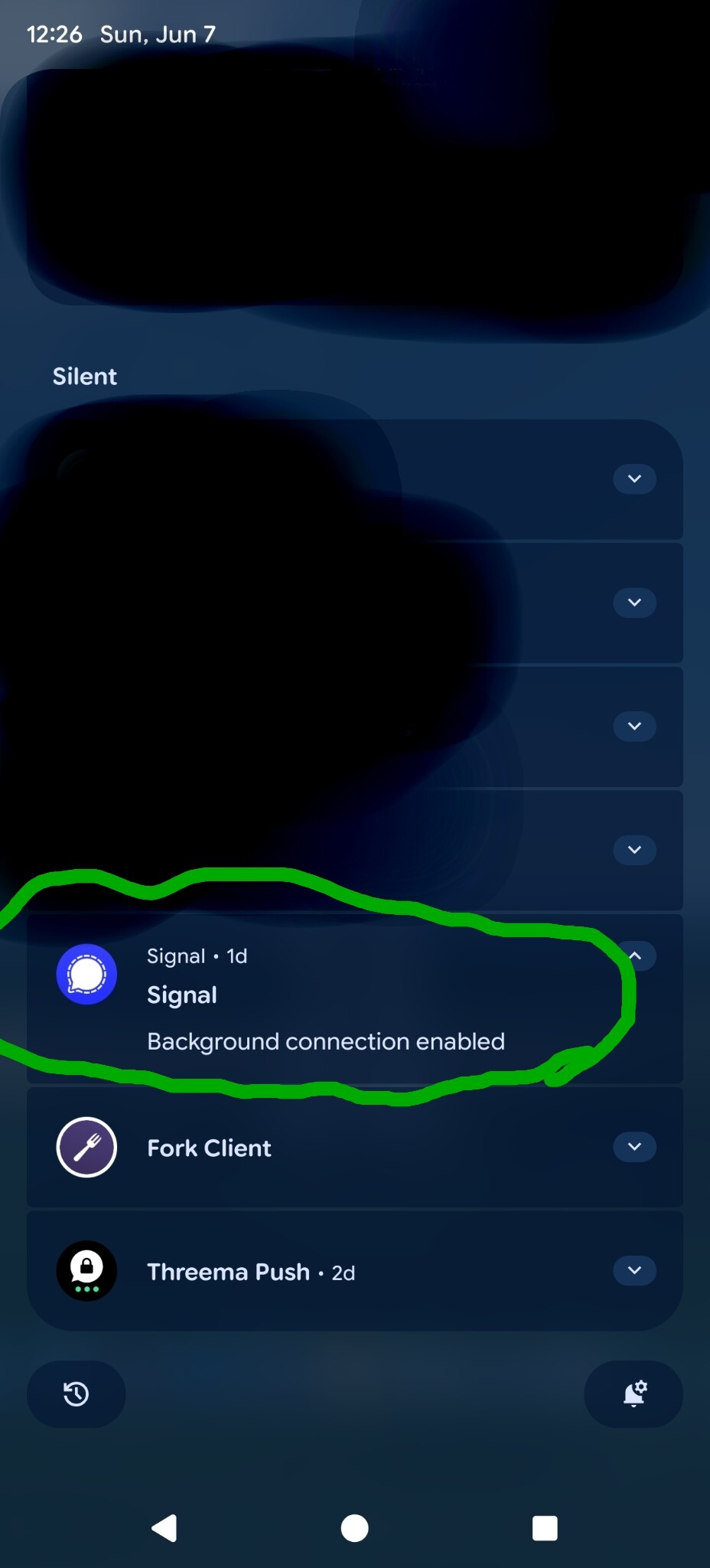
Hm putting the facts to the site, that notifications probably work different (and more reliable right now) with google cloud messaging (google services framework) and what are the tiny details with microg … the issue I wanted to talk about here occurs for those devices, which use Signal without google cloud messaging - so Signals websocket implementation (usually installed from website [scroll down] or via guardian repo [at least NeoStore shows it available in there]) … I also have this background service running (I can swear it was gone in the last days and I have no clue what brought it back).
Notifications come in now again more reliable (I think because of this background service, which keeps Signal alive and the websocket connection running), but now and then I still see new some minutes old messages arriving only when I open Signal.
Or look into Molly which as a default uses FCM but can be switched to Unified Push. Install both apps. After settingup Molly, in ‘Notifications’ switch to unified push and scan the QR-code (recommended by Kuketz-Blog)
Sorry for being late at the party @Smojo already found the issue, Signal introduced a new detecion of play services/microG with version 8.11.x.
Starting with 8.13.x there is a new toggle switch in settings - data and storage: “stay connected in background”: If you use Google Cloud Messaging, you’ve probably set this to “Off.” If you want to use it with Signal’s background websocket, it should be set to “On.”
But on two FP6 devices it still doesn’t work as reliably as it did up to version 8.11.x. (Not sure if it’s related to iodeOS 7.6: Broken IPv6 support on WLAN; I’ll test it without Wi-Fi in the next few days…)
Yeah… tested with mobile data yesterday, and exactly the same issue. I posted again at their git-issue.
/edit: Reply: “Unfortunately, I can see there is a really dumb bug where the new “force websocket mode” flag isn’t actually keeping the websocket open. I’ve addressed this in the upcoming 8.15, so hopefully things will get better for you with that release.”
I can confirm, that after updating to v8.15.3, and setting “stay connected in background” in the settings, notifications are again working fine using Signals websocket.