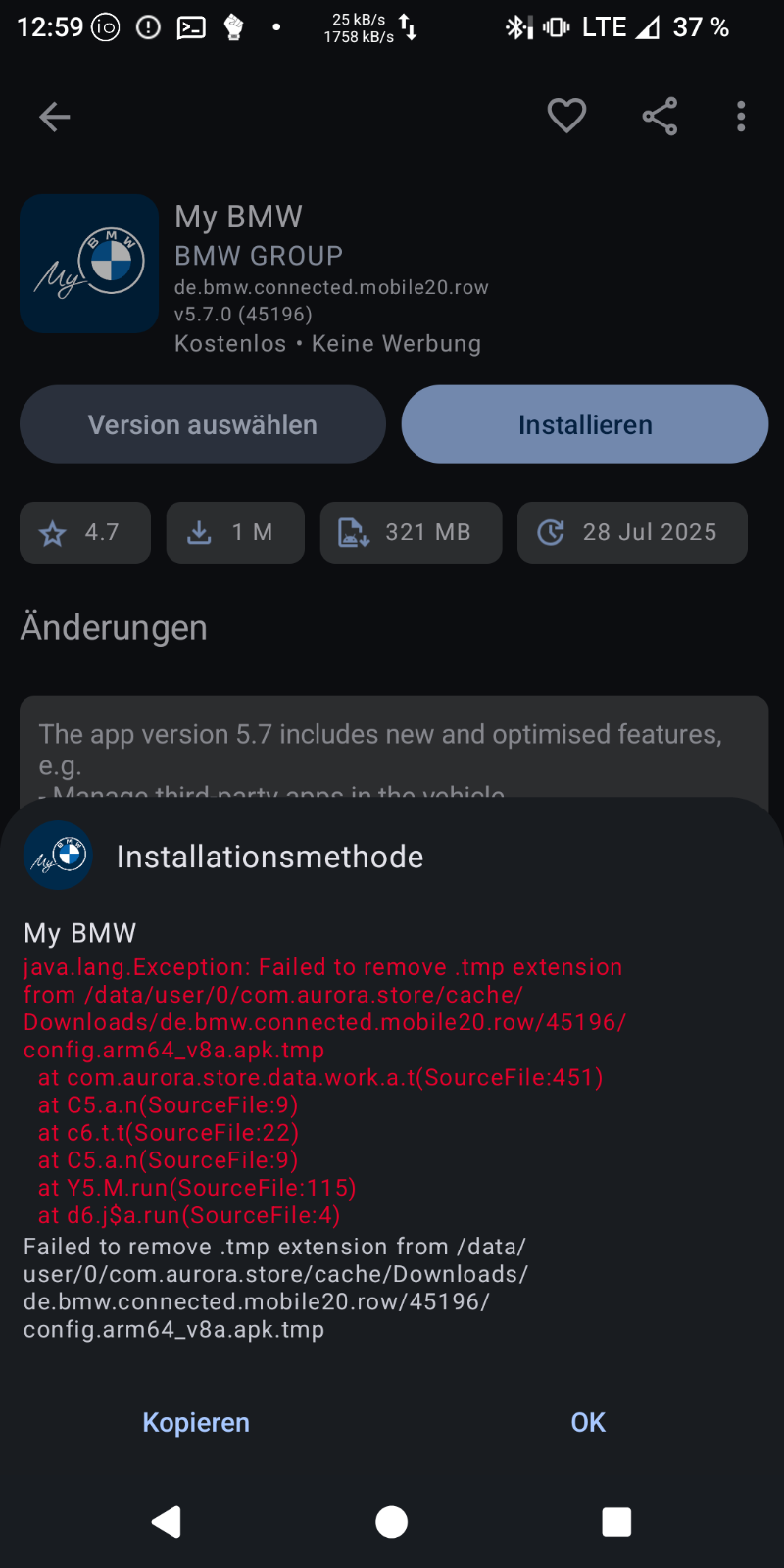
The error when trying to use the Aurora fake account is: “Failed to remove .tmp extension from /data/user/0/com.aurora.store/cache/Downloads/de.bmw.connected.mobile20.row/45196/config”:
If I use my Google account in Aurora to install the app, after the download the error is “Download fehlgeschlagen” (download failed) and Aurora crashes.
Go to Settings > Apps > Aurora, under storage try clearing data and cache.
Warning, this will delete any data, preferences and logins previously stored, but should not uninstall downloaded apps.
Then try to install again.
I remember using aurora store a while back and had a similar issue with some random app getting stuck in limbo and not installing nor downloading. Clearing data and cache resolved the issue.
@laneb & @duarte.framos Thank you for you help! I actually did delete the cache, stopped and restarted Aurora, but I did not delete data. Tried also this, but then another error about insufficient storage popped up. Freed some space and after that the installation finished successfully! So I think it was a combination of some Aurora internal problems and insufficient storage.