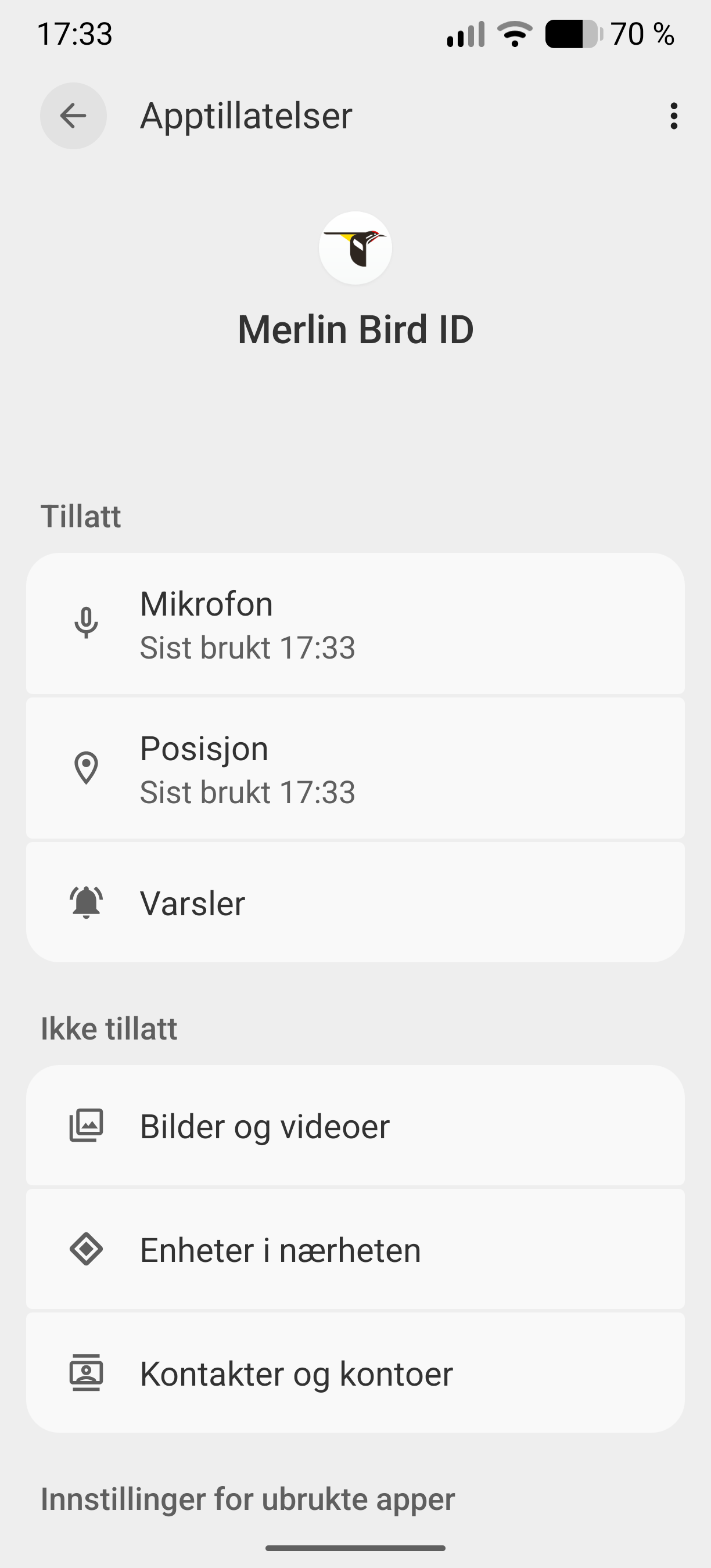
The Merlin Bird id app is unable to connect the microphone in FP5. The microphone works, telephone and other recorders. Permission also ok.
Informed Merlin.
My previous FP4 worked perfectly.
IodeOS 7.3 Merlin Bird id, v. 3.10
The Merlin Bird id app is unable to connect the microphone in FP5. The microphone works, telephone and other recorders. Permission also ok.
Informed Merlin.
My previous FP4 worked perfectly.
IodeOS 7.3 Merlin Bird id, v. 3.10
What OS?
Same as noe, IodeOS.
OK so a different FP4, right? How long ago (trying to figure out approximately what iodéOS version)? Was it maybe an older version of Merlin? Could an older version of Merlin be found and manually installed to test?
Also, maybe something from the iodé blocker is at play here? Can you check the “Stream” to see if anything from Merlin is getting blocked? You may possibly disable it for Merlin then try again?
Merlin was at the same version as current. It’s just weeks ago. Can’t be blocking either, I checked. Appreciate your feedback. Hopefully the Merlin developers can help.
Thanks
Perhaps worth mentioning that FP4 runs Android 15 while my FP5 runs Android 16.
Anyone with a FP5, android 16 care to check the Merlin Bird id app, it’s free?
Just check if it record anything. It’s pretty straight forward. Thank you!
I have never used Merlin but in F-Droid there is whoBird as well. This might be a good opportunity give it a try in case if you have not yet…
Thanks, but I’ll rather wait for a fix.
I just tried Merlin (with my throw-away email address  ), as well as WhoBird. Both are able to record and identify birds, but this is on a Pixel 7 Pro, also at iodéOS 7.3 as you are. Black Capped Chickadees, Northern Cardinals, and Robins all detected here in “not fully spring yet but awfully close Minnesota”
So I guess this points to it not being a system-wide issue?
Thank you @rik grateful for your help!
At least we’re a bit closer to an explanation. I don’t know what could be the difference in terms of micro-phones btwn Pixel and Fairphone 5.
Anyway, if there’s somebody who really needs spring, it must you the brutally tested people of Minnesota. A good friend in Minneapolis told me horrible stuff. Keep safe. In south Norway spring is slowly coming.
Can you please check “System Settings > Security & privacy > Privacy controls > Permission manager > Microphone” and confirm that “Merlin” has access allowed while in use? I guess probably easier is to look at “App Info > Permissions” and you can see the last time it accessed your microphone. Does any time show there?
Hi rik,
Thanks for getting back. I can confirm that microphone is allowed for Merlin. I checked that permission almost immediately after the recording didn’t work. Sorry, but thanks for helping!
Yes I recall that you said the permission was enabled, but also does it report that the Microphone was accessed at all? It should list the most recent time it was used and I am wondering if that is showing anything.
@taus there are some new threads here on Fairphone 5 issues with some apps, in one case it was “solved” by reinstalling FairphoneOS “not the newest version” then reinstalling iodéOS: Fairphone 5 – problem with calls – no sound / no microphone - #7 by chef
I am not suggesting you take this drastic step, just noting there are others with the FP5 experiencing “weird” microphone issues.
At least there is a confirmation. Thanks again.
Hi rik,
Any news regarding the microphone issues?
Tore
I still don’t see any other problem reports. It is the strangest issue but if we can’t get any other confirmations then it is not easy to know where to go next. The above link I gave with the user that seemened to “solve” the problem by a reinstall isn’t a nice answer, and I honestly am a bit skeptical it would solve anything, but I don’t know what else to suggest.
The Fairphone forum may be a place to look around some more and maybe see if you can find others that can reproduce the issue: https://forum.fairphone.com/
Thank you rik!
This seems hopeless I’m afraid. According to the forums you listed this microphone issue seems be well known and for years!
I must confess I contemplate switching back to my FP4.
Thanks again.
Tore
Really? So were you seeing it to be “well known for a subset of users”? Or do all FP5 users have this problem I wonder? If you wouldn’t mind providing links to the relevant discussions I will then consider renaming this thread, with a comment at the top that it is broader than Merlin, instead related to several? apps and microphone permissions on the FP5?