I’d like to open up a new thread for all the questions/issues/reporting concerning the new version update to 7.3
Please use this thread for your reports, so we can have one central contact where answers can be found.
I have a minor issue that may not be related to the version at all, but possibly to my incorrect operation:
I did not get a notification in the news app yesterday (= version 7.2, Motorola G32 devon). I did have the notification point today on the updater app, still not on news.
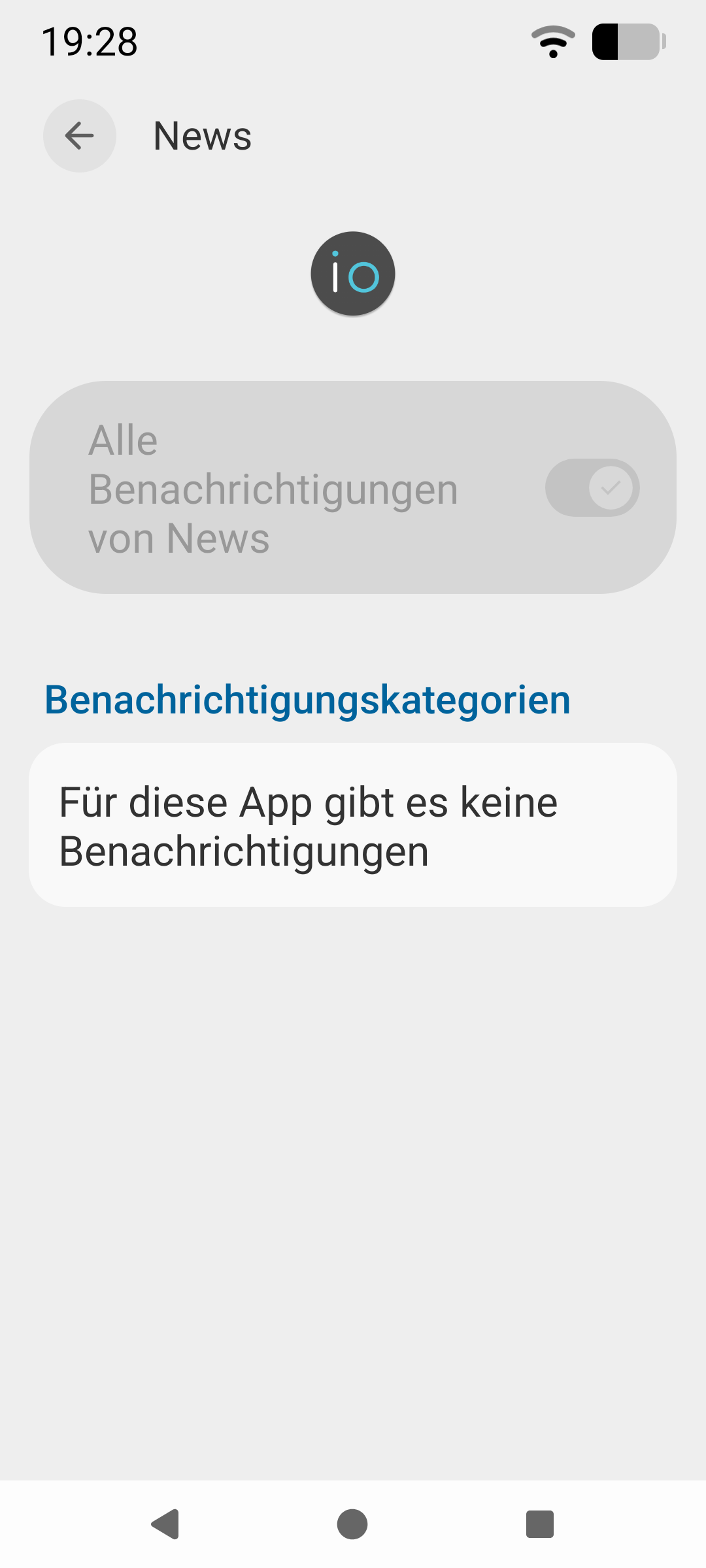
So I went to the settings, notifications and could not change the switch on the news app, it is grey.
I did the update to 7.3 (went smoothly). But still no possibility to change the notification switch on.
I did disable the AI-thingy on notifications (not sure if I caught all different switches). Second question: Is there a central button to switch off AI entirely?
At my FP5 i got after the start of the Smartphone every time the error message: im.angry.openeuicc.PrivilegedOpenEuiccApplication wird wiederholt beendet
Solved. After a 2nd start of the system the Error Message dont come back
Es sieht so aus, als wenn bei meinem Update die Apps nicht erneuert worden sind. Den PDF-viewer kann ich immer noch nicht wieder installieren, bzw er ist installiert aber er taucht bei den Apps nicht auf. PDFs werden immer mit dem Browser geöffnet. Der Taschenrechner scheint auch noch der alte zu sein.
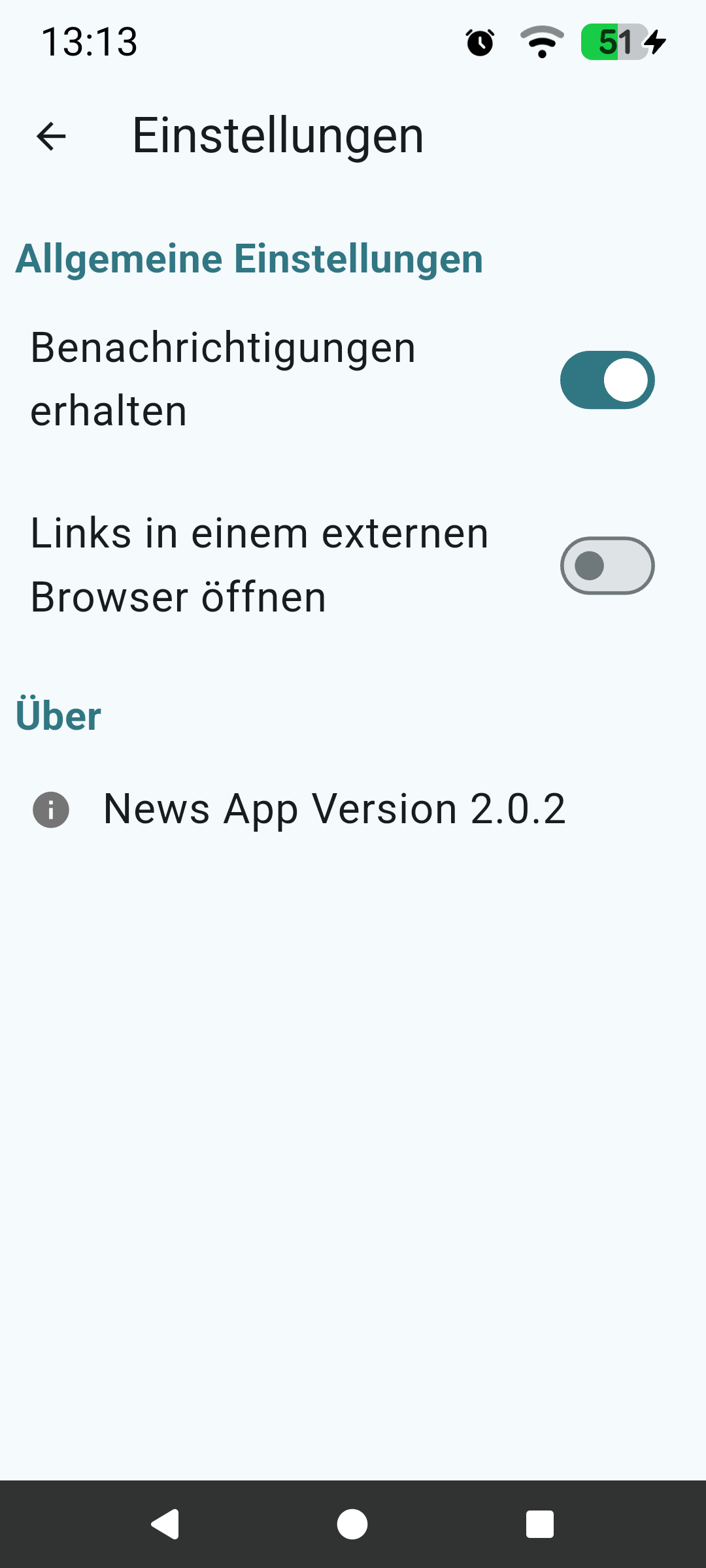
You can enable or disable News App notifications from inside the “App itself > Top right Gear > Receive Notifications”.
I think that the key thing here, in my opinion, is that the term “AI” is a bit “sloppily” applied to this feature. In this case it is a “smart feature” that will shorten conversation notifications, and it may use some on device machine learning to do that (I didn’t find much in the AOSP documentation yet on how it is actually working).
But regarding “global disable of ‘AI’ features”, it wouldn’t make sense to lump this feature together with other unrelated “smart features” such as battery optimization, using your contacts to determine if your phone can ring or not, etc. If those features came out today, I would be pretty certain they would be labeled “AI battery management” or “AI phone silencing”. But as it is they aren’t related, they are just smarter iterations of software.
All this to say I am not too happy with the term either, and can fully appreciate that many may respond with “yuk get this stuff as far away as possible” but at the same time I am all for software being smarter especially if it improves my battery, device performance, etc.
As one more observation, I would fully expect any “off device” features to be ones that are integrated in the full “Google Play Services” which thankfully we don’t have. If there would come a time that any features would offload to a cloud somewhere I think I can confidently say that iodé would work out how to have those removed (but this is speculation for the future in an even more dystopic wasteland than we are in now, of course)
Lastly, I would like it if we could do a light refactoring of the code to rename the term “AI” in that feature to “smart” but maintaining patch sets for this is really untenable.
It looks like the apps weren’t updated when I did my update. I still can’t reinstall the PDF viewer, or rather, it’s installed but doesn’t appear in the apps. PDFs always open in the browser. The calculator also seems to be the old one.
I don’t think AOSP updated the calculator app yet, I do see it is the same on v7.2 and v7.3 (but both are just the stock AOSP calcluator: com.android.calculator2 version 16)
About the PDF viewer, it is set to not show in the Application menu, but does open (for me) on a Pixel 6 with v7.3 when opening a PDF. Maybe you set your browser as the default app for .pdfs? This said, I am struggling with how to find how to reset it to PDF Viewer…?
I did clear cache & storage, did a reboot.
Result: Now I don’t even have any option menu left - there had been several lined up under the main switch, if I remember correctly.
For me the redesign was a little bit of getting used to - but the biggest nuisance i have is the “laggy” notification bar when swiping down on the task bar and also the app finder. It is not as snappy anymore as with 7.2. It is now noticeable laggy.
Subject: Battery drain on Pixel 7 Pro after update to 7.3
Hi all,
I’m using a Pixel 7 Pro, and since updating from version 7.2 to 7.3, I’ve noticed a significant increase in battery consumption. In comparison, the battery seems to drain about 20–40% faster than before.
I have already disabled the AI features, but the drain persists. Does anyone have suggestions on how to stop this battery drain or tips on what might be causing it?