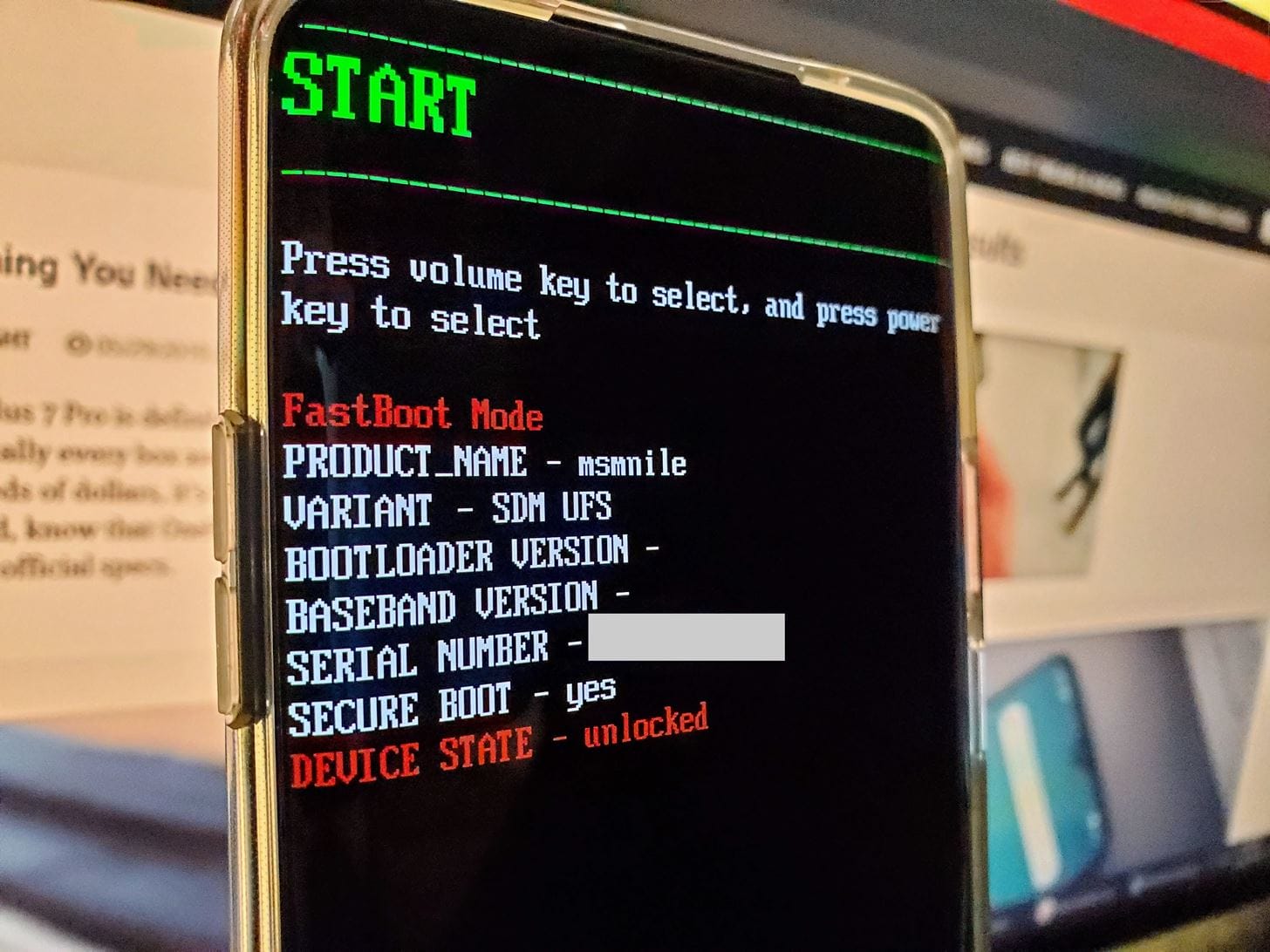
Hello guys, installing IodeOS with adb and fastboot was going well, i had the fairphone rebooting and the prompt for bootloader relocking showing…
i did’nt want to lock it right now but i got confused with the button and i did what i did not want : relocking right away and now i have seen a corrupt screen showing and the bootloader is in locked mode…
so did i bricked it ? Is there a way to unbrick it since i have the bootloader looping and i can’t even start fast boot or recovery mode …
What i don’t understand is that security patch from iode seems to be fairly newer than the factory one from fairphone OS, how could this happen ?
Good news. If you can unlock it again (and did) then there is no brick here. If you can start Recovery from the bootloader, then go in and do a factory reset. If that doesn’t give you a booting phone, then I suggest a re-attempt at flashing and post back any output you get.
To be safe flash the November build (our newest images should match the SPL but just to make it safe let’s get a “not quite the newest” release from Fairphone).
After install FPOS, to be safe make sure that “Allow OEM Unlocking” is enabled in Developer Options before installing iodéOS.
To be safe, do not relock bootloader with FPOS or iodéOS install. After iodéOS install, make sure everything works, then lock it with fastboot flashing lock from fastboot (this will wipe out any custom setup so don’t spent any time configuring it).
You can see a lot of “belt and suspenders” approach to this guidance. It normally isn’t all necessary but since you have faced some issues let’s make sure your end result is a usable iodéOS install!
Thank’s Rik, i think this is the right things to do indeed.
However, I now struggle with the fairphone OS manual install since the fairphone software give us to install FPOS is crashing 90% of the time and the last 10% it does not detect my FP6 even if i know it’s detectable because i have a powershell windows on the side and fastboot devices works.
I’ll take it to the fairphone forums since i’m already so thankfull of your help i don’t want to bother you this much x)
I’ll link the fairphone forum topic here if it’s ok though
Please do. I am sure others will benefit to understand this better as there have been different issues on FP4, FP5, and FP6 to get things installed and running well.
It was a long journey but i’m know back on FPOS @rik !
So now i can proceed to not screw it this time, i’ll update on the second iodeOS install, just so you know i installed FP6.QREL.15.151.0 the fairphone november build !
So the issue persist, i’m glad i could install iodeOS and make it work without bootloader locking, but even if i make sure that i check “Allow OEM Unlocking” and “USB debugging” the phone still land in untrusted mode when i reboot on fastboot and do fastboot flashing lock
I used FP6.QREL.15.151.0 (November Build) and on Iode OS i downloaded iode-7.1-20260116-FP6-fastboot.zip from one day ago
I think i’m still missing something about the SPL you mentionned