I couldn’t find an edit option so I had to post here:
I forgot to mention that ‘hotspot’ and ‘fingerprint’ are also working.
I couldn’t find an edit option so I had to post here:
I forgot to mention that ‘hotspot’ and ‘fingerprint’ are also working.
NOTE: the only things not working are;
Can any GSI users give some help on how to best update? Can they just be applied from “Updater app > 3 dots > Local update”? Never used the GSI myself, but I am sure you fair people can help this person: September 5, 2025 security patch for GSI, how to safely update?
SoC MediaTek Helio P70 (MT6771T)
Stock Android 11.0 | Stock Recovery
Kernel v4.14.186
iode-5.19-20251207-arm64_ab.img
The iodéOS GSI has been my personal favourite for my G for months. It works as well as a custom ROM, which means that all basic functions run perfectly after various workarounds in the phh Treble settings. As the system architecture does not support OTA updates, updates must be carried out using a PC.
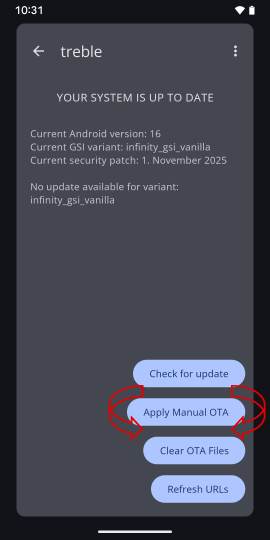
Custom ROM and GSI developer @Doze-off responsible for official and unofficial ROMs and GSIs from Project Infinity-X, DerpFest, WitAqua and Lunaris AOSP GSI treble, has implemented a user-friendly manual OTA update function.
This is a feature that would also suit the iodéOS GSI well.: You have an option to update via manual OTA in the Treble app, just by downloading the .xz file and selecting it manually.
Do you think the GSI should also working on a GS5 ? I have one but it’s my main device so i can not test it directly out….
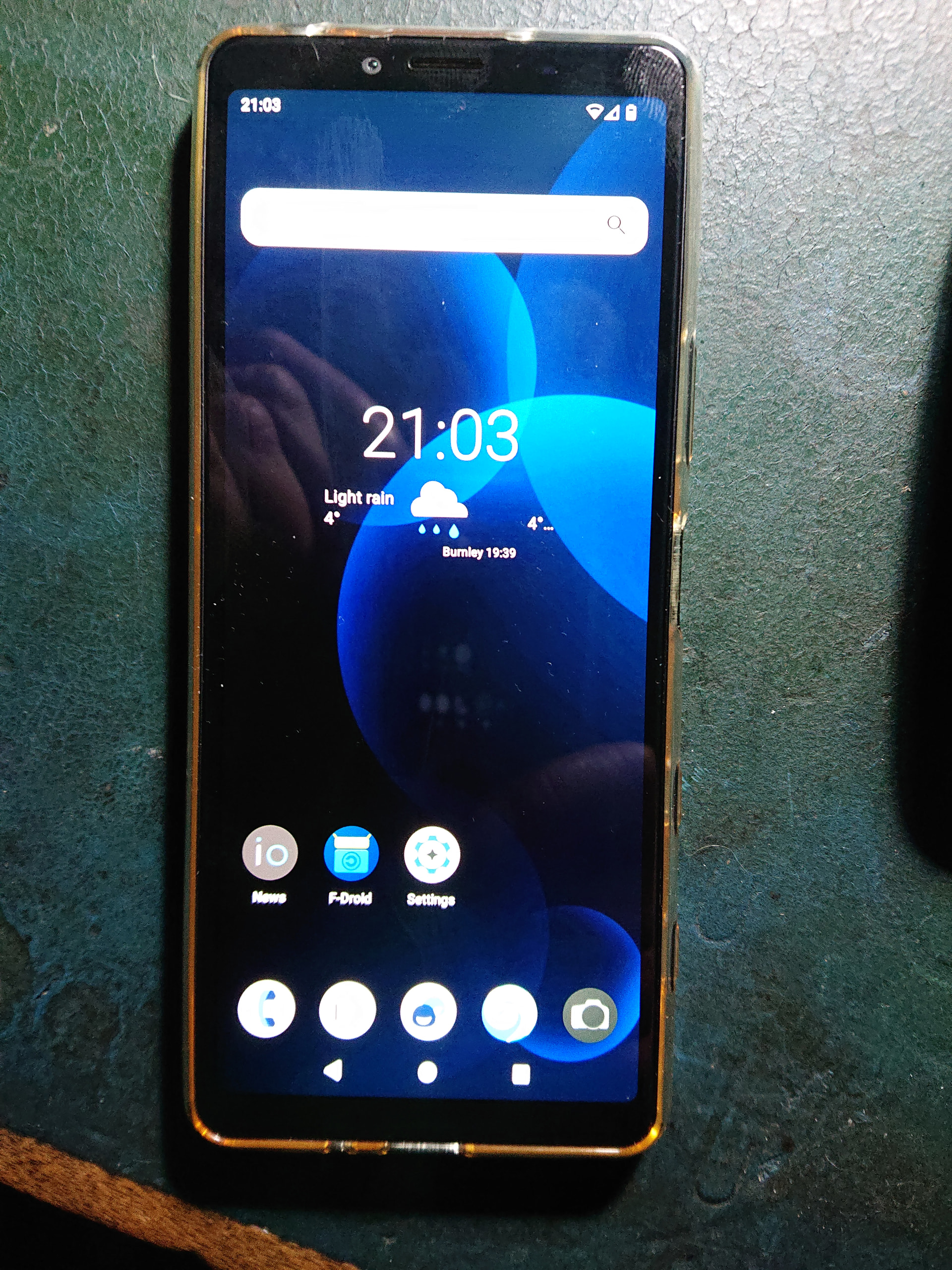
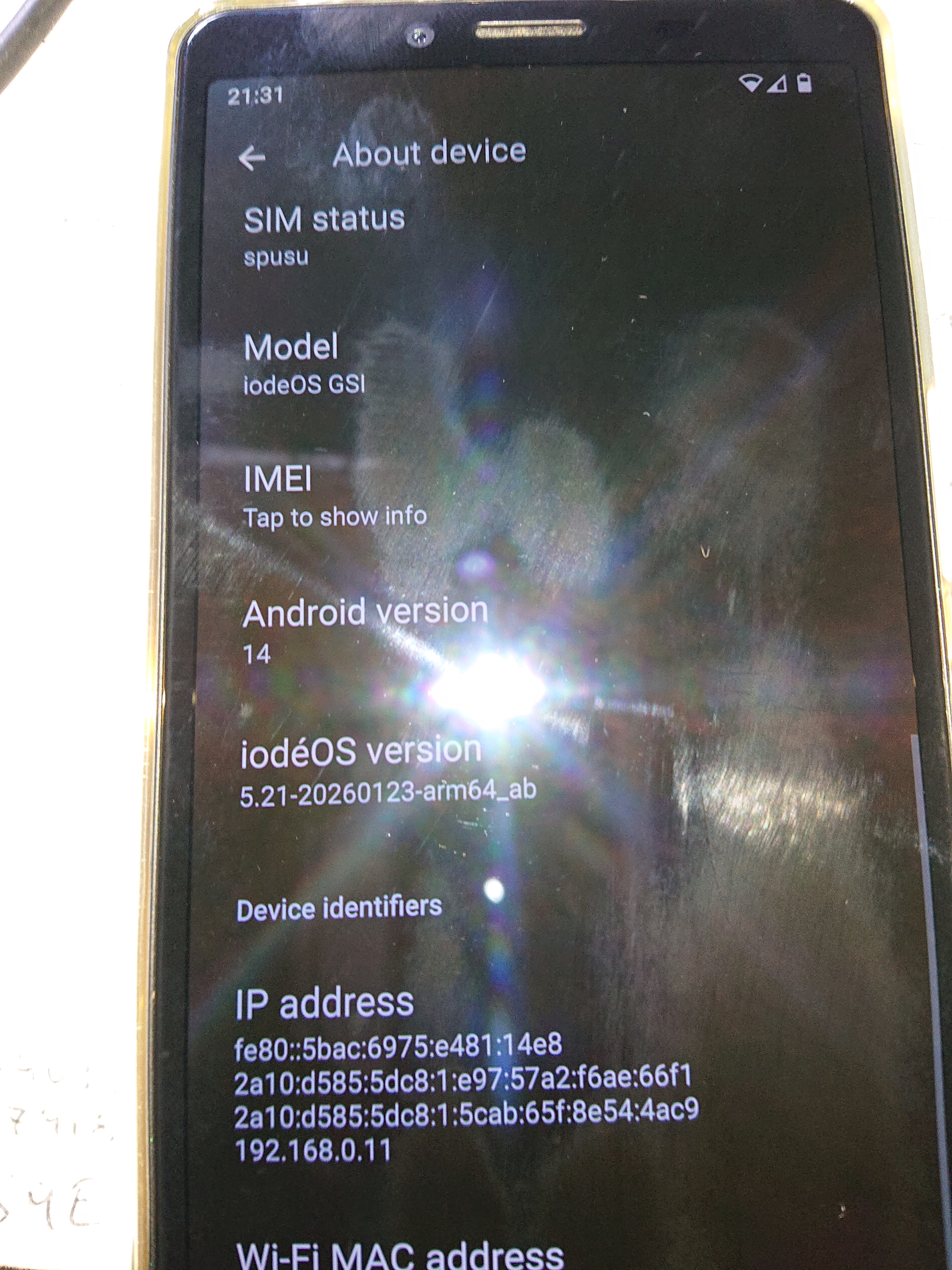
Sony 10 ii (pdx-201) can now be added to the list of satisfactory install’s. All comm’s appear to be functional but will soak test it as a daily driver for the next couple of weeks before I add it to the list, just to be safe. App’s appear to install and work ok same as on my supported devices, but bear in mind I don’t use Gapps.
Possibly a little late @iodysseus but I just came across this method on XDA for both unlocking bootloader and rooting later model Lenovo tablets. I’ve got a P11 Gen 2 here that is begging to be flashed, just waiting for a replacement charging port to arrive. I will report back when I’ve gotten around to trying it, but reports from those who already have give it  .
.
https://xdaforums.com/t/tutorial-how-to-unlock-root-lenovo-tab-p11.4643758/
@Russian_Spy_Bear, thank you!
It’s never too late. If not me then maybe your hint can be useful to someone else.
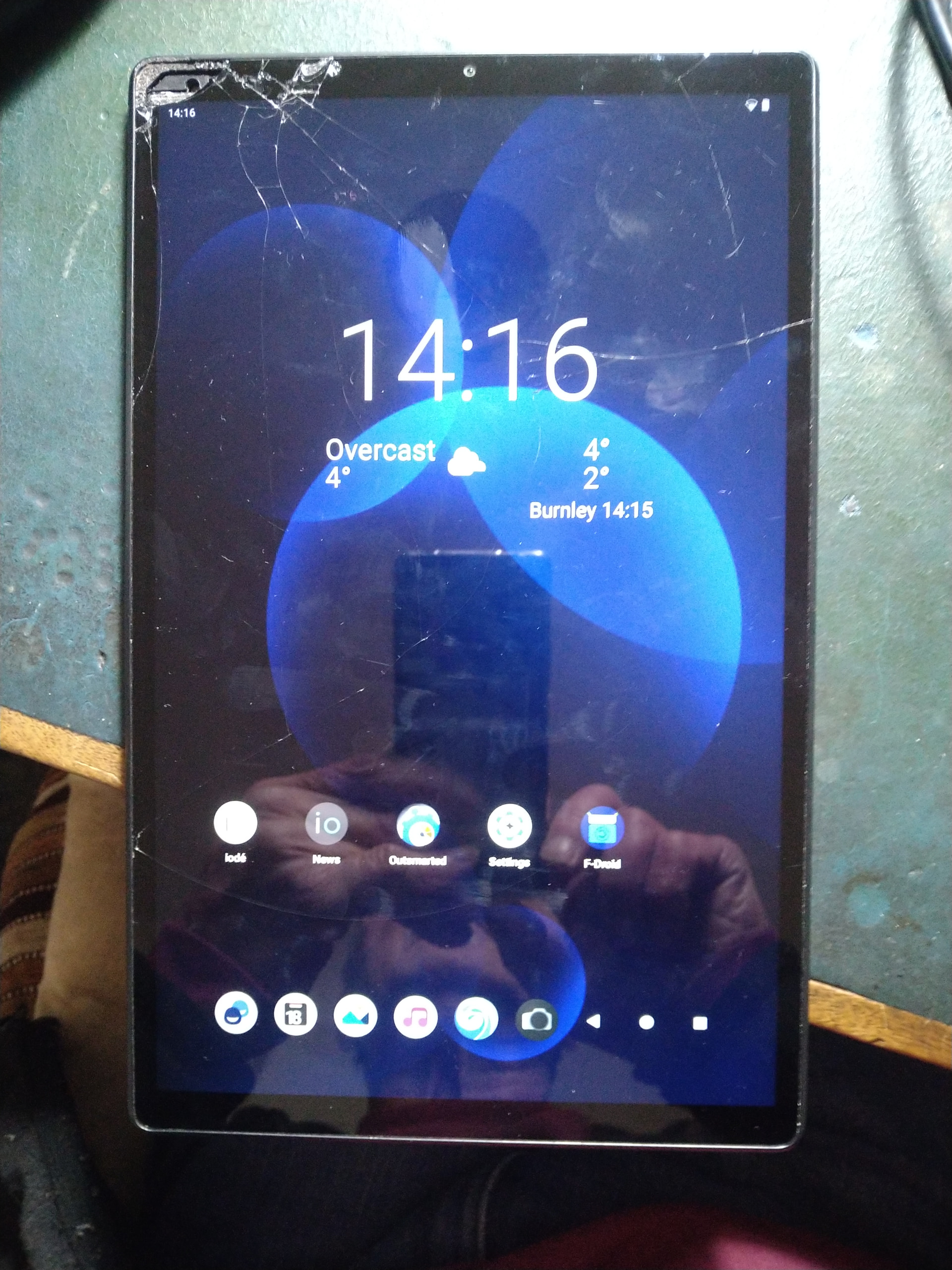
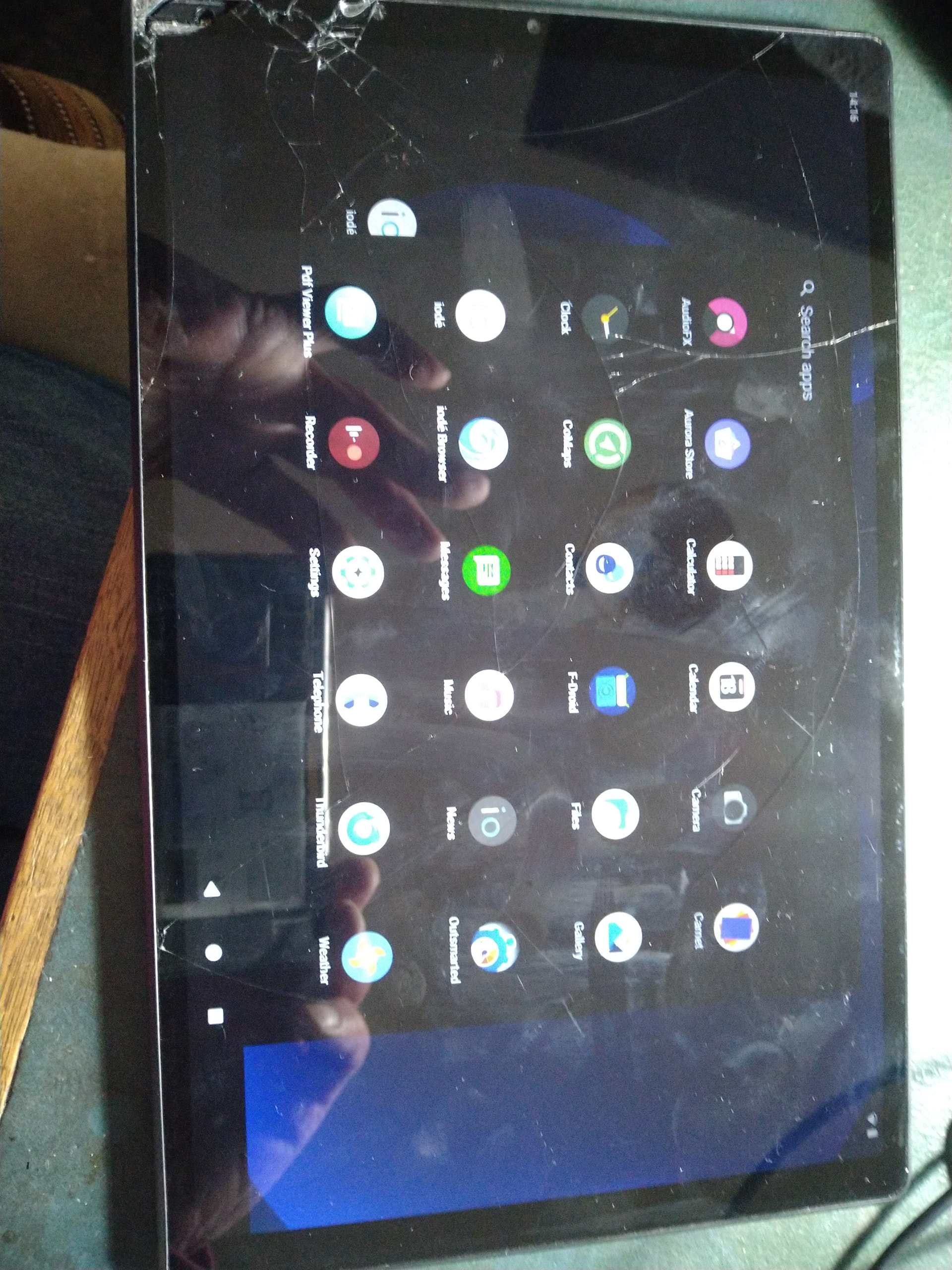
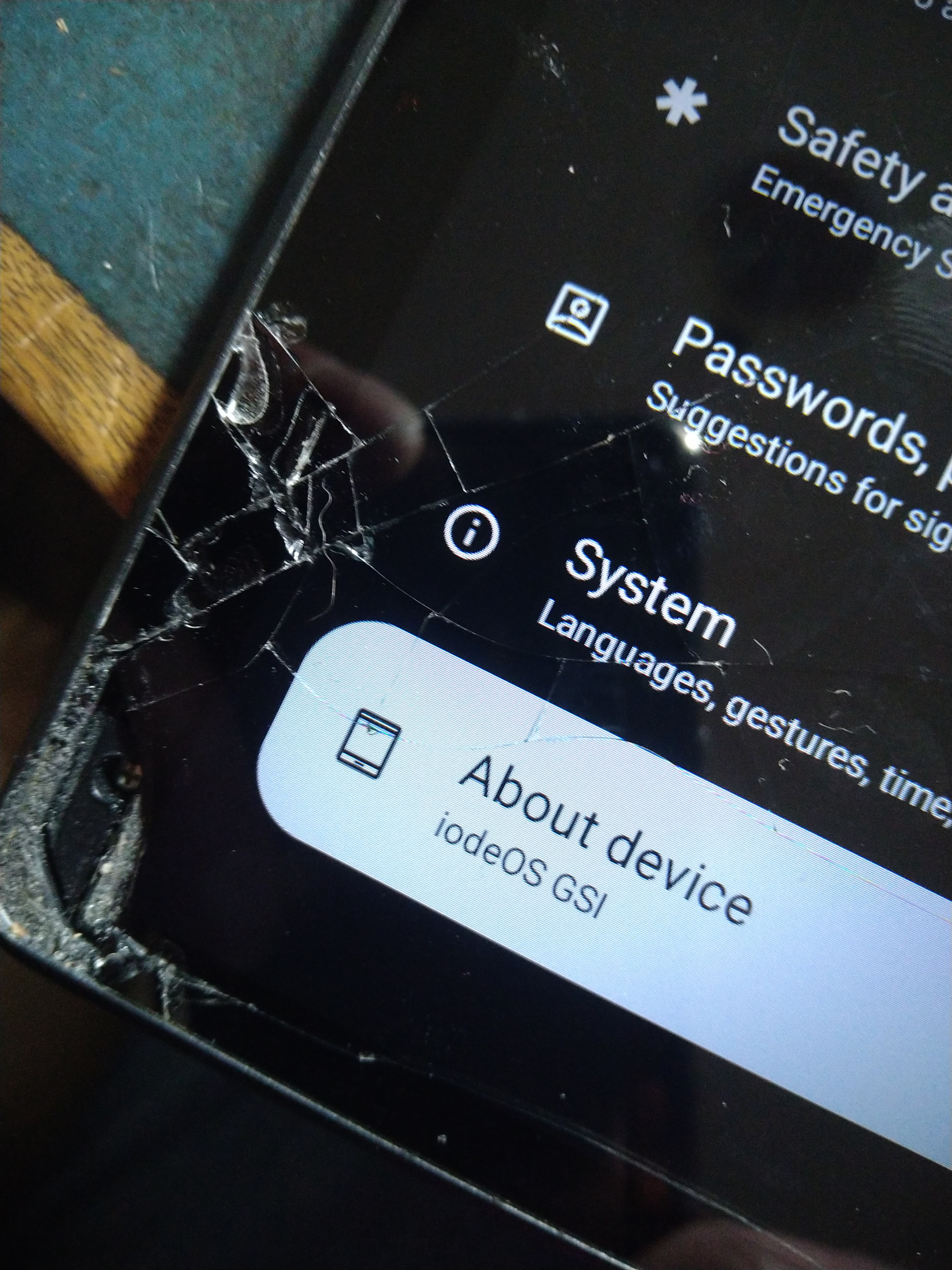
Just been playing with a Lenovo M10 X606F that I bought on vinted for £10. The display is busted but the Gsi seems to run fine on it. It’s wifi only so no SIM to mess with or test. Managed to unlock the bootloader with fastboot but had to do the fake vbmeta.img trick in order to disable dm-verity before it would install.
A new screen is on order at £25 so will test it once it’s fitted as the touch sensitivity is a little iffy at the moment as you can imagine. The Xperia 10 ii Gsi install is excellent with no snags yet, so I might just use this as one a daily driver cos it’s mint.
Is there an a15 GSI planned?
The constantly evolving iodéOS GSI 5.2x (A14) is very valuable because it also runs numerous older Android devices, which is not the case with the GSI A15 and GSI A16. I would think it a shame if the iodéOS GSI A14 were to be removed from the iodéOS repertoire in favor of an A15 or A16 version.
I agree. If possbile both version can be kept. As far as I know with a15 it is possible to set charging limit which is a neat feature. Atleast on my device with GSI, I don’t have it.
Hello iodysseus,
I have not been able to find the installation for the Gigaset GS4.
I tried to run the iode installer without finding anything.
Can you give me some advice please.
Thaanks, Mobbs (Novice)
I added links to our GSI installation instructions in the top post of this thread, and the link to the downloads is already there.
Thanks for recognising my request.
I went back into “Sherlock mode” and found the actual GSI build in post #184.
I will try to start with that.
regards,
Mobbs
In post #184 - GSI iode-5.14-20250622-arm64_ab.img is anything but up to date. “Sherlock” would have found it beta version iode-5.22-20260226-arm64_ab.img.xz, but it’s a little safer if you install the official current release iode-5.21-20260123-arm64_ab.img
The Gigaset GS4 system architecture does not support OTA support, meaning that future updates (without data loss) can only be performed manually via a host machine (PC) using fastboot flash system gsi*system.img
Thanks for your information and advice, thats what a novice Sherlock needs 
@Mobbs the first lines from the top post are this:
With that “Builds” link being right to the correct repo (and the 5.21 build that @iodysseus direct linked).
But do let me know how you get in with installing on the Gigaset, I had another user inquiring about it for that device.
The Sony Xp’ 10 ii Gsi install got off to a good start but a couple of bugs have surfaced. One major, one minor. The major one is that every now and again it receives a call that doesn’t create any visual or audible notification of an incoming call waiting to be answered. The call is not registered in the call history either. It only came to light recently as you would expect but if anyone has any pointers as to where the problem may be I would be more than grateful.
The other fault is fairly trivial by comparison in that adjusting the zoom in or zoom out on the camera causes the app to crash. Not exactly a deal breaker for a point and shoot person such as myself I have to admit, but may be to others hence the heads up.
Update on the 10 ii Gsi install is that I have been checking the phone over and found a loose antenna connector (loose but not detached), that I have since resolved by replacing it. So far the phone seems to be behaving itself, but will give it a little longer before adding it to the list.
The camera crash issue remains but it could maybe be resolved by installing a camera app’. Is only the zoom feature that seems to cause the crash, the rest of the camera works ok but needs to be noted.