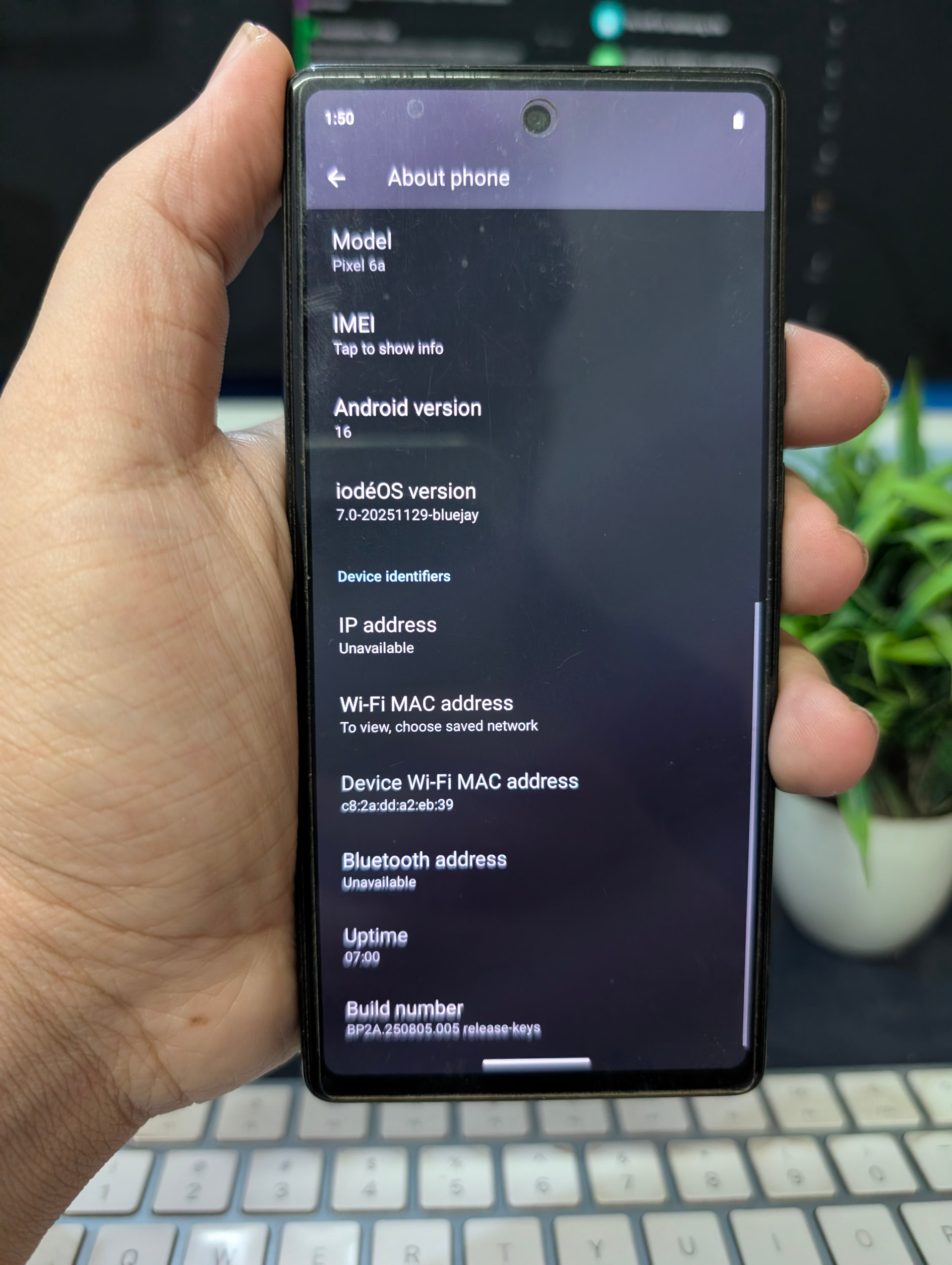
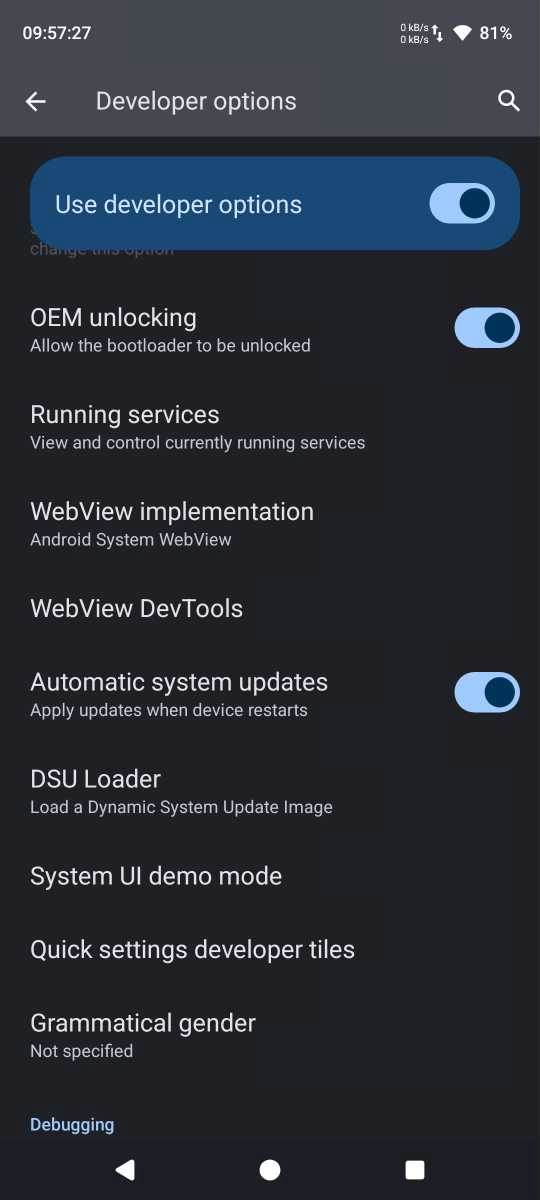
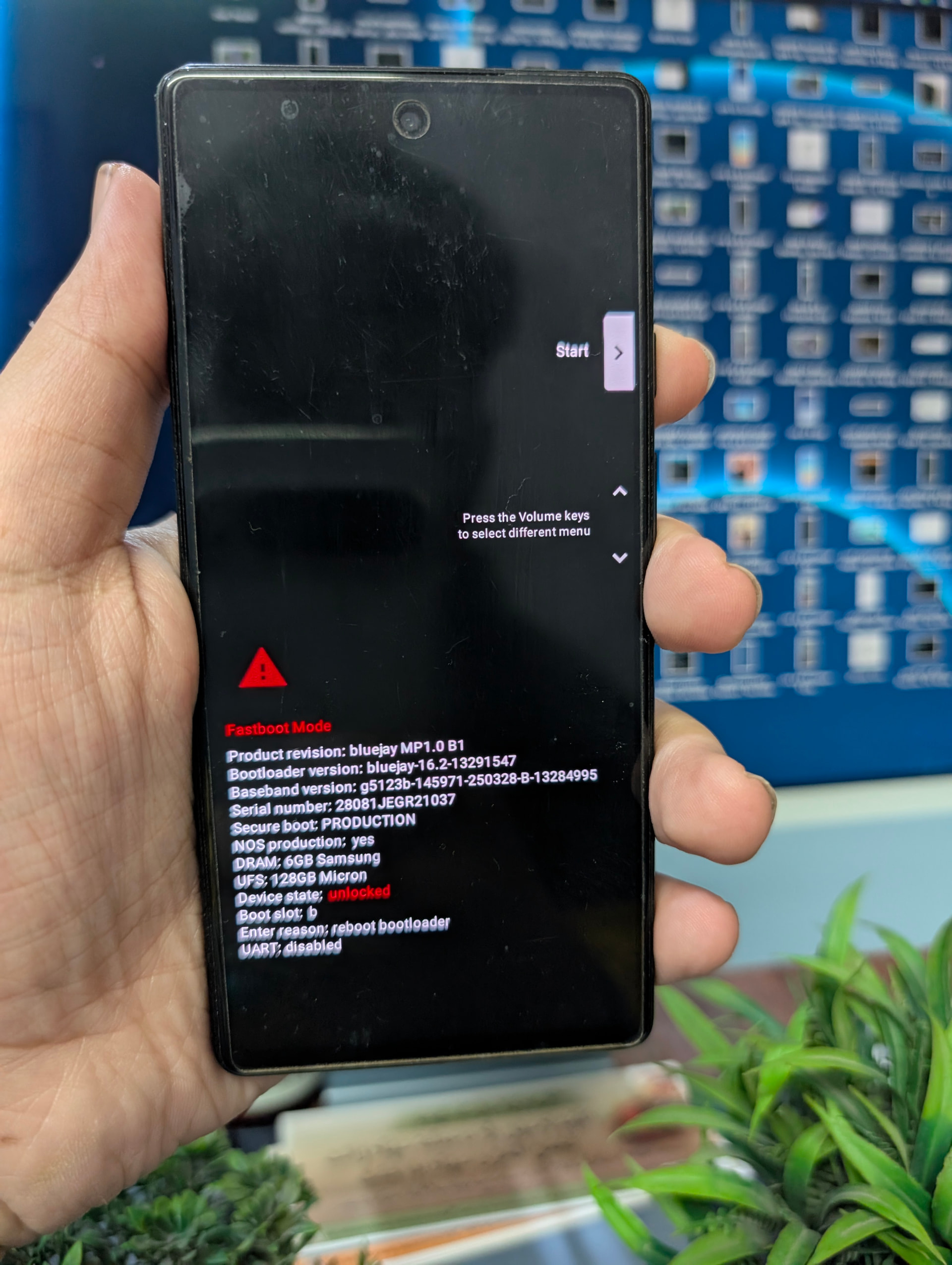
So I have just flashed iodeOS 7 Android 16 on my Pixel 6A and locked the Bootloader. Once I got booted to the OS, the first thing I did was to try and enable OEM Unlock. However, that isn’t possible in the current build as the Settings menu crashes when I try to enable OEM Unlock.
For me, this is a cause of major concern as anytime something goes wrong, I use to flash the stock firmware and get my device back to life. However, as of now, I’m stuck here with no way out!
Came from Stock Android 16 [Canary version, though it should not be a cause of any concern]… And did the manual flashing [via the Fastboot ROM] not the ioda installer. Have taken this route numerous times in the past without any issues.
Did a factory reset as well but to no avail. Now installing the OTA image on top of it, let’s see what happens..
UPDATE: Did the OTA as well but it didn’t fix… Downgrade might fix the issue but cannot flash it as cannot enable OEM Unlock and OTA doesn’t support downgrading.
So it seems I’m stuck with iodeOS for the foreseeable future
@rik@anon73588713 The Google account was indeed added to my device.
I also went through the logs and the FRP is indeed active:
12-12 16:53:37.954 29135 29135 E OemUnlockPreferenceController: Failed to check OEM unlock allowed

12-12 16:53:37.954 29135 29135 E OemUnlockPreferenceController: java.lang.SecurityException: FRP is active

12-12 16:53:40.585 29135 29135 E AndroidRuntime: FATAL EXCEPTION: main
12-12 16:53:40.585 29135 29135 E AndroidRuntime: Process: com.android.settings, PID: 29135
12-12 16:53:40.585 29135 29135 E AndroidRuntime: java.lang.SecurityException: FRP is active
So is there anything that could be done currently from my end to rectify this issue?
After taking the logs, I once tried enabling OEM Unlock but it once again failed! Then I booted to Fastboot to check out the get_unlock_ability value but before that, just tried out the fastboot flashing unlock command, and guess what- the bootloader is now unlocked!!
I know it doesn’t sound right, but it looks as if the OEM Unlocking was enabled in the backend, it’s just in frontend, the toggle isn’t being shown as enabled due to some UI issues.
And the best part?
Even after unlocking the bootloader and booting to the OS, the OEM Unlocking toggle still cannot be enabled! But now that the bootloader is unlocked, it’s of no worry!
So If anyone else stumbles upon this post, do try unlocking the device via Fastboot, maybe you can achieve success!
That is indeed amazing news, the other person wasn’t that lucky.
I’d still flash the phone with factory images again so the FRP partition gets wiped (I hope the Google factory install will do that too, but not sure).
After that you can install iodé again. If you want to lock the bootloader, make sure you start the process with get_unlock_ability at 1, just to be safe.
Did you check that value at a previous point?
If not, then yeah, it probably was at 1 the whole time.
Good news! There have been other Pixel reports of crashing Developer Options and other tertiary hardware interaction issues that resulted from having a non-stock ROM previously and/or Android 16 when flashing iodéOS 6.x (A15 based). Anyway, glad you got it to be able to be unlocked again.
As @anon73588713 suggests, I would also make sure that “Allow OEM Unlocking” is enabled, reflash from flash.android.com and then reinstall iodéOS just to make sure all is working well.
I have not yet tested installing iodéOS 7 on top of A16 from Google. I have a bit of question about the “Security Patch Level” of Google’s build being newer than iodéOS 7.0, which I think incorporates October patches. Maybe it will work, it would be interesting if you are willing to test. Then, if you have trouble installing iodéOS 7 on top, you may have to flash an A16 build = or older than October from Google, then iodéOS again.
If the SPL is indeed lower that’ll trigger rollback protection once the bootloader is locked. On a device with get_unlock_ability at 0 that’s a full brick that can’t be recovered from (not without EDL at least), for the Fairphones that means sending it to Cordon and a 30 € fee, no idea how much Google charges for that
If you decide to test it, make absolutely sure you’re at 1, or don’t lock the bootloader at all.