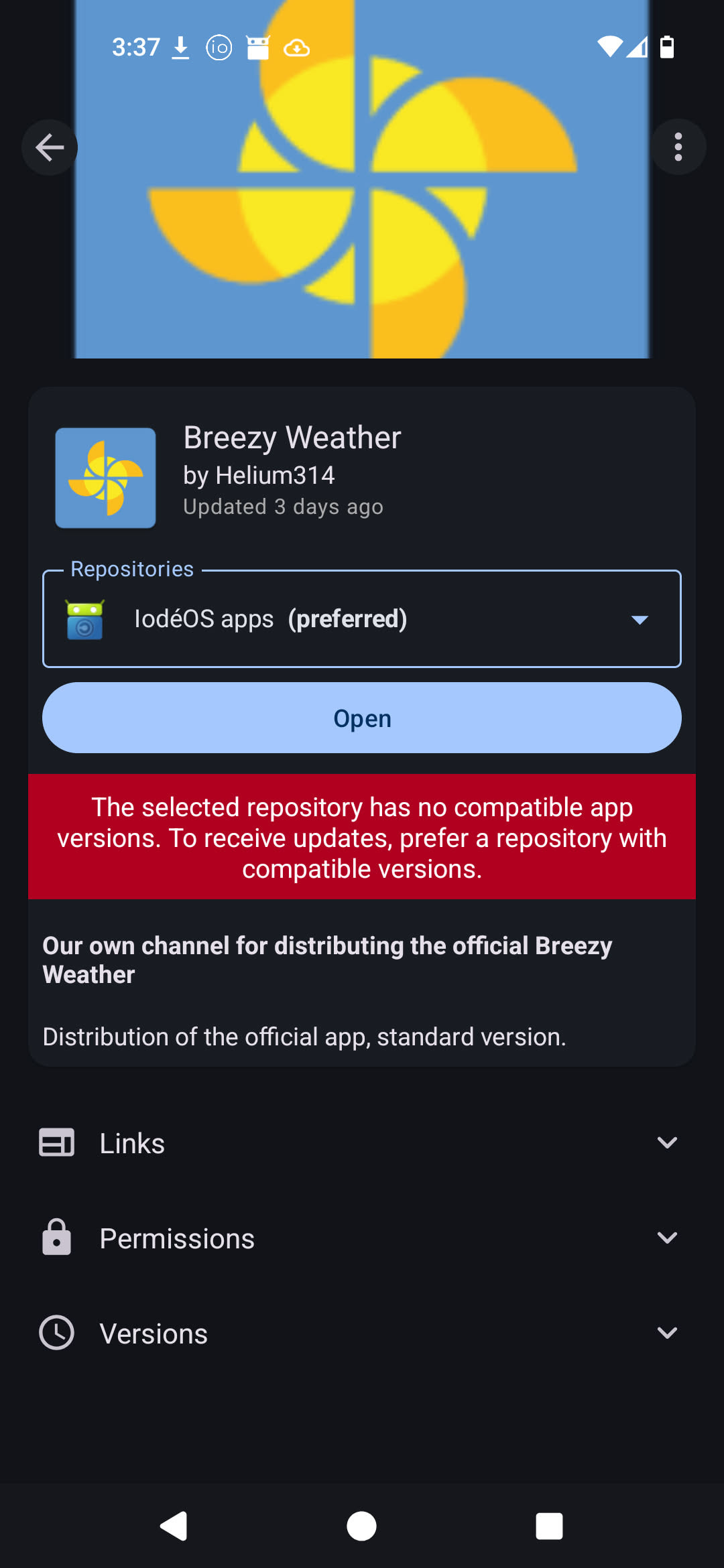
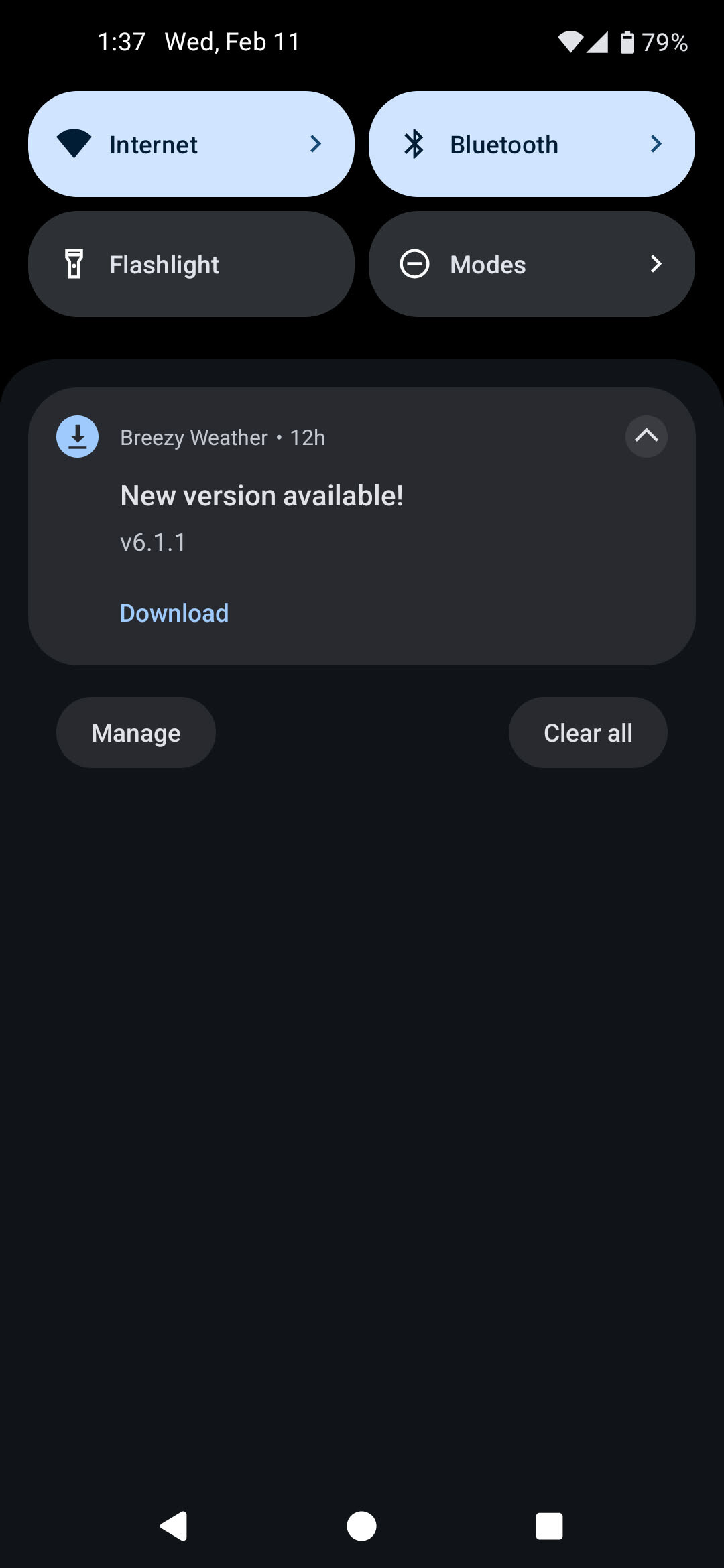
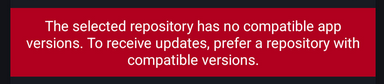
Please don’t have the default weather app installed for the Pixel 4a 5G (bramble) image, or have the official iode repos distribute all the available CPU types – the version available in the iode fdroid repo doesn’t support the chipset so i have unending notifications from the weather app about an update I can’t install, because it’s marked as a system app and i can only disable the app, not uninstall it, so i can get the updated version from the official repos.
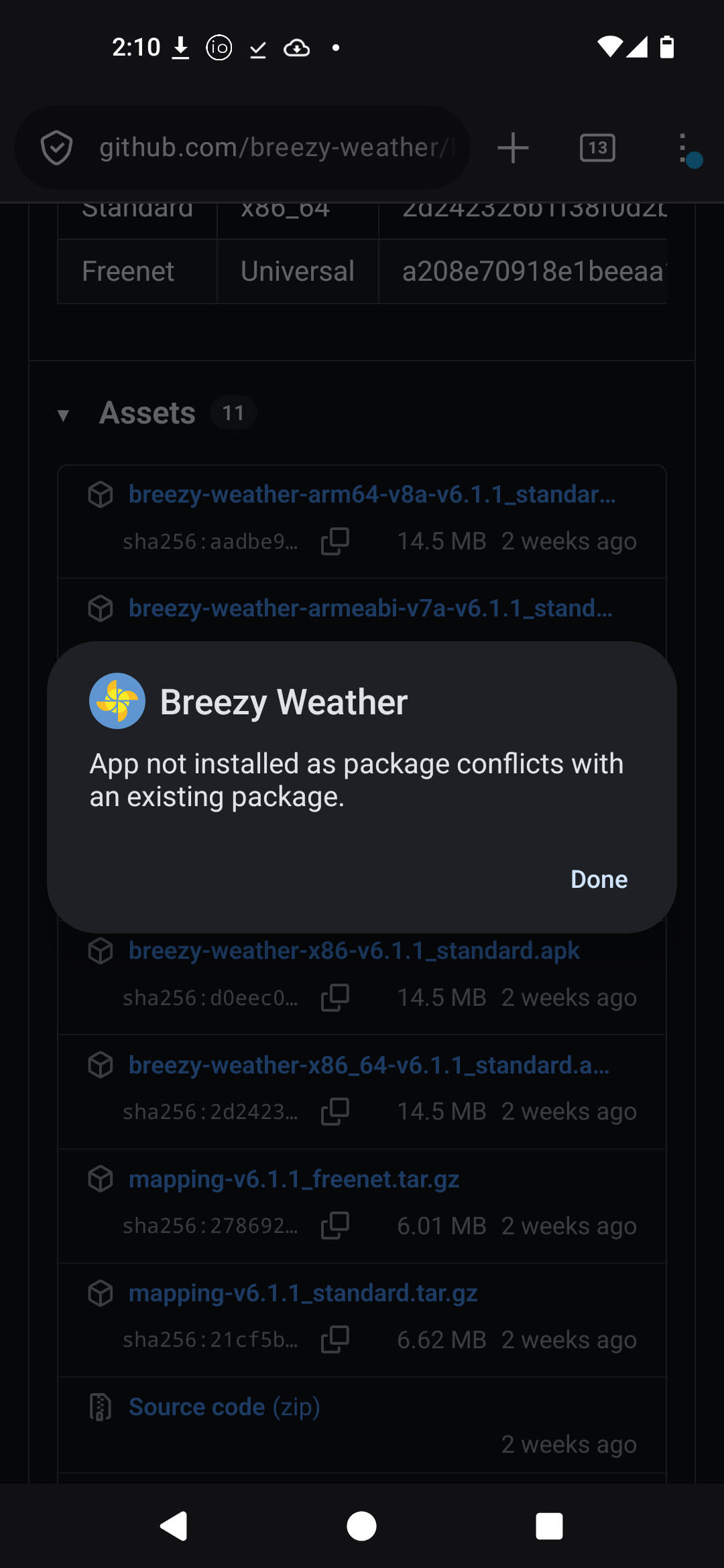
@toydragon I moved this to a new issue. I am quite confused by the problem though, it seems to be with the new Breezy release itself, as if you use the dropdown to prefer the “F-Droid” repository the same error shows. I’ll pass this to the developers, it is certainly an issue.
But to the notifications, the “updates” issue from Breezy is not about the app itself not able to update, but instead one of your configured location sources is not publishing data. In the USA, for example, this happens with Breezy Weather providing a deluge of notifications when one of the configured sources doesn’t publish data for the item it is configured for. This used to happen for Pollen (but now I think it is disabled by default) but will happen now I think with some of the weather forecast things using Open Meteo by default (instead you need to use NWS or Accuweather). Follow the link I posted to see how to edit the providers.
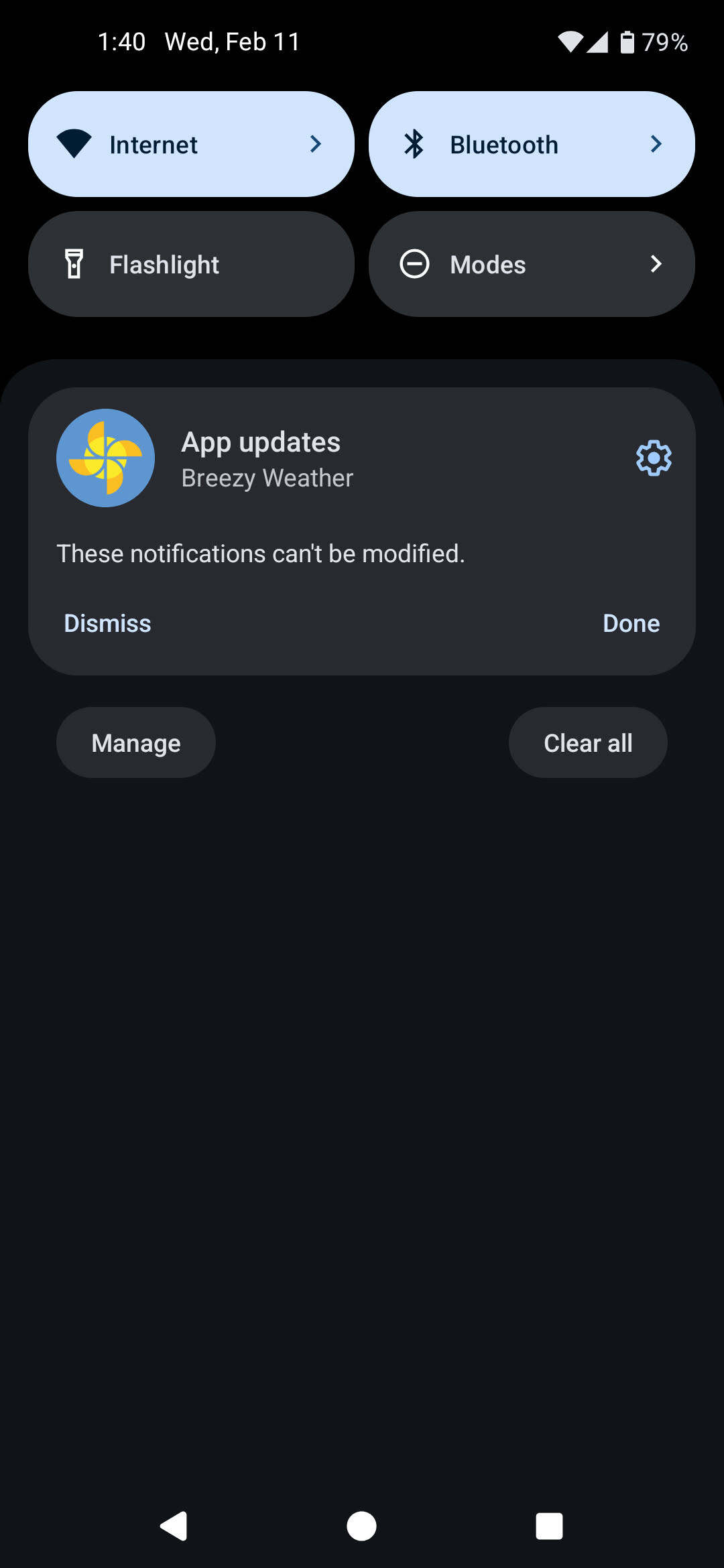
And as I cannot install the package manually due to it being a system app and the package is not updatable via fdroid, AND for whatever reason is configured so i cannot modify the notification settings to put it into the silent notifications category. I’m just glad that the system at least let me change the ringtone for these notifs to silent so my phone stops trying to get my attention each time the app decides to tell me to update, but, i’d like to be able to be rid of them entirely!
I have to constantly dismiss these which pop up multiple times per day for me. Which has finally frustrated me to the point of, well, posting about it it lol
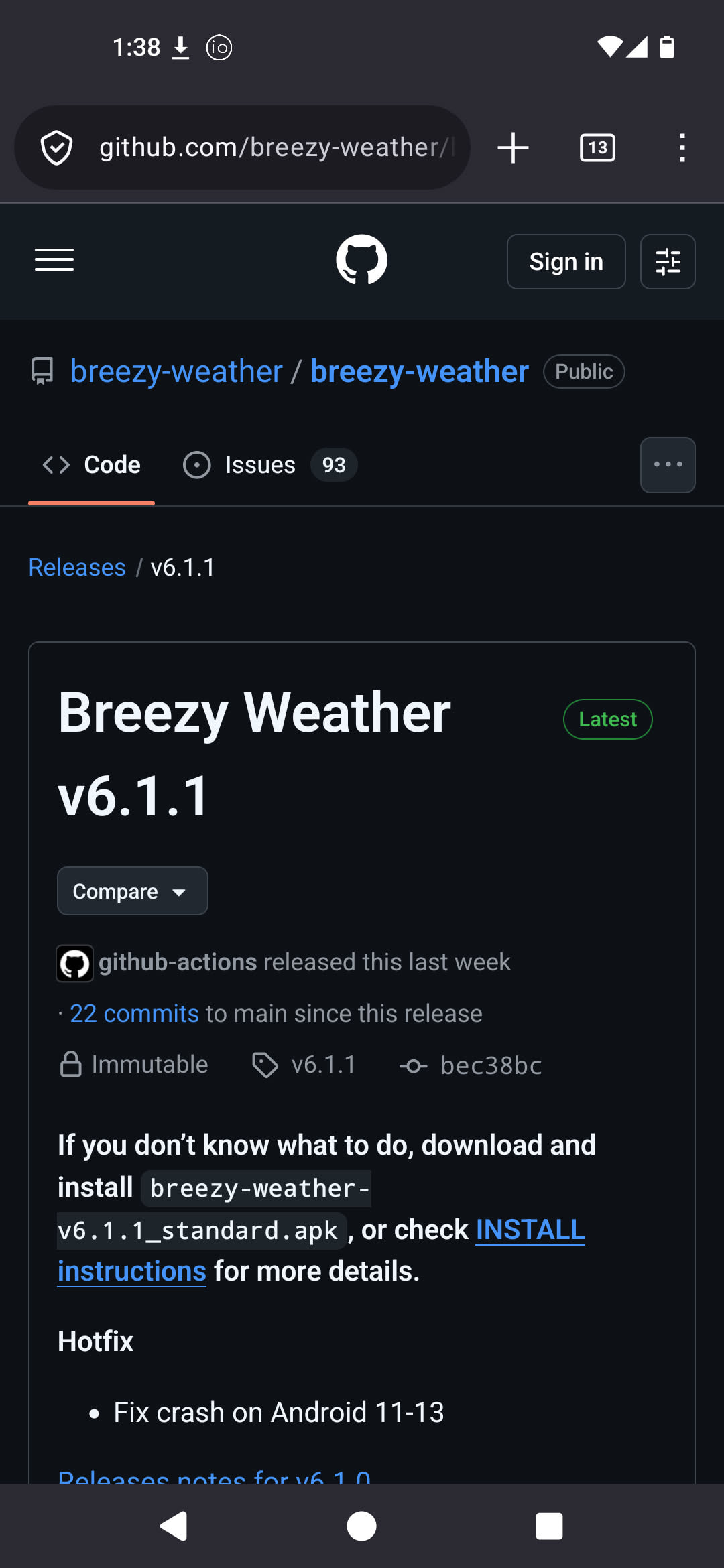
Why? You can update system apps manually, just like user apps. The normal (non-Freenet flavor) on GitHub is signed in the same way as the release in iodéOS-F-Droid.
I feel a bit dumb, I did not find this section before. It’s still frustrating that I must disable it in-app instead of from the android notifications control workflow, but at least this one gripe is resolved!
That’s odd, because a few days ago, the latest update actually had an incorrect signature in both flavors, which is why I couldn’t update. However, this was corrected after a few hours and then the update worked for me too.
Yes, I think that is right that their 6.1.2 build (which we just pass through to our repo) had the problem, I see they quickly released 6.1.3 and I don’t see the error anymore.
Hey,
another round of the Breezy Weather signature issue. This time (for the past five days), only this incorrect signature has been appearing. It seems that Breezy Weather is now using the new signature (the iodé third-party-F-Droid-Repo also has the new signature). The iodé team should replace the signature of Breezy Weather with the new one in the next iodéOS update.