Hi All - I was just trying to manage my Home Screen and add an additional page to rearrange icons; and what I understood was the standard android function to do that (tap and hold on the home screen) does not seem to work - it just brings up a small menu which doesn’t include any options for managing the home screen pages (only the settings). I’m sure this worked previously a few weeks or a month or so ago?
And I can’t find anything in settings by searching for home screen, pages, or similar…
How is this done in iodé?
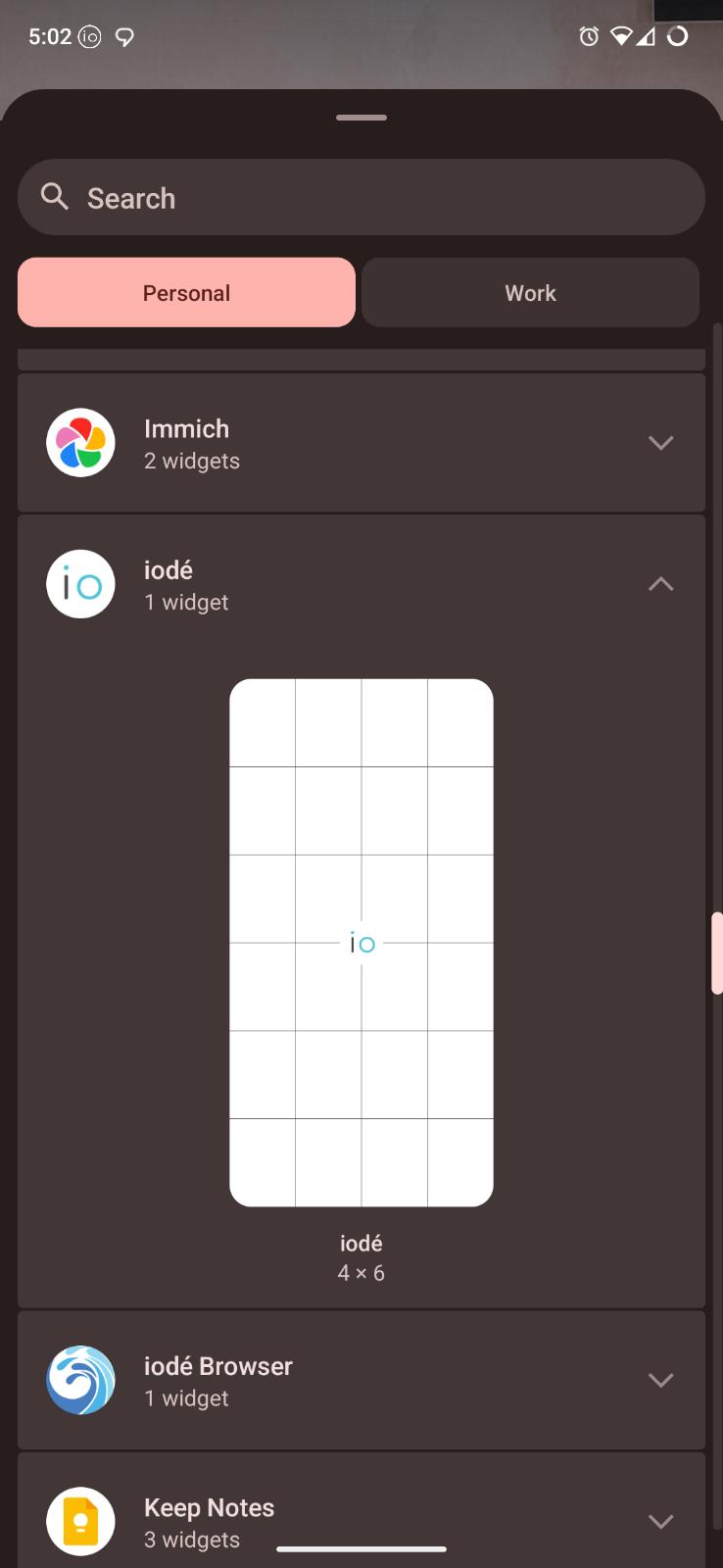
Also in the process of trying to do this I deleted the iodé app full screen widget’s page by accident (and as a result the widget). How do I add this back?
To add a new “page” (or “Virtual Desktop” to use Linux desktop terminology) you just hold on an app icon (or widget) and then drag that to the new page. Pages are only created with an app or widget on them, they can’t be created without something on them.
To add back the widget, hold on an empty part of the screen and choose “Widgets”, you should find the iodé widget there, find it and drag to a place on an existing place (or again drag farther to make a new page for it)
Thanks @rik - I must have figured that out originally and then forgotten it again!
Unfortunately that doesn’t work. I was aware of the widget menu but there is no entry for the iodé app. I also cant find anything in the in-app settings nor the main system settings app either…?
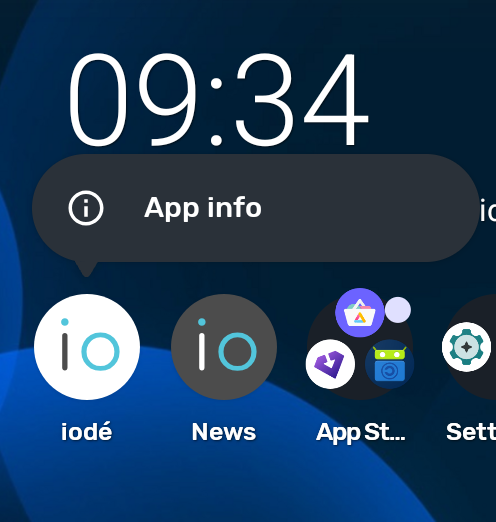
And if you long-press on the iodé app icon, you don’t see a “Widgets” entry below “App info”? This is strange indeed. Is this your brax3 or other, and what specific build version are you on?
Can you re-clarify what patch this is, I think you mean the issue with the app completely blocking all network… (I still am confused about that :-)? Otherwise I have the same device with the same build as you and no problem. Possibly resetting the storage / cache will help but I wonder if the patched iodé app possibly broke widgets?
It wasn’t blocking all network access for me but applying the patch fixed the intermittent (2-3 times a day) loss of all internet access across all interfaces (i.e. mobile data on both SIM and any and every wi-fi connection).
@rik just an update - The iodéOS 6.9 update finally fixed the widget issue for me - I’ve been able to re-add the full page widget back to the home screen since updating…
So I can recheck the original issue I reported again; will do so over the next couple of weeks to see if its still present:
Hi, adding to the topic, because kind of related.
I am stuck at getting the opposite: How do I get rid of a completely empty additional homescreen/virtual desktop? I have my main screen and thats enough. but there is another empty one (maybe since the 7.3 update) and I just can find a way to remove it.
Thank you
I just tested making sure no app icons or widgets were on virtual screens and they were removed (so only main screen shows). No widgets on your 2nd virtual screen? What device?
Hi Rik, Thank you
SOLVED, you got me in the right direction: I moved all icons from the one screen to the other, empty one and then the first one dissappeared. seems that the empty one was “main” screen and the other one optional.