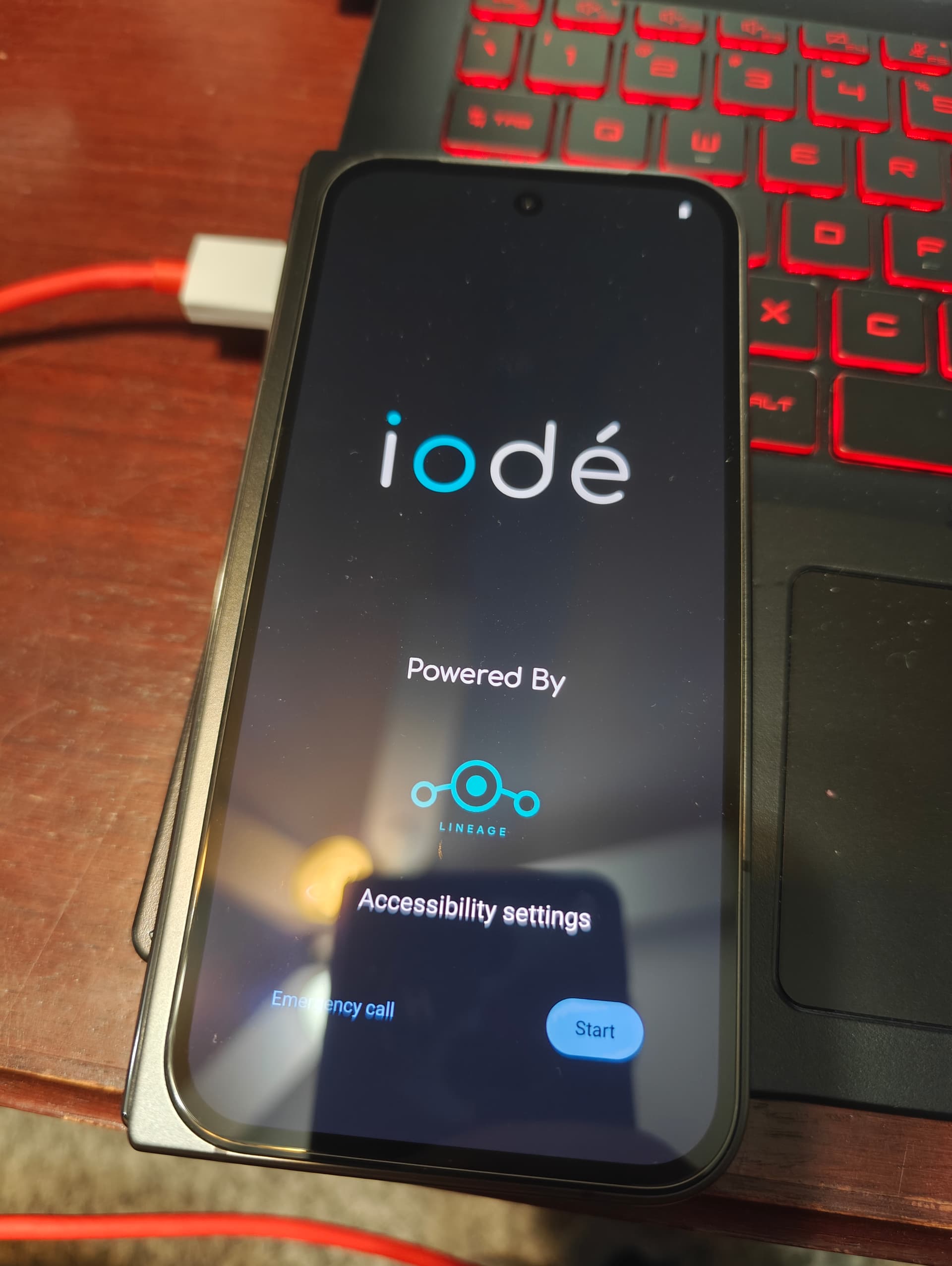
So I’m looking at the instructions for installing iode on Linux, and I’m running into the issue of which <iode…boot.img> to download. there are so many and the only one that seems to work is the vendor kernel, however it doesn’t reboot me into recovery- I get the G, then bootloop. Any ideas?
I moved your post from “installation” to this thread, as the installation tag is for officially supported devices. With the move, I lost your message title, but I think you are asking about a P9P, “caiman”, is this correct?
You should only need the base boot image, this one: <removed>
And then of course the actual image, this one: <removed>
The build process makes all those extra artifacts but shouldn’t be needed. So use these commands:
I have uploaded the v6.5 builds, with again only bonito having been tested. I am giving walleye and taiman another try as well, I’ll update the table if they succeed.
Hello rik,
I installed your iodéOS 6.5 port on my Google Pixel 9 Pro (“caiman”). It runs great – thanks for your work
However, I have had the following experiences:
After installing “…boot.img,” my 9 Pro would no longer start, and I had to install the individual “.IMG” files one after the other according to these LineageOS instructions: Install LineageOS on caiman | LineageOS Wiki
I cannot lock the bootloader again after installation
I cannot install the original Google Pixel camera app (this is the answer to my question above )
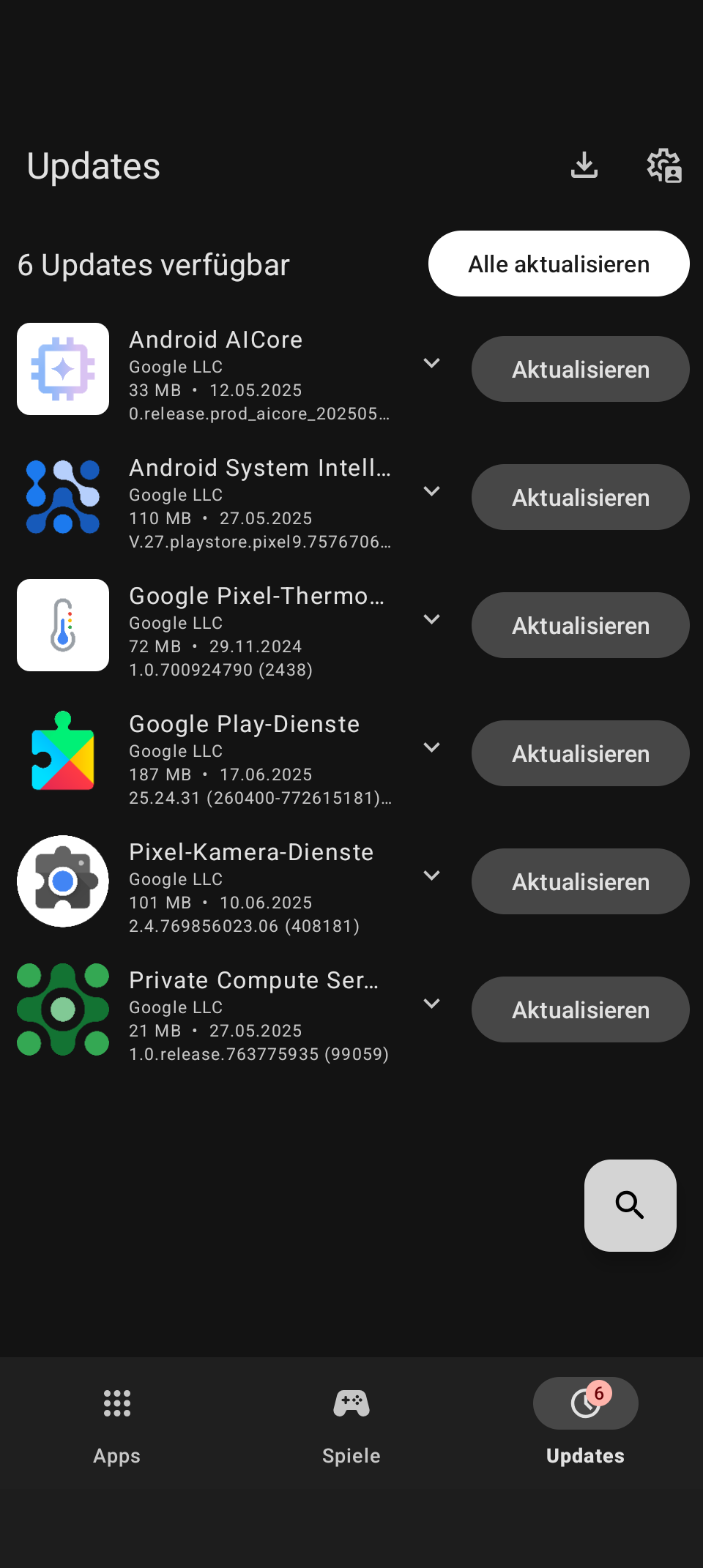
I found a few Google system components (see screenshot). Is this intentional and what data is transmitted to Google? I’m asking because I assumed that iodéOS was completely de-googled…
And I noticed the following annoying little things, which are apparently also present in the official ports:
The lock screen clock does not switch to analog when the corresponding setting is selected – not even after a restart
The sound when unlocking the smartphone is not turned off, even if the corresponding setting is disabled – not even after a restart.
It would be great if these inconveniences could be fixed…
Otherwise, I’m looking forward to the next release
Thanks for the explanation, and glad you succeeded. I haven’t attempted to install an unofficial build on anything newer than a Pixel 3a XL, and I honestly haven’t known when (or IF) the extra build artifacts would be needed. I will try to adjust the top post to note that these extra partitions may need to be applied, noting the LOS instructions should be followed in that case.
Yes that is correct. The LOS 4 microG build process doesn’t have the ability to re-lock the bootloader. I would like to dig into this, but it may not be coming for some time. Note that, in my understanding, an unlocked bootloader is only a risk to an “evil maid attack”, your data is encrypted and safe unless your unlock code is compromised.
When iodé officially supports the Pixel 9 series, it will give the ability to relock the bootloader.
Yes, as noted above please see the GCam Hub ports for Pixel Camera.
I believe the installed versions of these apps are NOT Google versions, but are spoofed components coming from microG. Attempting to install the updates may indicate it succeeds, but in reality I think it doesn’t actually install them. You can long-press on them and add to “blacklist” not have them show in the Aurora Store updates.
Not certain though, it may be better to post an inquiry on these to the general “Apps and Core Settings” category for broader input.
By “official port” do you mean the Google builds? I haven’t noticed these issues, but could test. Again this may be better to comment on to the “Apps and Core Settings” category (please keep to 1 issue per thread so we can keep it on track and mark solved when it is indeed solved).
@ronnz98 - I’m very glad for the taimen update. It already landed on my phone yesterday. Local update didn’t work for me but flashing from recovery did the job.
@ronnz98 I second that, thanks for the taimen and walleye updates. My attempted builds for those continue to fail with various partition sizing problems (running out of space). There may possibly be a bit of a bug in the lineageOS 4 microG build process because attempting to pass larger partition size settings is not taking effect as I expect. Or maybe the problem is between my keyboard and chair . Regardless, could you share more on your build environment? I don’t think I will look at it closely this week but would like to resolve why my builds are failing for those 2 devices.
The solution is easy if you know how. Sorry for not explaining it earlier.
I’m not fully sure since it is different in the several AOSP but you need to look where the prebuilt apps are for iode (vendor/extra I think?). There you find a file which is called common.mk and you need to comment out or delete some apps that are not mandatory for the system (eg. Thunderbird, Aurora App etc). I do not remember how many prebuilt apps I removed, but you can see how many space / partition size is the maximum for this devices and count the difference
Sorry everyone, I didn’t start the 6.6 builds yet, I have been quite busy helping out with the release of the brax3 phone. But will get these builds rolling in the next day or so.
OK, all 6.6 builds I make have completed, and bonito has successfully installed via Updater App > Local update. Others are untested, let me know if you find any issues!
This might be a dumb question. I alrwady have lineage on my 9 pro fold, then i found out about this. Do i just do a full install like i did for lineage but replace the .zip file, or do i onoy have to install a certain file ?
Im okay with erasing the data to do a proper install if thats needed
Thanks
I am not sure of your recovery, but you would need to install from recovery using adb sideload of the .zip. Cleanest would be to just install the iodé recovery with fastboot, then boot the new recovery, then adb sideload the .zip. The bottom of the top post walks you through this. Good luck!
You can try to not wipe your userdata (that is what we mean by “dirty flash”), but if there are issues you may need to do the “factory reset” which will wipe userdata.
Im using the lineage recovery i believe. The process is what i assumed but wanted to verify. I will do tge full install as i have not used the device enough to care about wiping it.
Thank you.
Thank you so much man. I got it installed (A little hiccup not being able to get the recovery installed, but it installed fine with the lineage recovery.). Just one more question, I want to make sure I am reading it right, since this is an unofficial build we don’t get OTA updates correct ? and if that is so can we download the new .zip files when they come out straight form the phone and do a local update that way ? or does it have to be done with a computer ? Again thank you for all the work you are doing with these you rock.
OTA is something we will get working, as we host the images on the the <removed> server and the process is relatively straight forward to set up (I had been also intending to do this a few months back but have gotten behind). Look for that ideally in the next month
Regarding manually installing new updates while waiting for me to get OTA running, yes, you can download on the phone and then in the Updater app you choose 3 dots > Local update and point to the downloaded .zip file.
NOTE: probably when I get OTA working I will need to change the signing keys to use the lineageos4microg keys. When the key switch happens, you would need to apply the (first) new build via recovery (but will NOT need to reset your data). Then after that OTA should work all from the Updater app (ideally).

 )
)
 . Regardless, could you share more on your build environment? I don’t think I will look at it closely this week but would like to resolve why my builds are failing for those 2 devices.