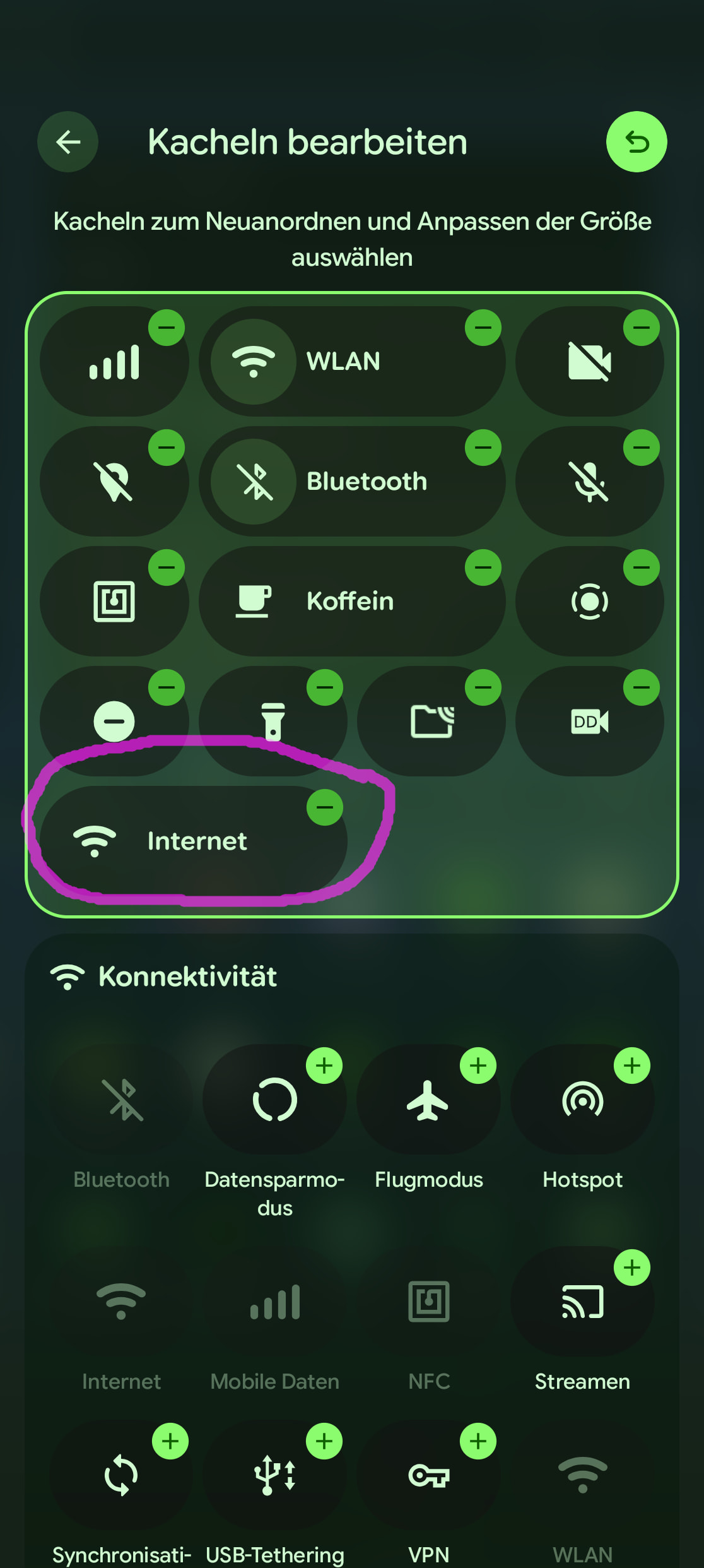
I have mobile data generally switched off and only turn it on, when necessary. This is because so far i was using regular android and wanted to minimize tracking. I finally managed to switch to iode and put a mobile data tile onto the top pull down menu in order to switch it on/off quickly.
Everytime I switch it on though I get the message “turn on mobile data
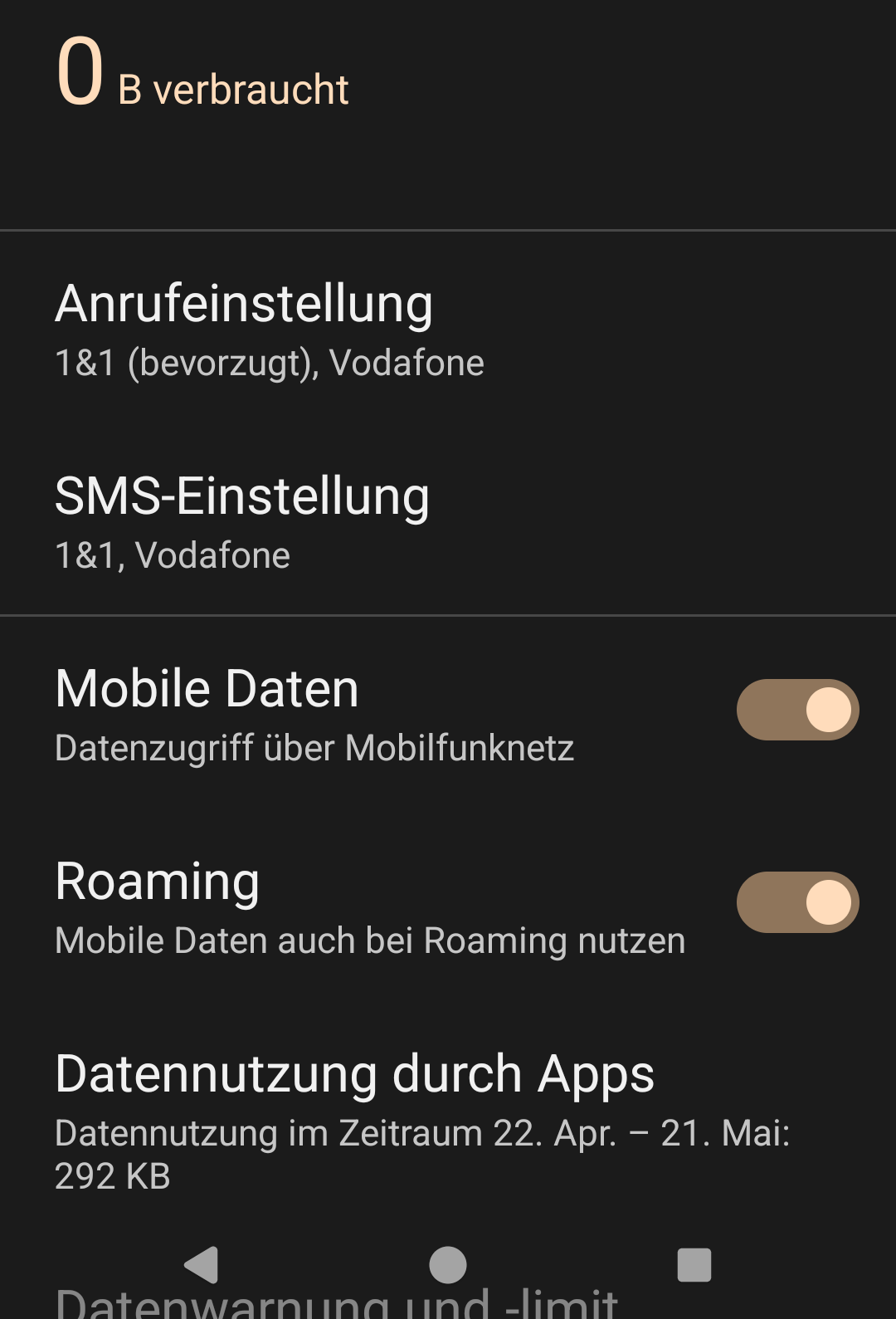
using mobile data may incur charges based on your mobile service plan” and need to confirm it. I switched off all data limits and warning in the settings, but its still there.
Is there any way to get rid of this useless(for me) message, that I have to confirm everytime?
Is there generally any point in turning off mobile data in iode or is it so private anyway, that its not necessary/useful?
Which device do you use? I never had that warning.
Is this a system notification or possibly from an app?
I put my trust in the iodé app and I disable complete internet access in Apps Info for every app that does not need it for functioning (but only for ads and tracking), and background data for all apps that only need internet access when I use them. That’s why I don’t disable mobile data any more.
You could use the “Internet-tile”, this will show a overview of all internet-connections and you can turn on mobile-data without a warning-popup. However, for some reason this toggle shows a warning-popup if you turn off the internet instead That’s inconsistent design if I’ve ever seen one.
To be honest I also wish these popups would be gone. It makes sense in the settings-app but not if someone purposely adds a QUICK-settings tile to QUICKLY toggle it.
I see. now i know what you were talking about consistent designregarding warnings
This one doesnt have the warning to switch on, but its still two clicks. well i might have to live with it. Thanks anyway
Mobile data tile: On gives warning (two clicks), off one click.
Internet tile: On gives no warning, but i need to choose Mobile data (second click), off gives warning (two clicks)
adding the pulldown, thats at least three clicks to switch on and two to switch off.
So no way to one-click activate mobile data. deactivate yes.
I would love a single shortcut on my home screen that just switches mobile data on or off. I think this used to work ages ago. Can I deposit feature requests like this somewhere for iode, or is iode meant to be as stock as possible?
Thanks
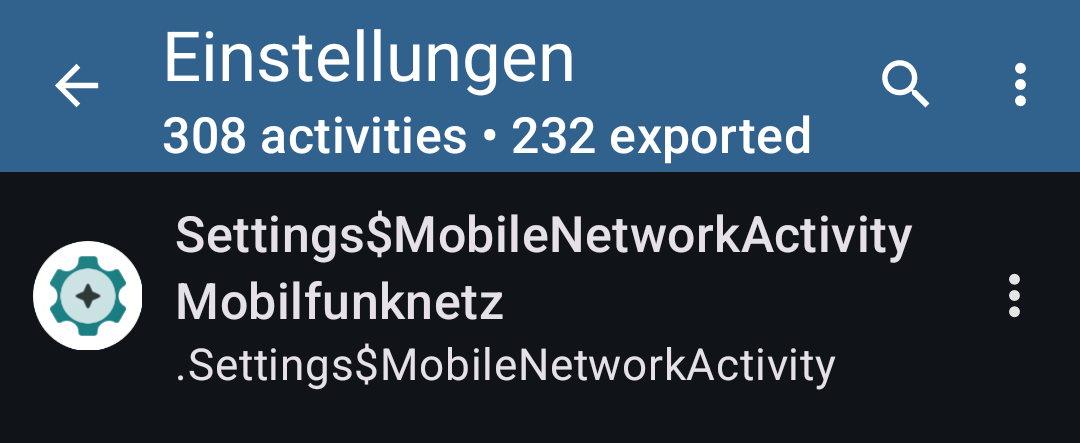
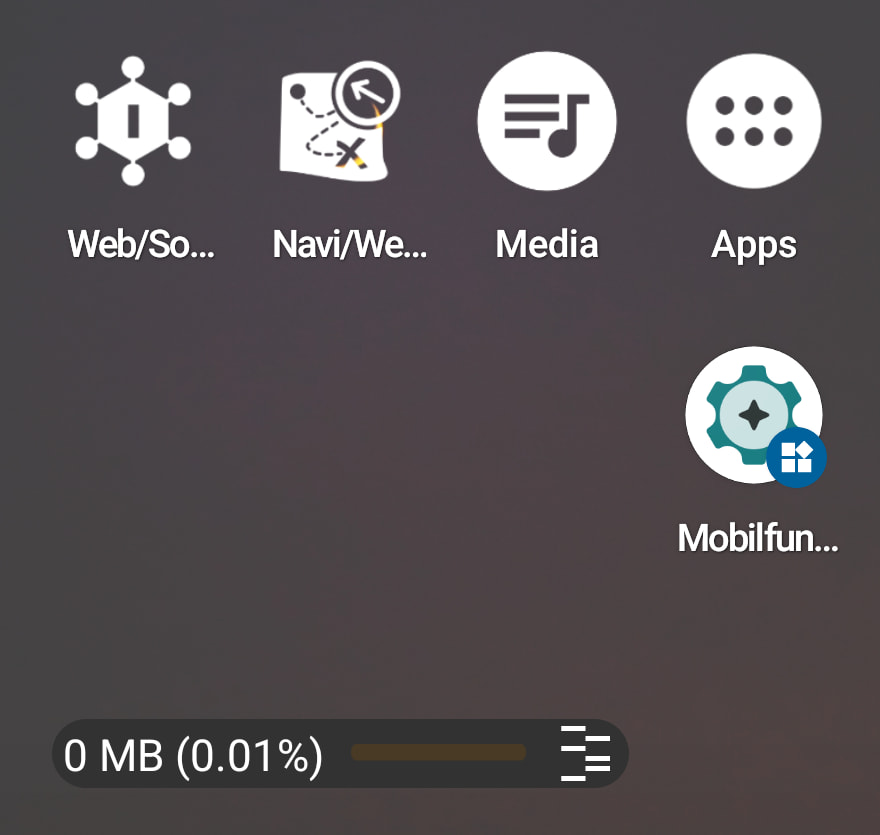
Shortcut on the Home Screen for Mobile Data: Install the “Activity Manager” from the F-Droid Store.
(there are many shortcut options) Search for “Settings” and then for "Settings$MobileNetworkActivity. Then create a shortcut.
Thanks everyone, I consider it solved, as not really possible @MissPiggy not there and would be on the lock screen not home, wich also means a few clicks
@volker01 tried it, but that only takes me to the mobile data page of settings. doesnt create a single click toggle.
It is not there yet, which is why I suggested that the developers might put it there.
Lock screen: Less clicks than home screen (you do not need to wake up the phone and enter your PIN).
I use this feature on my lock screen to mute the phone. All I need to do is double tap the phone and long press the button for the mute-shortcut. That’s it. On the home screen, I would need to double tap to wake the phone, swish upwards, enter my PIN to access the home screen and then press the shortcut.
I see, my use case is different. I use my phone without mobile data a good part of the time. so i would mostly have it unlocked already, when i decide to switch mobile data on. then i would like to just press a tile. otherwise i would have to re-lock, activate, re-unlock. Or plan beforehand if i will need mobile data or not - which is both more complicated than what i have now But thanks for the suggestion anyway
I very much doubt that efforts to limit data traffic will result in trackers sending less data.
Most trackers store the data locally and send it as soon as a connection is re-established – whether via a mobile network or Wi-Fi.
thats what i suspected, but i thought some might not, and therefore i do it anyway.
well now i’m on iode anyway. so are you saying there’s no point in switching mobile data off, especialy not on iode?
Mayby this gets offtoppic, but gets to the ground of your question.
I’m no expert, and I don’t have any measurements to back this up. I’m perhaps a power user and have done a lot of research.
I think IodeOS offers good protection and leaves you better protected than 98% of all users.
My strategy goes a step further: running lots of apps in ‘Shelter’. Shelter is an app that sets up a work profile where you can use apps in an isolated environment. Furthermore, you can freeze apps there, so that they are effectively dead when frozen. Frozen apps cannot log anything. Also, I do not have a Google account active in Shelter; instead, I use the anonymous login from the Aurora Store.
In Shelter, I have installed: meta-apps, Microsoft apps and, above all, commercial apps such as shopping apps, marketplaces, Vinted, etc. Shopping apps – indeed, all apps that rely on advertising – are frozen and are only unfrozen when needed. The downside is that you have to manually switch all apps defrosted and trigger automatic updates in Aurora, so that you actually receive updates for these apps.
In Shelter, you can create shortcuts so that frozen apps can also be launched individually from the launcher.
Setting it up is time consuming but once it’s done, it actually works. The effort while using is limited, and the protection, I reckon, is around 98% of what’s possible if you don’t want to do without these services.
PS. If you make backups, you also have to defrosting all apps.
See @rik ‘s answer which I earlier on received from the e-mail support for a different issue. The iodé team only takes LineageOS as it is upstream with all issues, bugs, glitches and errors - unfortunately. And some LineageOS ROMs are poorly maintained.
 That’s inconsistent design if I’ve ever seen one.