I’m missing somethimg about this topic. Many moons ago, pre-my Samsung S5 I had an app that would write texts if I spoke/dictated these.
Subsequent phones I stopped using voice apps entirely.
Is there a secure app that can be used in iodeOS?
The adage all mics are open mics is true, especially regarding these eavesdroppers we caryy around everyehere. There are occaisions when it would advantageous to be able to dictate a text, memo, idea with an app.
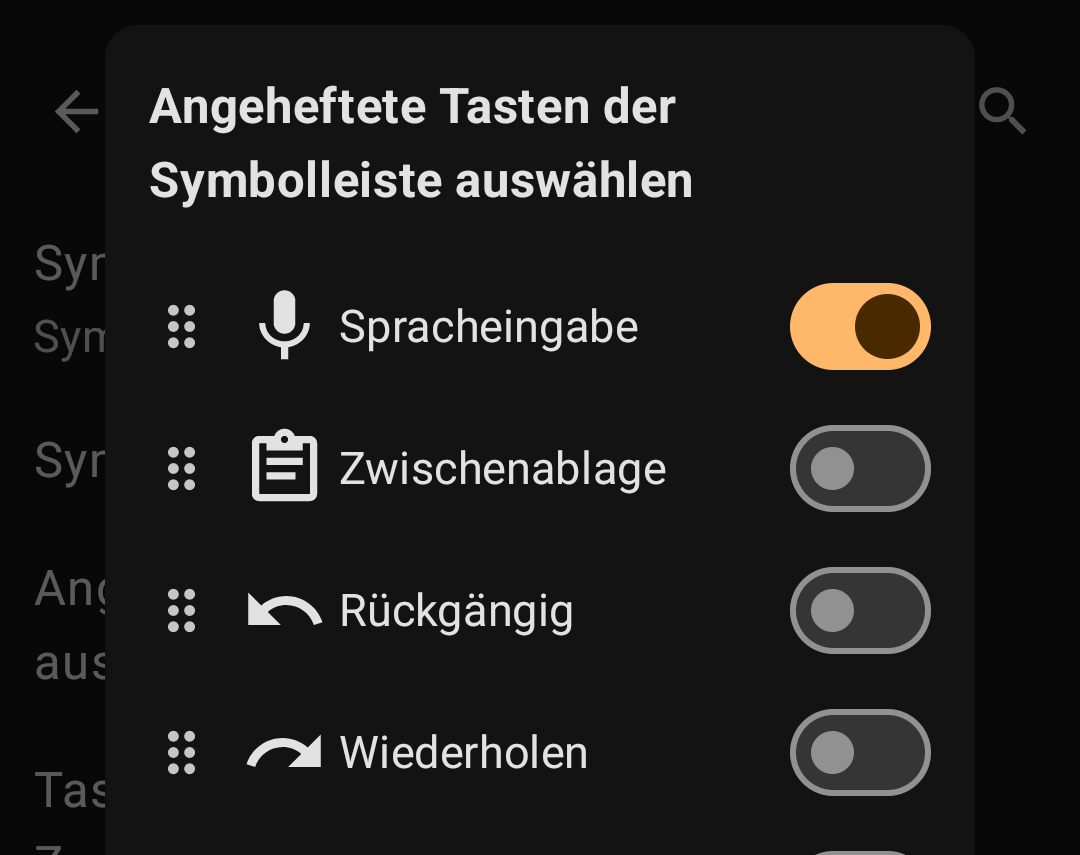
You can try FUTO Keyboard with FUTO Voice. They have an F-Droid repo you can add (find link at the bottom) if you prefer that verses getting them from Aurora (Google Play):
I read earlier today about a new ring Pebble Index 01 - External Memory For Your Brain . The tech seems interesting. What grabbed my attention is the assertion of the open source app that will be used to operate the device. Seriously contemplating this purchase.
How the hell did I miss this after searching for a keyboard replacement for so long?
Damn, the speech to text is quite impressive. Haven’t yet tested it exhaustively, but from my limited experience, it worked quite acceptably for English and Portuguese, even with background noise and music, which is surprising to say the least. My last experience with anything remotely like this a long time ago was quite poor. We have come a long way.
They keyboard itself is also great. Haven’t yet had the opportunity to test drive it thoroughly, but so far it is at least on par with Heliboard, which I have replaced with Futo for now.
Will keep using to see how it goes, but so far I found it quite customizable out of the box, and the settings UI easy to navigate. While next word prediction is only available for English, the “untrained” defaults seem more sane than those of Heliboard or AnySoft Keyboard.
Note that FUTO recommends you pay to use their software and it is not using an OSI compliant Open Source license. I think that the F-Droid version is considered “alpha” that may be why it is free, honestly I didn’t read all the details here but they are intentional about calling it Open Source according to their understanding, while others may have big issues with this: FUTO Statement on Open Source
I do think they are are “good people doing good things” but just wanted to clarify why we don’t have it as default in iodéOS, for example.
Been using both Futo keyboard and voice apps for a couple of weeks. Seems slick enough for my purposes. The voice app works really well so far, haven’t had any mis-types from it. The personal dictionary feature of the keyboard is also easy to use and very straightforward: making it easier for my crappy thumb typing skills to target high use, long words without error more readily.
my trip to South America is only a few days away and I still did not find a good solution to put speech into my dev.davidv.translator Offline Translator app.
I tried whispr+, but I was too clueless to install or set it up.
Has anyone successfully used Offline Translator with an external voice app?
EDIT: After some search for the FUTO-repo (hidden in the depth of their website) I installed FUTO keyboard and it seems to work. Offline. Not well (if I speak German and use the Spanish name of a town, it does not get it), but basic sufficient.
We may be in nearly the same timezone, enjoy the trip !
I still haven’t found better alternatives (with priorities on ease of setup / use and also privacy). But I didn’t look at @klic 's recommendation of “Notely Voice” or @squidf 's recommendation of Whisper+.
As MissPiggy tried Whisper+ but didn’t get very far, do you care to give a bit more help on setup and usage, @squidf ?
 !
!