I own the above mobile gadget. Android 17 is “knocking on the door” and I have to this day blocked it. Does it make sense to update to V17 if I’m going to switch over to IodeOS within the next couple of weeks.
Android 17 will take some time to get ready from LineageOS (our “upstream”), so I don’t expect it until near the end of the year. So do not move to A17 if you are intending to go to iodéOS (that said, you should be able to reflash to A16 first but still that is a bit of a pain).
I am not concerned at all if Iodé take longer for the A17. What would be the reason to re-flash the A16 first? Has it anything to do with the second slot?
Edit:
Would it be a full OTA,16.0.0 (CP1A.260405.005, Apr 2026), image re-flash?
Not having a newer Android version is needed to prevent any accidental “rollback protection trigger” that could brick your device if you plan to re-lock it. It is better to do this version match with stock firmware first.
That shows that it may only be the December 2025 security patch included (? it is a bit hard to tell, many of these devices are shared platforms and pull in bits from other places?). Anyway, if I were you I would get an Android 16 stock version from before last December installed just to be safe. Then you are free to flash to iodéOS and re-lock the bootloader. Better be safe than sorry.
If I understand you correctly I should get the Dec 25 OTA from here. No extra flashing requirements regarding slots, just straight forward?
Looking again at the developers page I’m getting slightly nervous as I blocked the A17 update. See this.
Yes, the OTA download link you have are right, but you can flash directly from the browser using these links: Android Flash Tool using a Chromium-based browser. Get that running Dec 2025 build, do NOT update it: you don’t even need to connect the network.
Good for you blocking the A17 update. You will not face an issue from not installing that, but you may face an issue if you DO install that Google doesn’t explain that too well
But for a “belt and suspenders safety approach” you may want to still set it up offline and make sure “Allow OEM Unlocking” is still enabled in Developer Settings for safety in case later iodéOS relock causes a no-boot for some reason. Then go ahead and use the graphical installer to install iodéOS. If any issue you can just unlock the bootloader again and re-try.
I had a wee go and then stopped for now due to this error:
”fastboot flash recovery recovery.img
Warning: skip copying recovery image avb footer (recovery partition size: 0, recovery image size: 67108864).
Sending ‘recovery’ (65536 KB) OKAY [ 0.200s
Writing ‘recovery’ FAILED (remote: ‘command (flash:) is not allowed when locked’)
fastboot: error: Command failed”
I then unlocked at fastboot though did not continue, awaiting some feedback
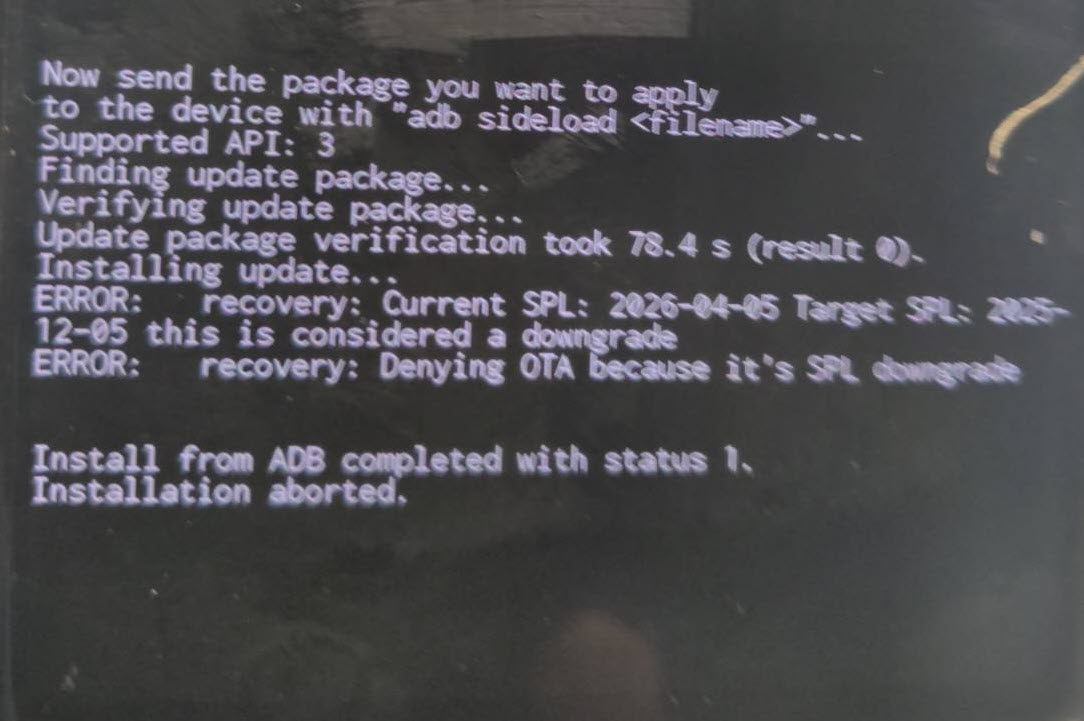
I would use flash.android.com in a Chromium browser to downgrade to “December 2025” Google Android 16 first, then retry. It seems the December 2025 SPL is the newest released and available to us on the Android 16 base with LineageOS / iodéOS right now.
Sorry I am not sure what you are showing me? Is that after flashing an older Android version? If so what version? If December 2025 or older then you are ready to install using the iodé installer!
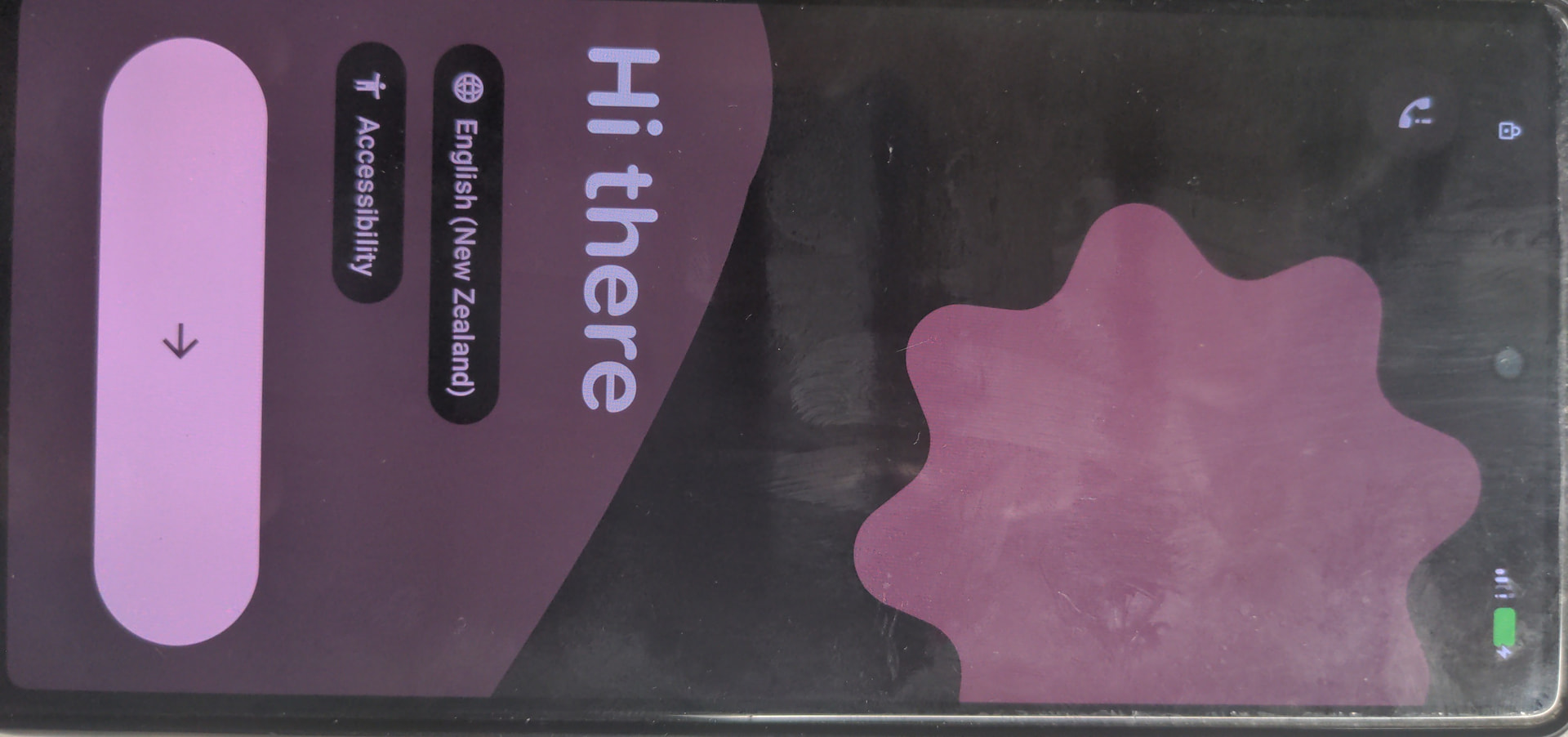
Somehow I’ve got a reset situation and got the 050426 version. Just having troubles with connecting with chrome. Either the cable or something else. I’ll keep trying
I have the December25 update installed and connected to Iode installer and it is stuck at ‘preparing the installation’. My USB drivers are up to date so I’m not sure how to continue as ‘next’ is greyed out.
 Google doesn’t explain that too well