For a Pixel it is definitely “Volume Down” when booting. Hopefully you can get it to stay there. So the screen never shows anything (no boot splash) or it is just black after that?
It is the same situation.
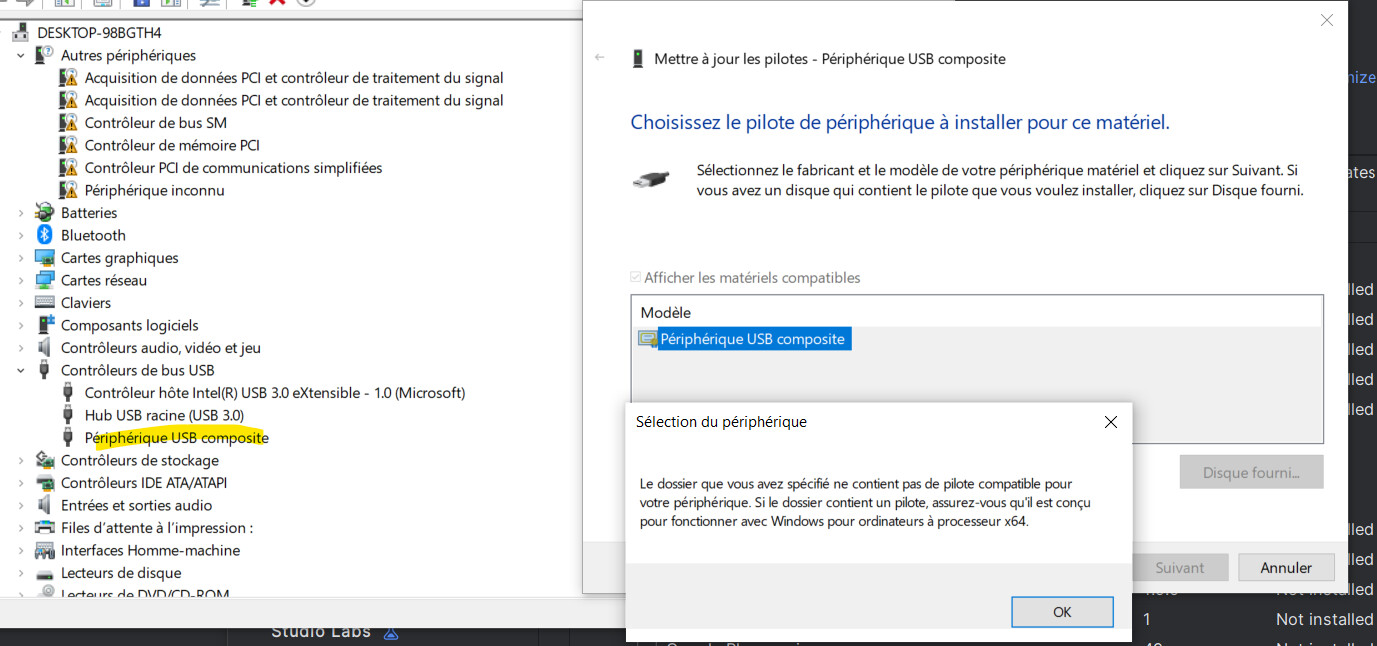
The device seems to be reconized but not in fastboot.
Neither fastboot or adb can communicate with the device.
I don’t know if the problem is that I cannot boot in fastboot mode, or if the computers cannot intsall the good driver.
For experts, the device ID (found in device manager) is : USB\VID_18D1&PID_4F00
This Id is not present in the android_winusb.inf file from google official USB driver page.
When I keep power + vol up + vol down for 30s. The device disappears from the device manager.
It comes back as soon as I plug it back or if I press the power button again.
The iodé installer 3.0 is working just fine. I just successfully:
flashed to Android 15 public stock firmware
installed iodé6.9 using the iodé linux installer to a pixel 7a lynx device
bootloader relocked. Perfect install.
Many things can lead to device brick, that is why it is important to have a trusted computer, a good quality USB cable and USB port and to not interact with the device during install.
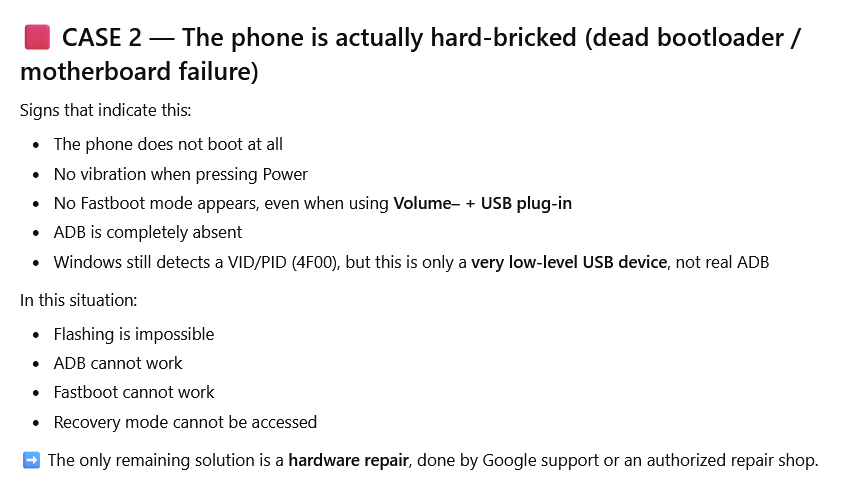
I’m so sorry this wasn´t your experience. I have hard bricked devices before (I once had a whole drawer full of bricks) so I know how painful this can be. But it is possible you are overlooking something and that your device is not hard bricked. I recommend you review the devices buttons, USB port (make sure it’s not full of lint) with a trusted USB cable and trusted computer. Make sure the USB port you are using is directly connected to the motherboard (not a front port on a tower or a hub or other peripheral). With the device off, hold volume down and keep holding it while you plug the device into a USB port. This should get you into fastboot even in the case of a soft brick.
If you can get into fastboot, your device is not hard bricked. Even if you are convince the device is hard bricked, take it to a shop, as a battery failure or charging port failure should not be ruled out. Both can coincide with flashing and plugging and unplugging the device many times. And general hardware failures happen, sometimes they appear when flashing. Though, admittedly, the fact that this happened to you twice suggests user error or computer/cable malfunction.
Convinced your device is definitively hard bricked? Buy another device with a cracked (but working) screen and take it to a shop to swap out the motherboard. functional 7a’s can be found second hand with a broken screen for very cheap, since the screen repair itself costs almost as much as the device.