Hello,
since few days “openeuicc” is closing itself permanently every few minutws.
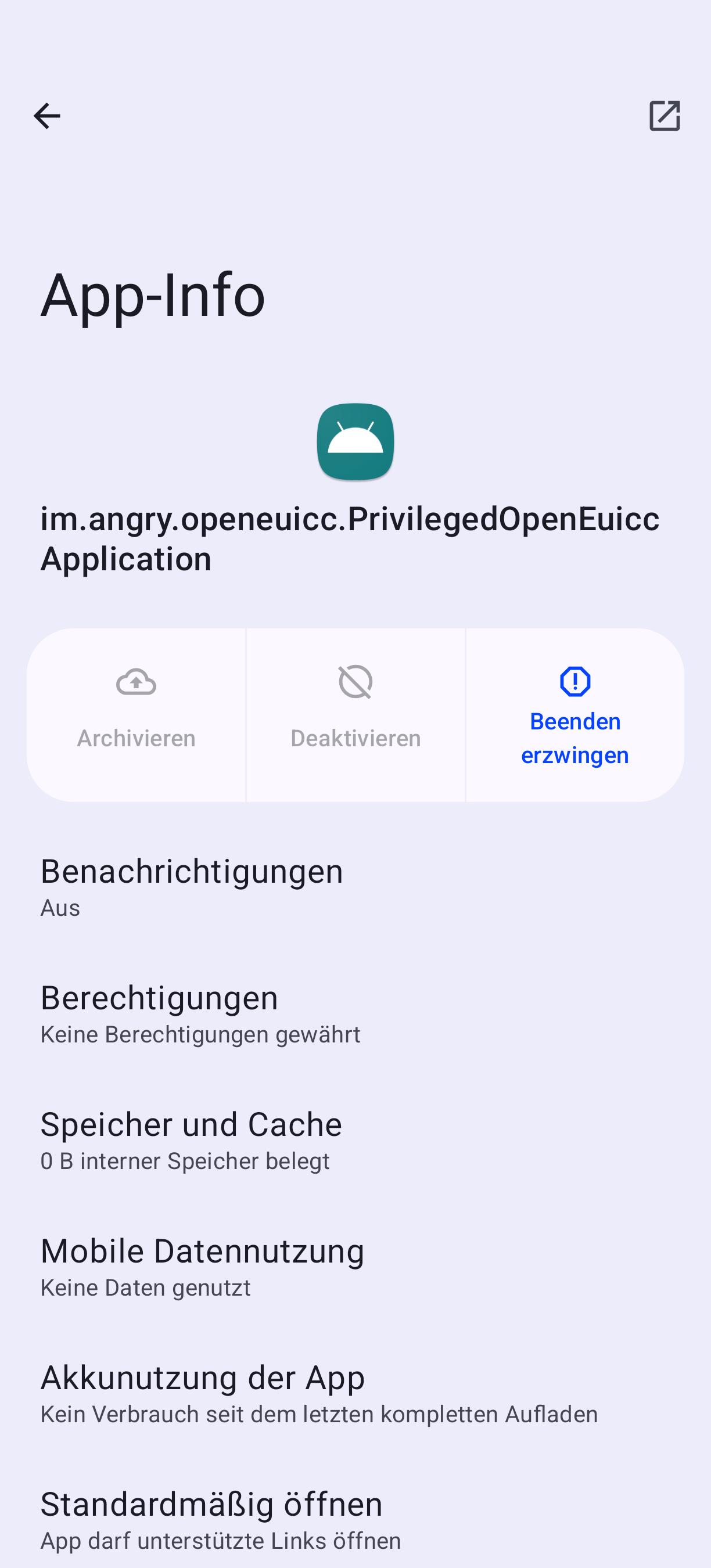
Additionally there is an app named “im.angry.openeuicc…” inside my app list.
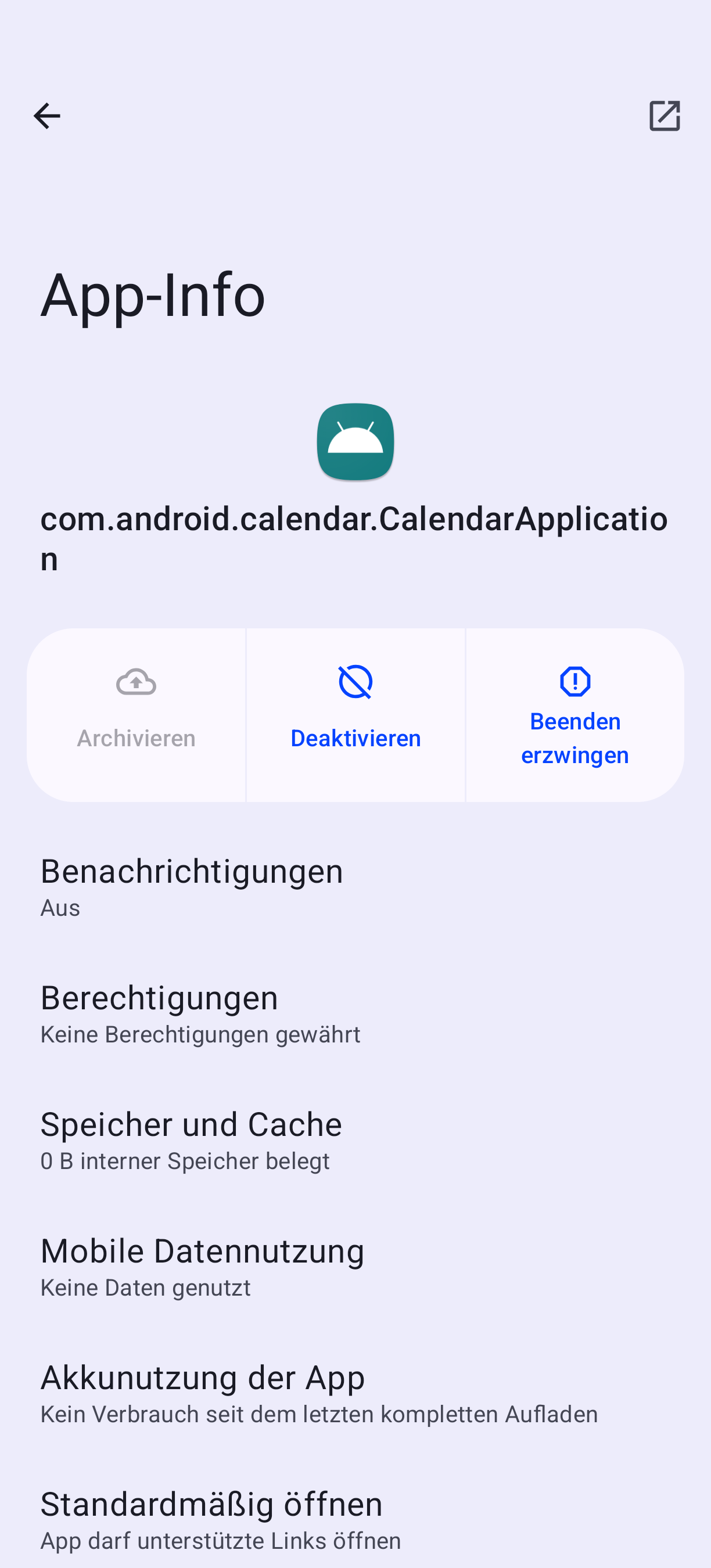
Some android calendar app aswell, both without funktion.
Had that a few weeks ago, solved after a few reboots. Now it’s back. Can’t attach screenshots as i’m a new user.
Any idea?
This is the correct id for OpenEUICC, so that itself is as expected. Do you have an eSIM or a physical? This app is to manage eSIMs. If you don’t use it, then you can disable it under “System Settings > Apps > Preinstalled apps” and reboot.
Do you mean it is continually crashing as well? Is this the default “Calendar” app? It can also be disabled if you aren’t using it and don’t want it.
But if you are wanting to use either of these apps, we need to know a bit more: What version of Android was installed before installing iodéOS? Was everything working before but has just started crashing like this?
Yes something isn’t right. The app id should not include PrivilegedOpenEuiccApplication at the end, that is strange. If I look in my “All Apps > show system apps” I only have the im.angry.openeuicc app. Do you have OpenEuicc activated in “System Settings > Apps > Preinstalled Apps”? If you are using an eSIM you will need to keep it enabled there.
About the calendar app, that app is also not known to me, as the app id should be org.lingeageos.etar for our default Calendar app.
Can you confirm what version of Android you had before installing iodéOS? And you first installed what version of iodéOS if you can recall?
Well. I came from calyxos over here on version 5.5 i think. No Problems until the last update.
As i mentioned, i had that problem a few weeks ago.
Euicc constantly crashing and this app installed. After a few reboots it was gone. The app icon inside the appdrawer aswell.
Now it’s back…
Edit; well, i freshly installed euicc and etar again via preinatalled apps. Then deleted etar again as i use fossify due to it’s month’s widget.
Seems like it’s working now.