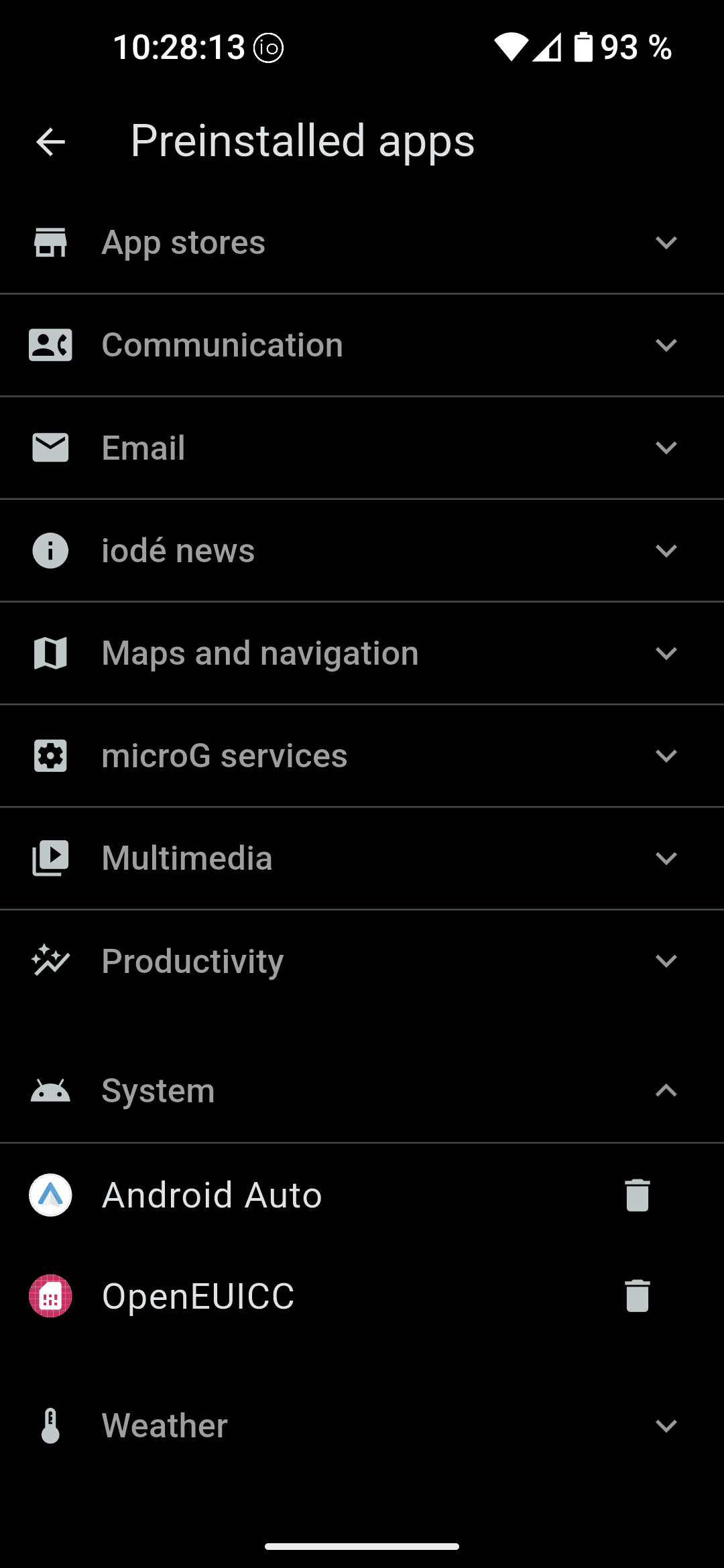
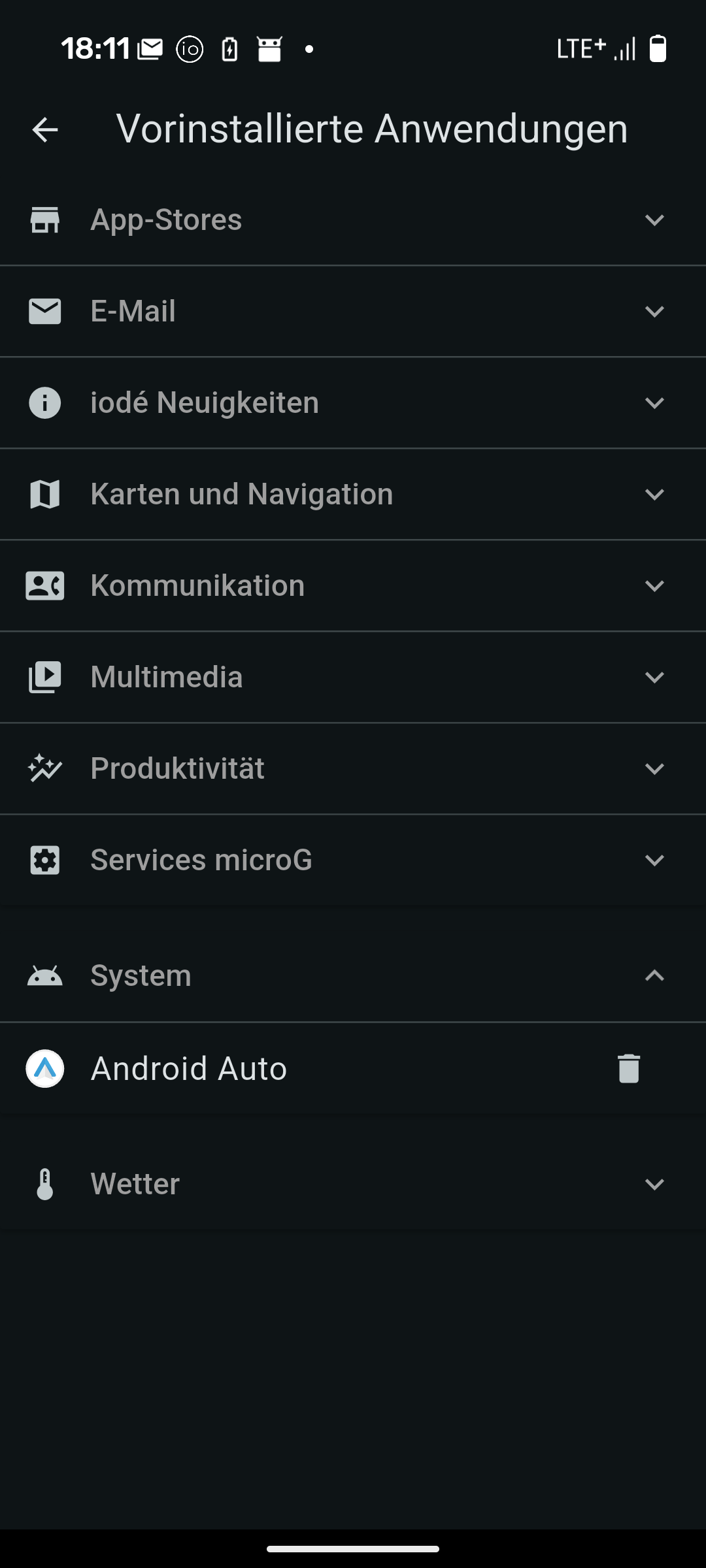
Hello, I wanted to activate a new eSim, but it didn’t work, without any error message or anything else. Here in the forum, I came across several posts with a similar topic, in which the error was often found to be with openeuicc. I therefore reinstalled openeuicc, with the result that it now won’t start at all. It is shown as installed, but I can’t find it in the list of apps. On top of that, my physical SIM, which I actually wanted to replace, no longer works either.
I have already tried installing/uninstalling it several times and restarting my device.
I hope someone has an idea about this. I would rather not have to reset my entire phone.
In addition to the link above from @brinerustle , a bug was found with OpenEUICC included in our recent system updates. A fix has been issued and is installable from our F-Droid repository. So if you update your apps in F-Droid you should get the updated OpenEUICC version.
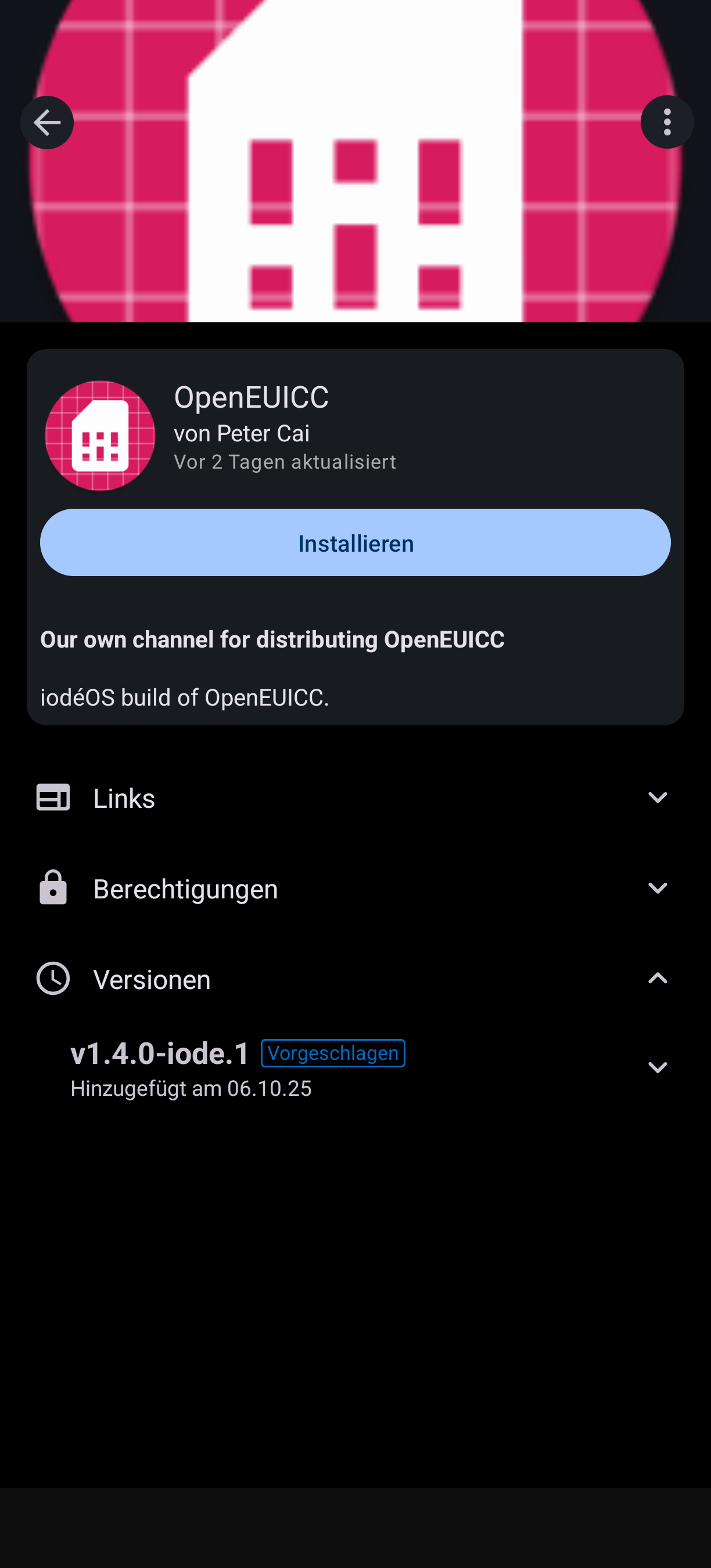
In F-Droid, I only have one version available, v1.4.0-iode.1.
Now my old physical SIM card is recognised again and OpenEUICC is displayed not only in the pre-installed apps, but also in the normal app list. However, it is still not displayed as an icon, so I cannot open it directly and adding new SIM cards does not work yet either.
There also seems to be a problem with the installation. I can install OpenEUICC (according to the message from F-Droid), but when I check in F-Droid, it is not shown as installed.
Repeatedly installing/uninstalling and restarting did not help either.
Can you confirm your iodéOS version from “Settings > About Phone”?
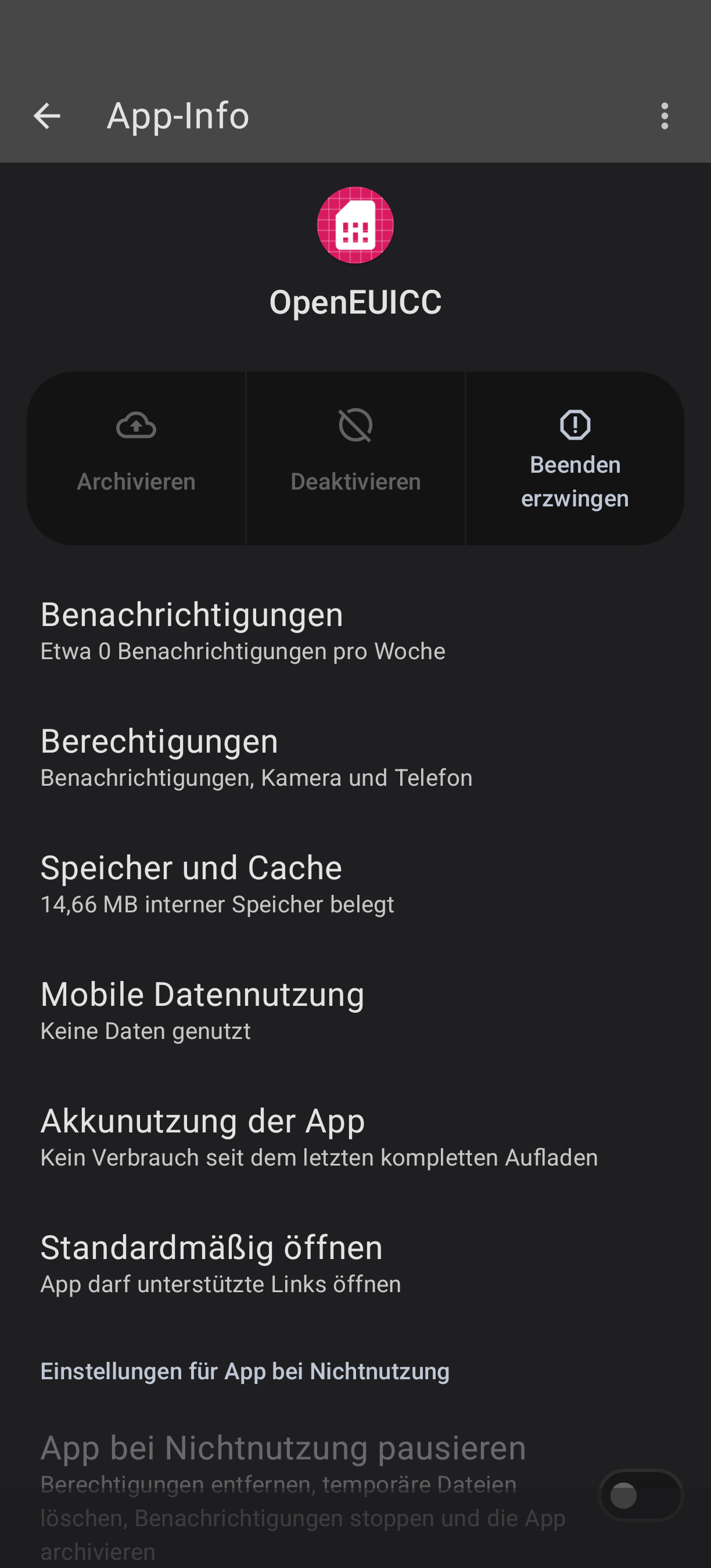
Also, I don’t quite get why it would show in the main App List but not have an icon and not be openable. Can you long press on it there and choose “App info” view the info about the app. Can you reset data there, or click the arrow in the top right to launch it directly?
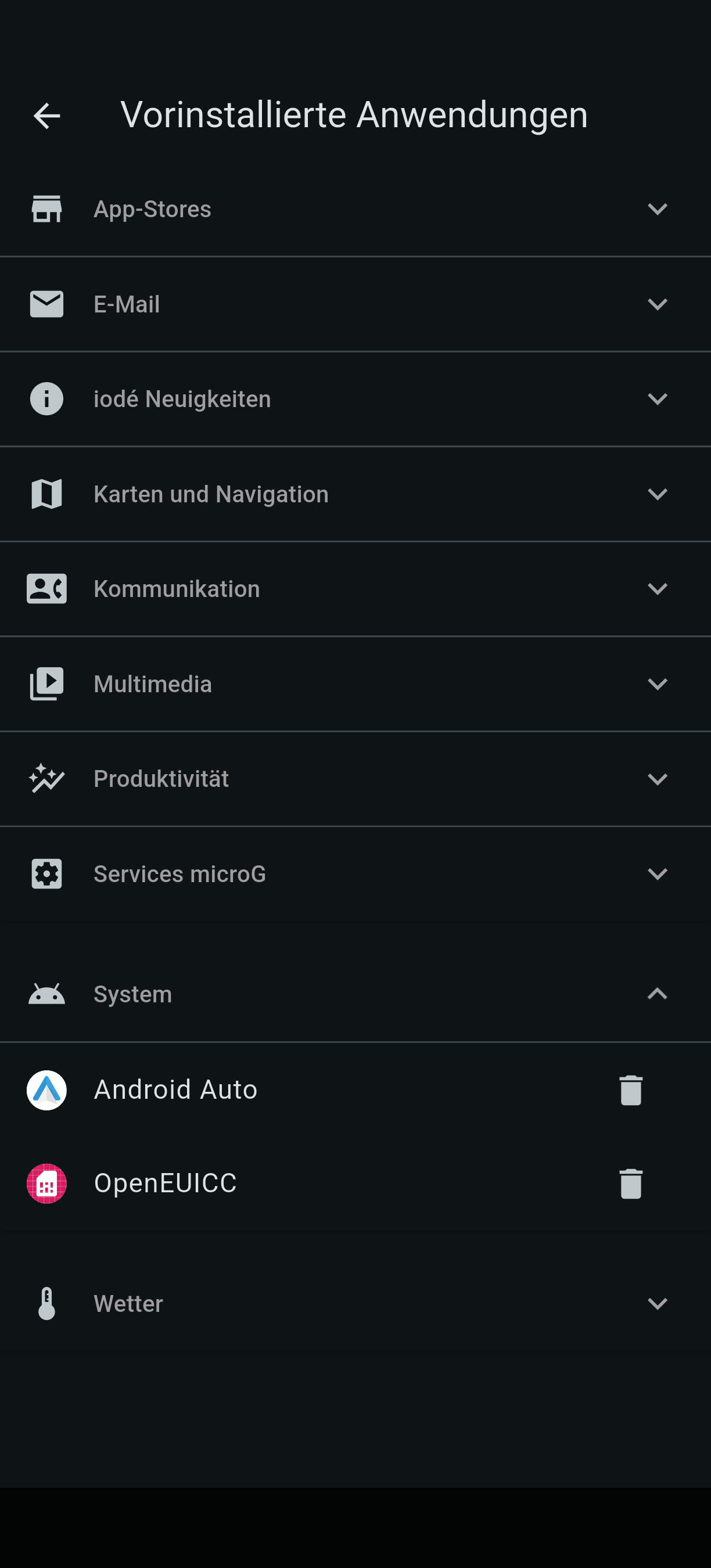
Maybe we should go backward one step also to understand better: in your first post you said you “reinstalled OpenEUICC”, and later “installed and uninstalled” several times. How did you do this? Was it with “preinstalled apps” or another way?
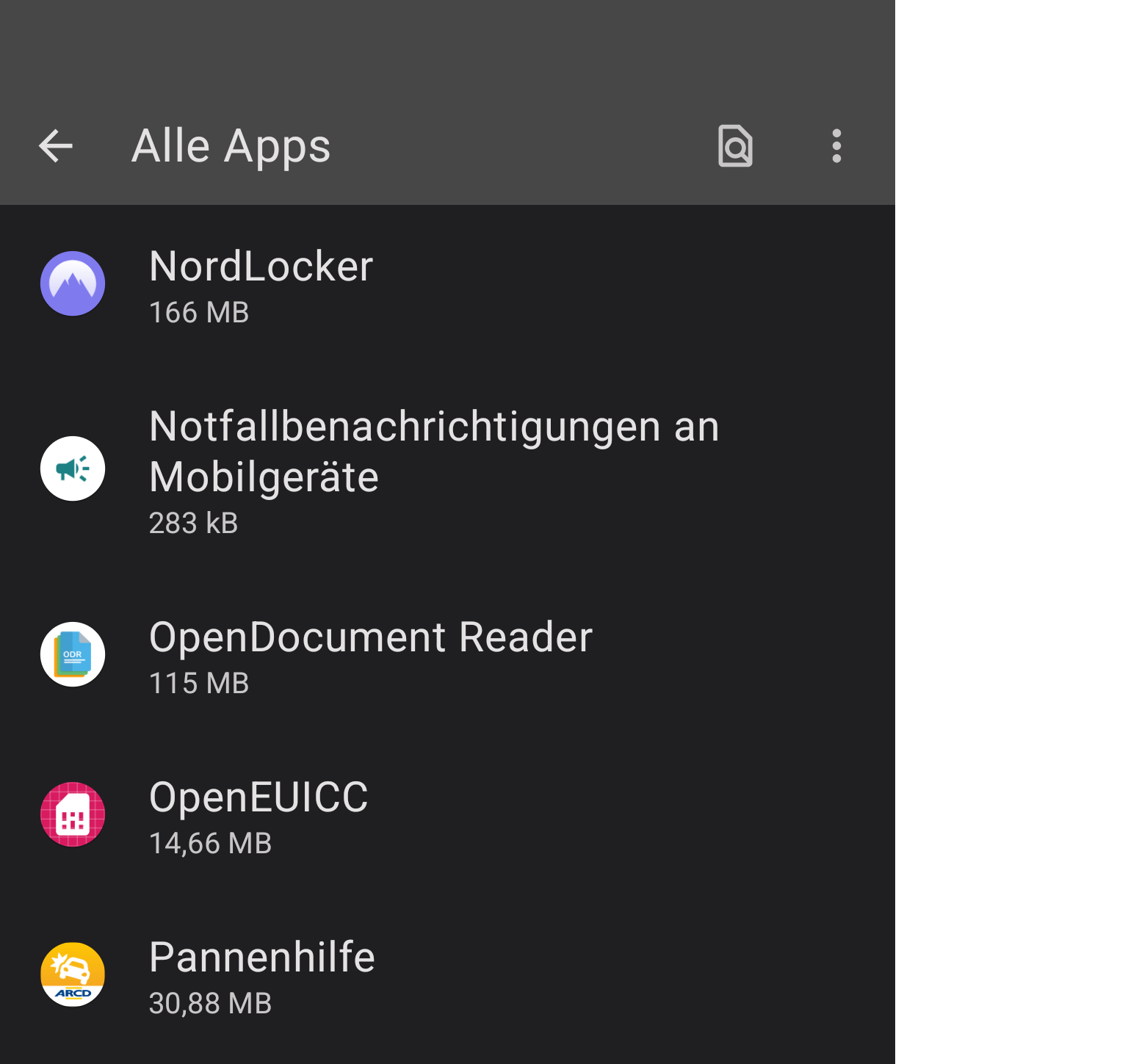
Overview of all apps that can be pulled up from the bottom of the main screen. Here, the app was still displayed before I uninstalled it for the first time and could also be opened. However, it wasn’t working even then.
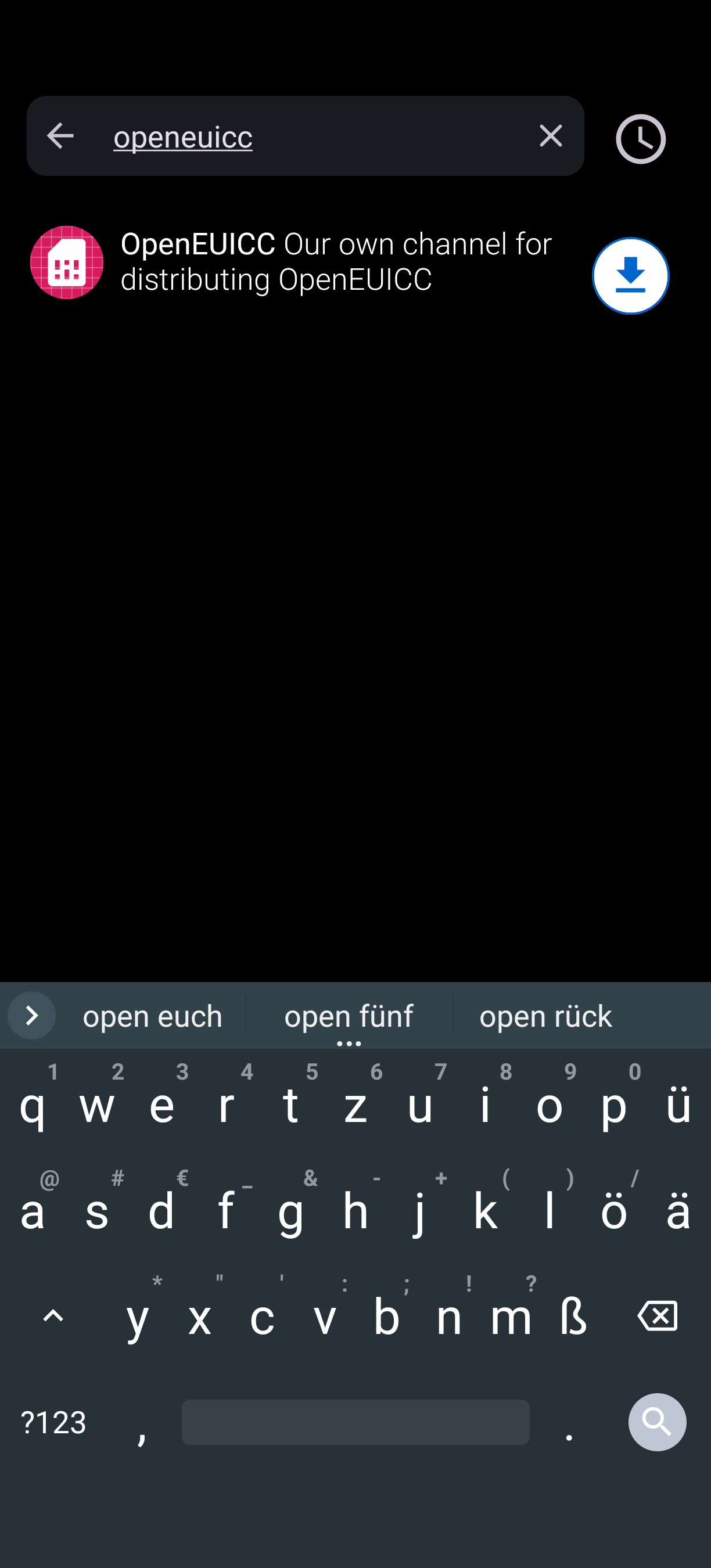
This is what it looks like in F-Droid. The “install” button does not work; I can only (supposedly) install the app if I press the arrow in the search bar (next screenshot).
There was a similar issue for a different user last month regarding removal / reinstallation combinations with the Aurora store which resulted in it basically getting confused between “Preinstalled Apps” and actual installation. I think you know that after each time you remove / install in “Preinstalled Apps” it does need a full reboot as it makes the actual change before the phone re-loads the system at boot, but I am assuming you have done that.
In the case I was referring to, there was a bug found (and fixed) with “Preinstalled Apps” that was a part of the culprit. But as you have updated to v6.8 I don’t think this should be at play.
I can’t say exactly. When I press “install” it looks as if it has been installed and F-Drod sometimes claims that it has been installed but in the end it is never shown as installed.
I have a iodéOS 7.2 on a Moto edge 30
I installed en eSIM profile some weeks ago
all works fine
now I don’t need/use it any more but
I can’t delete it,
no ‘delete esim’ in the settings
today I read about OpenEUICC - app and
installed it from f-droid, I could but
it doesn’t open, closes at once
all permissions granted
Well, it looks like a trip to your providers closest kiosk and acquiring brand new physical SIM. Because once the old was deactivated, it could not be reactivated again. That is exactly the point why I refuse to use eSIM. Because when it goes down for what ever reason, you have to go to the providers shop in natura and very often you will be charged for SIM replacement and activation.. And if you look at the recent trend pushed by Apple - no physical SIM tray in the phone (from 2026 also in EU), the future of only eSIM looks ugly.
And even if you can buy and activate without going to the shop, you need an antena in the country of origin to activate it (not referring to saily or similar providers, did not use them ever).

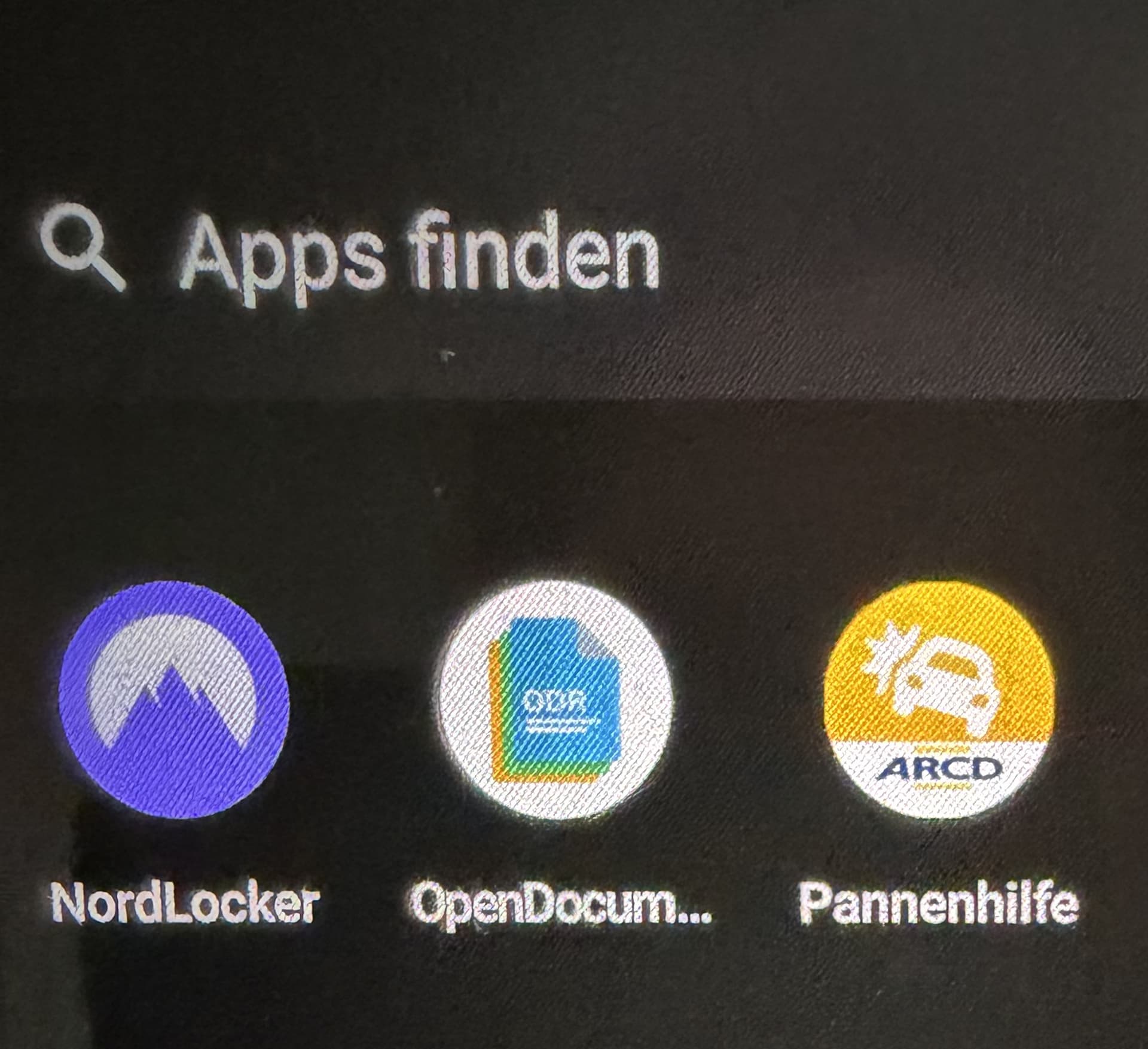
 I guess not, but not clear from your comment.