Hello,
I’ve bought a OnePlus9 with Iodé already installed 1 year ago.
Yesterday, I suddenly got a black screen and then I got a screen with instructions similar to this one (that I took this morning)
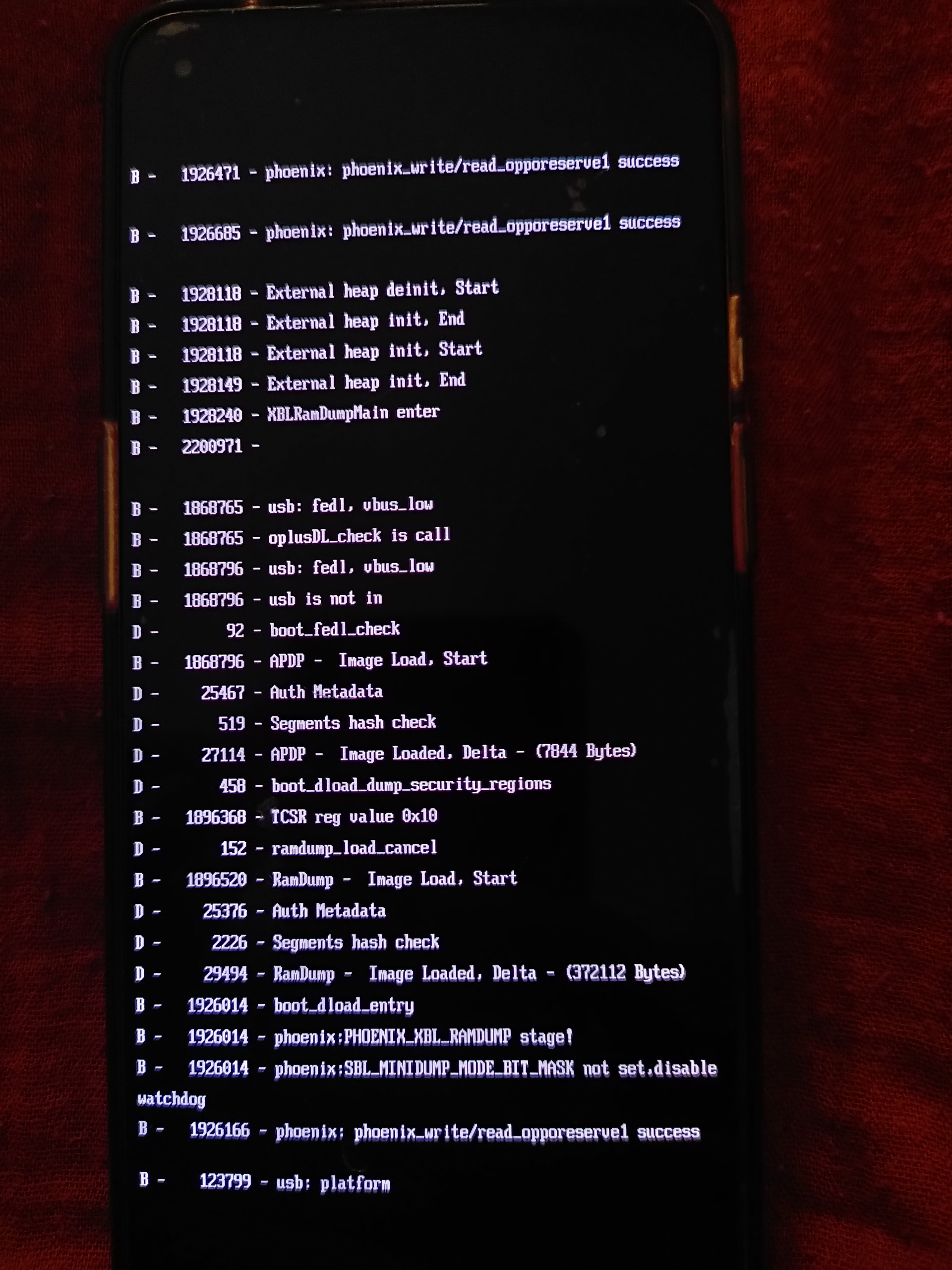
I tried to long press volume - and enter, and eventually it restarted a few hours later.
This morning same issue. In one of my attempts to make it restart, I got a screen with some options (and I choose to select “start”) but it didn’t work. (I can’t join the picture because I’m limited to 1 picture per message as a new joiner to this community)
I can’t make my device start again (it remains blocked on the screen with the instructions) and I don’t manage to get to screen with reboot options again, to try other options.
Does anyone have any idea of what has happened / what I can do?
Thank you for your support