I installed iodeOS directly because the installer contains the firmware. I don’t think this makes a difference for this issue because not Play Services and Play Store but microG and Aurora Store are used for purchases which are not part of stock ROM.
So if the question is still about purchasing new apps (not “in-app purchases” which don’t work with Aurora), is that what you mean “is an old issue and has been solved”? If so can you give a reference?
I don’t have anyone local I can test with as they have all sworn off Play Store purchases A couple people do have a purchased app, but before under full Google Play Services, and those can be installed and used in Aurora.
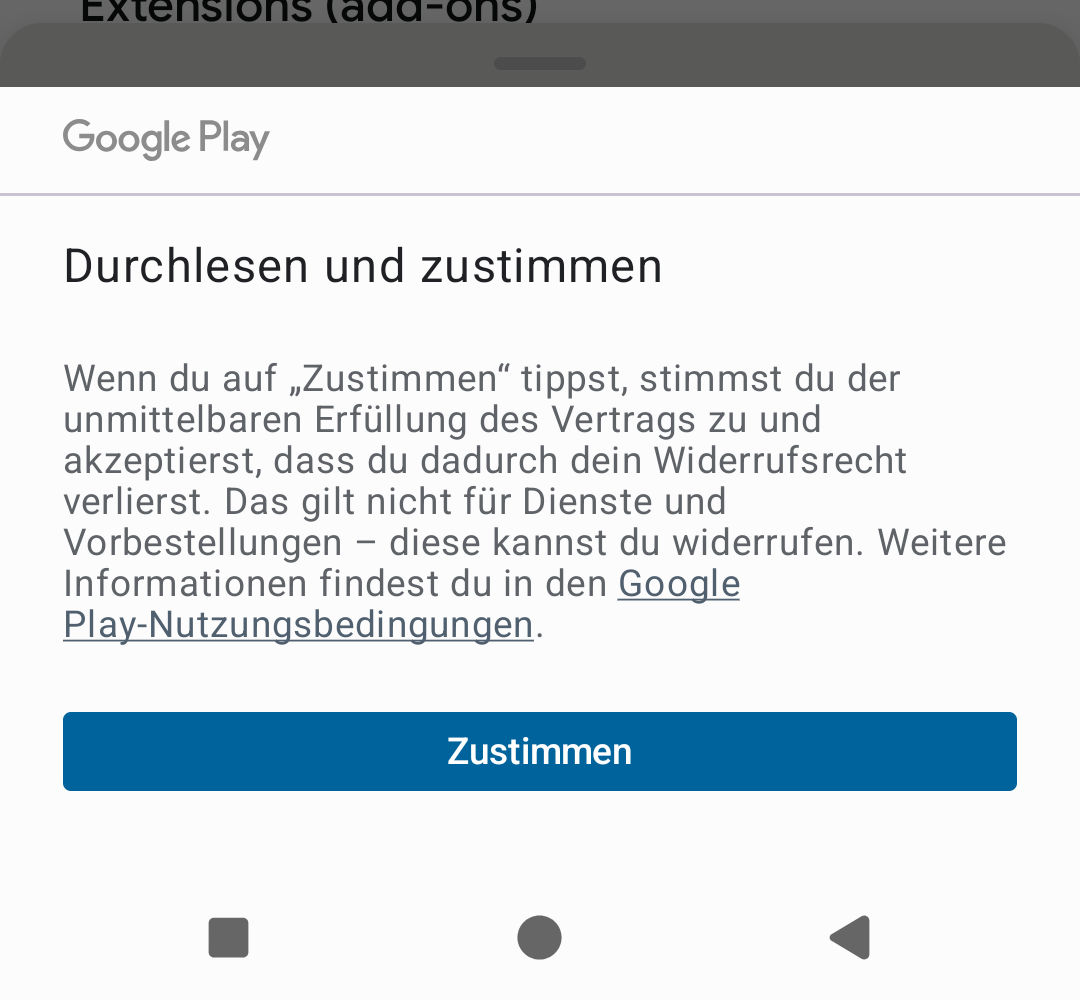
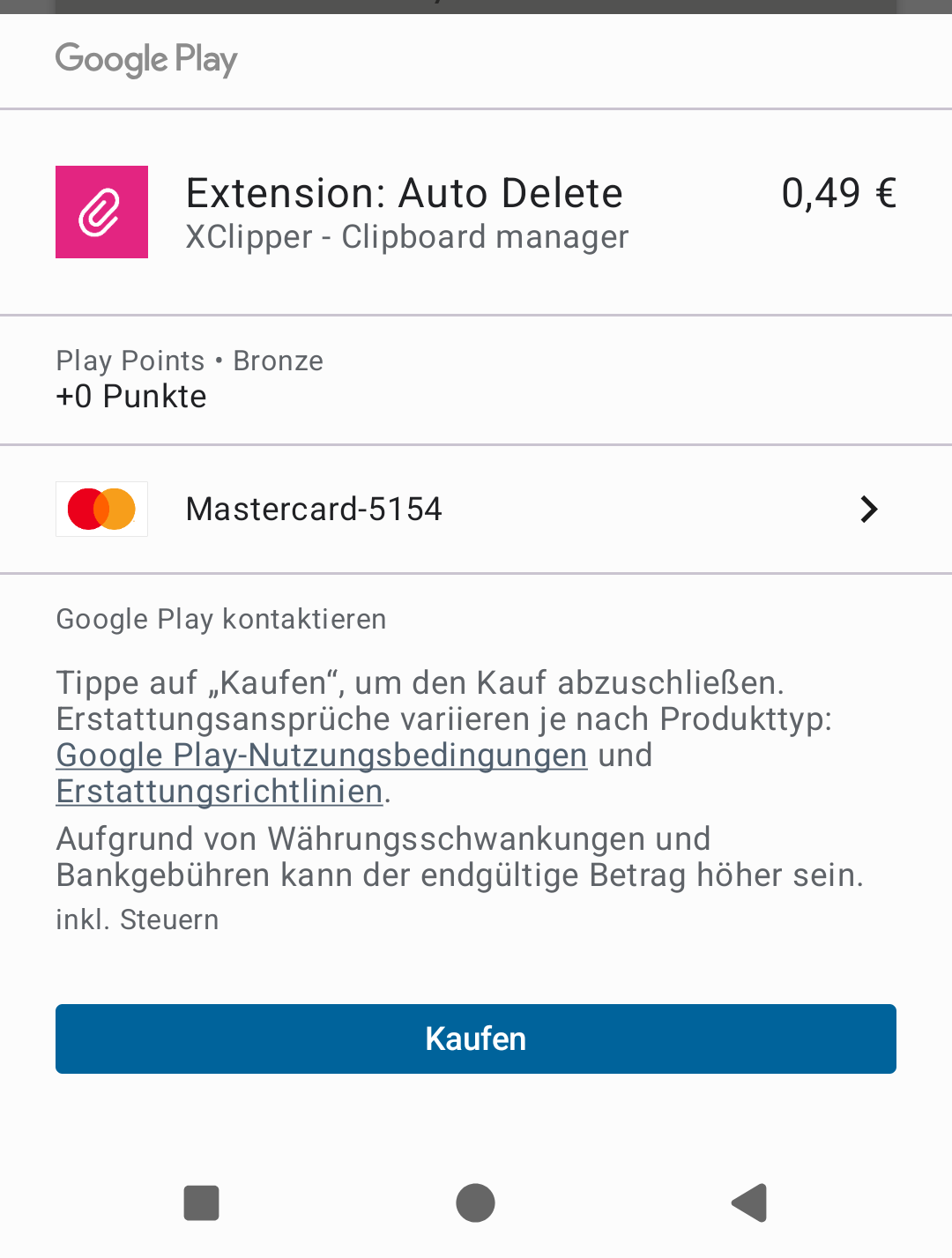
The last app purchase is quite some time ago. If I remember correct Aurora opened the Play Store in the Browser and there it was possible to buy the app. But that did not work any more because the Play Store said that there is no device connected. Meanwhile it works again, I just tested it. But Aurora does not forward to the Play Store, one has to go there manually.
Tapping on the price button in Aurora Store just looks like the page refreshes and nothing more happens.
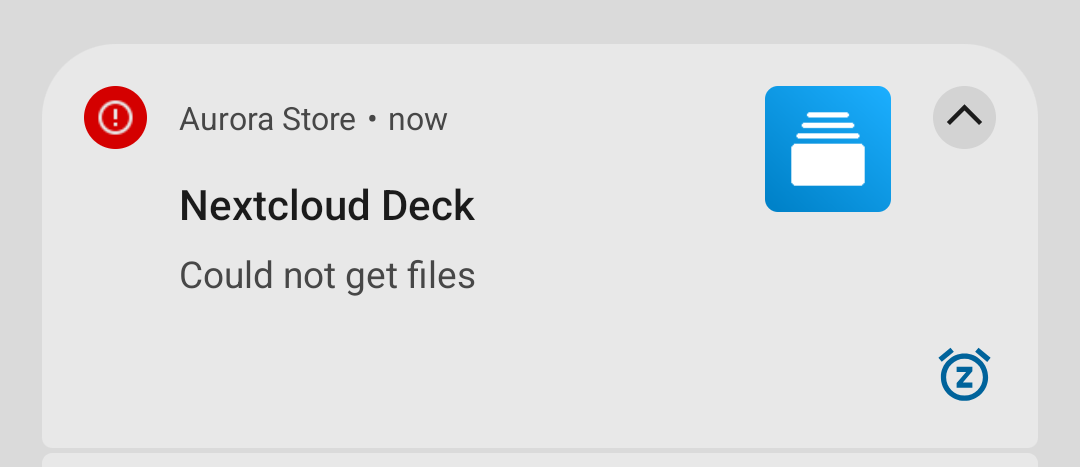
[Edit: A notification says that no files where received.]
I thought meanwhile it was possible to buy apps with the combination of microG and Aurora Store, that microG provided the same procedure as for in-app purchases. Maybe I am wrong, on the microG website I only read of in-app purchases.
There are still several issues that aren’t closed on microG about in-app purchases. I am a bit confused on the current situation, but I don’t think it is resolved by any means?
 A couple people do have a purchased app, but before under full Google Play Services, and those can be installed and used in Aurora.