I originally thought its a bug in one of the apps so I reported a bug in OpenTracks repo, but turns out that its probably some bug in Iodé.
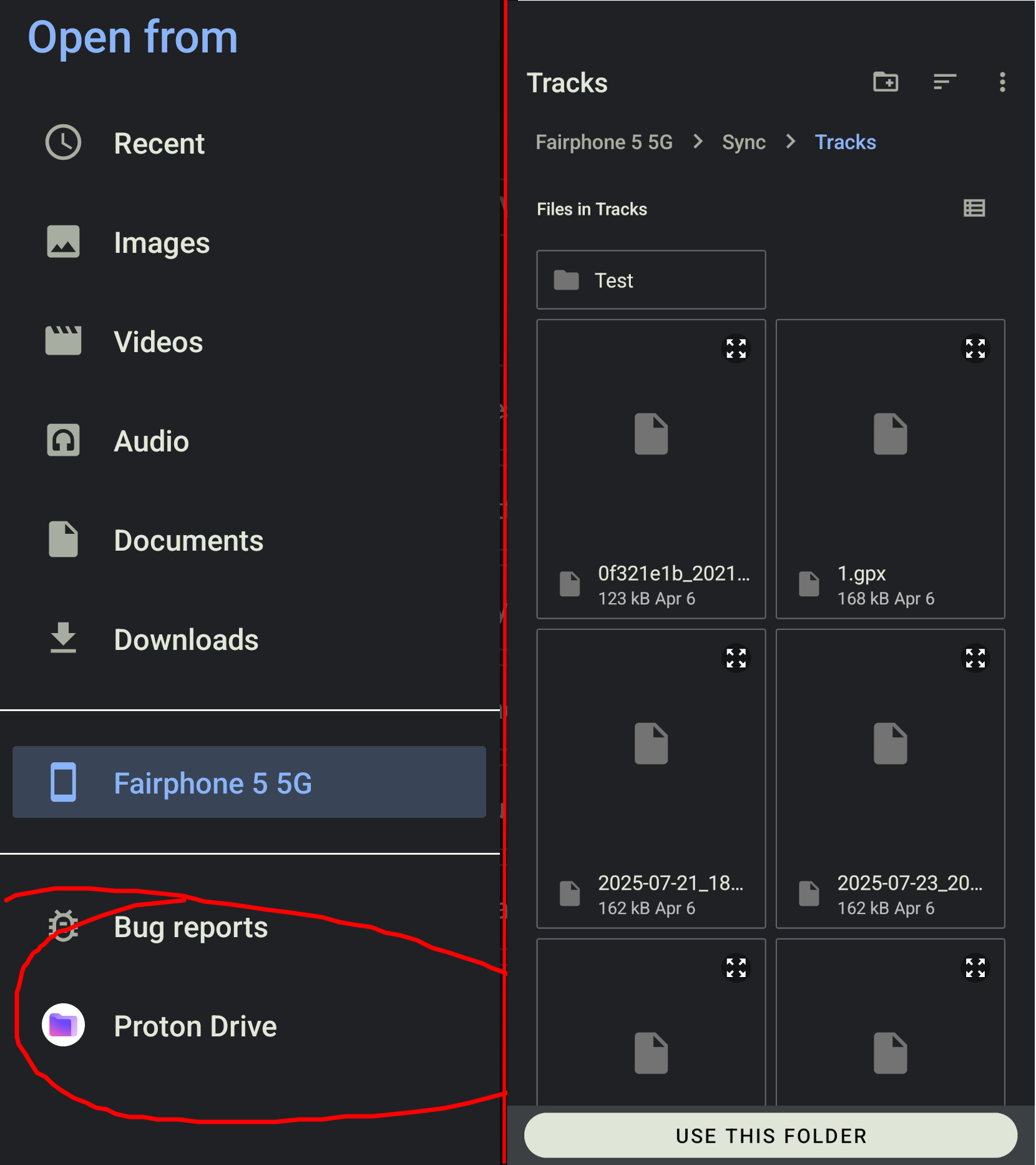
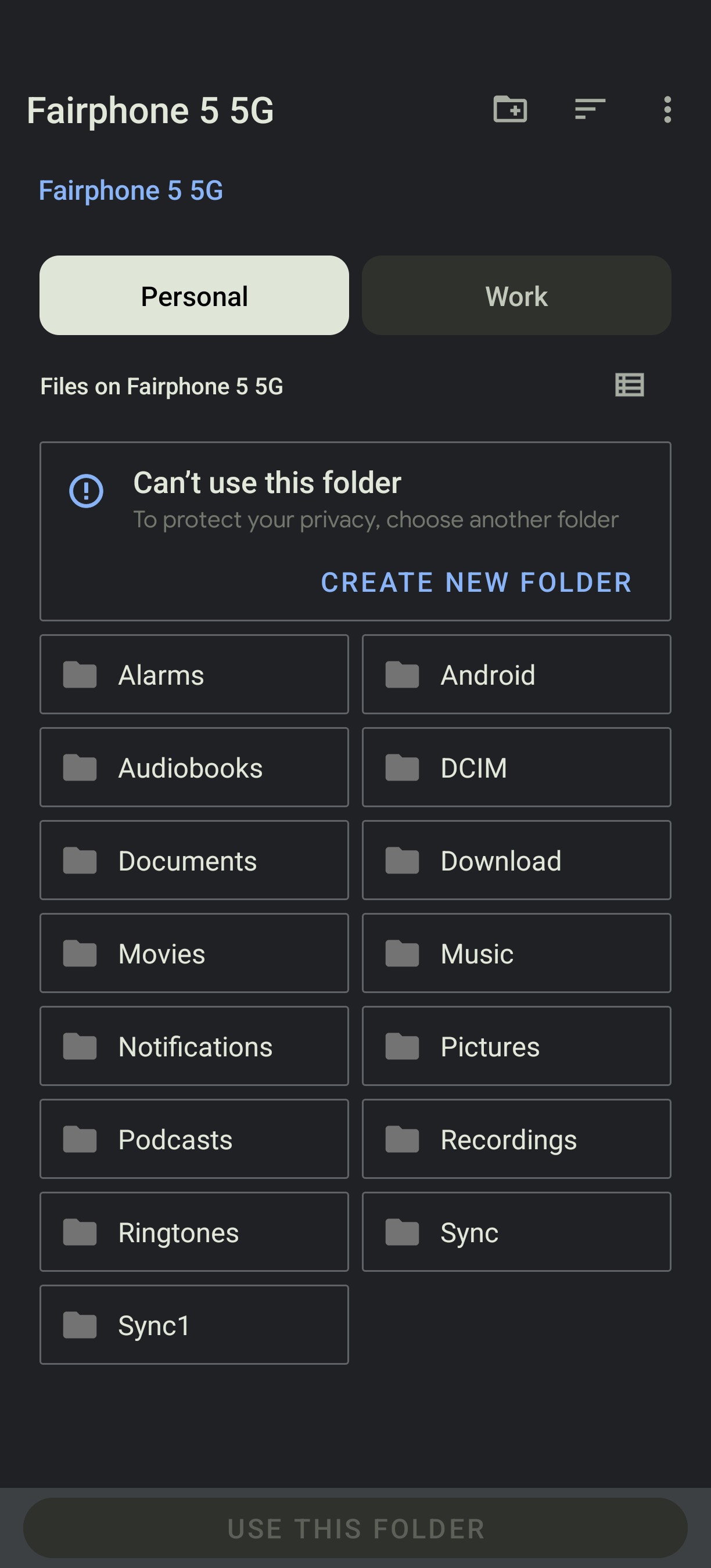
Look at the screenshot below - on the left is what I want in apps that implement Android Storage Framework. I want to see my mounted drives. Instead, some applications, like OpenTracks just do not have the side menu at all, when selecting file locations. Like on the picture on the right:
Sorry I had to put the screenshots into one picture due to the new-user limitations.
Any ideas why and how to fix it?
Thanks!
I tested OpenTracks and if I attempt to “import” it brings up a file selection dialog with the “left bar” (to choose my SD card). I wonder in your case if you tap on “Fairphone 5 5G” in your screenshot on the right (from the OpenTracks dialog) if it then would allow you to tap a “hamburger menu” in the top left to then open the sidebar? But the default location already being a few levels deep on your main storage means it doesn’t at that level give you to chance to select another drive.
Hi @rik, I tried and sadly it doesn’t and the three-dot menu has just one option “don’t show hidden files”. There is nowhere that I could click that shows the menu. Also pulling from the left invokes “back” action.
Thank you for trying, now at least I know its problem with my system not in general with idoé..
Edit: I just tried the non-reproducible build and it has the same issue.
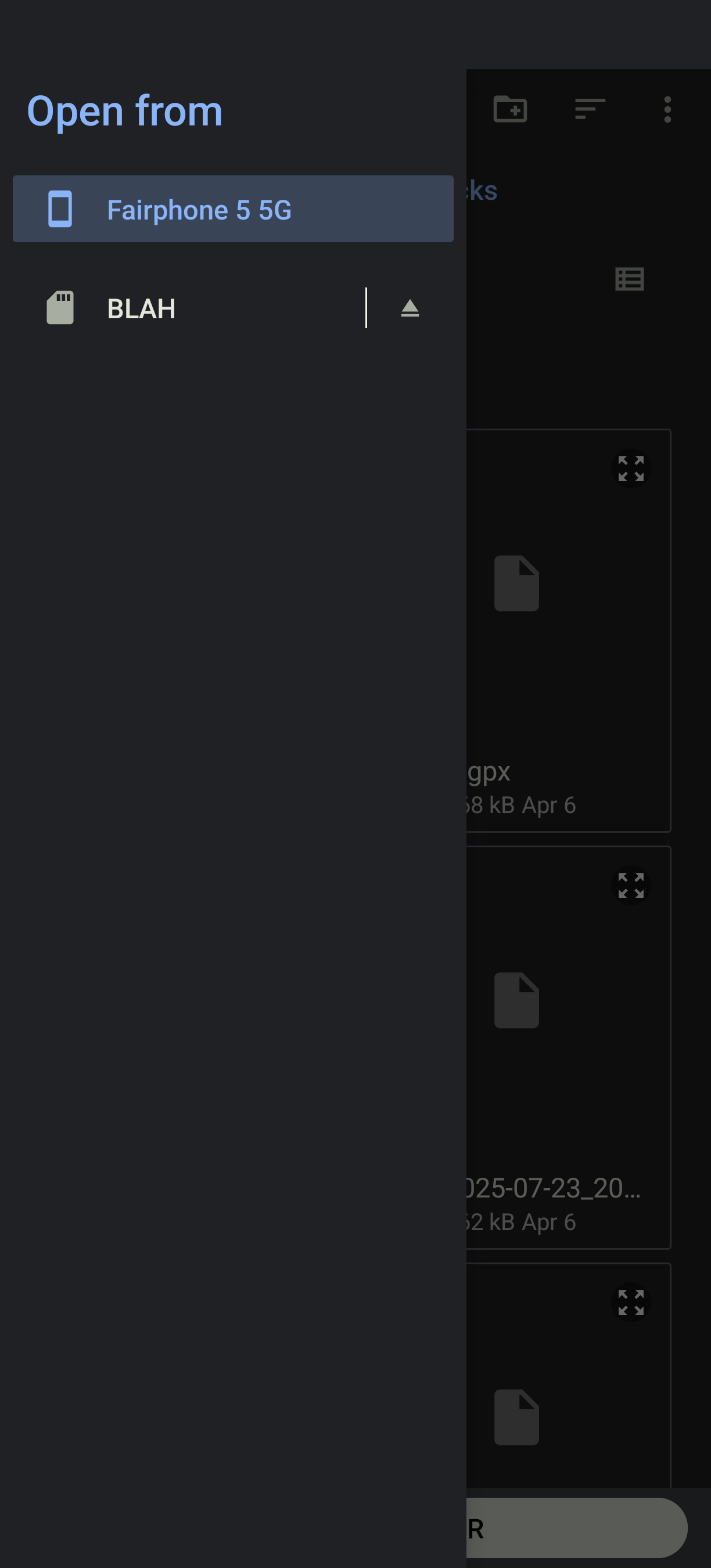
I wonder if network mounted drives are exposed differently than local physical drives? Can you put in a SD card and see if that is available to OpenTracks just to test?
Interestingly, with SD card the side bar appeared, but still no proton drive/webdav.
Edit: ok, weird, now I tried to mount webDAV again and I see it there! But still no proton drive.
1 Like