Unfortunately after upgrading to iodeOS 6.8 many preinstalled apps are broken and show up in the app drawer like (just some examples)
- com.spisoft.quicknote
- org.lineageos.aperture
- net.thunderbird.android
- org.breezyweather
- org.fossify.messages
- org.lineageos.camelot
- org.lineageos.etar
- org.lineageos.glimpse
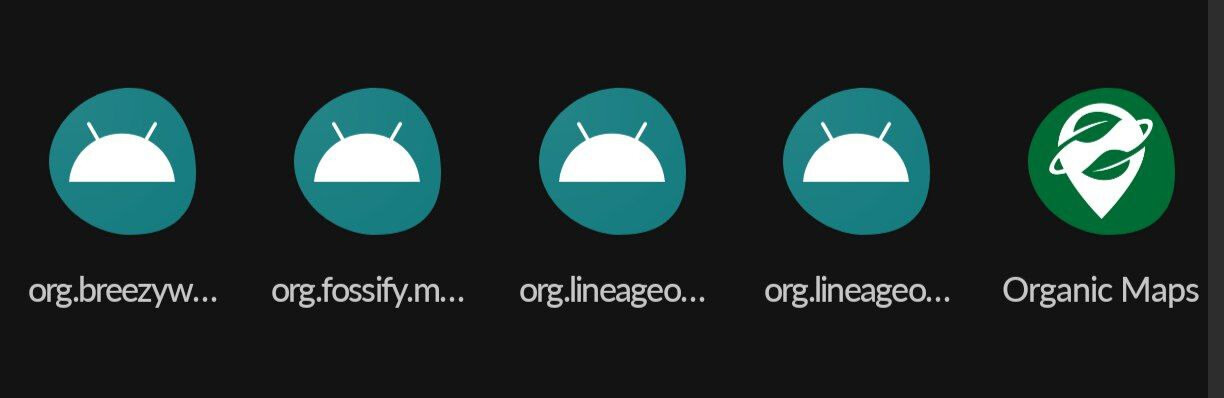
Using App Manager to gather details on the apps results in an error message saying “Could not load package information” and reinstalling them using the Settings is not possible too. After navigating to apps and clicking on “Preinstalled applications” it just redirects to the main settings page.
I remember that just after the update to 6.8 I had many broken app symbols in the app drawer with those technical app names and the default android icon. None of them could be started.
I already tried to restart the device many times and also tried to reinstall the apps using F-Droid but the latter was not possible as they are shown as “already installed”.
What bothers me most is that the built-in camera function in several apps is broken too (org.lineageos.aperture) so currently I can’t take any in-app-pictures e.g. with FediLab.
Does any of you have a hint what went wrong with the update and how to fix it (apart from waiting for the next update)?
Can I somehow “reinstall” the current version?
 )
)