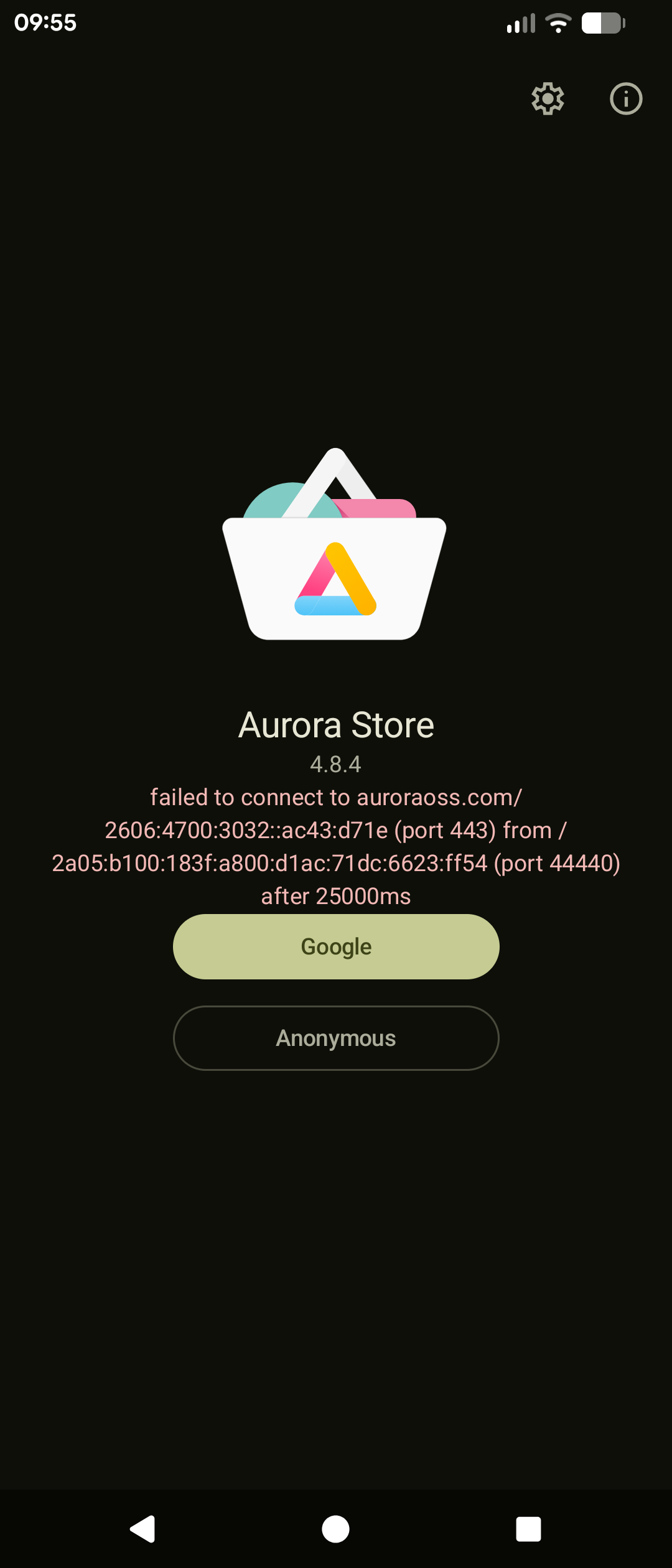
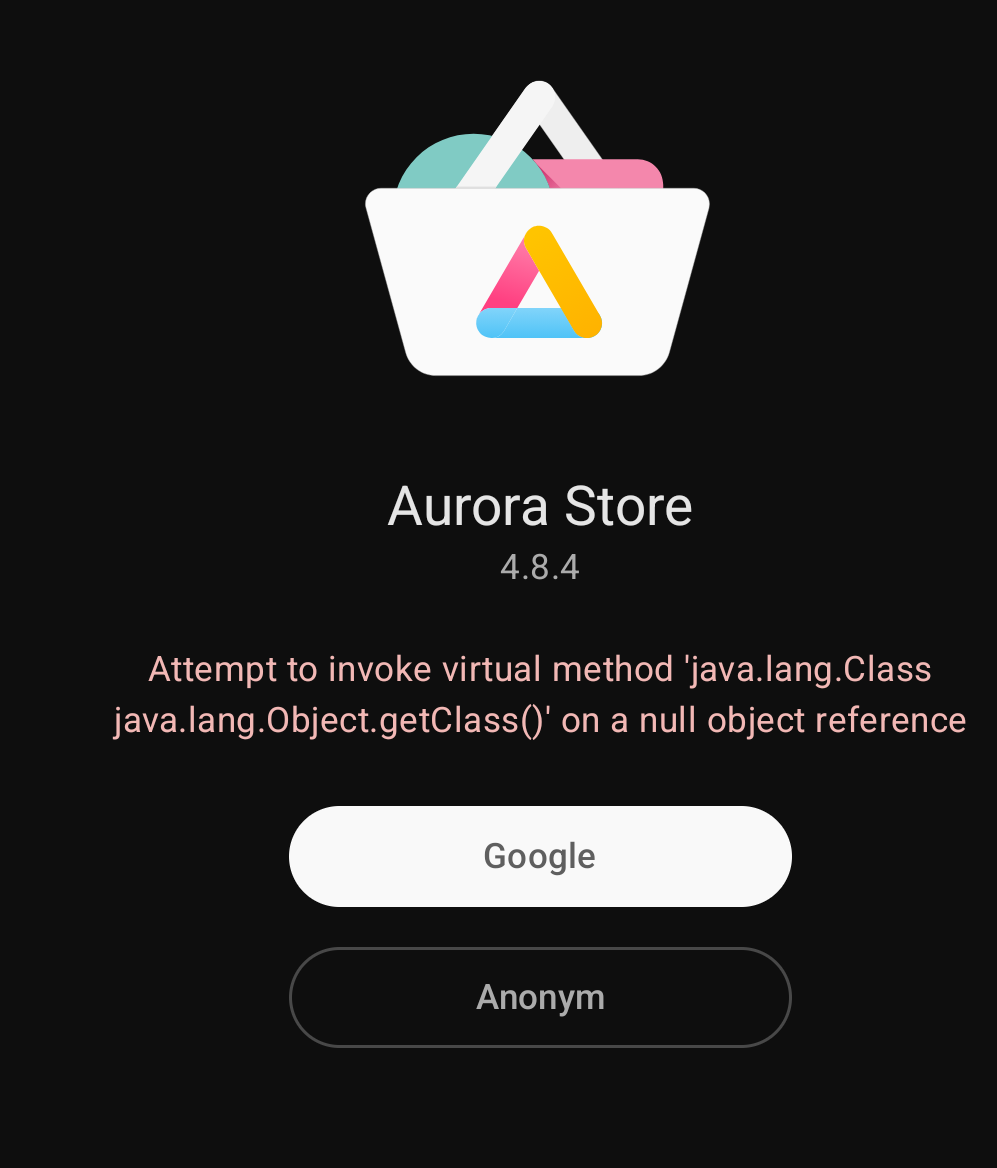
Hi, I can’t seem to open Aurora store.
Every time I get this message.
If anyone can help that would be great!
It has been fine until recently, I don’t think I’ve changed anything.
Thanks.
Hi, I can’t seem to open Aurora store.
Every time I get this message.
If anyone can help that would be great!
It has been fine until recently, I don’t think I’ve changed anything.
Thanks.
Did you force close it?
No! I’ll try that thanks 
Never use Google account. Always anonymous.
Anyways, server is done entire weekend.
I’m not convinced it’s the server. The latest version of the app (4.8.4) is giving constant errors Server is busy. Try again later). Version 4.8.3 is working fine for me
Just tried 4.8.3. Not working for me.
Not even the message “server down”
Nothing happens after hitting Install
Thanks, yeah I always go anonymous.
Still not working, mine’s 4.8.4.
Settings > Apps > Aurora Store > Force stop
“ “ “ > Storage and cache > Clear cache
This usually works for most people. A few have found it necessary to Clear storage, and Reboot.
That worked for me - thanks 
Not for me unfortunately, still getting the same message, I’ve tried all of the above.
Thanks for the help.
A post in XDA Forums suggested the following workaround
Aurora Updates tab, selected cog wheel/Profile symbol top right, selected Profile/cog wheel symbol top right, selected three dots top right, “Refresh all accounts” = another anony-account allocated to app. Second update downloaded and installed.
Seems like “Server is busy…” is account dependent.
The equivalent in 4.8.3 (Cog wheel | Manage your account | Logout, the log in as Anonymous again) woked for me. I’l uodate to 4.8.4 later and try the suggested workaround
Tried this workaround and got lucky with one account and I can download. Although its veeeery slow - but i could download and install an app.
Edit: 20260901 - had to switch accounts again
For me just now it worked again.
I’ve just uninstalled the update, back to 4.8.3.
Works fine now.
Thanks so much to everyone for chipping in
Unfortunately your issue with Aurora is a somewhat regular issue.
The problem comes from the fact that the anonymous logins that Aurora uses are regularly blocked / suspended by Google. When this happens, the easiest workaround is to long-press the Aurora icon > AppInfo > Force Stop. Then restart Aurora again, and it should re-login and hopefully updates and installs will work as expected.
If still not working and you can’t get an anonymous login, then you can try and clear the storage for the app and re-initialize it (do this from “long press Aurora Icon > AppInfo > Storage & cache”.
“Refresh all accounts” worked.
I only use “anonymous”
Make a second (fake) Google account. Skip input phone number. You even can use a non-google mailadress.
I did this last saturday.
Rahul Pater (Aurora owner) says he has 50 “burner” google accounts.
I might give it a try, as Aurora is again shwoing “server busy” and the workarounds did not work.