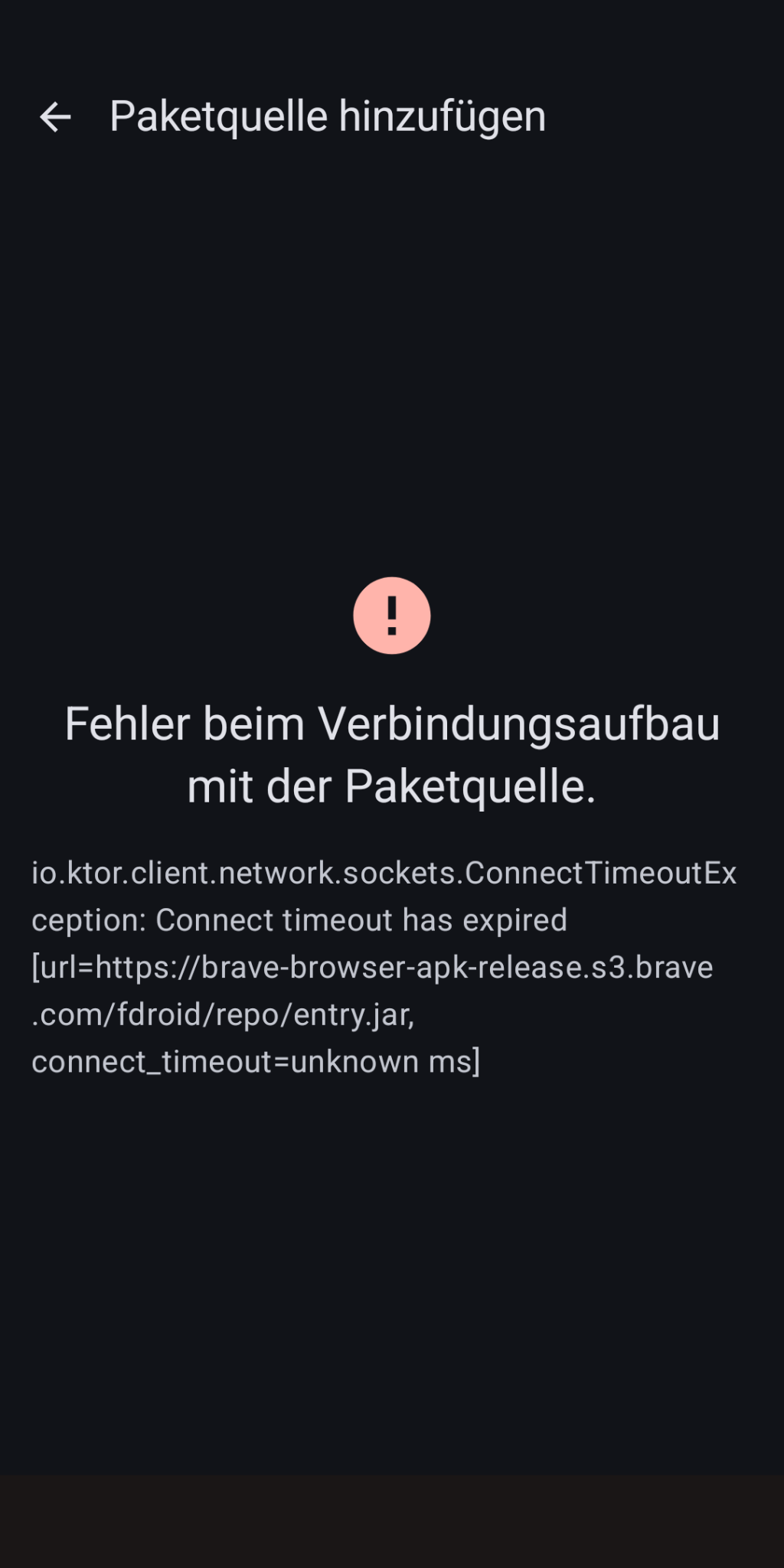
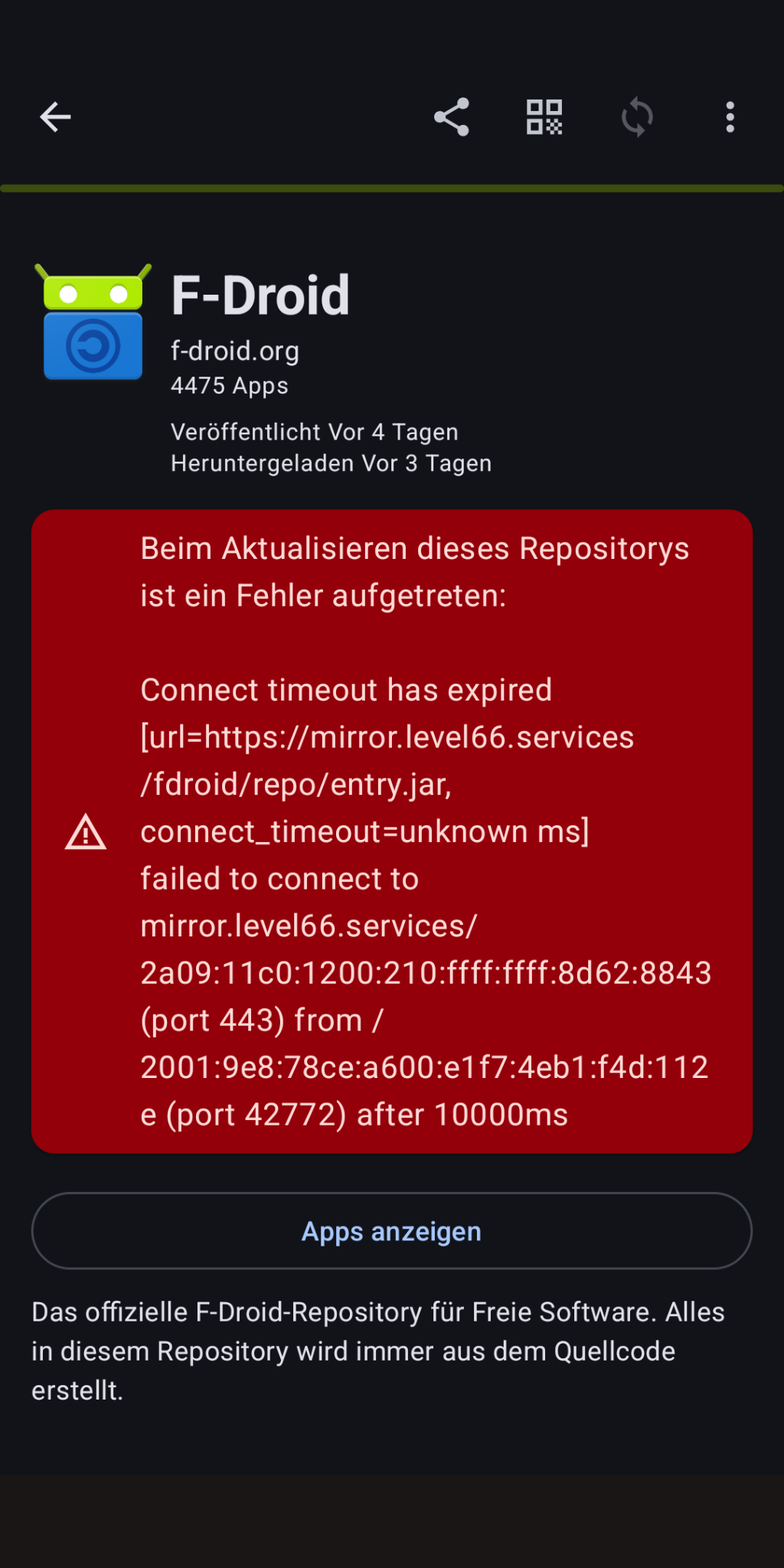
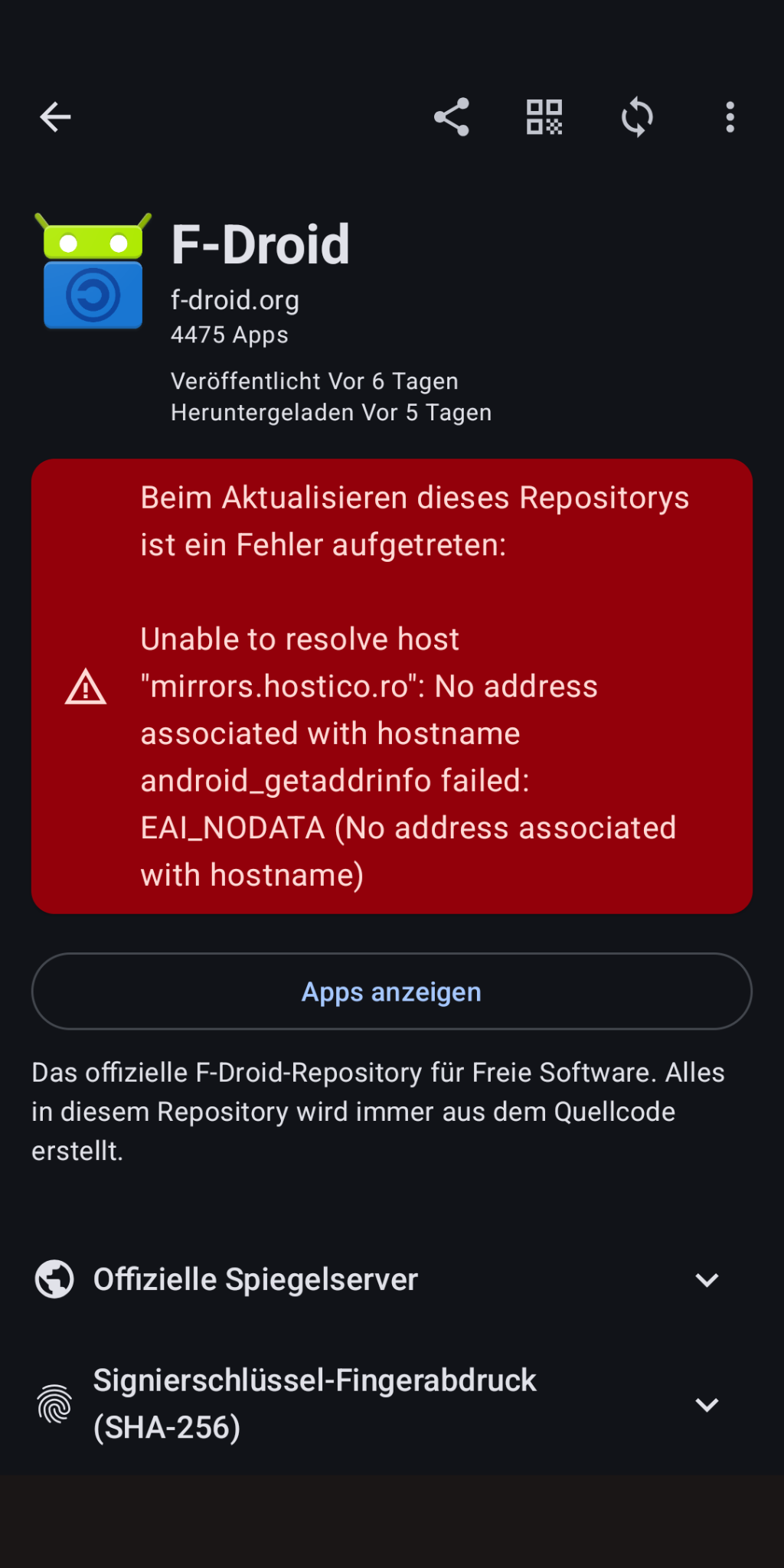
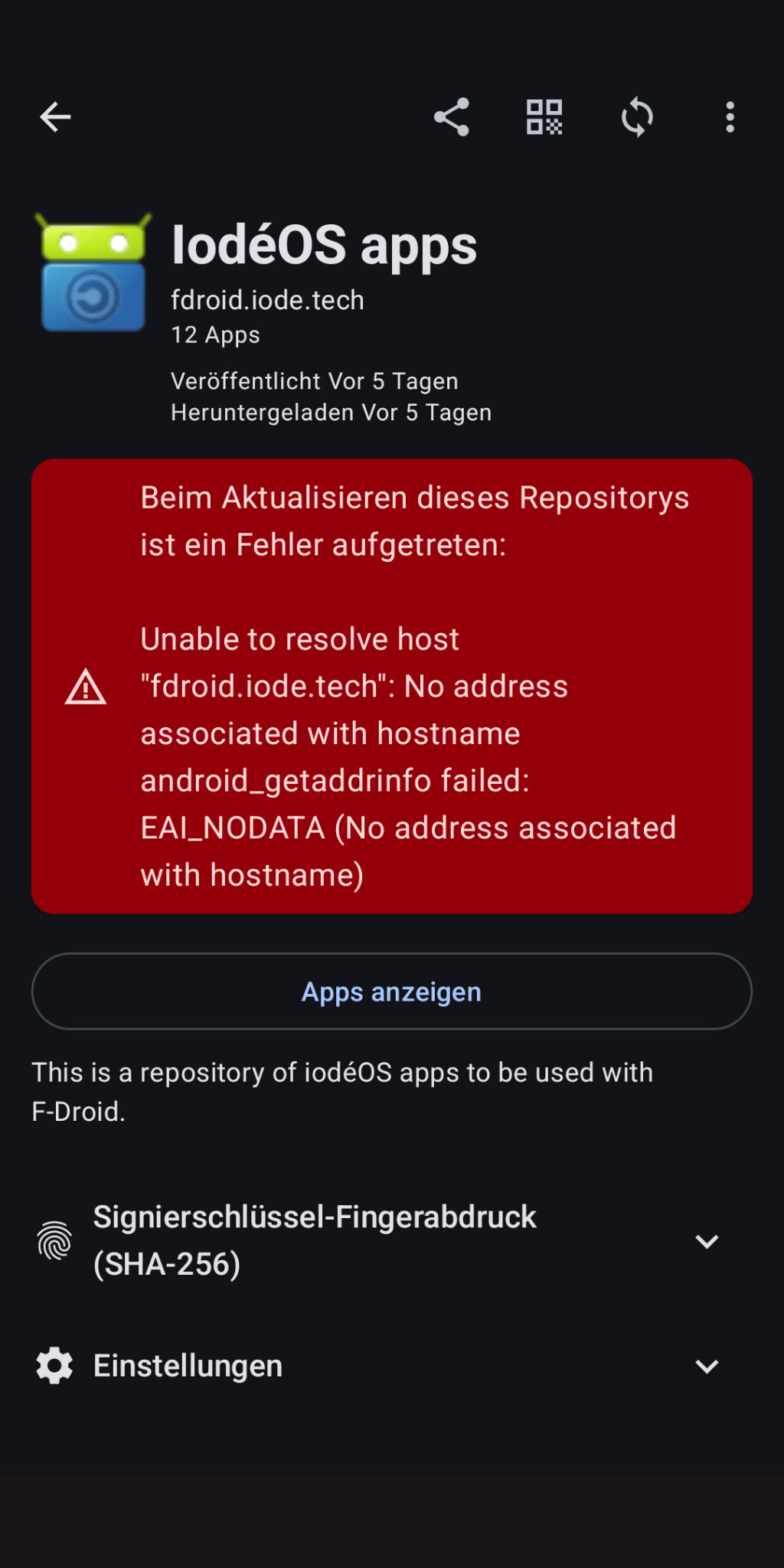
I have an FP3 with F-Droid (iodé) due to the initial install back then in the past AND ioDroid due to an update recently. When I would just install iodéOS on that phone NOW, I would get ioDroid only (because, it is currently delivered) — but not F-Droid (iodé) (because it is not delivered any more and replaced by ioDroid, ineed), thus not having an F-Droid related app that is actually working (when this issue is holding).
I was not talking about the F-Droid infrastructure, project, idea in general or in comparison to Google (to make that clear).
Maybe, when I have the chance by any case. Could take some time…
What I wonder: so far (“before”) everything has been working WITH Wifi. Recently, almost everything (1.): as far as I can notice… , 2.): I don’t have many apps installed…) — except ioDroid — is working with Wifi. But ioDroid DOES work with a mobile connection (it is NOT the case that it would not work generally).
And ioDroid seems to look very similar to the new official F-Droid which I have on other devices (running some other OS than iodéOS). There it DOES work. So, is it ioDroid itself OR the underlying iodéOS (or maybe some special setting/funtion of my Wifi)?
But, just asking very explicitly: you actually have had problems with prior versions of ioDroid on iodéOS devices?
When we both have the same version of ioDroid and it IS working for you but NOT for me, it could still be due to different phones and/or versions of iodéOS…
I really assume that this issue is some “bug”. And, maybe or even obviously, it has been resolved for some of your devices (you have been experiencing the issue in the past…), but not yet for me.
There are different phones with different OS versions out there…
Yes, of course, otherwise I wouldn’t have talked about it!
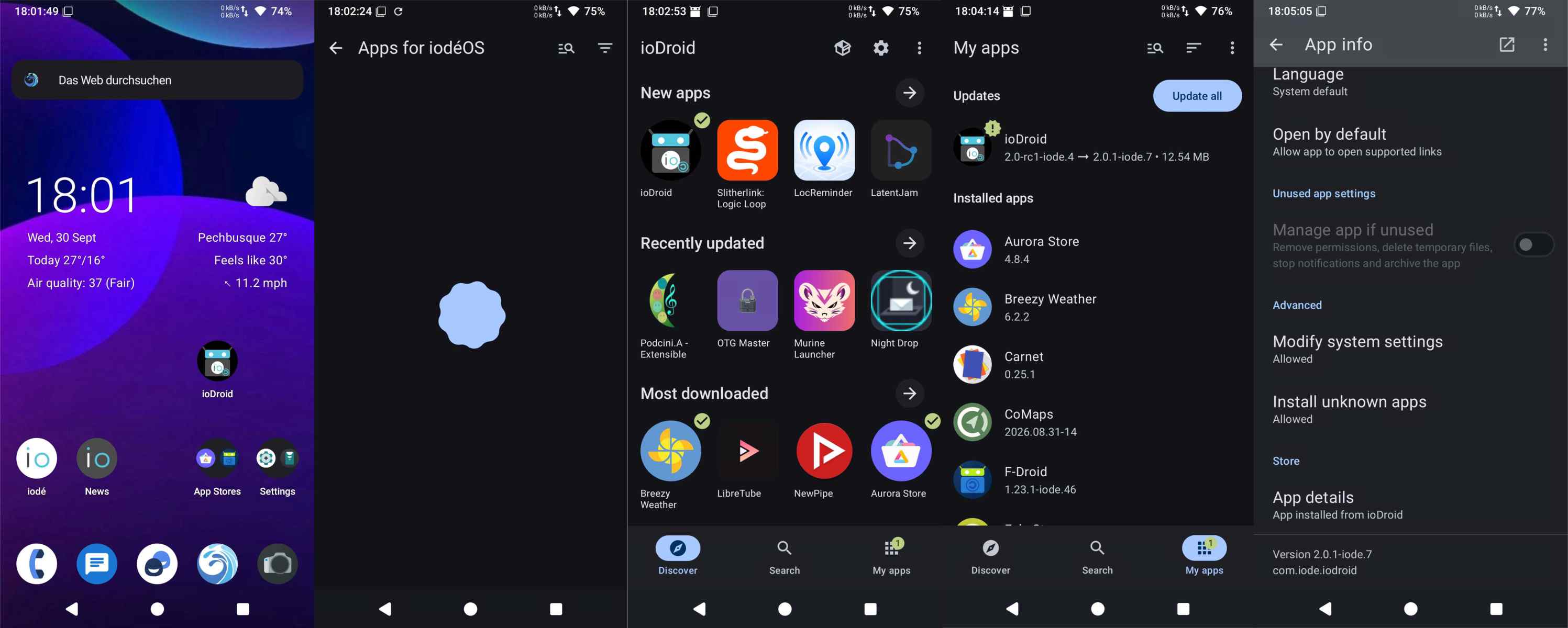
My problems with ioDroid (“search, search, search, and wait, wait, wait”) initially reappeared on the updated Pixel 3 (blueline) (see screenshot N°2 of 5). Only after the ioDroid update were “my ioDroid problems” resolved.
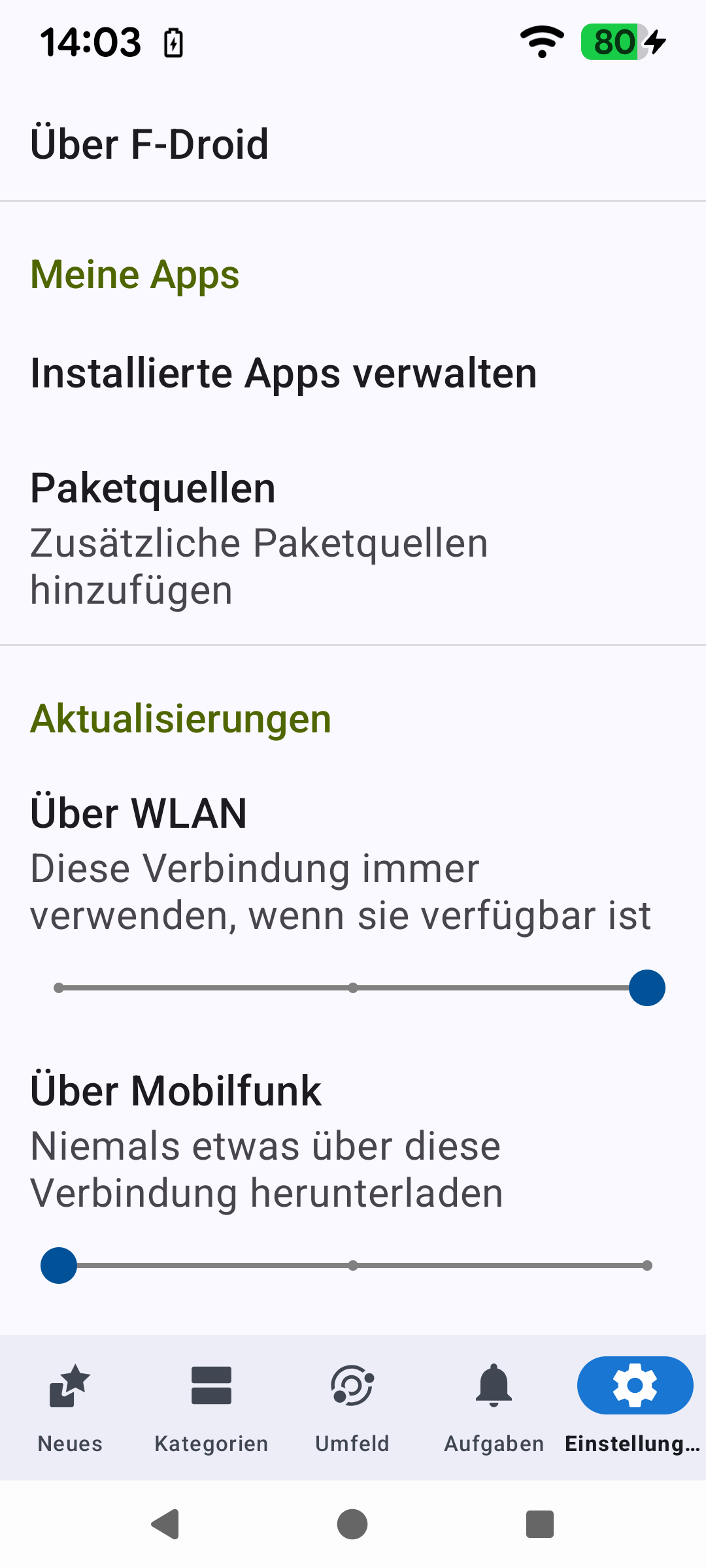
Wenn du auf das Symbol von F-Droid/ioDroid lange klickst, dann App-Info wählst und “WLAN-Datennutzung”, ist da alles eingeschaltet?
Und dann kannst Du mal noch schauen unter Systemeinstellungen → Apps → F-Droid → Dreipunktemenü “Alle Berechtigungen” ob da was auffällt.
Und natürlich, wenn Du F-Droid öffnest und darin rechts unten auf Einstellungen gehst, da kann man ja einstellen, wie die Aktualisierungen laufen sollen.
Ich habe verstanden, dass die anderen Apps alle funktionieren, deshalb waren alle drei meiner Vorschläge app-spezifisch.
Ich hatte das auch mal nach einem Update, dass bei einer einzelnen App aus unerfindlichen Gründen der Netzwerkzugriff ausgeschaltet war, obwohl ich selbst nichts dran geändert hatte.
But, when you look at my linked posting, you can notice that Wifi IS enabled.
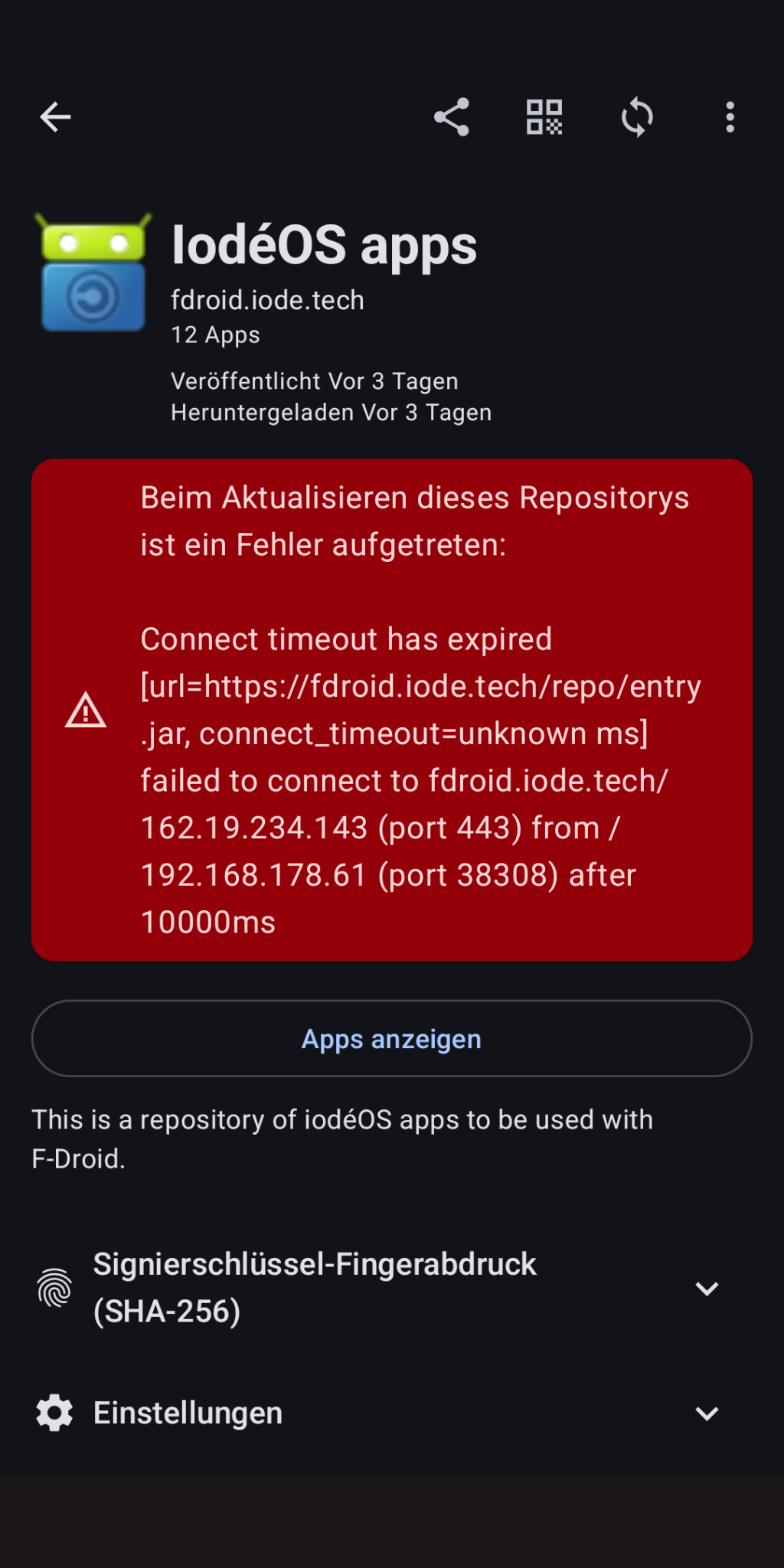
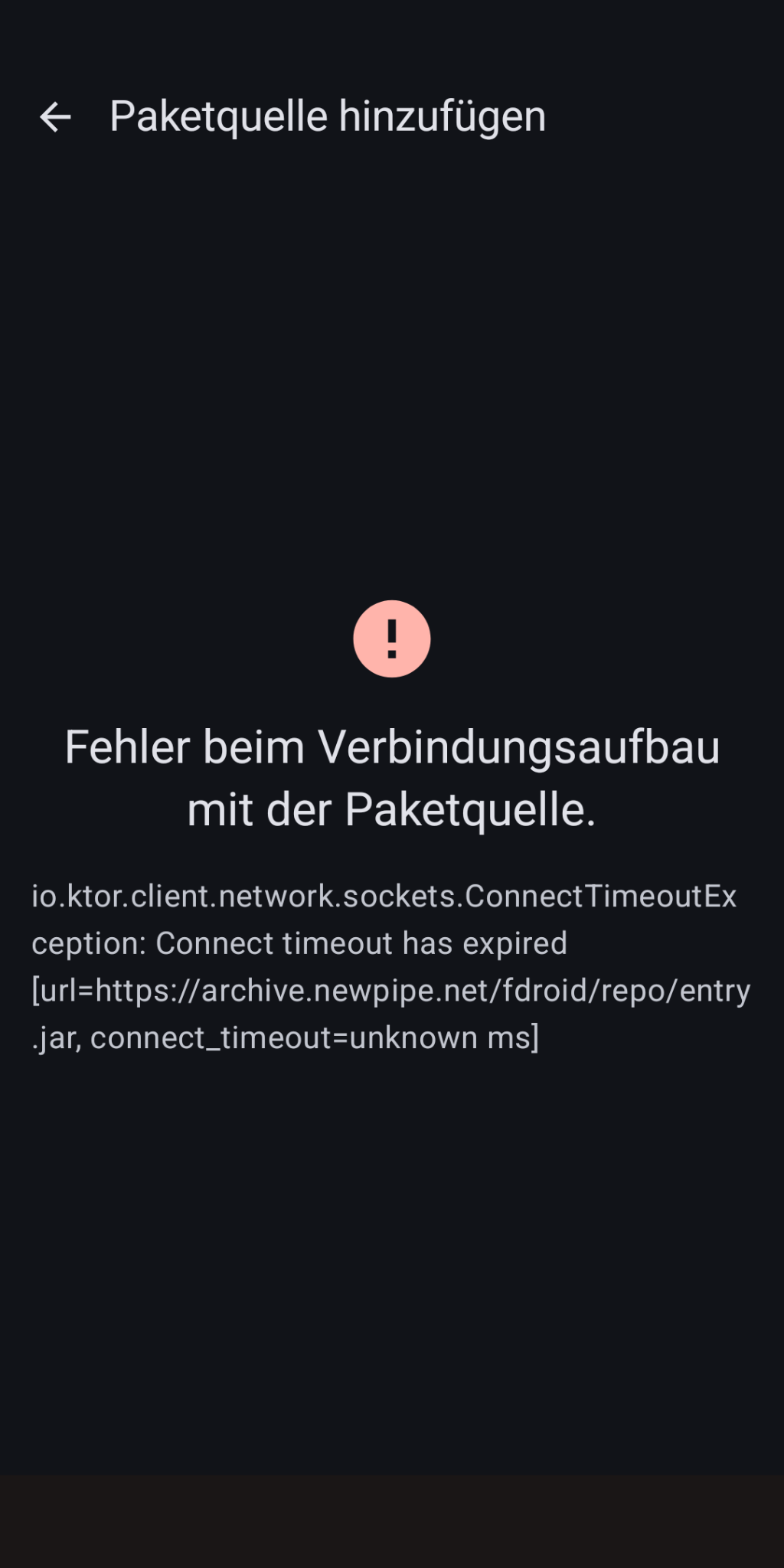
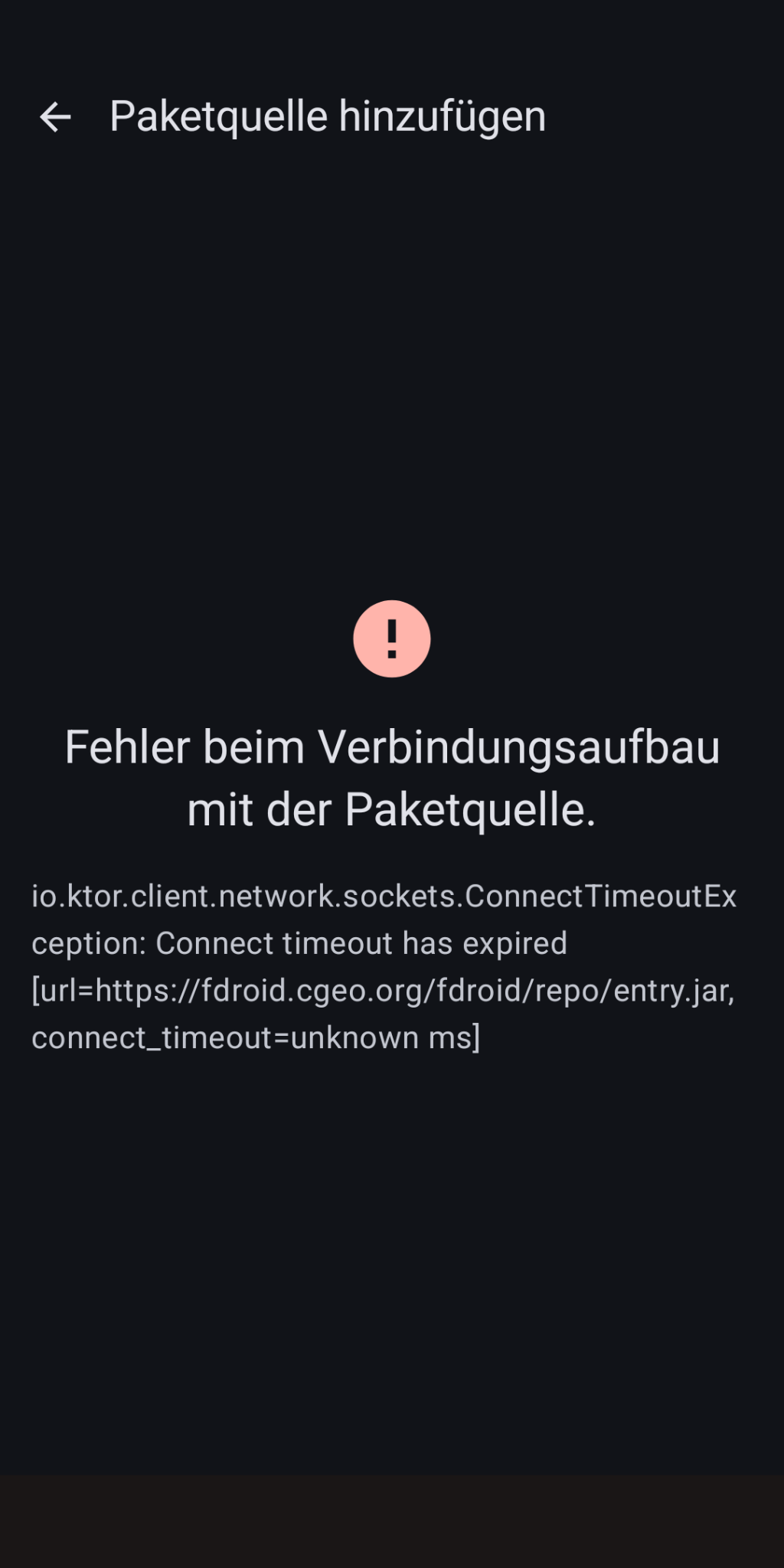
And when you look at some other posting you can notice that it displays some network addresses (the alphanumerical AND the numerical of the repo server and my local one).
WLAN ist freigeschaltet sein, es funktioniert ja auch manchmal.
I’ve found enough alternatives: droid-ify, neo store … The developers should focus on new features instead of reinventing the wheel for the umpteenth time…
Well, to be honest and fair: ioDroid is not really by iodé (as an completely own product), it actually is the regular current F-Droid (v2.x — on the opposite to v1.x aka F-Droid (iodé)): it is just forked (modified somehow) and rebranded.
And this is also what makes me wonder: I do use F-Droid v2.x on another device (different OS) WITH Wifi without issues. I don’t know this issues here is due to ioDroid itself (the app) or the underlying iodéOS (the OS). At least, something of.
Currently, I don’t see what further details I could provide… @rik explicit requests?