Hi,
I wanted to install iodé on a Moto G42 using ubuntu 26.04. I used the installer version 0.3.0 on ubuntu 24.04 for this task without any problems. Now it told me to use an updated version.
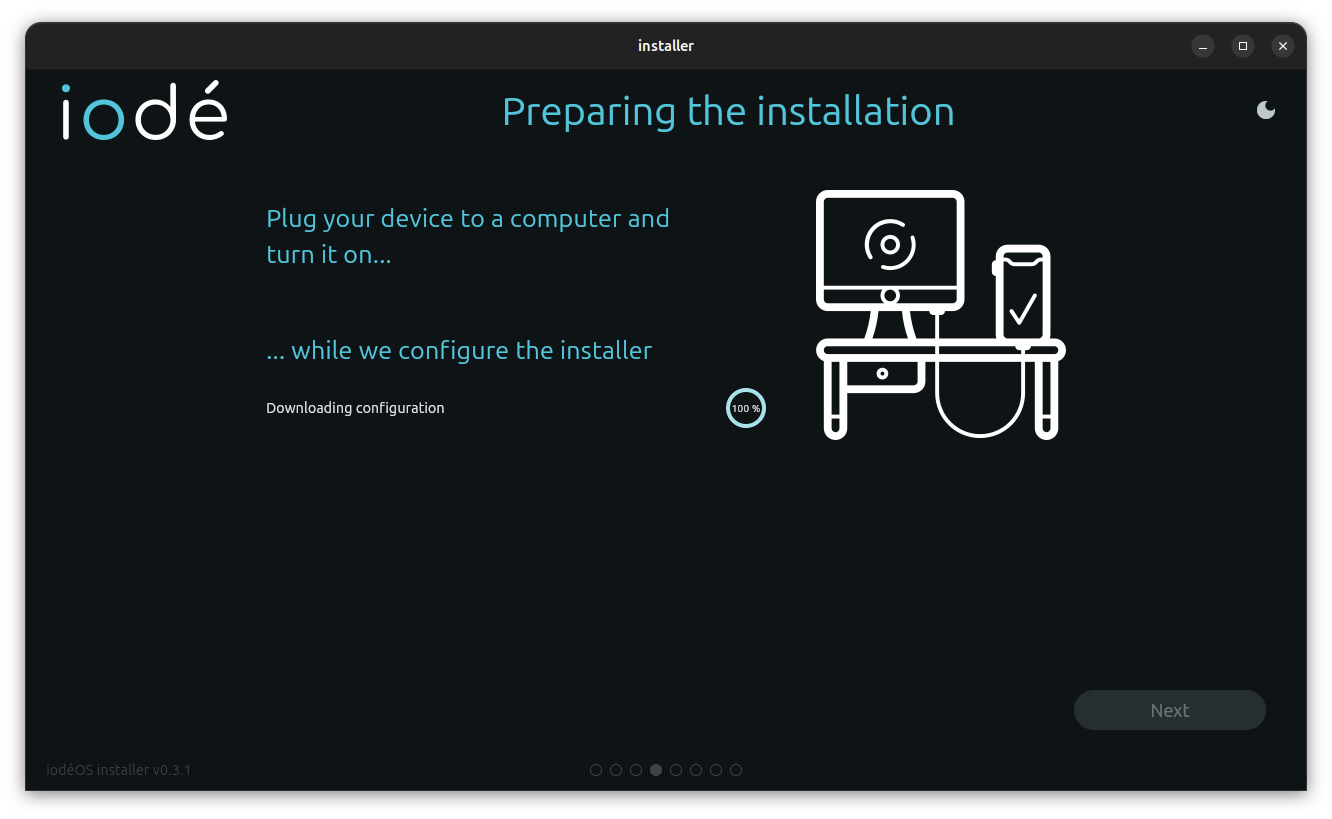
After downloading and extracting the installer is stuck at page 4 with this error in terminal:
[ERROR:flutter/runtime/dart_vm_initializer.cc(40)] Unhandled Exception: type ‘String’ is not a subtype of type ‘int?’ in type cast
#0 new Device.fromJson (package:installer/config_provider.dart:127)
#1 new Configuration.fromJson (package:installer/config_provider.dart:51)
#2 Config.fetch (package:installer/config_provider.dart:184)
<asynchronous suspension>
Is this a known bug or am I missing something?
Unfortunately, I have no idea of Linux, but I read regularly in this forum that problems with identifying the device are usually a driver problem.
An error was found in the graphical installer config that is downloaded at runtime and was preventing it from detecting the phone correctly. That has now been fixed, can you try again? (the issue was the same for Linux or Windows)
2 Likes
Thank you for proving me wrong so quickly (before nadira did too much futile searching …).
BTW: You are really plowing through the forum today! 
1 Like
Now it works and gets to page 5 - already installed iodé on my device so can’t test any further right now.
I redownloaded v0.3.1 via installer/iodeOS-installer-v0.3.1-linux.tgz · master · ota / ota · GitLab instead of https://gitlab.iode.tech/ota/ota/-/raw/master/installer/iodeOS-installer-latest-linux.tgz?ref_type=heads
Actually It’s a bit confusing: both files have the same sha256sum and size but a different age (latest is from June 7, 2026 vs v0.3.1 from May 24, 2026), so they are identical and don’t differ from the version I tried yesterday 
Probably a simple reboot would have helped as well (although nothing gets installed, it’s only unpacking an archive and executing the installer): after testing latest again I can confirm both versions work fine now.
@MissPiggy Thanks for your advice. On Linux device drivers don’t need to be installed. They are only needed on Windows.
1 Like