i didn’t look into the iodé Blocker app over several updates so i can’t exactly tell when it happened, but recently (since 7.10 update) i noticed that my blocker app malfunctions, making it’s usage nearly impossible.
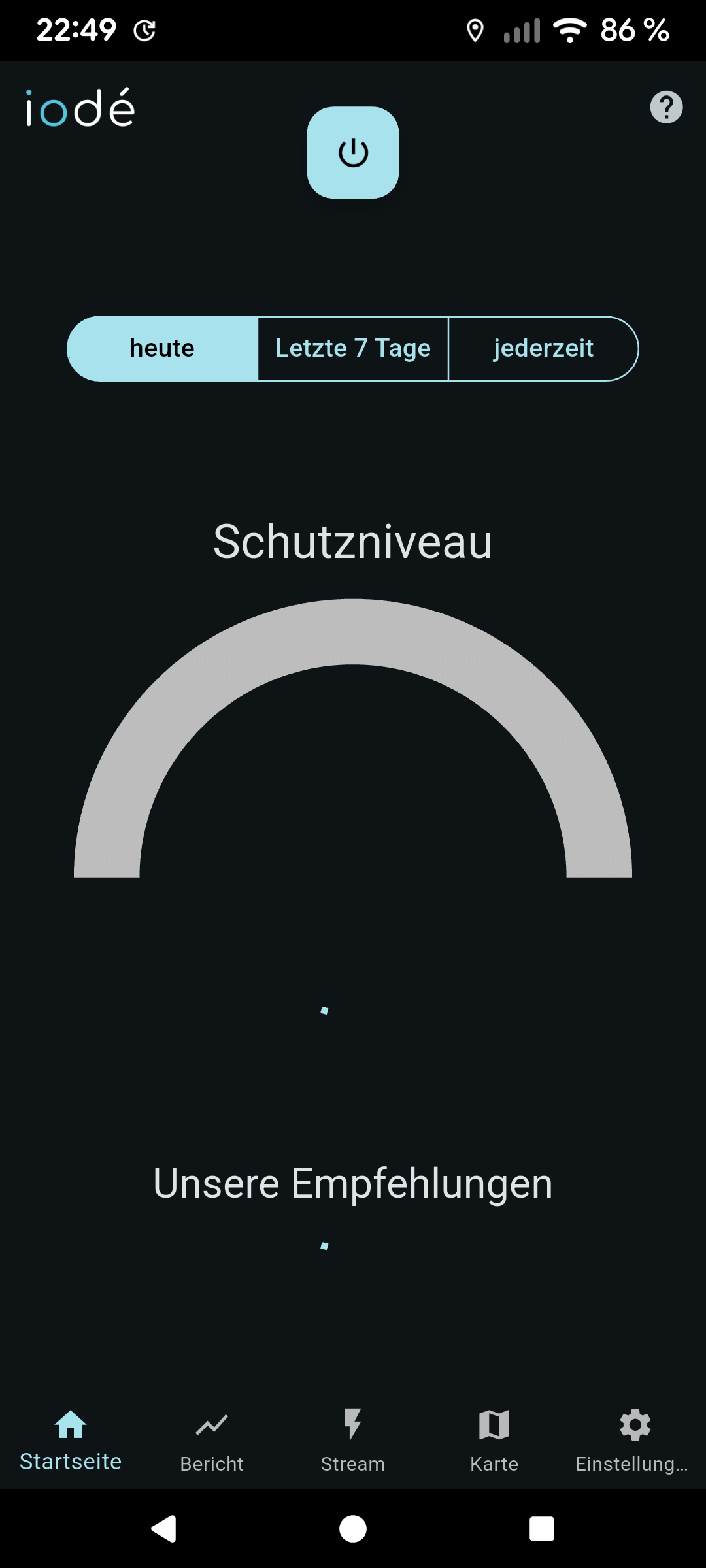
When i enter the app, the tabs with your stats won’t load, stuck with endless loading icons on all the normally displayed stats. I also can’t look for apps to customize blocking (i wanted to disable the blocker for the crunchyroll app as it prevented it from streaming videos). the power button on the top also won’t respond.
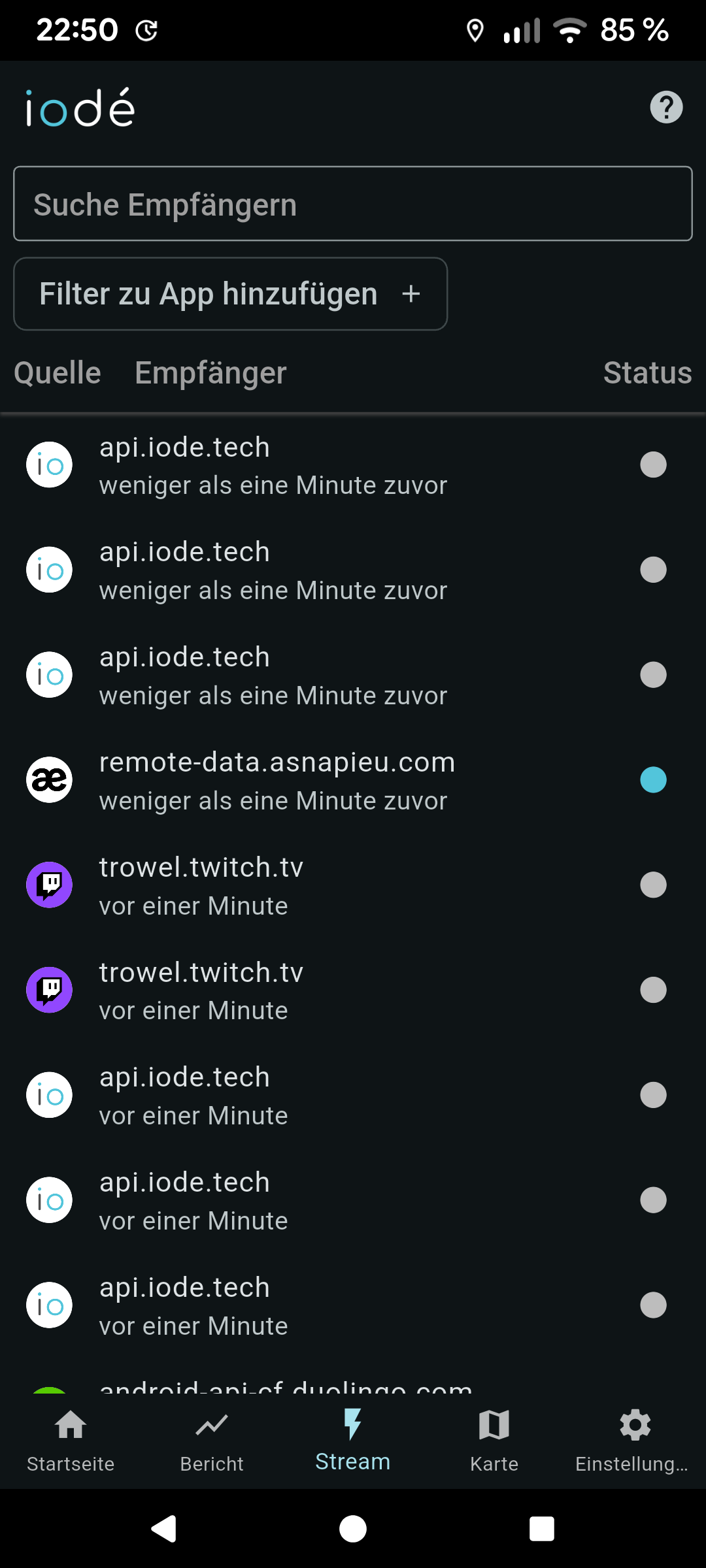
Although, the blocker itself seems to run properly in the background, as i.e. in-app paying links are blocked, and the stream tab regularly updates the reciever list.
Is it possible to reinstall the iodé blocker app or somehow to restore it to factory state? Or is there any other way to deal with this issue? Any help would be much appreciated.
Can you check if you are really on the latest version? There was a hotfix re-release of iode 7.10 on 5. Nov. (You can check in the updater app in the top card below “build date”.)
If you are already on the latest version, have you tried this from the news app?
Under certain conditions, recent changes in the blocker cause the iodé app to crash. To resolve the issue, it is recommended to clear the app’s storage (which will not lose your blocker settings, only the app’s own preferences). To do this: long press the iodé app icon, go to App info, then Storage & cache, and tap Clear storage.
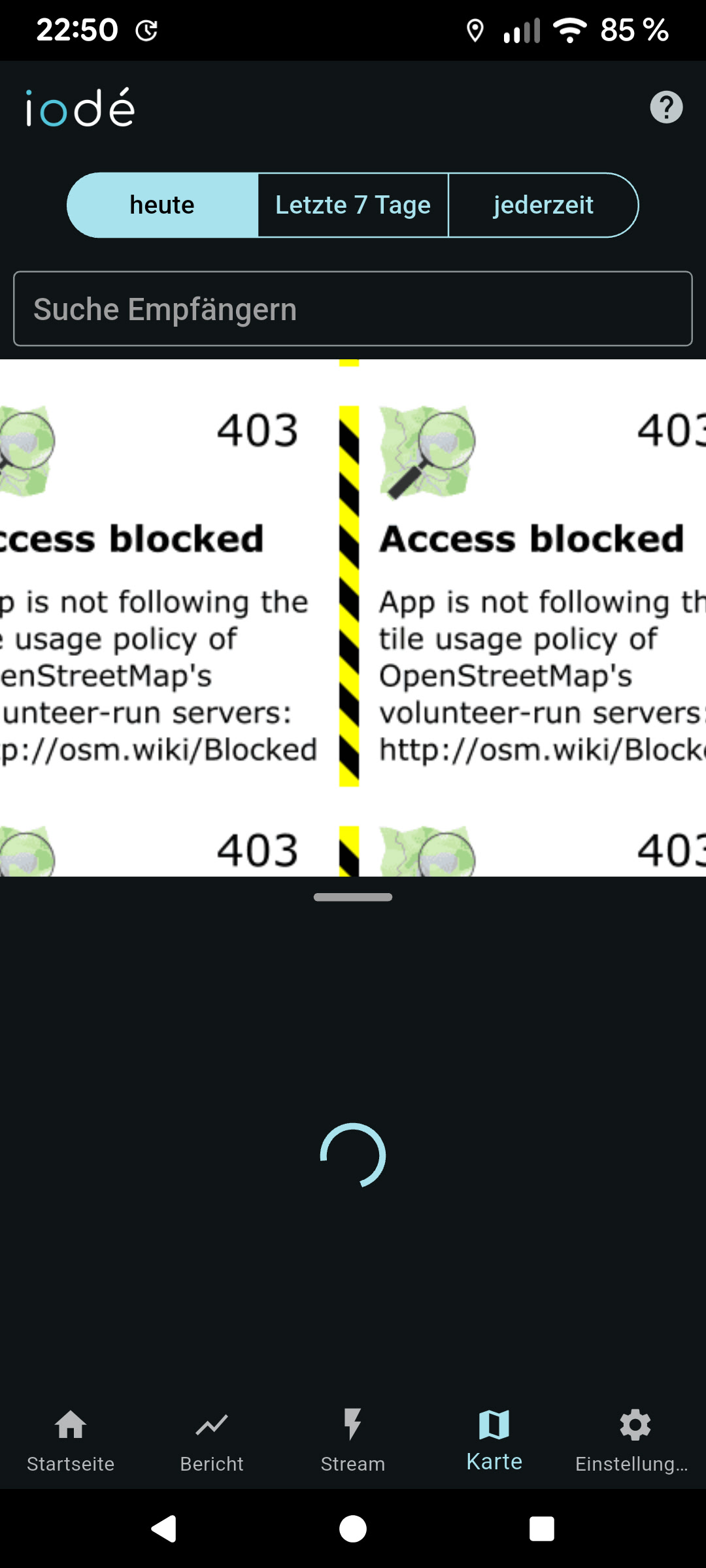
Indeed, i overlooked the hotfix. I installed it now, it fixed the map issue but the endless loading of all other features in the blocker app still remain
I also tried to clear the storage from the blocker app, that also didn’t help unfortunately
Please try a “data reset” from the iodé app settings. This is a bit different than other apps since it is not just a user-level app. Since it is a bridge between the system-level iodé blocker, a storage reset may just reset the user-level side, not the blocker level?
Are you a premium subscriber? If so can you confirm if your login is active? (You can see from the iodé app Settings or from “System Settings > Passwords, Passkeys, and Accounts > iodé account”.
Before when you said you cleared storage, to be clear it was from “App Info > Storage & cache > Clear Storage”? Others reported success with that, so wanting to confirm that is what you tried.
And yes, first i tried to clear storage like vanMacG referred to under App info > Storage & cache > Clear storage. After that i tried your suggestion with the data reset within the settings of the iodé blocker app, but neither of those actions solved the endless loading problem.