So what about that “iodé app > settings > reset data”, then re-login and start again, did you do that too?
I’ve following done:
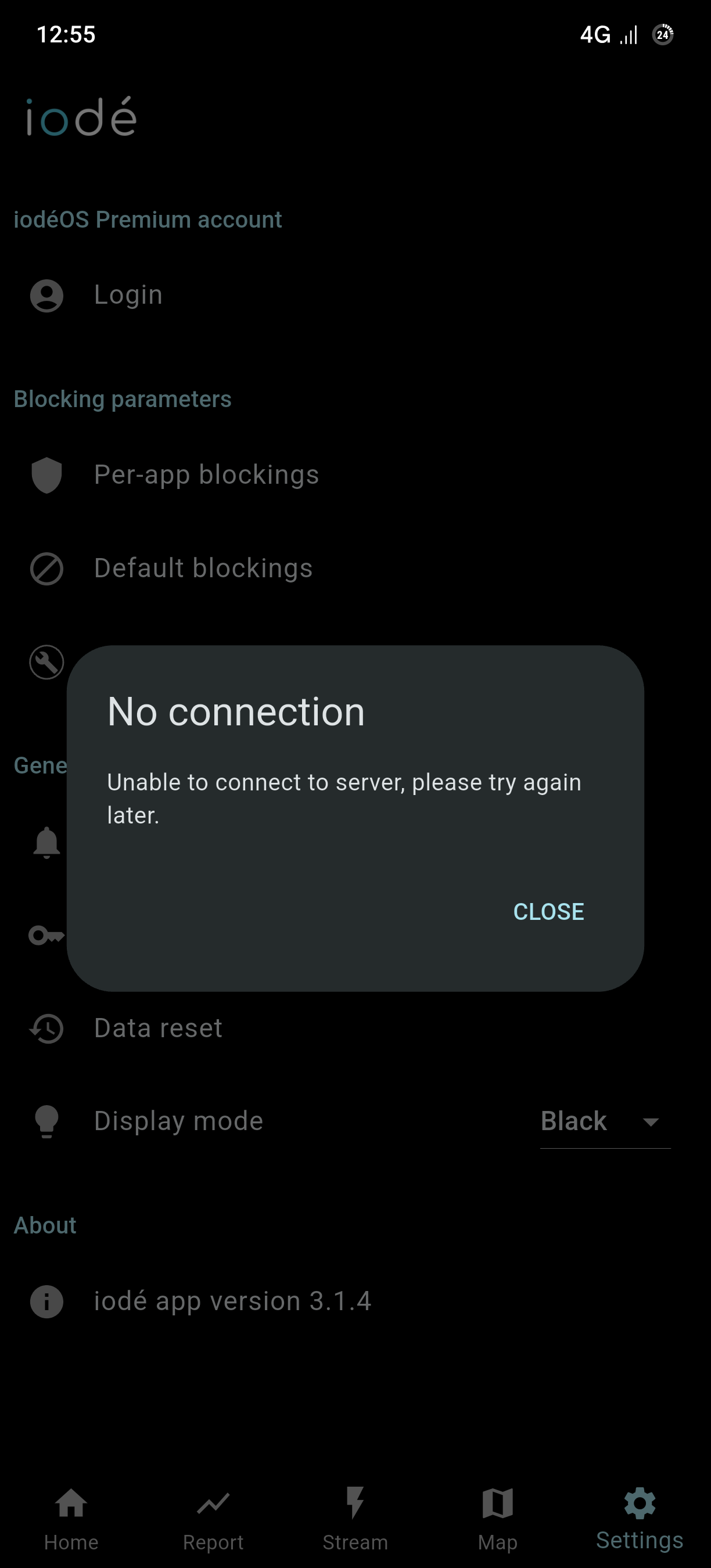
Reset data, re-login, on the launcher press long on the iode app- clear stoage and the chache. Login with: e-mail+password, username+password. Nothing change the problem! All the things i checked and do all the workarounds. Also i checked the FP5 kernel parameters, nothing noticeable. Or at least the Iode servers??? I don’t know really annoying and i’m despair. Let’s wait to get response from Antoine. More we couldn’t do
There is a difference between clearing data and cache via the settings and resetting all data in the iodé app itself (iodé > settings > Resett all data).
@rik any news for my Problem? Autologout
It’s still there. There is a iode server problem!
I have re-ping’d Antoiné to check on the server side.
Is fixed in 7.3. Coming soon …
@volker01 Thanks
There were some server side adjustments being made over the weekend that caused login to be (temporarily) disabled, can you please check again (if you can login).
I am still not sure why you were (or still are) getting logged out, I did see a very old issue related to that and it may need checked by Antoine on our server side, so please confirm if that problem still occurs.
I don’t know why I am the only one right now? At the moment I’m logged in.
All in all thank for your effort rik
Maybe there is a aosuim webview issue too. For secure side I remove aosium webview now!
I also use AOSmium WebView and don’t have this problem. Furthermore, I can’t imagine that iodéBlocker needs WebView for anything other than the map tab.
Are you logged in to the iodé app in more than two profiles?
I have the same issue that I get logged out frequently.
I use a work profile (via shelter) and the private space alongside the owner profile.
I use the iodé app in all three profiles.
Since I use the profiles for different apps I need to login to my iodé premium account in the iodé app in all three profiles.
Quite frequently (maybe every day) I get logged out from the iodé app in the work profile and in the private space.
Antoine wrote me:
If you are logged in in 3 different accounts, then 1 gets always disconnected since you can only connect 2 profiles at the same time.
The iodé app creates a new process on each profile, that’s why it has to connect again on the new profile.
Is this on our newer builds (7.6+)? iodé account management is now at the system level (system settings > accounts) not just the iodé app level. If not maybe some changes in the meantime have caused some issues. Some have had trouble after these migrations not being able to login again on a device (repeated “invalid credentials” messages): the easiest solution is to reset your password and then relogin on the device: https://shop.iode.tech/my-account/lost-password/
To clarify, your device count is only per physical device, so this shouldn’t be an issue but there may be a bug here: I will try to give that a test.
The issue was on older builds.
Happy to hear that it is now a per device count and that this issue finally got resolved.
Curious to test it soon.
I am not sure there has been any change, maybe the problem still exists: but I had understood from the team the count is for devices not for instances of the iodé app… so looking forward to your feedback.