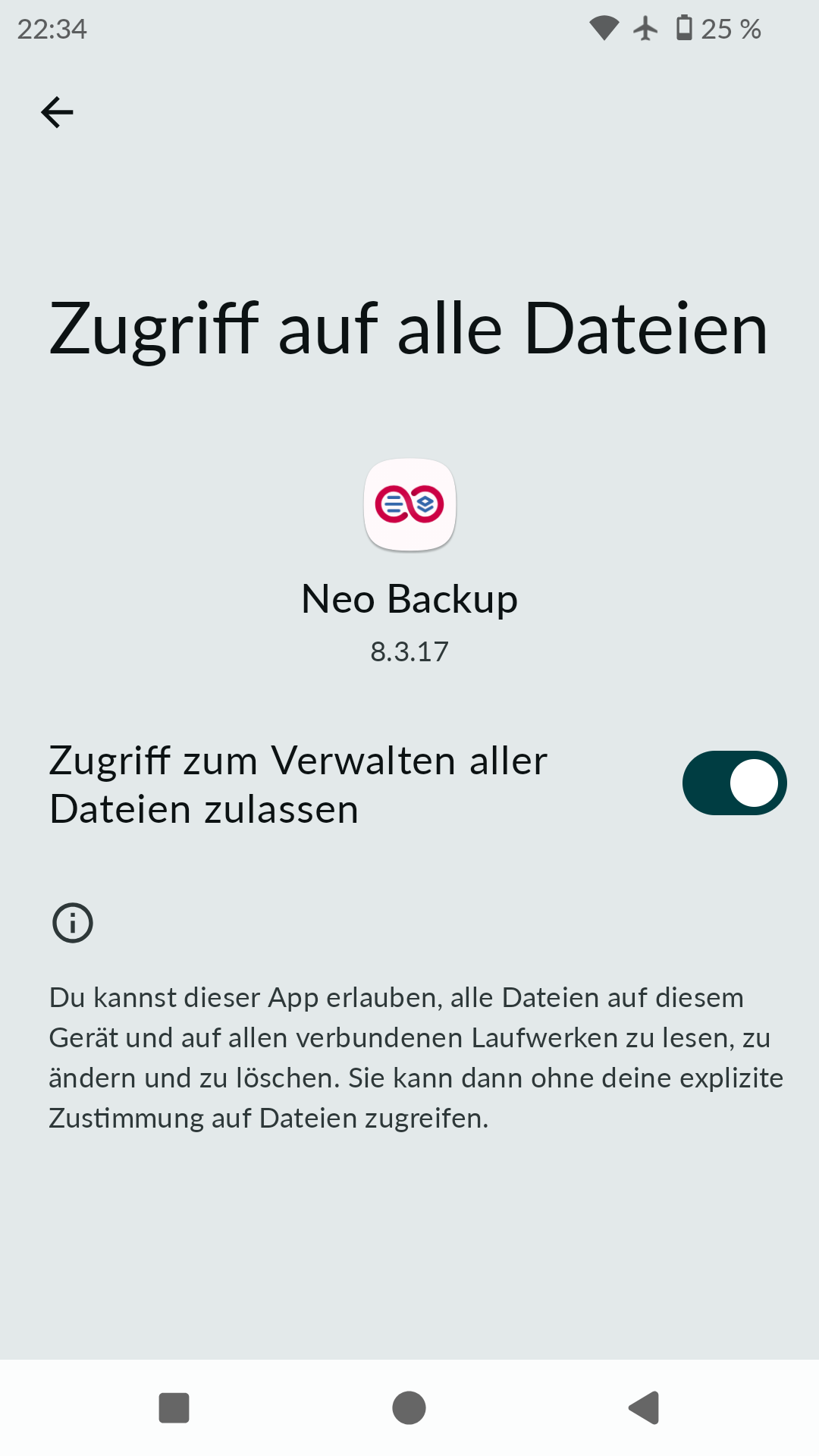
Ich versuche NeoBackup zum laufen zu bekommen, jedoch habe ich ein grau hinterlegtes Feld mit der Einstellung “Zugriff auf Nutzerdaten”. Ich kann diese Einstellung nicht einschalten somit NeoBackup nicht nutzen. Ich habe schon versucht via ADB die Berechtigungen zu setzten jedoch kein erfolg. Hat mir jemand einen Hinweis?
Sorry for the delayed reply, but if NEO Backup needs adb root access then that isn’t enabled in iodéOS as they are user builds. I am not experienced enough rooting the device to know if the fact that it is still a user build (but rooted) can deal with this or not.
LineageOS for microG creates userdebug builds that thus have adb root access by default if you feel you need to consider another option (but still remain with a lot of what iodéOS has to offer apart from the iodé blocker).
Neo backup needs a rooted phone, otherwise it just displays a warning message and exits. Problem here seems to be setting up Neo backup correctly, root access is ok, otherwise the app would not have launched. I’m not rooted anymore (I now use seedvault for backup/restore) but I remember when I used Neo backup I had to first chose a backup file location on USB or external SD card to get Neo backup to work.
Wenn es nicht hilft, ein anderes Sicherungsverzeichnis zu wählen, vielleicht mal in Einstellungen unter Apps->spezieller App-Zugriff->Zugriff auf alle Dateien (iodé 6, bei iodé 7 evtl. woanders in Einstellungen zu finden) schauen. NeoBackup braucht diese Berechtigung.