I have just installed a Windows 11 machine and just downloaded the Windows installer for IodeOS for Windows. I have also installed drivers for Motorola, as I would like to install IodeOS on a Motorola G52.
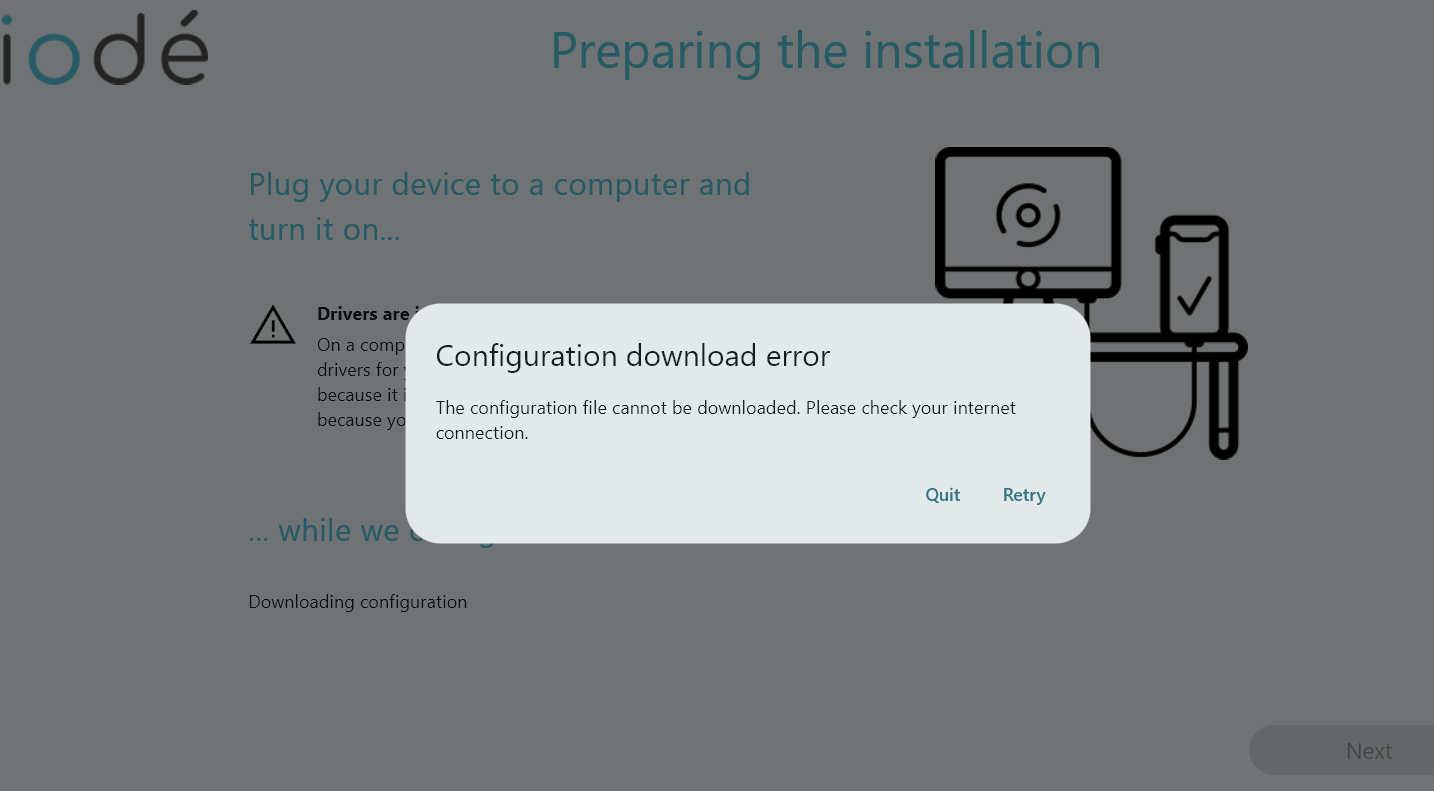
Installer app starts, click two times and on the Preparing the installation panel I get this error:
Configuration download error
Then configuration file cannot be downloaded. Please check your internet connection.
Needless to say that I browse the internet ok, as I have just downloaded the IodeOS installer.
Anything else I should consider, like some firewall setting for some specific protocol?
In the meantime I have reinstalled the laptop with Windows 10. Same situation, configuration file cannot be downloaded.
Windows firewall is off.
Changed from wired network access via own firewall to hotspot on phone: same situation, configuration file cannot be downloaded.
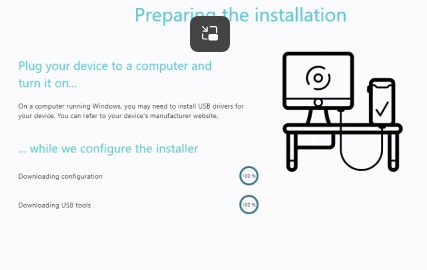
Interestingly, on a Windows 10 installation on a virtual machine (where I cannot attach the phone to) the Installer runs fine and does not report error. This VM is on the same wired network with own firewall as the standalone laptop is …
This is what my screen looks like - unfortunately the error message modal cannot be moved, so I cannot read what is written down under. Where do I find a log file if there is one?
So, if the configuration file can be downloaded on the virtual machine … where is it written to?
Copying the local data dir to this laptop did not help, when substituting the data folder the Installer does not even start. Back to the original data dir, the Installer starts, but the download error is still there (of course, I would say).
I started with in mind that the Linux installer in the past did not work on my machine/OS. I might be mistaken, that I have installed IodeOS “manually” on Linux in the past. I have definitely installed LineageOS manually and CalyxOS in the past. This is why I got the installer on Windows, which, as said, worked fine on several G52.
After a day of frustration with various Windows installations, I went to check the procedure to manually install IodeOS from Linux. As the Installer app has been updated for Linux I said to myself that it was worth a try. And, finally, all worked fine. Debian Trixie.
I won’t find out what the problem with the Windows Installer was, but happy I got it done in the end.
Well, glad you made it! The Windows errors seem like something is preventing the installer from accessing the internet. Hard to say, lots of variables. I am re-organizing my office these days with a goal of making a space to set up an occasional test Windows machine just for this purpose (it will only be W10 however and is a local account).