New iodeOS (unofficial akita, pixel 8a build) user.
It appears that Breezy weather has an update (v6.0.11-rc) but I can not figure out how to update this.
How does one find out the apps that all come preinstalled. For instance, I installed mupdf-mini (which is a great app) and then found that there is already a PDF reader that comes with the app, however, I can not tell that it is preinstalled because some of these apps do not show up.
The default applications can be viewed, uninstalled or reinstalled from Configuration > Apps > Preinstalled Apps. A reboot is necessary for uninstalling system apps. Without it they are disabled.
Both via F-Droid (iodé repo, or it could just be upstream repo too), or by applying new system updates.
In the Breezy Weather example, I see that the iodé F-Droid repo is notifying of the update. I didn’t apply it yet but am guessing (?) it will address your question about how to update Breezy Weather.
If you open the F-Droid-App and go to the settings, there is manage installed apps (I guess that’s what it is called, I have the german settings Installierte Apps verwalten).
You will find all apps which will be updated by F-Droid.
Scroll down a little and you could manage the schedule, how often F-Droid should search for updates.
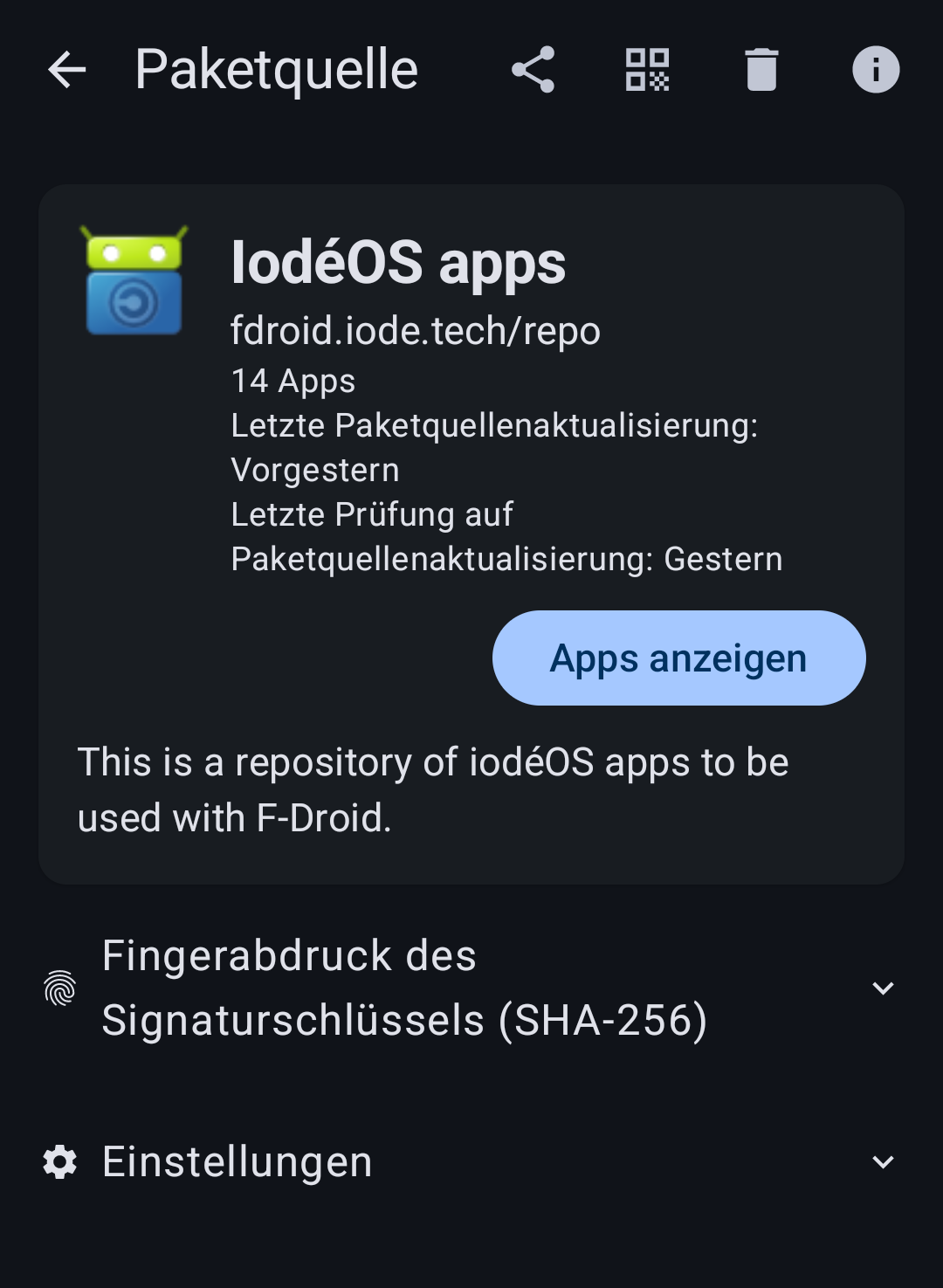
Thanks for this explanation and please excuse my following question. Is there really an iodé F-droid repo available? I have none in the Repo settings on my f-droid client app and couldn’t find any valid link in the internet.
Thank you so much. Is this installed by default? Maybe my mistake was to restore a backup from a previous Lineage installation and this repo was deleted during restore.
I did this with my first restoration of the seedvault backup and found that it is not helpful. The second time, I skipped the “have a backup?” right at the beginning and let iodé installer install the standard apps (including F-Droid) and only restored a selection of apps from my backup, mail, messenger and so on. I then added my previously used additional repos manually (Threema channel for example).