After the iode update, I configured WireGuard a day later, and since then the FP5 no longer connects to the Fritzbox. The device ID also shows a conical IP address with 10.xxxxxxx instead of 192.xxxxxxx. I’ve tried everything on both the Fritzbox and the FP5. I deleted all Wi-Fi connections, restarted the Fritzbox and FP5, etc. No success.
My OnePlus works with the Fritzbox, and the Fairphone 5 also works via the OnePlus hotspot 
Well it could be one of several things but I would guess something in your topography, esp. related to DNS / subnets. Not sure if your Fritzbox is on the wireguard network too?
My Fritzbox is not on Wirguard connektion. Only Wirguard conection Fairphone to Fritzbox.
I’ve now also noticed that the blocker is no longer working.
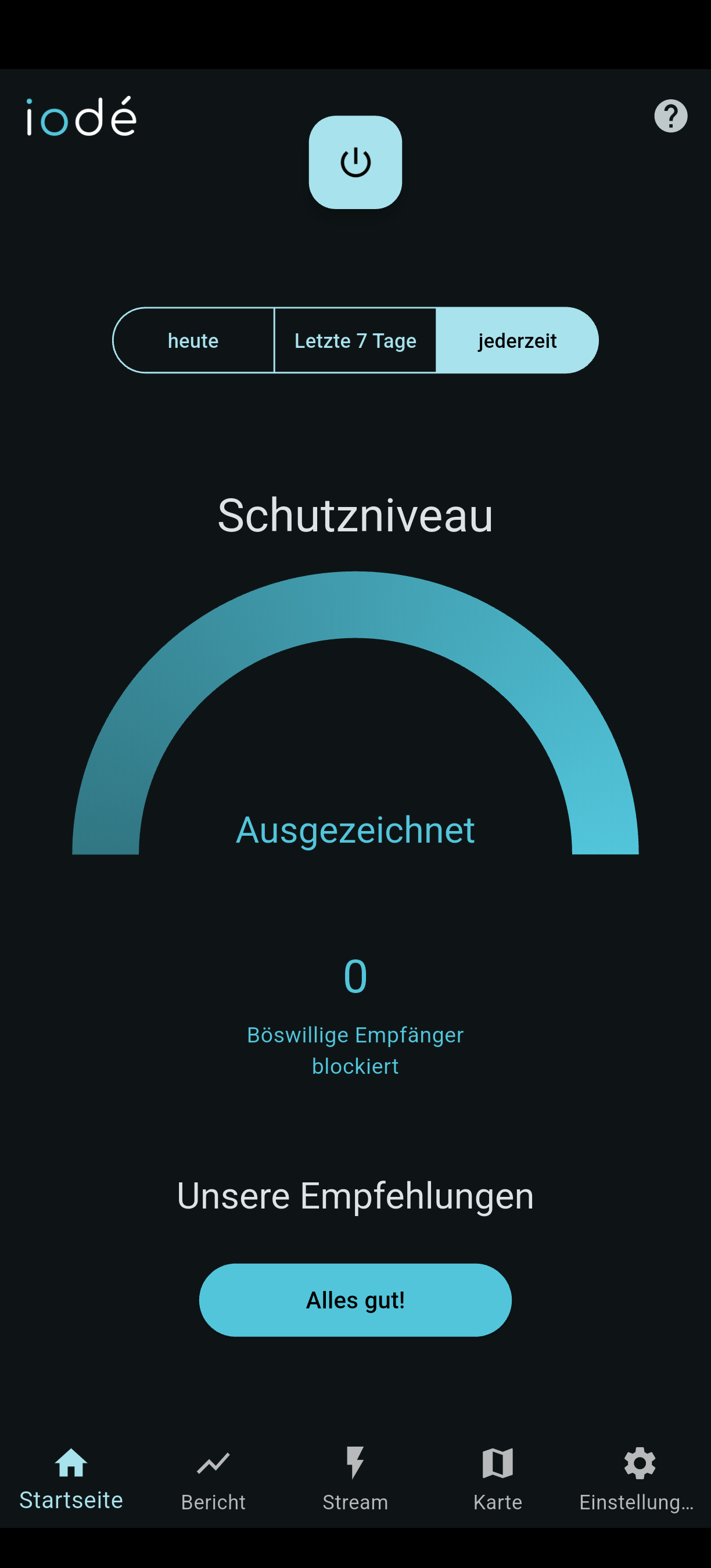
Long press iodé app icon > App Info > Storage & Cache > Clear storage.
If you have customized blocklists, you first want to export from inside the app under the Settings tab.
I did that and restarted, but it still doesn’t work
The iodé app is still not working? So you did the “clear storage” from App Info, not just the reset from within the app itself, right?
I reset the data in the settings, under ‘General Settings’ in the Iode app. It’s working now.
The Blocker works, but the Wi-Fi still doesn’t. Additionally, the phone reboots when it charges to 100%. All time when full Charge.
I think you only removed the saved wifi connections. Instead can you try “System Settings > System > Reset options > Reset Bluetooth & wifi” (it does more than just remove the saved connections).
But about it rebooting at 100% charge, this is strange. I recall some other strange issue like this (not necessarily for the FP5) let me look around a bit.