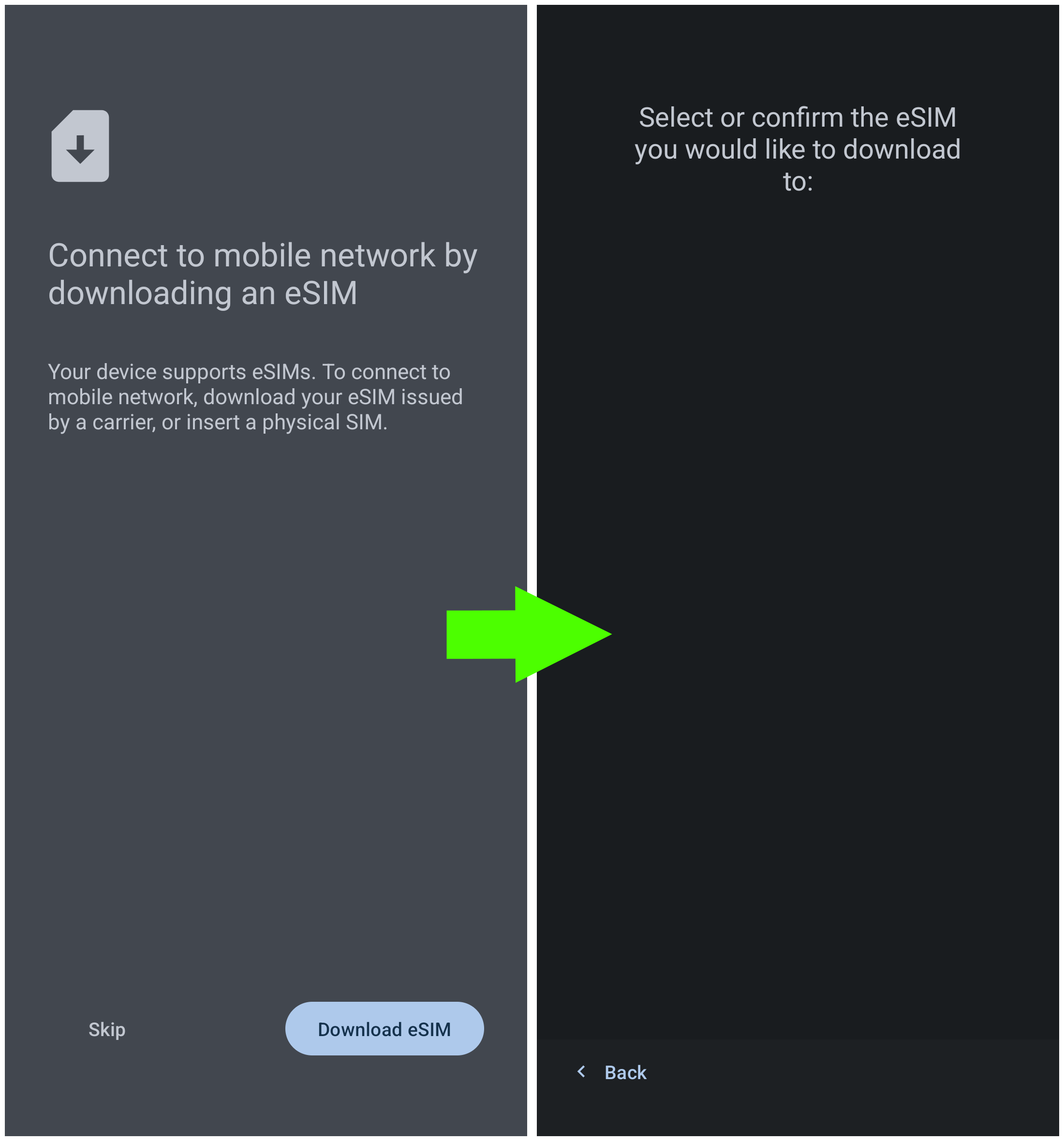
Trying to dowload my eSIM for the first time on this device after flashing iodéos, I’m stuck at the screen “Select or confirm the eSIM you would like to download to:” , all the rest is empty, except for the “< Back” button
New Issue, Regression, or Feature Request?
I searched, but coud not find a similar issue affecting other users’ Pixel4a
Additional Information:
Wifi is connected and internet available, also tried with or without a physical SIM inserted.
Yes, I have. I forgot to mention that I also tried to scan my eSIM’s QR-Code with the iodéos camera inbuilt scanner, but it just showed the textual content of the code, so I copy-pasted it in the web-browser, but it didn’t work.
Another thing I forgot to mention is that I already tried rebooting between the various attempts.
You should have “OpenEUICC” on your phone, have you tried to use it to register the eSIM? I thought that one should “pop up” by default but a bit uncertain as I don’t have an eSIM to test with.
You’re right, I should have tought I could tackle the issue from this angle… “OpenEUICC” offered me to scan a QR-code, but I stopped, as I saw a new IodéOs update was available. After the upgrade to iodéOs 7.6 I was able to download the eSIM from the settings. Thank you