Hello! I just did a fresh install of the latest Iodé 6.8 on my Pixel 7 using the official Windows installer. When I launched Aurora Store for the first time, it went through the initial setup and then immediately offered two updates: Pixel Camera Services and Google Play Services.
I can probably understand the need for the former, but why is Google Play Services even installed? I thought this was supposed to be a Google-free OS?
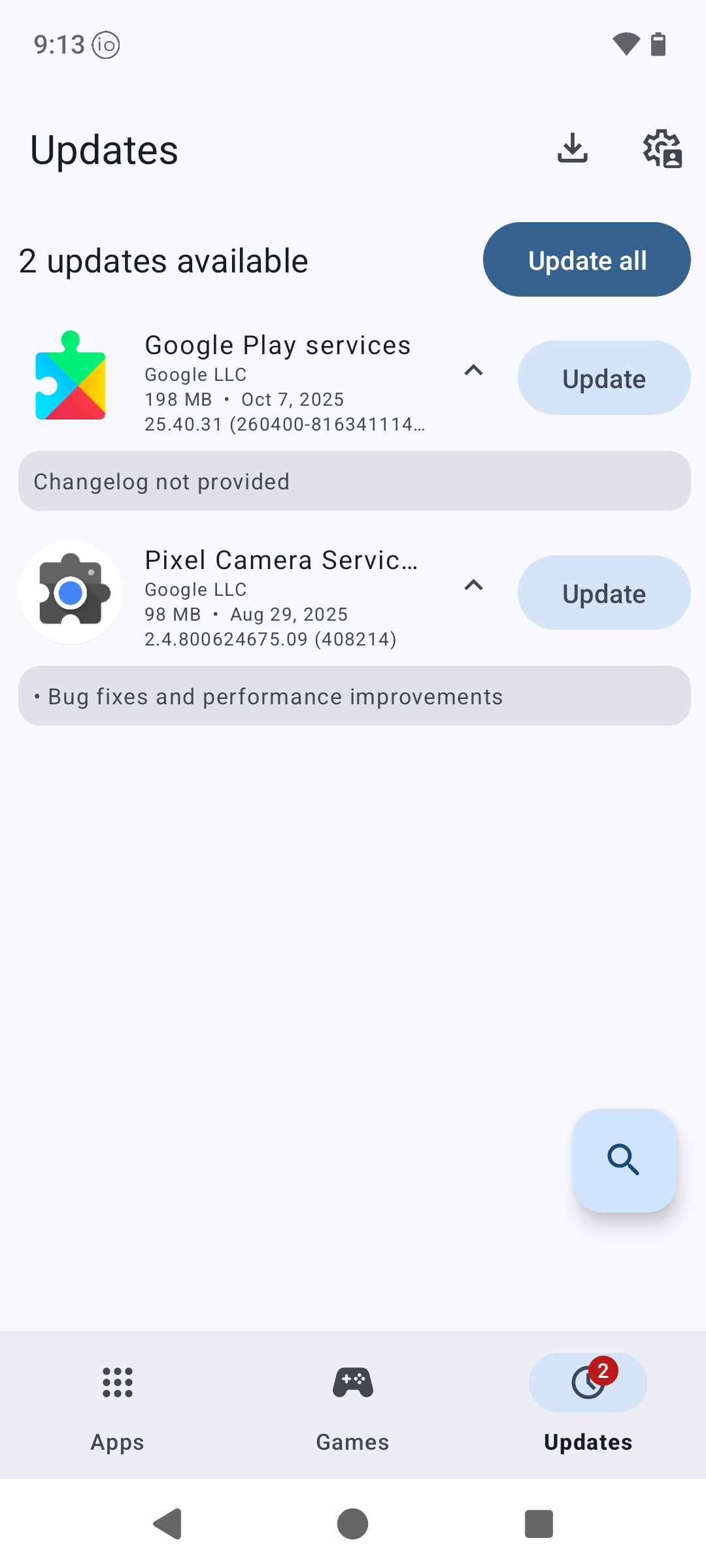
Long press on the Google Play Services update, and a dialog appears. Select the first item ‘Add to blacklist’ and the problem has gone.
I thought this was supposed to be a Google-free OS?
It is, The problem occurs because microG (which is a central part of what IodéOS does) has the same app signature as Google’s Play Services. Like any other app, Aurora Store sees microG, believes it to be Google’s Play Services, and sees that a more recent version of Google’s Play Services is available, so offers it as an update. Even if you chose to install the update, it would fail because Google’s Play Services and microG are signed with a different keys. Adding Google’s Play Services to the Aurora blacklist will mean that Aurora Store will never offer updates for it again.
microG updates will come from F-Droid
Thank you, @petefoth. This makes perfect sense. I blocked Google Play Services in Aurora, as you suggested.
However, that doesn’t appear to be the case with Pixel Camera Services. I tried updating it, and it did update — which tells me it’s actually present in the OS. I don’t mind this, as its presence gave me the idea to try installing the Pixel Camera app from Aurora. That was successful, and I like that I now have the option to choose between the two camera apps.
I’d be curious to know if there are privacy concerns with using Pixel Camera software on a degoogled Pixel - i.e. does it phone home or otherwise connect to the mothership?
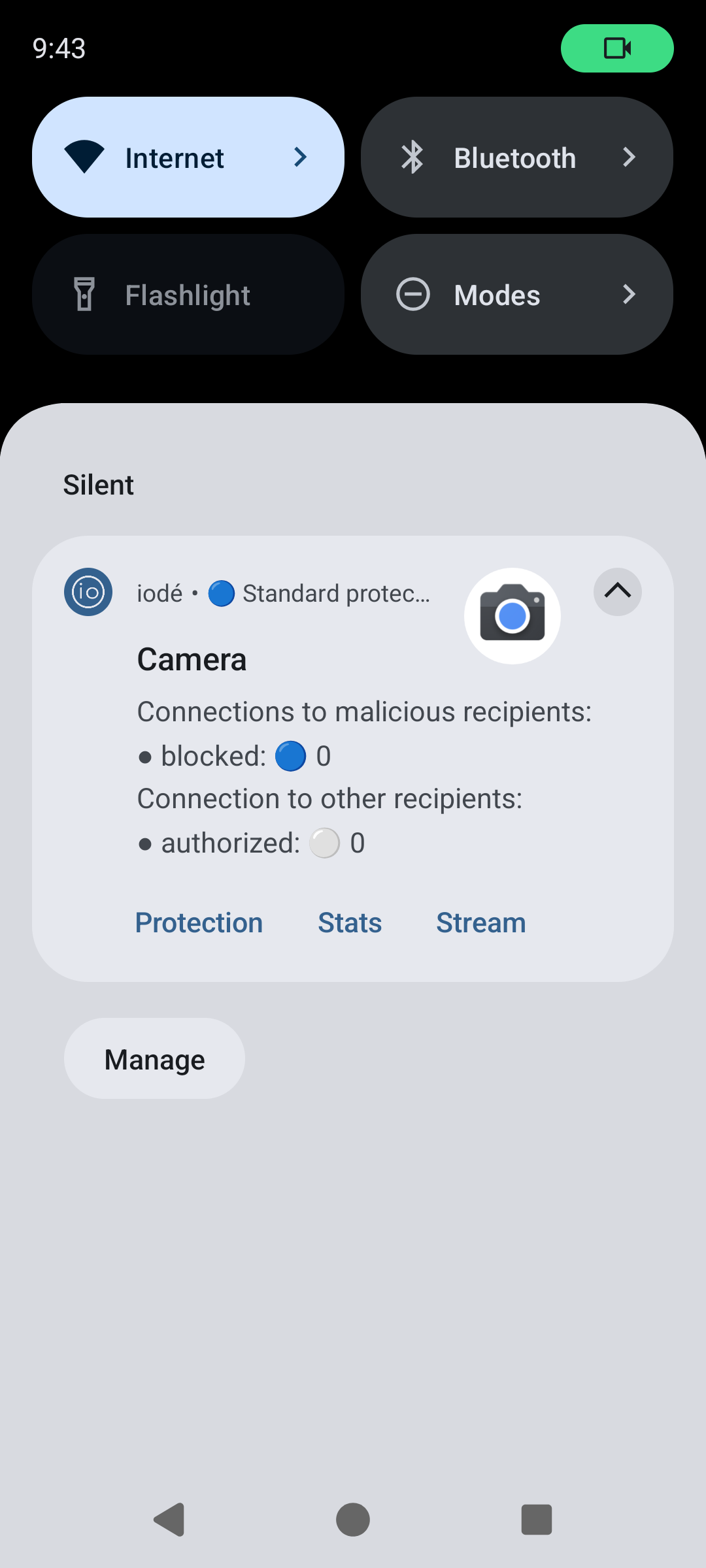
From my fiddling with it over the last hour, it doesn’t look like it does. No blocked session, according to Iode. Only an authorized session to a location provider.
Though that doesn’t mean it won’t ever decide to call Google or something…
–-------------------
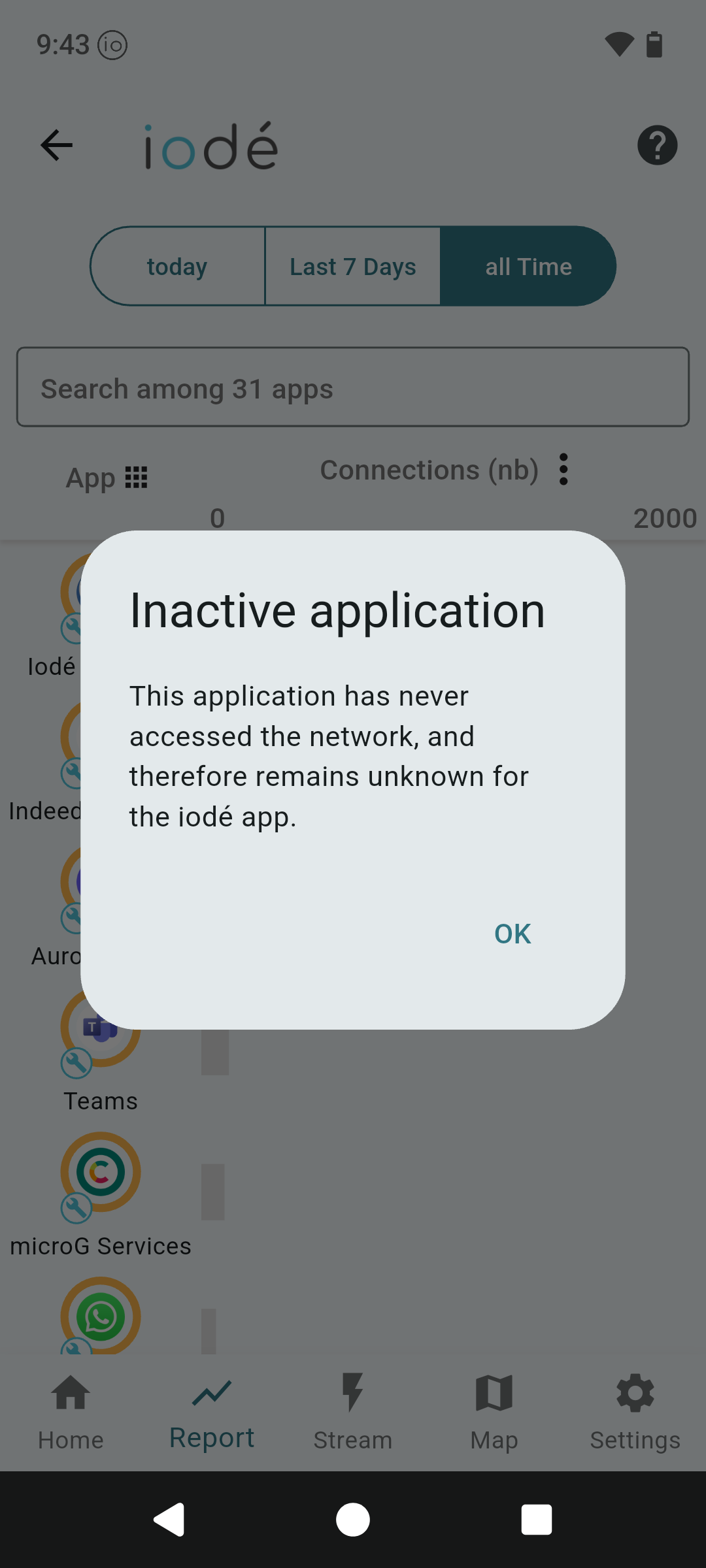
Update: I got it wrong. Actually , it looks like Pixel Camera is not accessing network at all
Had the same question, a quick search ended up here, got em now blacklisted.
Problem solved, thanks!
Interesting. Thanks. My reason for asking is if Magic Editor is part of the camera app; and any of the other AI functionality Google put into the Pixel models from around the 7 or 8 onwards… I would presume they rely on some processing off device (or resources in the cloud) so would potentially call home if utilised and pass back info on the photos and potentially other data about the phone or camera use?
I’m interested because I recently picked up what should be a near mint Pixel 8 Pro to go alongside my BraX3, and might be keen to try and get Pixel Camera app on it (once I’ve loaded up iodéOS) rather than use Open Camera or similar…
My understanding is the editor is not part of the camera app itself. To even open the taken photos you need a de-googled “photos preview” installed: CalyxOS / platform_external_calyx_GCamPhotosPreview · GitLab or else it crashes trying to use Google Photos.
But the best way to prevent network access, in my opinion, is block wifi and cellular data at the “App info” level.
Thanks @rik useful to know, as I now also have a Pixel phone to try iodéOS on as well as my BraX3…
Just to be more specific, I would use the top toggle “Allow access to the network”, that should block it always, on a VPN as well.