Is there a way to add a Microsoft account such that the calendar app can detect it? I can login to my email using the default mail app, but the calendar app can only import public calendars or detect system ones. I can’t add a Microsoft account in system settings, and installing Outlook is redundant as it is a calendar and email app when I already have the default ones. I also can’t install the Outlook app (because of a problem described in a post in the installation help category).
Check out the Nine app. There you can add Microsoft accounts, Exchange…
That’s not open source.
is Microsoft Opensource?
1 Like
Microsoft is not a piece of software, so asking whether Microsoft is opensource is not a sensible question.
In your thoughts, you mentioned Outlook, which of course is not open source either. My experiences with Nine are good, so I mentioned it, doesn’t need a Playstore.
These replies are very unhelpful. Please don’t make this about “I am right and you are wrong”. All I want is to ask developers of iodé to answer whether an email can be added in the system settings, or if it will be possible in the default installed calendar app at some point.
DAVx5 from F-Droid (yes fully open) is your friend for adding online accounts for calendar, contact, and task syncing. I am not fully certain if Microsoft would use standard Caldav and Cardav formats, but if so then DAVx5 will probably work to add the account.
The standard iodéOS supports CalDAV as installed. I always thought that it means anyone can see or edit your calendar without having to log in, which I don’t want.
Yes, CalDAV is supported by the Calendar app, but adding a remote calendar (sync) requires DAVx5 or another tool. I think by default all you can do is import a local CalDAV calendar backup.
No, it depends on the provider but DAVx5 supports OAuth login, SSL, etc. Here is the website for more info:
I tested and Outlook doesn’t support CalDAV it seems. I can’t find any mention that it does. Only plugins for importing, but no export.
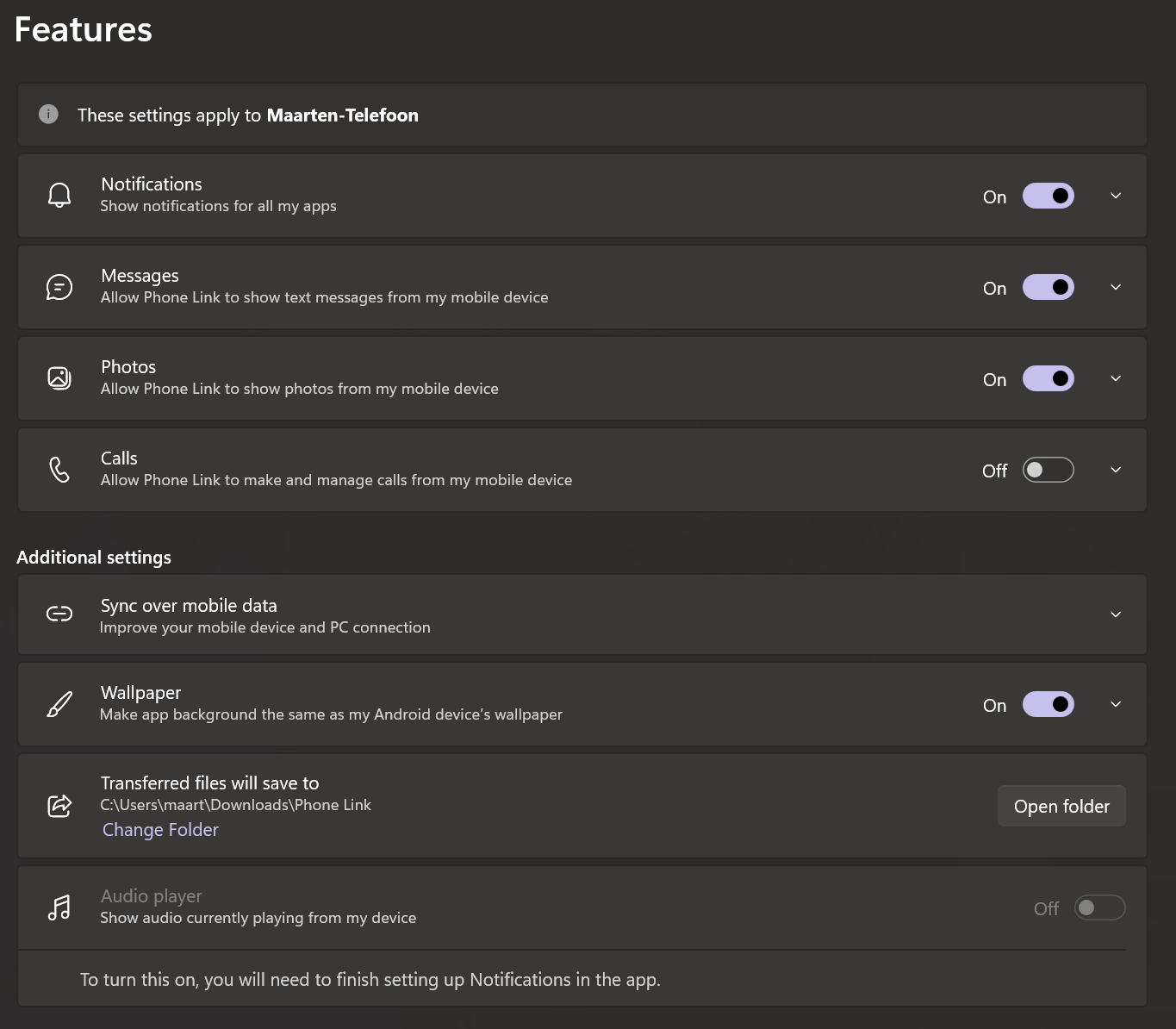
I installed phone link because I use it for file sync, and checked whether it adds a Microsoft account to the Android system accounts and it does. But it still doesn’t show up in the calendar app.
The only way seems to be this:
1 Like
They say “two-way calendar export is supported” but is this a new term? “Two-way export” sounds a lot like “sync” to me 
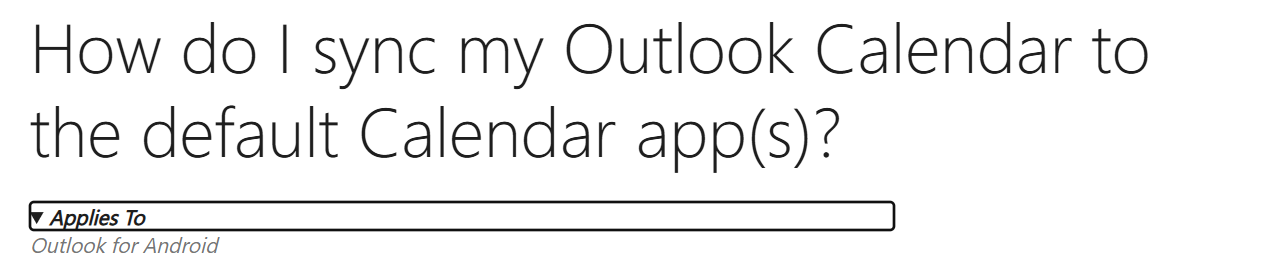
If you toggle this dropdown you see that you have to install the Android app for this (this setting is not available anywhere else):
I would guess one other option if you don’t require event notifications is to just make a web app for the calendar
But that won’t do the sync to the etar widget then right? Reverse en9in3er1ng the sync protocol Microsoft uses isn’t allowed?
Correct. This would just be a standalone app launcher that directly opens the microsoft calendar in your web browser.
I did hear over the holidays about another person that needs Microsoft “activesync” and that keeps them from being able to try de-googled ROMs. So if you install MS Outlook it doesn’t have its calendar integrated there or it doesn’t work?
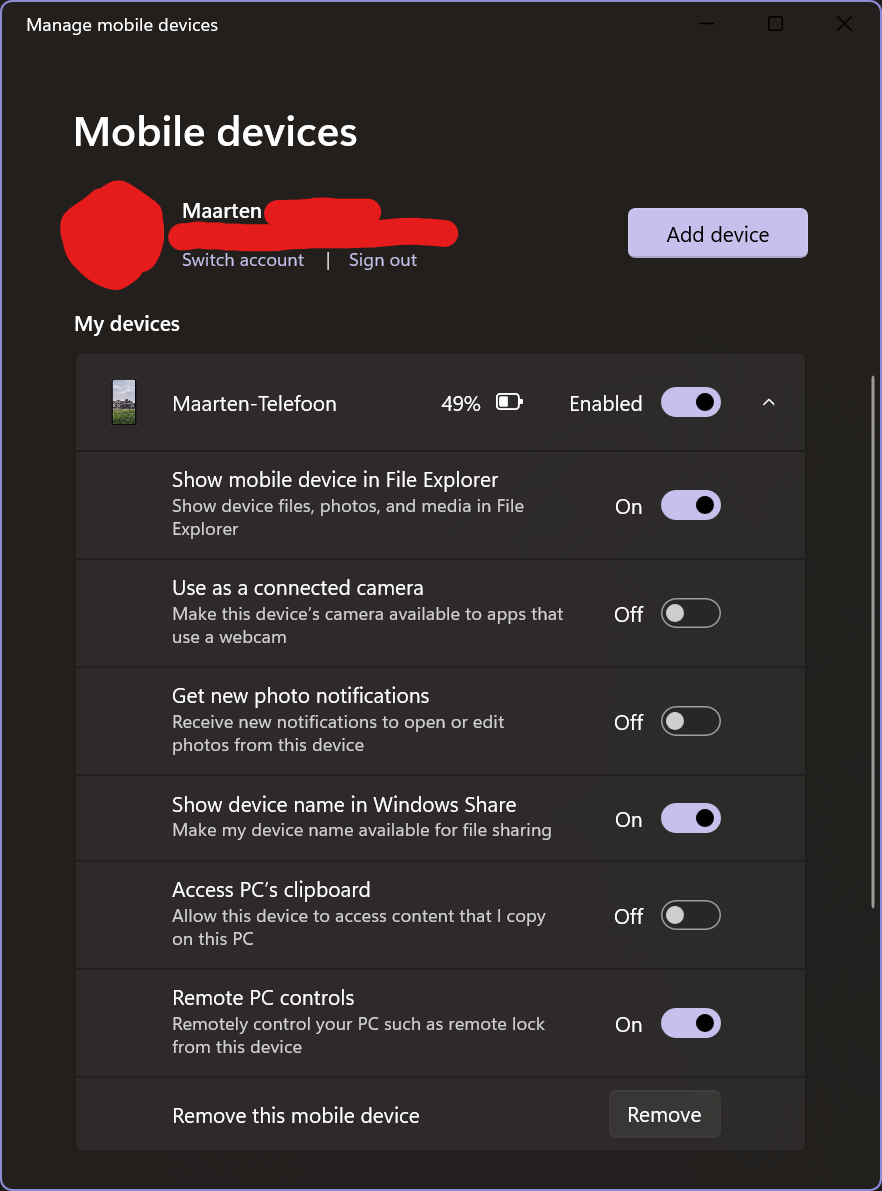
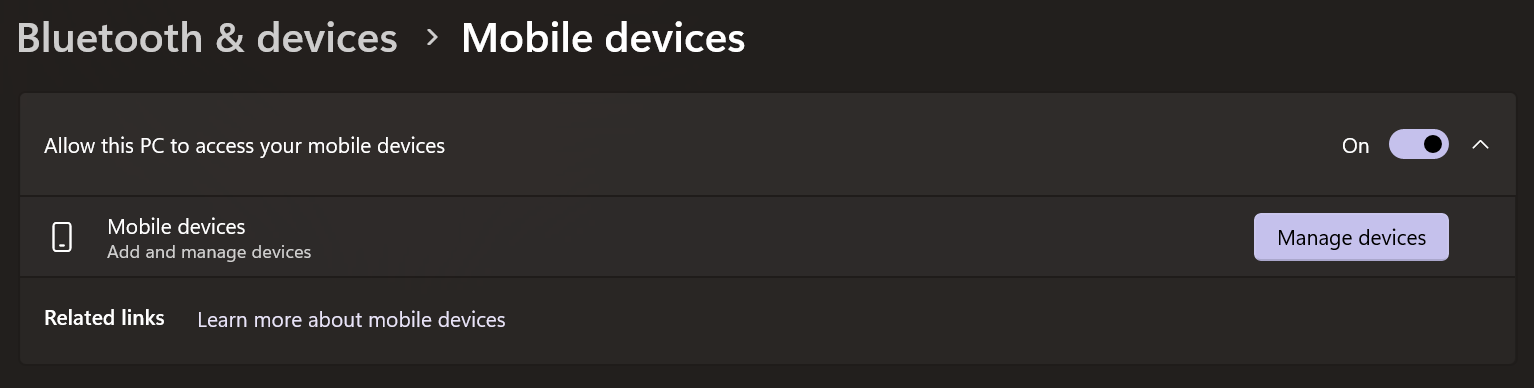
Ah I see. I believe I use the equivalent of that already (i.e. I have phone link set up, as well as my mobile device linked via windows settings, which apparently is two separated features for some reason, not sure what phone link adds).
Apparently activesync is a legacy utility?
Microsoft ActiveSync works only with Windows XP SP2 or earlier
https://www.microsoft.com/nl-nl/download/details.aspx?id=15
I thought official support ended for that. But the latest release of activesync is july 2024.