@ronnz98 's build (v6.5) is one version too old to include the Android Auto stub fix (that has it show in “Preinstalled Apps”). That fix came in v6.6.
I didn’t yet make adjustments for my process to correctly build for the 2 XL, as the issue is the partition size is too small for the iodé image and it needs to have some preinstalled apps manually removed to fit the size (I think this is what ronnz98 indicated was his workaround).
I’m going to move this topic to the Unofficial Pixel Build thread, I think they prefer to have the “Installation Help” category for when using official builds.
Don’t try installing MindTheGapps over microG: It won’t end well. miicroG is a replacement for the Google Play Services shipped with GApps, and the two cannot co-exist, at least not without some serious and hard-to-debug problems.
Yes, I also thought that could be problematic. I have now opted for LineageOS and MindTheGapps on the Pixel 2 XL, as Android Auto and the Sparkasse push TAN app are required there.
official builds support bootloader relocking but not rooted debugging, and have OTA updates
unofficial builds support rooted debugging but not bootloader relocking. I have been delayed in making them, but have plans to incorporate OTA updates.
I have completed v6.8 Unofficial Pixel builds and have uploaded them to the download server (same links as listed in the table in #1 above as those links are only to the device folder).
I have confirmed a successful update on a Pixel 3a XL bonito using the “Updater app > 3 dots > Local update” option.
I am still making these “unofficial” builds for the Pixel 9 series, the Pixel 8a akita, and the Pixel 4a sunfish devices since existing users of these builds may prefer them to the “official” iodé builds. As a repeat clarification,
Sorry something happened with my rsync Thanks for letting me know.
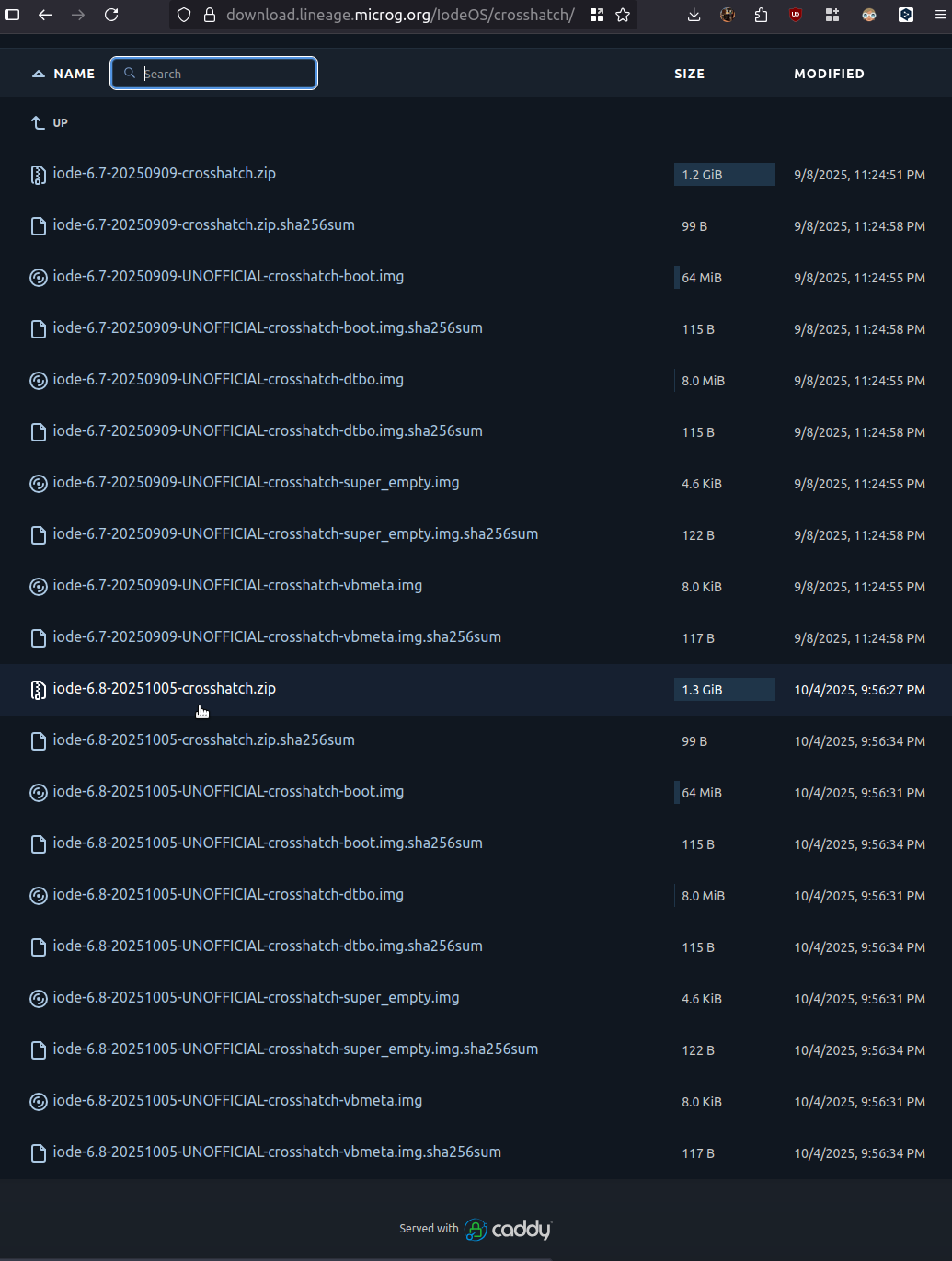
Anyway, problem sorted and the v6.8 builds are now correctly showing there (along with the v6.7 builds: we keep the last 2 versions in case any issue arises with the newest builds).
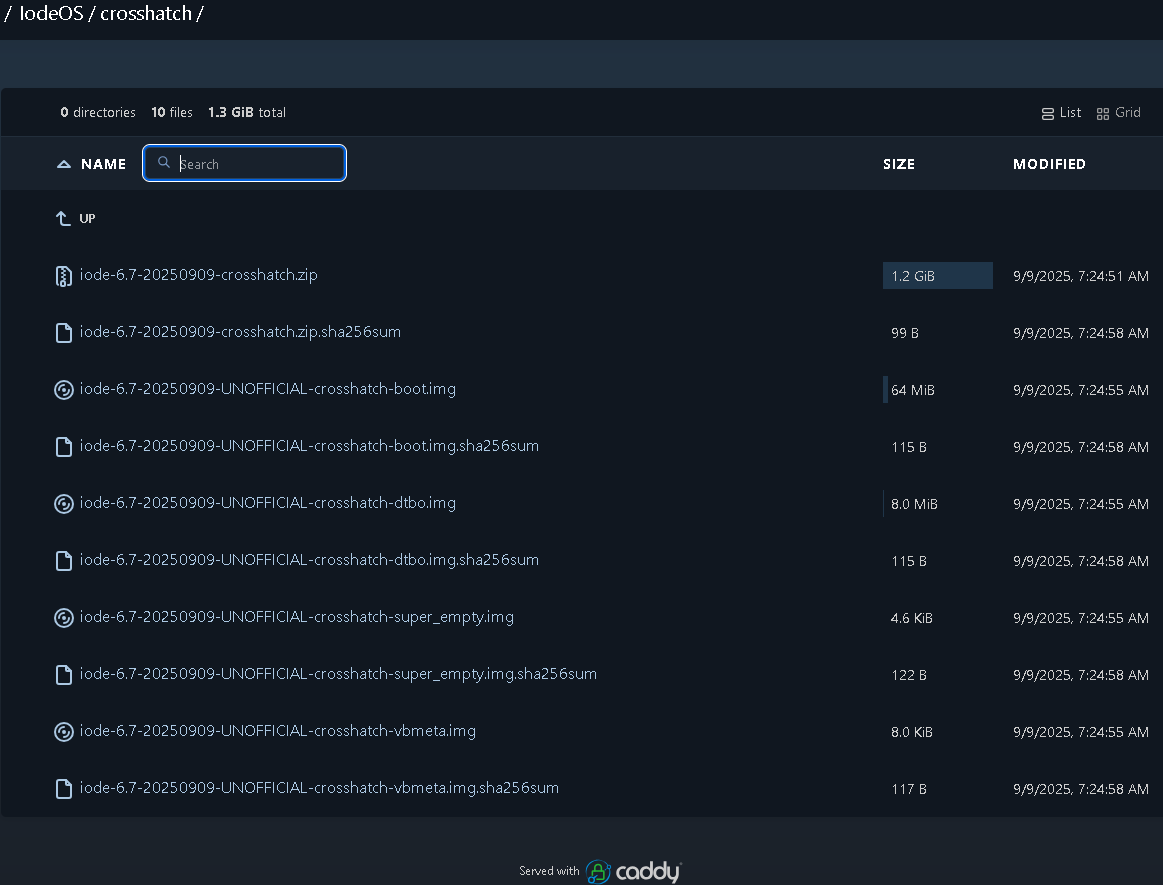
Sorry..still not there. Maybe you see a different “image” of the server. Can you please access it from a different phone?
I’ve checked all links. Up to crosshatch all of them have 6.8 except sunfish, bonito an crosshatch..
Yes, thanks @Cooler I didn’t realize that sunfish was absent (did not build), sorry about that (but as noted by @petefoth I am scratching my head with your case for crosshatch … but it must be in your stale cache?)
Hi.
I’ve refreshed that page countless times from more devices and in none of them it was present. Today after a refresh made from inside the page they finally showed up.
I don’t know what really happened.. but thanks anyway to you and rik for building these ROMs..
@rik
The bramble build seems to work well on my bramble. I wish that it could soon be official.
Additionally, avbroot could be used to resign an Unofficial Builds which disables avb against one’s own key pair, to enable avb again and relock the bootloader.
Good to hear it is working well for you. Sadly, I don’t think iodé will be making official builds for older(ish) devices.
About resigning to enable bootloader re-locking, are there any examples you can point me to? I have some old notes and pointers I had intended to look at, but it got a bit complicated and I lost a bit of motivation (and time). If you are interested, I use this process to make builds so some (easy ) way to integrate with that would be ideal
After much consternation, the v6.8 build for Pixel 4a sunfish is now available. I had forgot to activate my cavernous 48G swap before attempting to build before and had run into numerous issues with the build cache that I hadn’t cleared out before re-running. Anyway, all good now
 Thanks for letting me know.