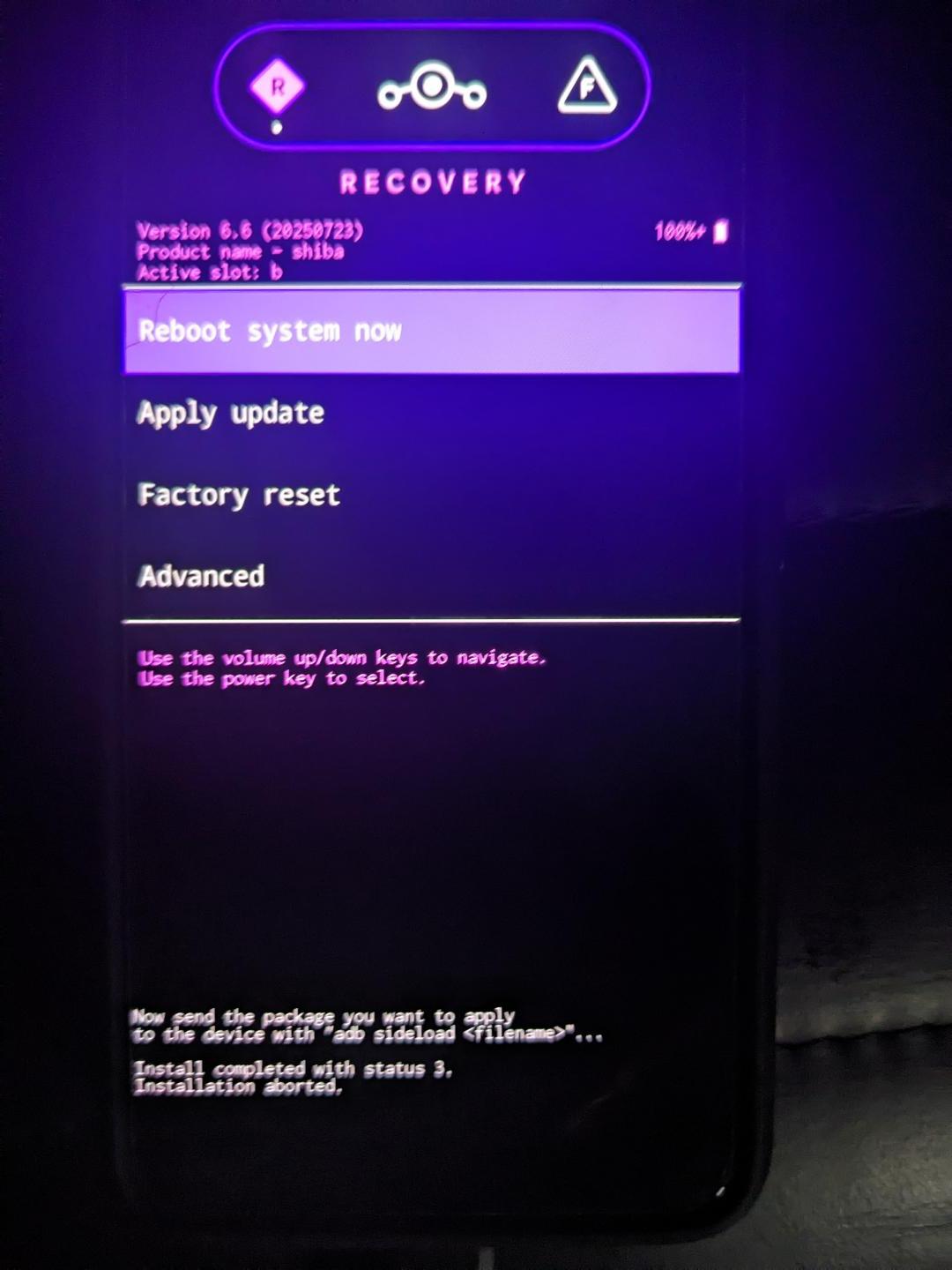
That is the iodeOS (Lineage) recovery screen. The output at the bottom shows the installation failed and was aborted. I don’t know what the status code means.
Presumably you were trying to flash iode using the fastboot.zip?
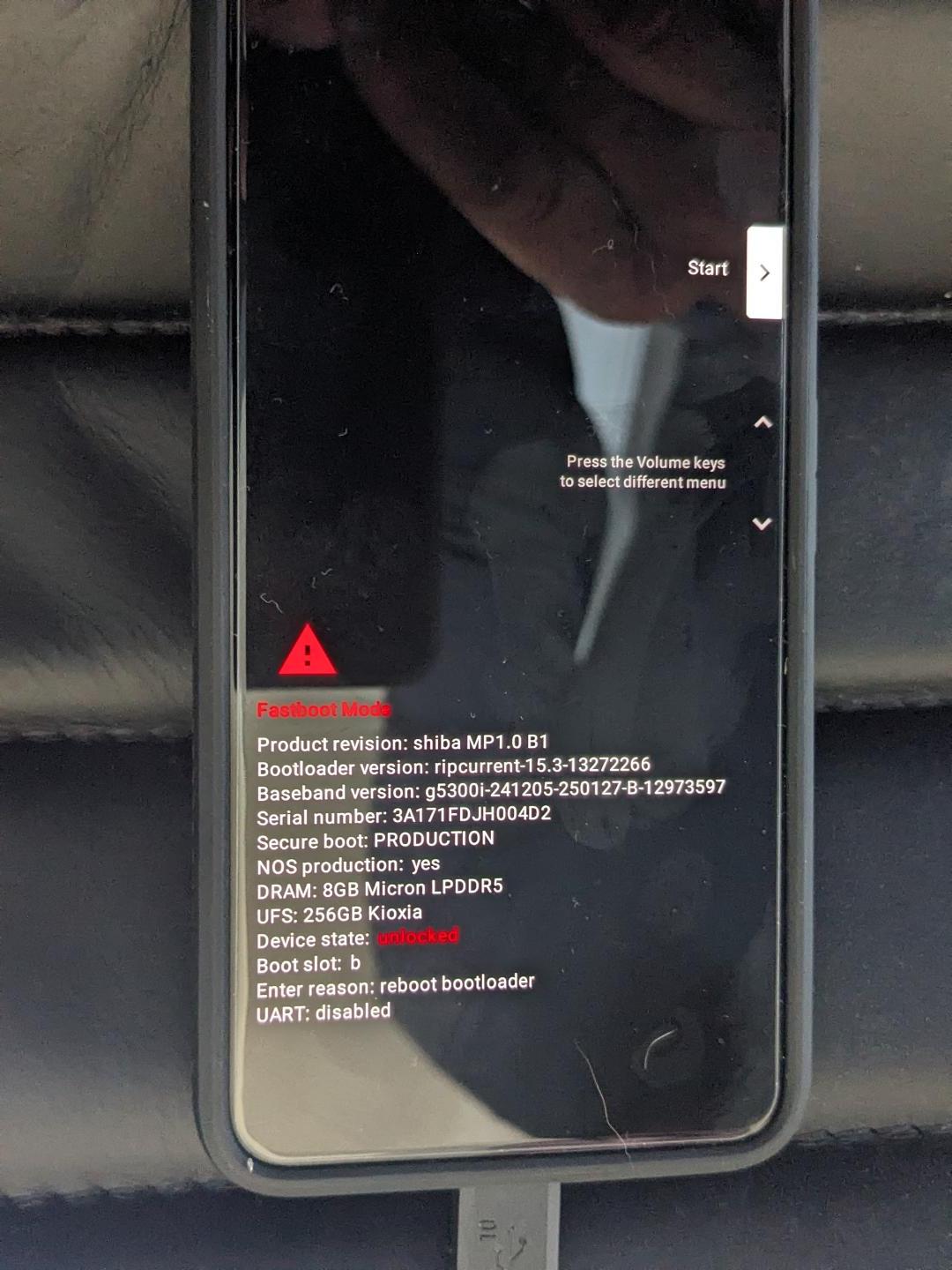
If yes, then try to get back to bootloader mode to try flashing iode again.
From the recovery use the volume buttons to navigate and the power button to select an action. Touch screen may also work but it is easier to make a mistake in my opinion; so be careful to think about what you are going to touch if you do it that way.
Navigate to the Advanced options and select.
Navigate to Reboot to bootloader and select.
If yes to that: you should be good to try flashing iode from that screen.
Dont touch the phone until absolutely everything has been completed in terminal…except maybe it might offer for you to select locking bootloader at the end.
I see, something went wrong flashing product. I don’t know why that’s happening.
Sometimes cables can be problematic but its worked on your other installations.
You didn’t knock the phone or something at around the same time?
I’m not sure what to suggest. You could try again I suppose.
If it hangs at the same point use the menu in whatever screen was showing at the time to power it off and have a re-think.
I just completed it. There was a small glitch in the process. It stopped about 30% - 40% through the load and the phone rebooted. It went back to the same recovery menu I used to restart the image load. And the phone reconnected to the laptop and the process kicked off (picking up exactly where it had failed).
Other than that it seems to have worked flawlessly. I am at the re-locking of the bootloader menu on the phone. I will just reboot at this time to make sure I don’t have anything else to do.
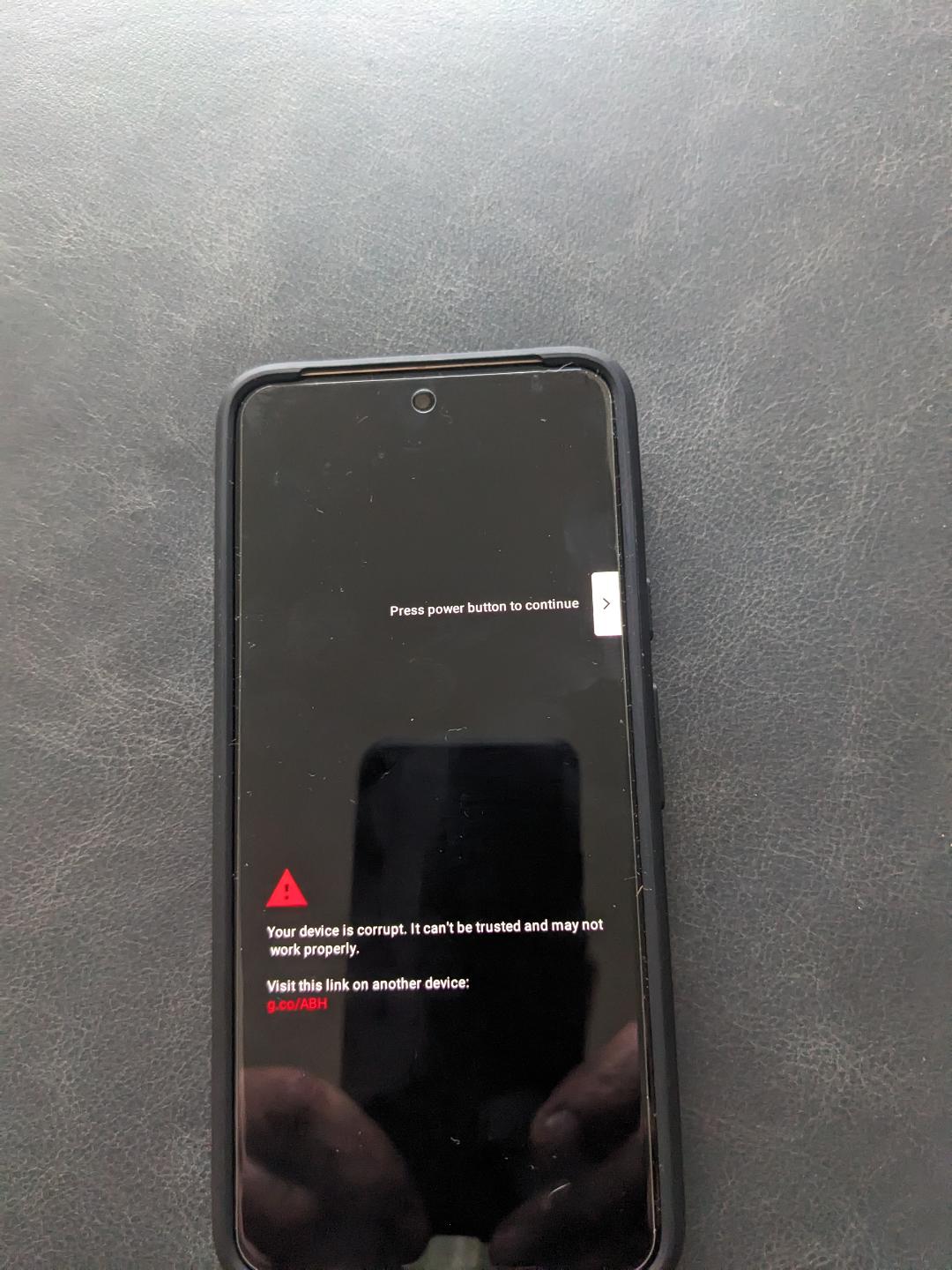
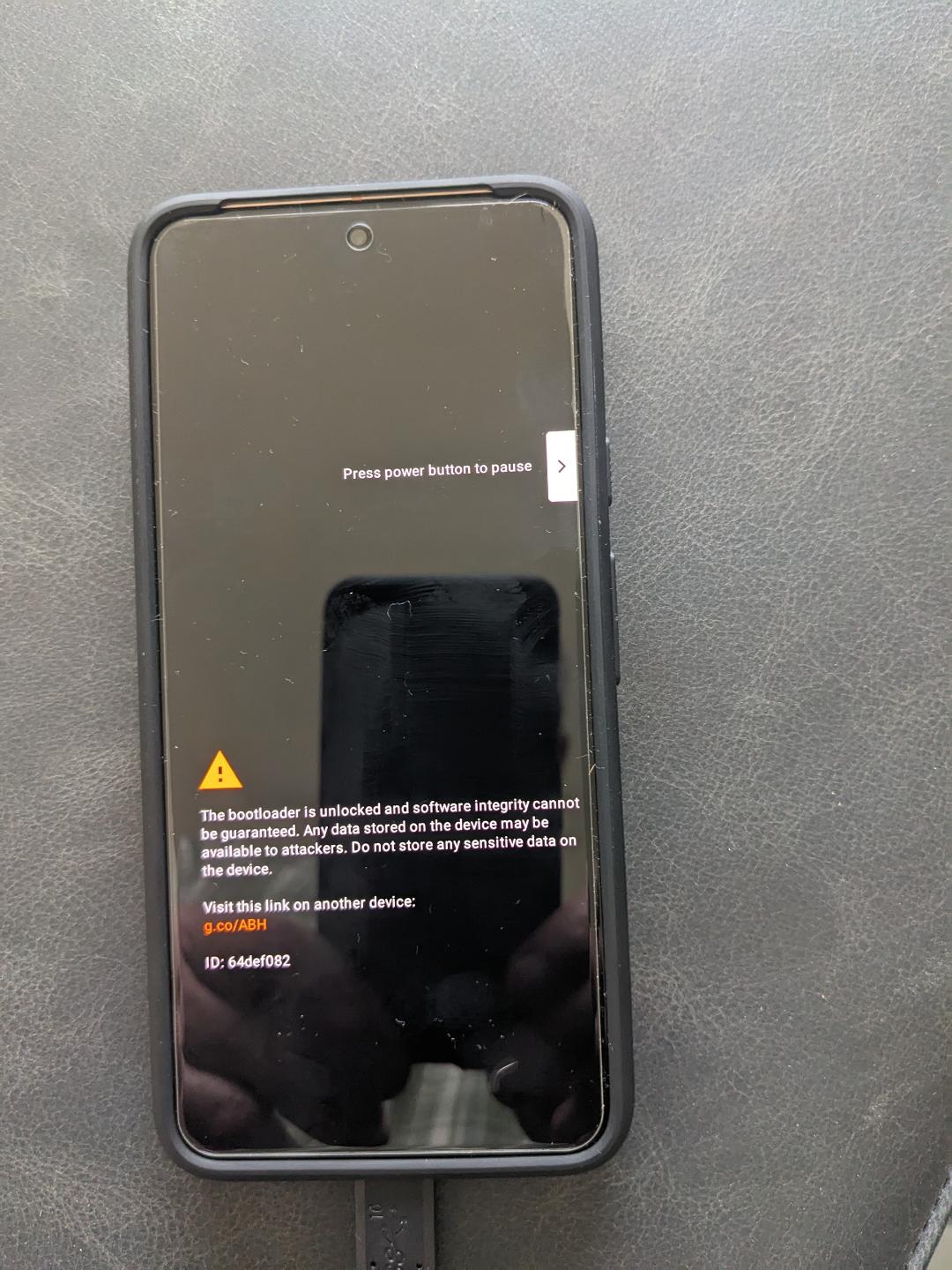
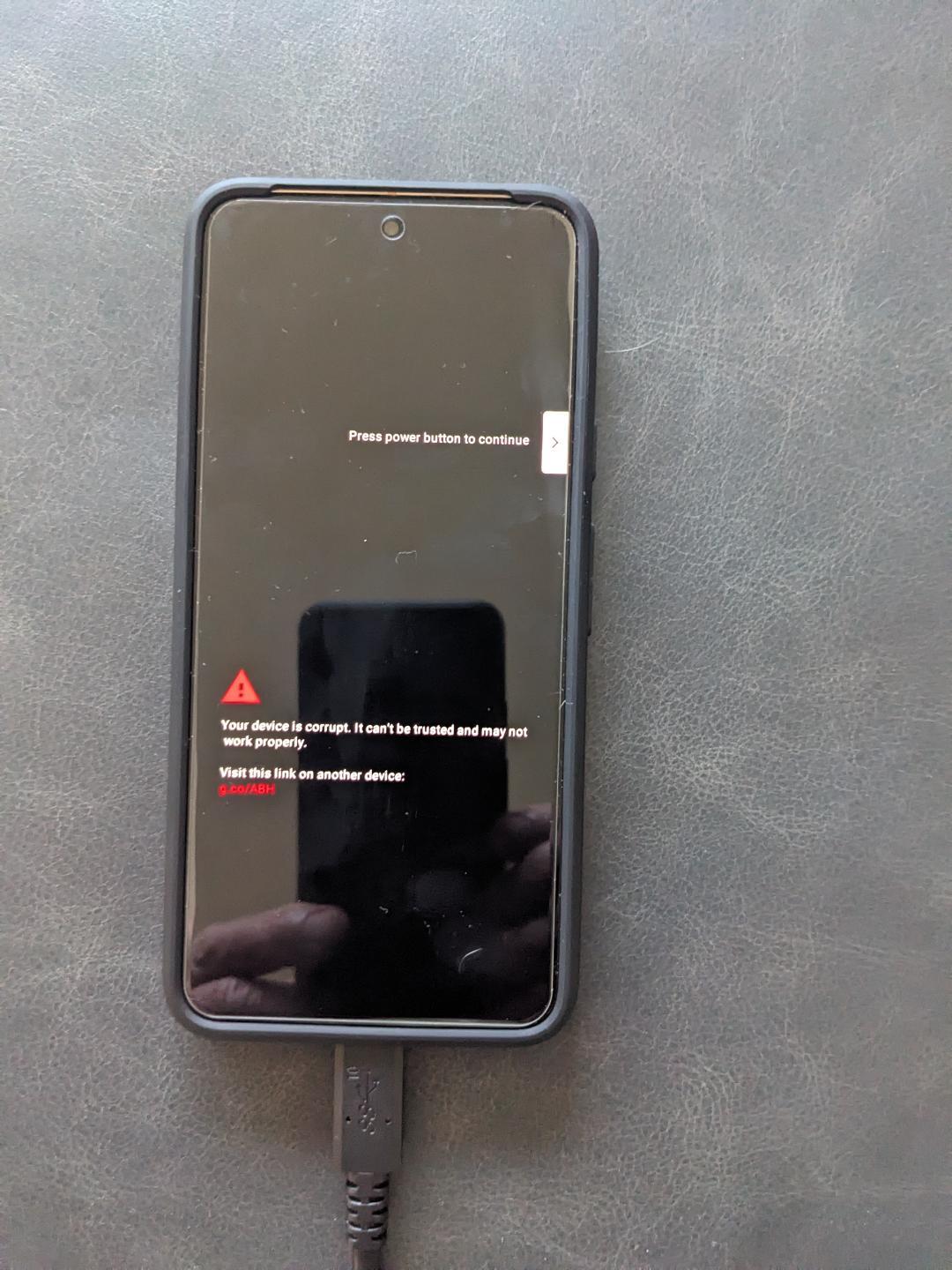
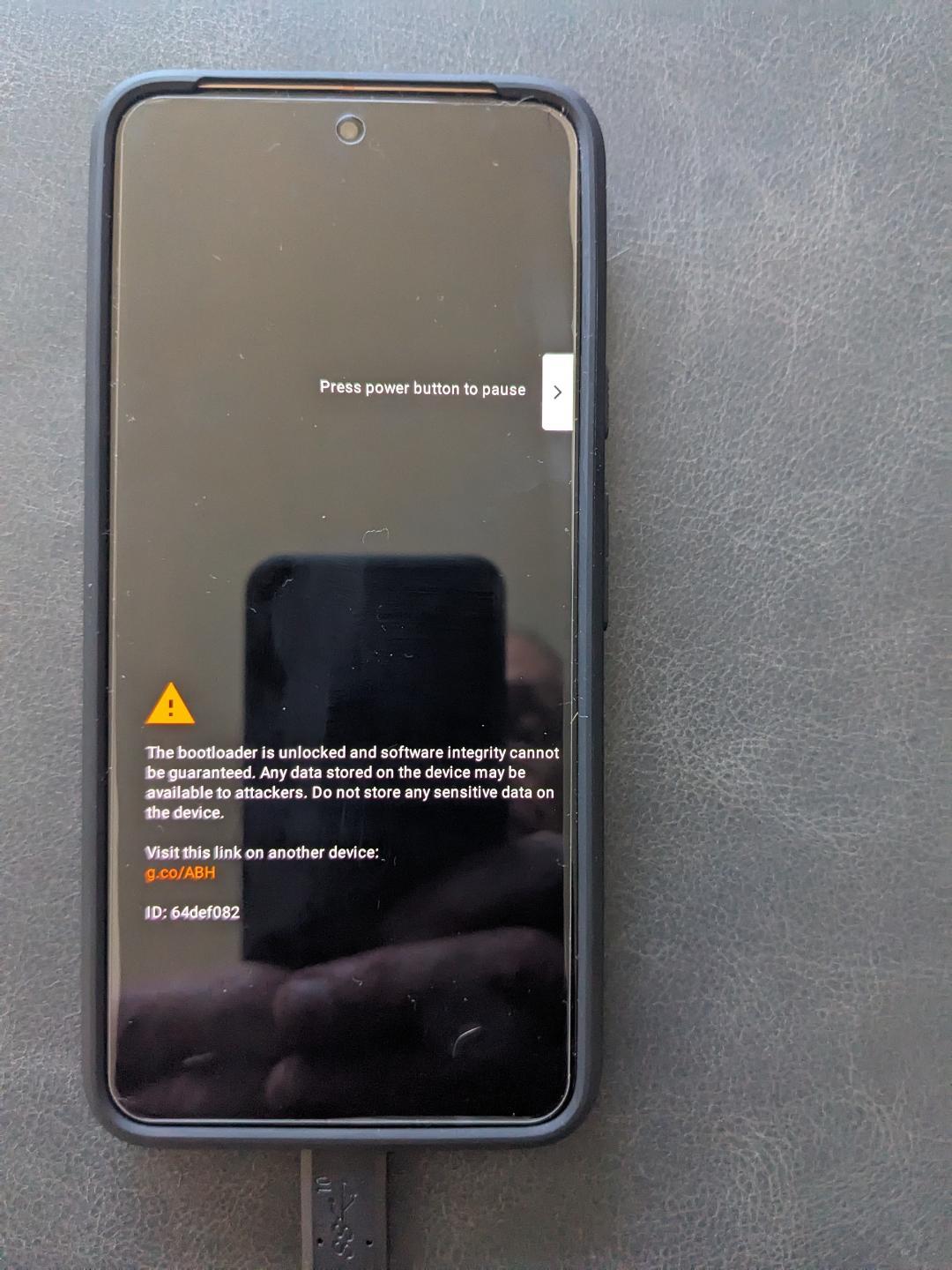
It is still giving me some device is corrupt messages at boot-up. But it booted iodeOS and I have connected to my WiFi and am continuing through the iodeOS setup.
If you want, I will reboot and capture the error screens I see.
I’ve reloaded the Google May 2025 Android 15 factory image for chiba and when I attempt to run the iodeOS 6.6 fastboot via the flash-all.sh, I get waiting on devices. But if I run adb devices I se the phone attached with the status “device”.
If I force the phone to reconnect it is still waiting on devices. I feel that I am missing a command. Is there a fastboot command to get it into a flashing mode?
Never Mind!!!
I got it. I reloaded iodeOS 6.6 and it now starts up and shuts down without the corruption error message.
Thank you very much for your assistance as well as your patience!
Glad you got this sorted, but it seems harder than it should have been? If you put stock A15 on from flash.android.com, then if you have the unlocked bootloader and allow ADB debugging from that stock side, did you try the iodé graphical installer?
I really want to thank @chrisrg for his time on this. He was extremely giving with his time and expertise. It was harder than it should have been but that is largely on me rather than the product itself. I had played with another phone and had hard bricked it. Largely due to my lack of experience with the Android SDK Toolkit command interface. So I was moving very slowly and relying on Chris to guide me through the process. There was one glitch in the first load of iodéOS 6.6 and the load failed early. I misread (or didn’t pay enough attention to) the command output and rebooted the phone manually instead of recovering/restarting the load. But once that was fixed, the install was basically flawless.
But regards to installation, by “graphical installer”, I assume you mean the web-usb installer. My personal experience in updating/migrating things has been with large corporate databases with transactional/web front ends. So I don’t update anything unless I can download the install media first. That is how I did the stock A15 load as well as the iodéOS 6.6 install. In my working career I’ve been burned with corrupt downloads so I download and compare SHA256 checksums. I thought that downloading the zip and doing the flash-all.sh is a really solid way to do it.
I’ll try that the next time. I will be transitioning to using the Pixel 8 I just loaded as my personal phone as my current Pixel 5 is starting to act erratically. So I’ll probably get another Amazon refurb Pixel 7 to play with.