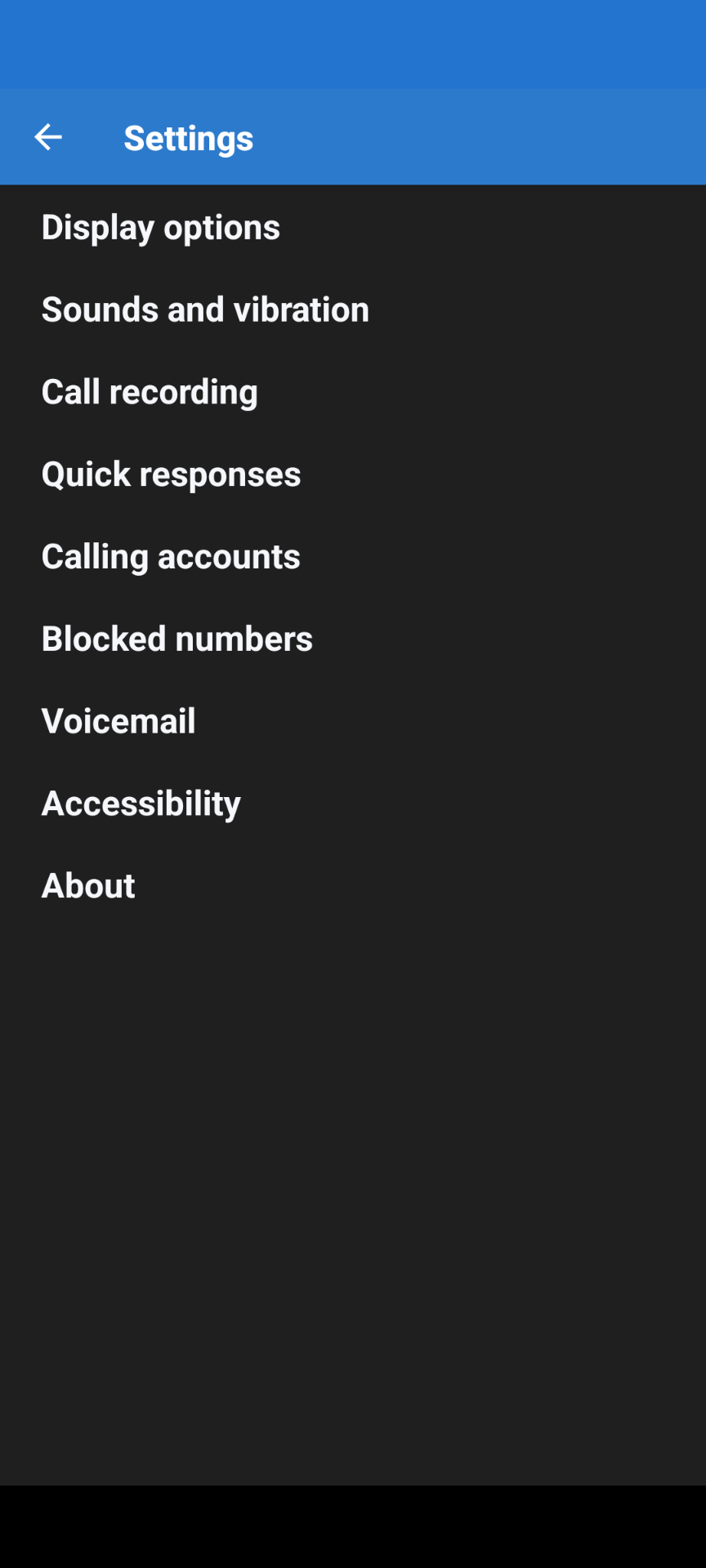
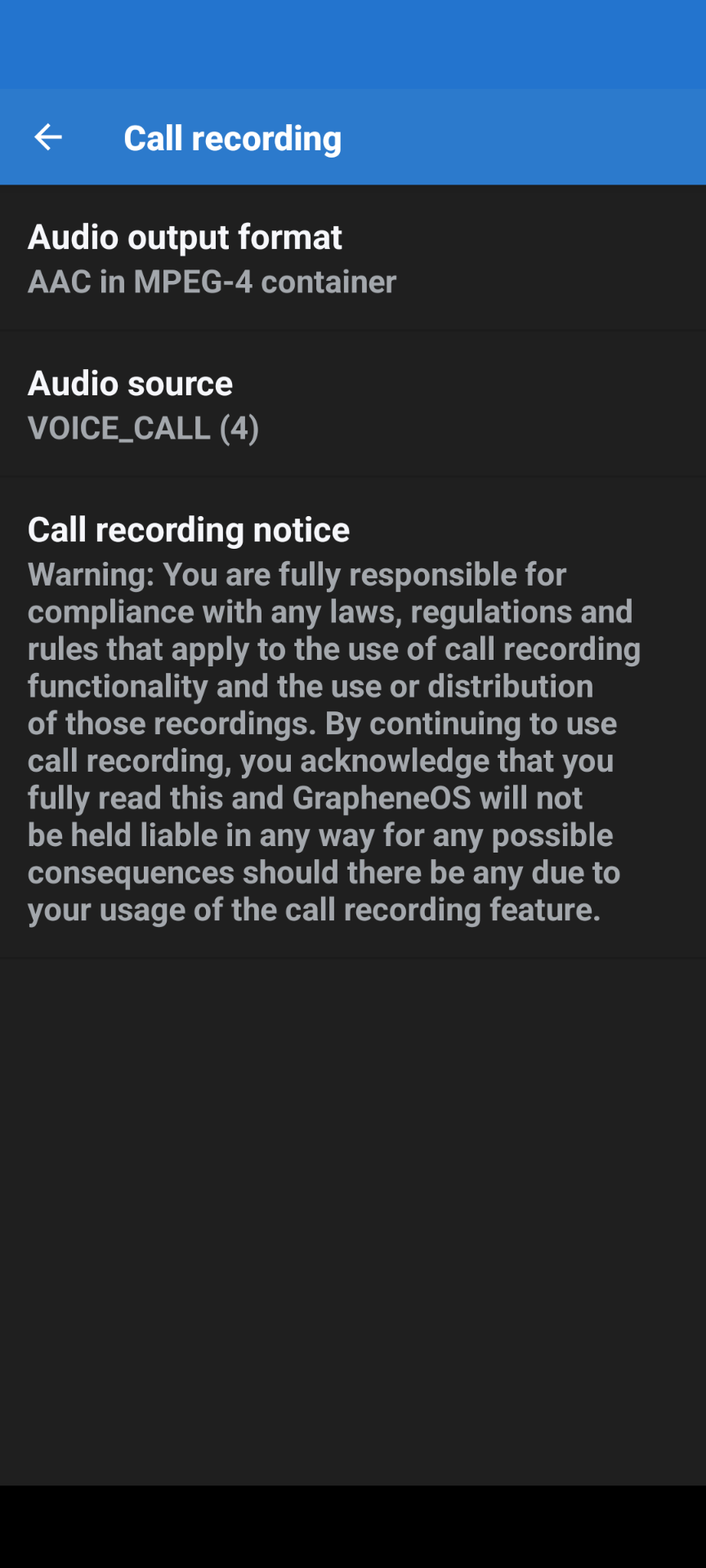
There is not and has not been a call recording option in iode’s phone app wherein you could modify call recording settings. Call recording is not even listed in the phone app settings. In GOS it is.
In Grapheneos if you open the phone app call recording is always listed in settings. And that is basically a disclaimer.
In iode this is not true. I don’t know why. So reinstalling the system phone app will not change the settings displayed in the phone app. But i guess the reinstall could restore call recording? I do not have the expertise.
I checked on F-Droid → settings → repositories (I am guessing the english terms since my iodé speaks German to me) → IodéOS apps → show apps
But there is not telephone app there …
On my smartphone (never used a SIM in it and therefore never used the telephone app) the app is called com.android.dialer Version 23.0
So you said you deinstalled the telephone app. What happens if you go to settings → Apps → preinstalled apps → communication? Can you restore it there?
I did not remove the system dialer. I mistakenly installed and uninstalled the Fossify phone app off of f-droid. After that mistake call recording disappeared.
Yes I was considering the possibility of removing and reinstalling the system dialer to fix no call recording. I doubt that is possible. This is way too delicate and far too much work. Call recording should just work. I realize this is a work in progress and hard working dedicated people are working on iode. Hopefully in future releases this is solved. I am not making the claim that installing a Fossify phone app broke call recording I am just observing that that was the point when call recording stopped working.
There is a lot to call recording specifically with if your carrier supports it or not (I think) as I have a US Mobile (mvno) T-Mobile SIM that doesn’t give the option to record (incoming or outgoing calls), but a US Mobile (mvno) Verizon SIM that does allow recording (incoming or outgoing calls) with that T-Mobile SIM.
If call recording works 100% with GOS (it does) and does not work with iode using the same phone and same physical sim card I am thinking we can conclude that the issue is not my mvno
i just want to clarify, so the call recording option is/will be per default available on all devices with iodéOS on it and the actual availability depends on my mobile SIM provider?