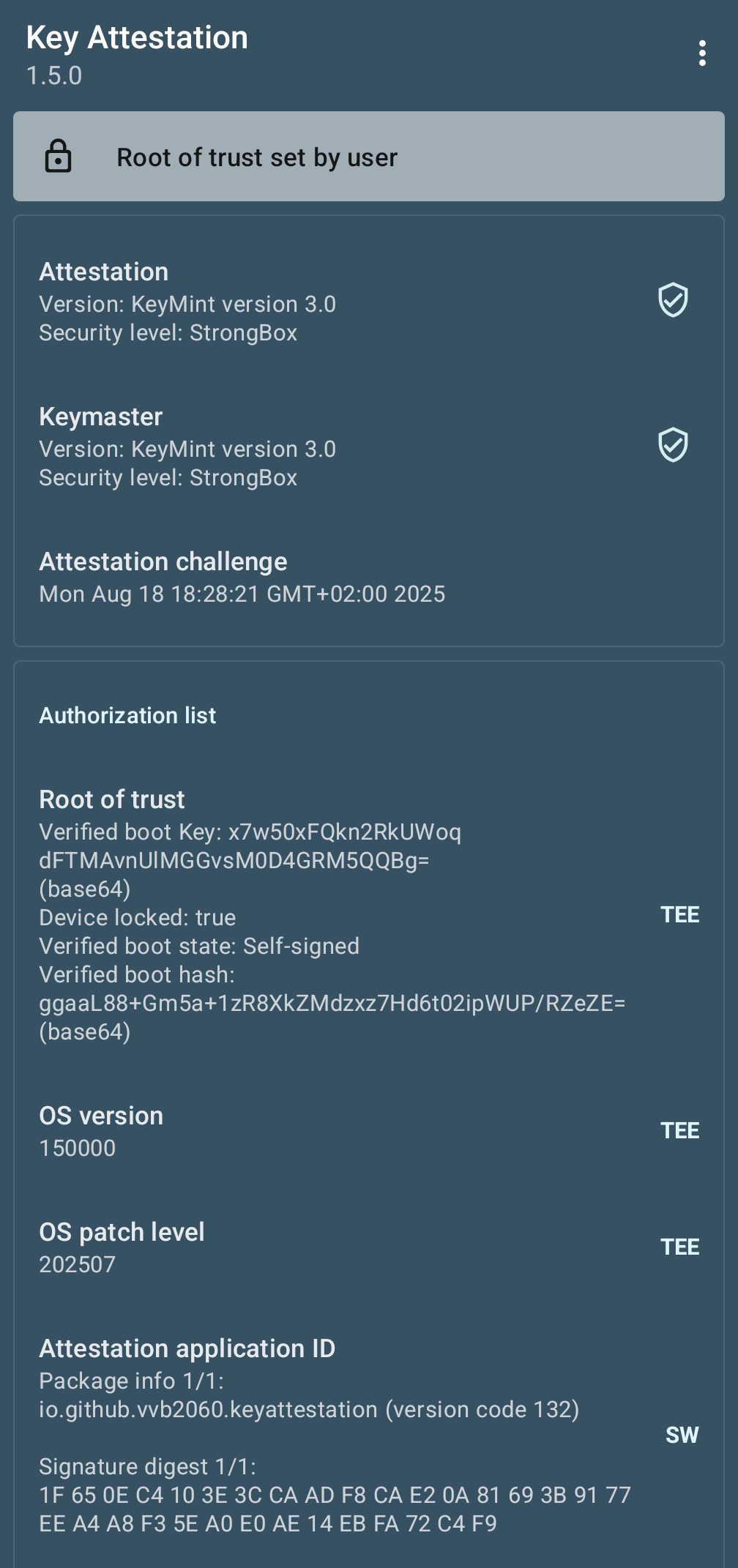
Is this Key Attestation Result supposed to be like that? On my older phone where I’ve installed the LSPosed module to hide the bootloader state it says that the bootloader is locked
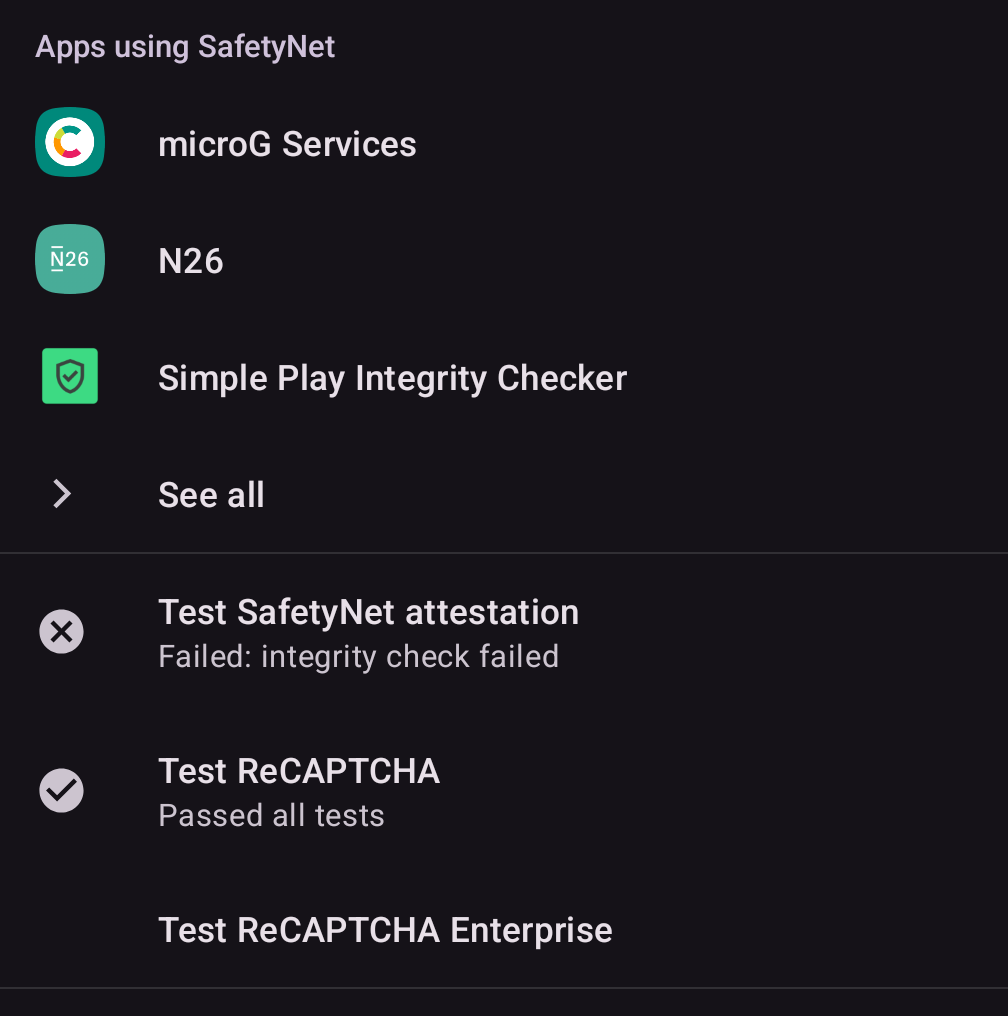
I use WhatsApp in Shelter. For that example, do you have microG device attestation and SafetyNet enabled in microG “work” profile (can access that microG from Shelter settings or from Settings > System > microgG Settings?
For me, I just copy Aurora to Shelter from the main profile, then install WhatsApp from there. Working fine to then get registered after granting WhatsApp permissions for SMS etc.
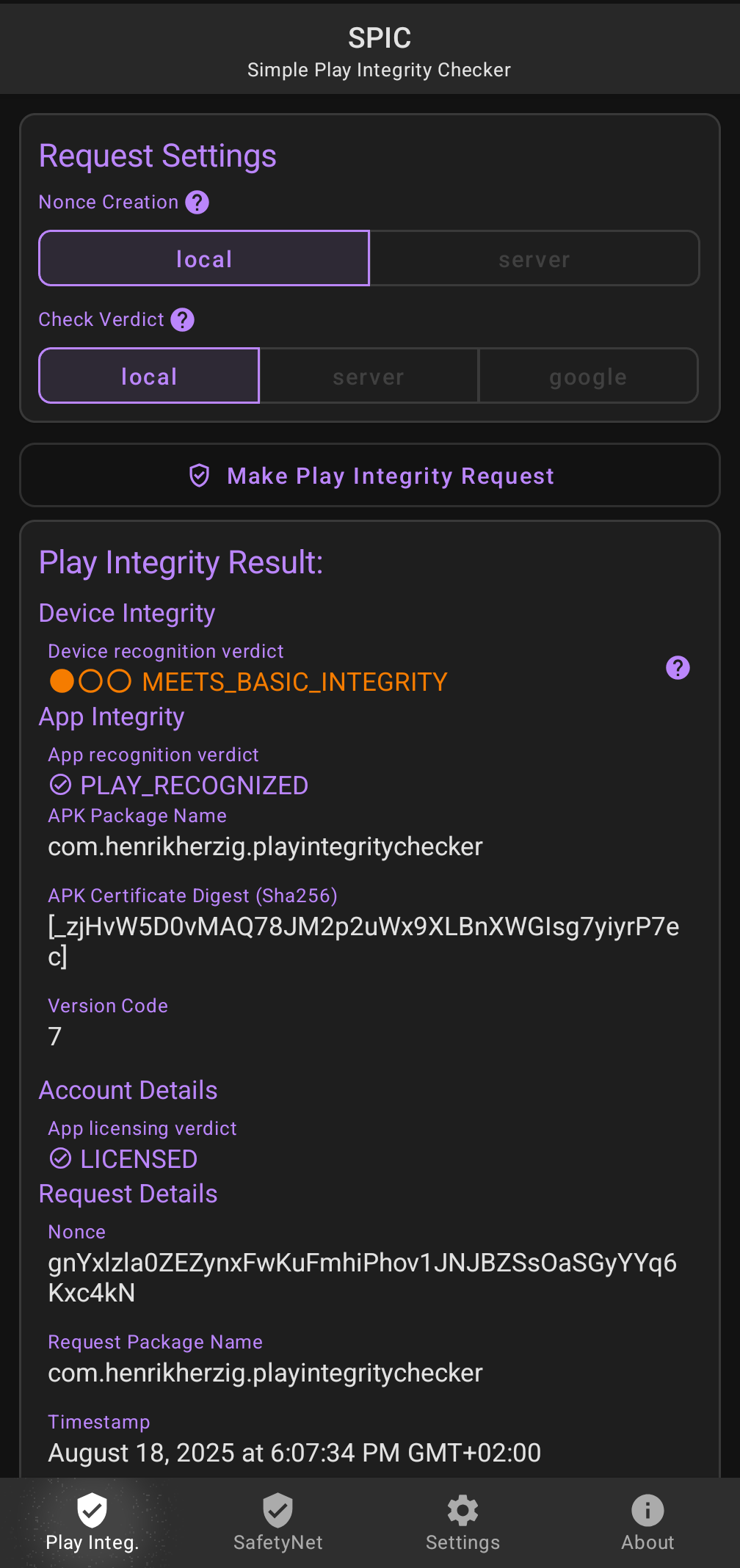
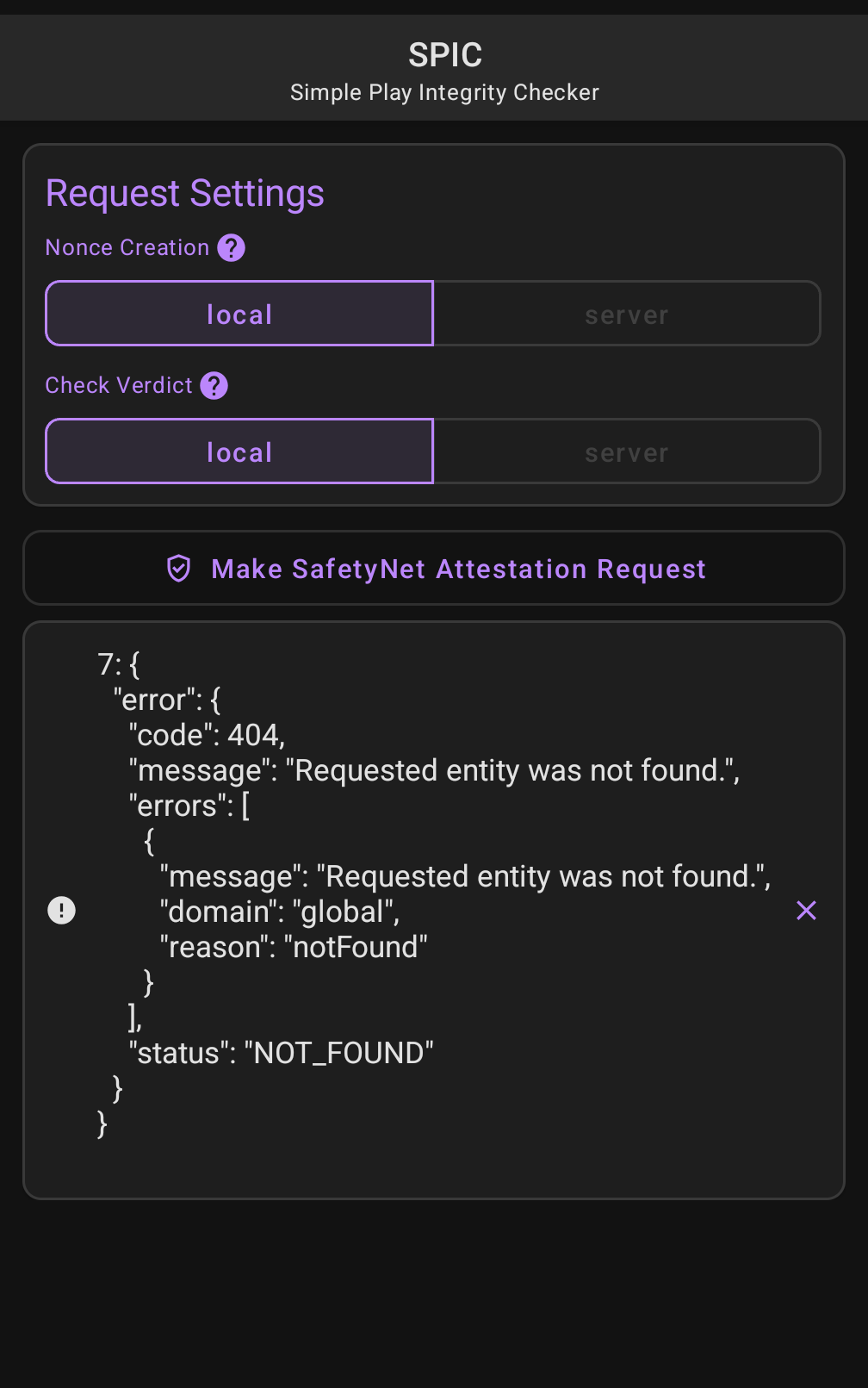
microG only passes “basic Play Integrity”, device level is not yet available (but isn’t needed for WhatsApp in my experience). Please open your microG Settings and check your settings there.
iodé includes enough magic to not fail on the “your device is unlocked” hangup even if it is unlocked
Sorry, let’s go back to the basics, can we stick to Shelter since I am familiar with it and using it right now for WhatsApp? If you have microG settings all enabled in Shelter, just copy in Aurora from main profile to Shelter, launch and install WhatsApp from Aurora. Should just work to install?
After installed, before launching, then go into App info > Permissions and enable SMS etc permissions.