Ok I see, but I really have no idea how to install an update to the updater app. I’m kinda confused sorry.
That link shows how to do it  But basically you just download and install the
 6v2 apk, then restart the updater (or just reboot).
Apologies: I seem to have taken this discussion a bit off-topic, so I will leave it here, after making a couple of points:
- It goes against the grain a bit to see Iodé developers doing work that effectively makes devices from Google - who currently seem to be rowing back on their ‘support’ for custom ROM developers - more attractive to users / customers than devices from manufacturers like Sony and Fairphone who actively support custom ROM developers. “Don’t buy a Fairphone / Sony - the camera is rubbish compared to the Pixel’s camera”;
barring adding proprietary
.apkthat licensing wouldn’t allow to pre-bundle)
- I think the licence issue is a red herring: we quite happily include custom binary blobs (from TheMuppets repos) which are at least as proprietary as the Sony Camera
apk. I would have thought that the legal staus of those is about the same. What licence do we follow - and who is the licensee - that allows the ‘pre-bundling’ of proprietary binary blobs but not of proprietaryapks?
Anyway, I will explore the possibility of including the Sony apps and services in my builds for Sony devices, and discuss in a separate thread if needed.
Bye!
3 Likes
Hey, I installed 6.7 beta and was able to install the pixel camera. Thank you a lot for your help.
2 Likes
Just to clarify, is your handset a Pixel? If it’s not interested to know what you got it installed on…

It’s a pixel 6 pro
2 Likes
Thanks! Was hoping you’d cracked using the app on a non-Pixel!


Looking at the LineageOS subreddit, it seems that some recent builds for Pixel devices have been withdrawn, possibly because of problems installing the Google Camera app
See
1 Like
How do i provide feedback on the iode os 6.7 beta?
Regarding this thread on how to install Pixel Camera, or more broad feedback on other issues? We have a Telegram channel for beta feedback (bridged to Matrix), or you can post a new thread here on the forum.
Trying this again, I’m on Iodé 6.8.
When I try to install the Pixel Camera from Aurora, I get the following error:
Expected URL scheme 'http' or 'https' but no scheme was found for
((note, I still have one of the alternate pixel cameras installed (“Camera 8.8”), does that matter?))
Hmm, seems that the copy button doesn’t copy all of it. Here’s a screenshot instead:
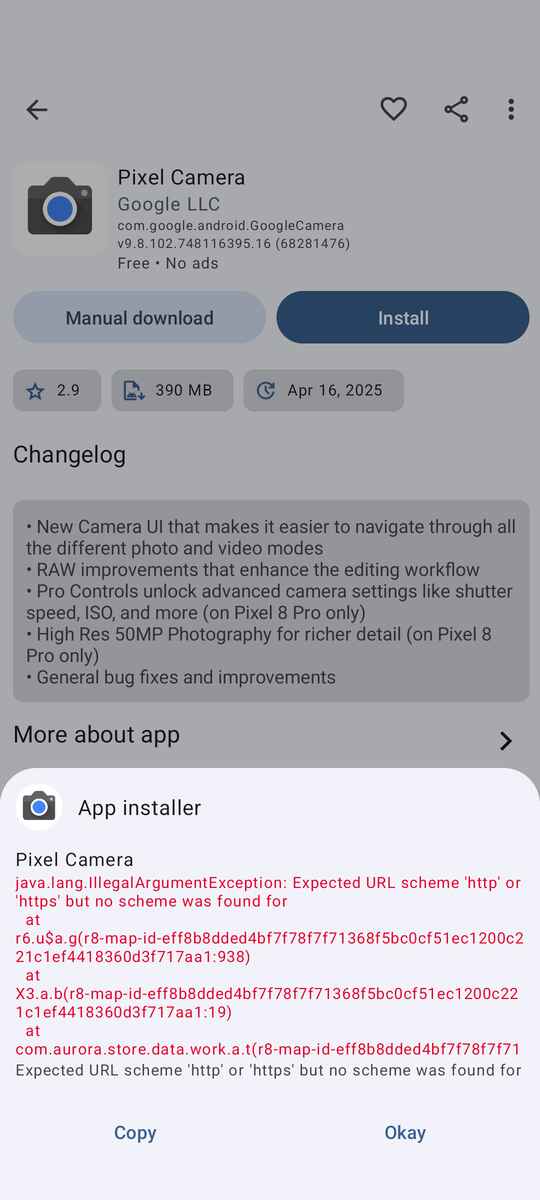
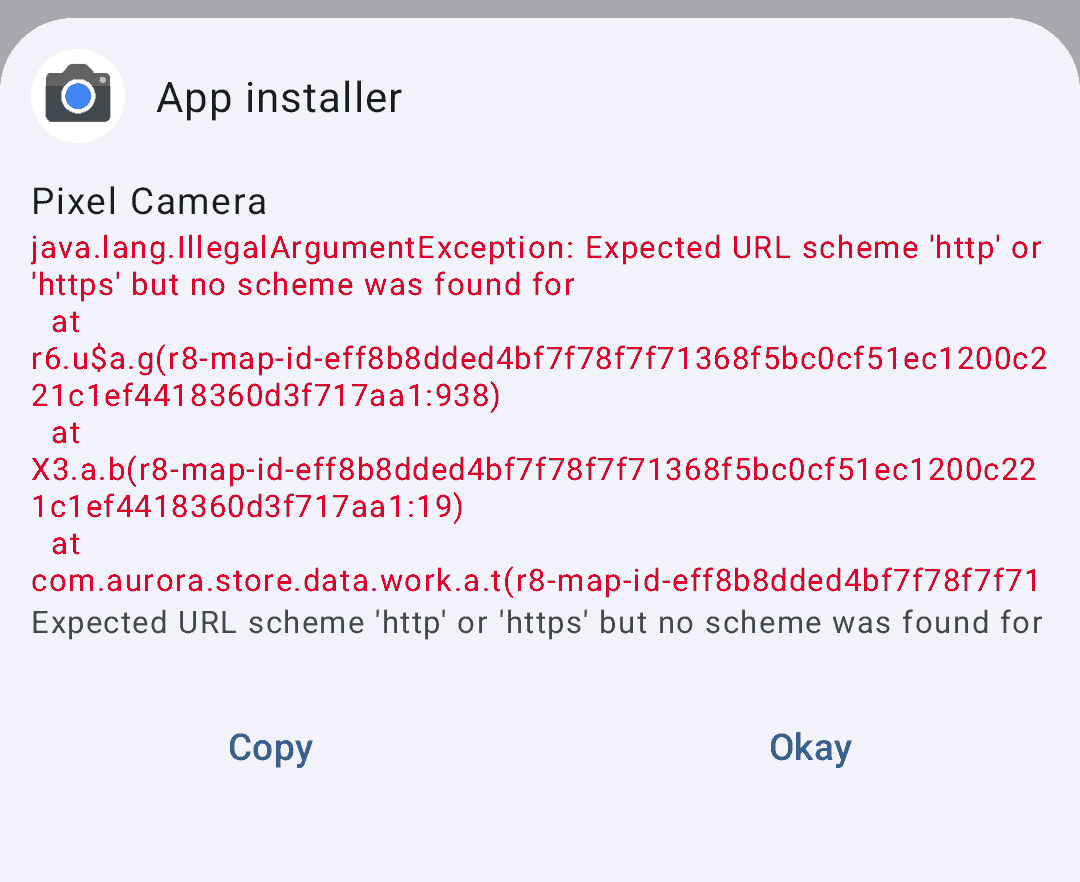
EDIT: Deleted content as duplicate of post below due to browser glitch when drafting.
That looks like the usual Aurora Store random issues with G blocking thing… Probably just need to be patient ndvtey again in a day or two.
Or try the spoof manager option to change your phone type.
Using a VPN to change country might help - but usually the above two are the solution.
1 Like
Changing the device under spoofing has always helped me.
The AuroraStore is restarted. Maybe that’s the trick. After that I change the device back.
A log out from the Aurora account and a new log in didn’t help.
Maybe a restart of the device can also help - not tested.
2 Likes
HUZZAH! I’m rocking Pixel cam! Thank you, all!!!
3 Likes